
To ensure that your website grows, you would need to know your position in the search results. Exactly that is assisted by SEO rank tracking tools. They provide you with information about which keywords your pages are ranking, the way you have improved or worsened with time and what you can do to improve further.
We have compiled the 15 best SEO rank tracking tools in this guide in 2026. You may be a novice, or you may already be dealing with a content strategy, but you will find something here. We have encompassed free and paid packages, basic tools, and sophisticated sites, all of which are described in a straightforward language.
What Is Rank Tracking in SEO? (Simple Explanation)
Rank tracking involves monitoring the position of your site in Google (or any other search engine) when a certain keyword is typed in the search box. As an example, when you post a blog post about the best running shoes, rank tracking will help you determine whether you will be on the 1st page, 2nd page or somewhere beyond that. It also informs you whether you are getting a promotion or a demotion.
Just imagine that it is checking your exam score, but in your case, your website. The rate of people viewing and visiting your site will be higher the higher you rank. SEO rank tracking software will automatically perform th;s, you do not need to search manually every single day.
Why Rank Tracking Matters for Beginners
- See what is working: Discover what pages are rising in ranks and why they are successful.
- Get an alert of drops: Have an alert on falling in rankings before it loses a lot of traffic.
- Monitor competitor positions: Understand what position your competitors are in and what you can use to be in that spot.
- Track your SEO performance: Have an actual report on whether your activities are really making you better found in the search engine.
- Decide what to write about next: Ranking data can also be used to make decisions about what to write about next to maximise the impact.
Key Features to Look For
When choosing SEO rank tracking tools, keep an eye out for these important features:
- Precise keyword position information – The tool must present your actual rankings, and not estimates.
- Updates regularly or often – Rankings are always evolving; you need frequent updates so that you can respond swiftly.
- Competitor tracking — Find out the position of your competitors on the same keywords.
- Location-based tracking – Track rankings in certain countries, cities or regions.
- Past data and reports — See how you ranked in the past to identify trends.
- Clear display on the dashboard — This is particularly necessary for people who are beginners because they prefer easy displays.
- Google Search Console integration — Adds your GSC data with rank tracking to gain a deeper insight.
15 Best SEO Rank Tracking Tools for Beginners
1. Surfer SEO
Rating: 4.8/5
Website: https://surferseo.com/
Best For: Content-focused teams wanting SEO and writing in one place.
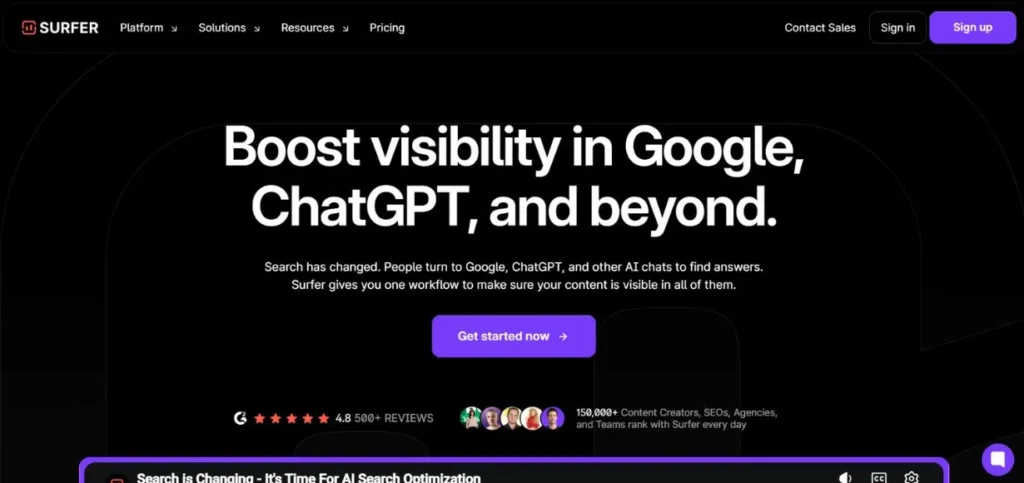
Surfer SEO is a robust platform that allows planning, writing, and optimisation of the content in a single environment. It is constructed based on actual SERP data; thus, all that it proposes is what is actually performing well today. With keyword discovery, content scoring/auditing of old pages, Surfer provides you with a clear way to go, all the way to a published and optimised page. It is particularly awesome in terms of writers and marketers who desire SEO guidance in their workflow.
Key Features:
- Real-time Content Score
- Topical Map for planning
- Content Audit tool
- AI writing assistant (Surfy)
- Internal linking suggestions
Pros:
- All-in-one workflow
- Strong AI writing tools
- Easy to use daily
Cons:
- Pricier for small teams
- No backlink analysis
- Limited technical SEO
Pricing: Starts at $89/month
Also Read: Free PDF Submission Sites for SEO Backlinks
2. Semrush
Rating: 4.7/5
Website: https://semrush.com/
Best For: Agencies and advanced SEOs needing deep competitive data.
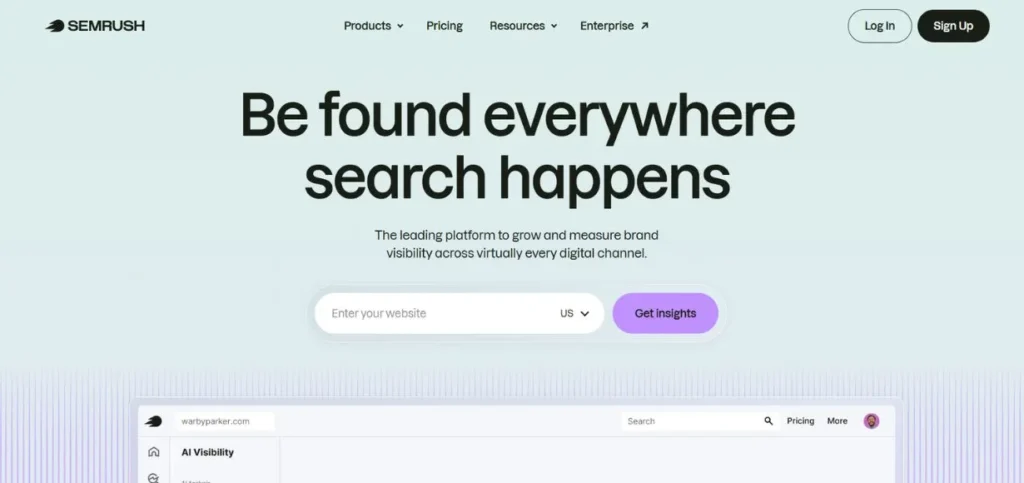
Semrush is a famous SEO tool in the world. It includes all the keyword research and rank tracking to backlink analysis and technical audits. The Position Tracking feature allows you to track definite keywords daily, and provides an opportunity to see your performance in comparison with your rivals. The Domain Overview tool provides a fast overview of the performance of any website, yours or your competitor. It is a large platform to explore and is worth a lot after learning.
Key Features:
- Position Tracking dashboard
- Domain Overview tool
- Backlink gap analysis
- On-page SEO checker
- Competitor keyword data
Pros:
- Huge keyword database
- Strong competitor research
- Detailed rank history
Cons:
- Expensive for beginners
- Overwhelming for new users
- Some data needs upgrading
Pricing: Starts at $139.95/month
3. Ahrefs
Rating: 4.7/5
Website: https://ahrefs.com/
Best For: SEOs focused on backlinks and technical site health.
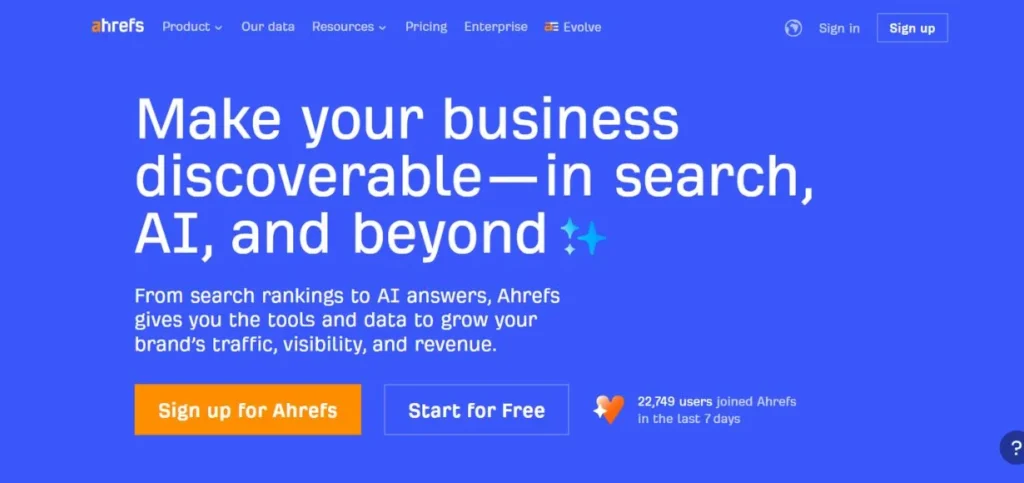
Ahrefs is a reliable source of information among SEOs worldwide, particularly its backlink information. You can enter your website or one of your competitors’ websites and see the entire link profile. The Site Audit tool analyses more than 140 on-page and technical SEO problems and even describes what a particular issue is and the way it can be corrected. It is also very beginner-friendly as an individual learns as they work. Solid rank tracking and keyword tools are also inbuilt in Ahrefs.
Key Features:
- Site Explorer for backlinks
- Site Audit with 140+ checks
- Rank Tracker tool
- Keywords Explorer
- Content gap analysis
Pros:
- Best backlink database
- Beginner-friendly guidance
- Reliable, accurate data
Cons:
- High monthly cost
- Limited users on the base plan
- Slower crawl on free trial
Pricing: Starts at $129/month
4. Answer Socrates
Rating: 4.4/5
Website: https://answersocrates.com/
Best For: Bloggers and small businesses doing question-based keyword research.
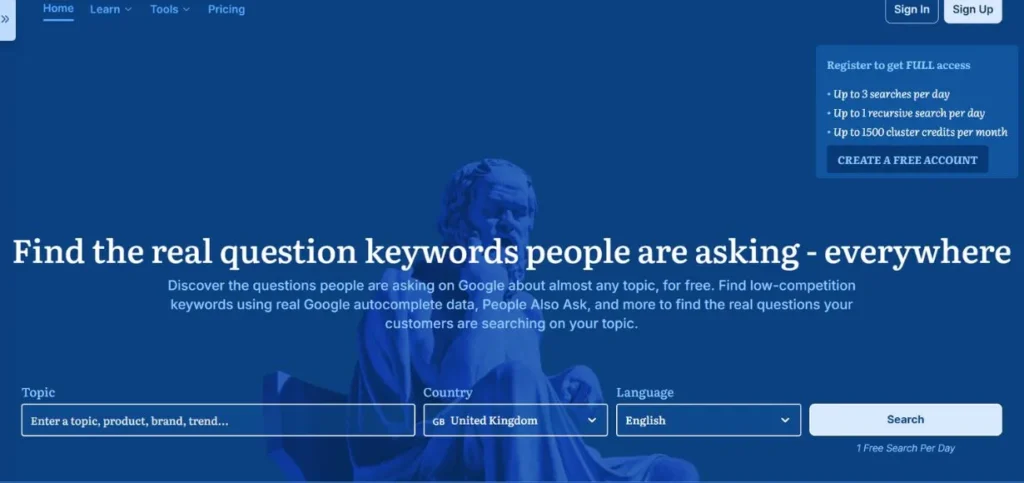
Answer Socrates is a straightforward, narrow tool that can assist you in locating questions that others are posing online concerning any subject. Type in a word, and it provides you with hundreds of real questions in various types, such as how, what, why, can, etc. Each one of the questions is denoted by the TOFU, MOFU, or BOFU; you are aware of the location of the question within the buyer journey. It also features keyword clustering, a PAA scraper, and an LLM brand tracker to view the appearance of your brand in AI search engines such as Claude and Perplexity.
Key Features:
- Question-based keyword finder
- Buyer journey labels (TOFU/MOFU/BOFU)
- Keyword clustering tool
- PAA questions scraper
- LLM brand tracker
Pros:
- Very affordable pricing
- Great for content ideas
- Free plan available
Cons:
- Not a full SEO suite
- Limited search metrics
- The free plan has daily limits
Pricing: Free plan available; paid plan starts at $9/month
5. Mangools
Rating: 4.5/5
Website: https://mangools.com/
Best For: Solo SEOs and small businesses wanting a simple, affordable toolkit.
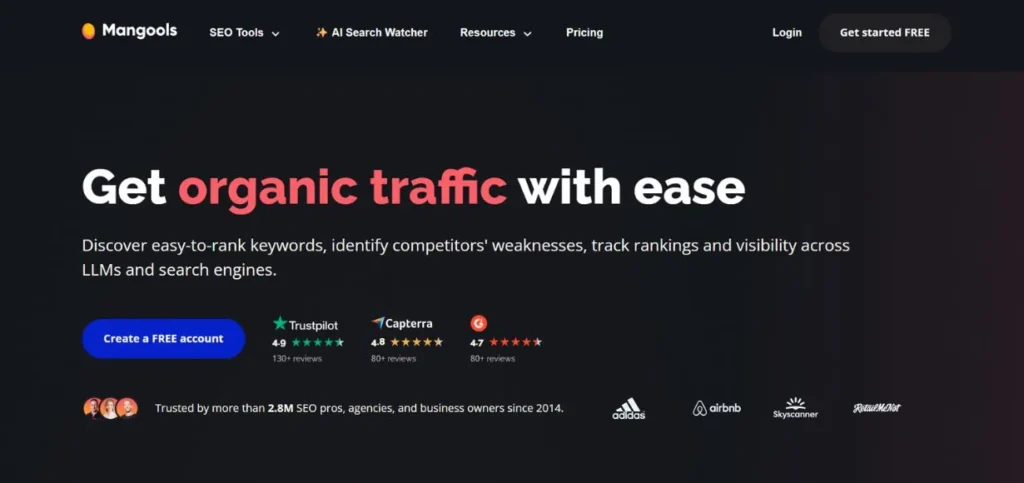
Mangools is a relatively simple SEO tool. It maintains things clean and straightforward without compromising vital features. You receive software on keyword research, SERP, tracking backlinks, and monitoring positions, all in a user-friendly interface. The SERP analysis option will also enable you to see such helpful indicators as Citation Flow and Trust Flow, to learn how difficult it will be to surpass the existing leading pages. Great value for the price.
Key Features:
- KWFinder keyword research
- SERPChecker analysis
- LinkMiner backlink tool
- SiteProfiler overview
- Daily rank tracking
Pros:
- Very easy to use
- Budget-friendly pricing
- Clean visual interface
Cons:
- Limited data depth
- Smaller keyword database
- Not ideal for enterprise
Pricing: Starts at $29/month
6. SE Ranking
Rating: 4.6/5
Website: https://seranking.com/
Best For: Agencies and local businesses managing multiple locations.
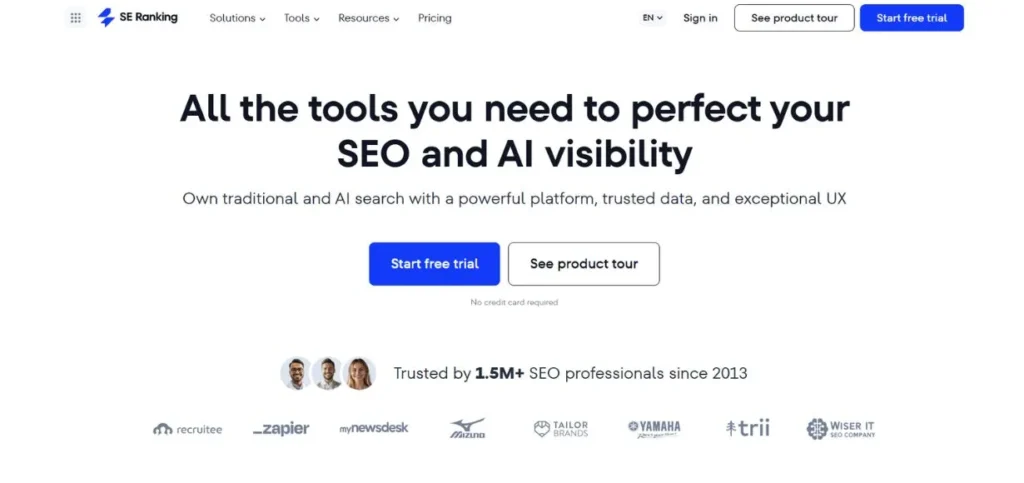
SE ranking is a reliable one-stop SEO solution that could be utilised by agencies and small companies. Its local search capabilities are particularly good, as well as pin or grid tracking to rankings in particular geographical locations. The Local Marketing tab allows managing business listings, changing Google Business Profile information, and tracking local visibility metrics across various locations simultaneously. Any updates you make are automatically synchronised with Google and save a lot of time in those businesses that have multiple branches.
Key Features:
- Hyper-local rank tracking
- Google Business Profile manager
- Multi-site dashboard
- Directory listing tracker
- Automated local audits
Pros:
- Strong local SEO tools
- Good value for agencies
- Easy multi-site management
Cons:
- UI can feel cluttered
- Some features need add-ons
- Reporting can be slow
Pricing: Starts at $65/month
Explore More: Best Market Intelligence Software
7. Jasper (with Surfer Integration)
Rating: 4.4/5
Website: https://jasper.ai/
Best For: Content creators who want AI writing with built-in SEO guidance.
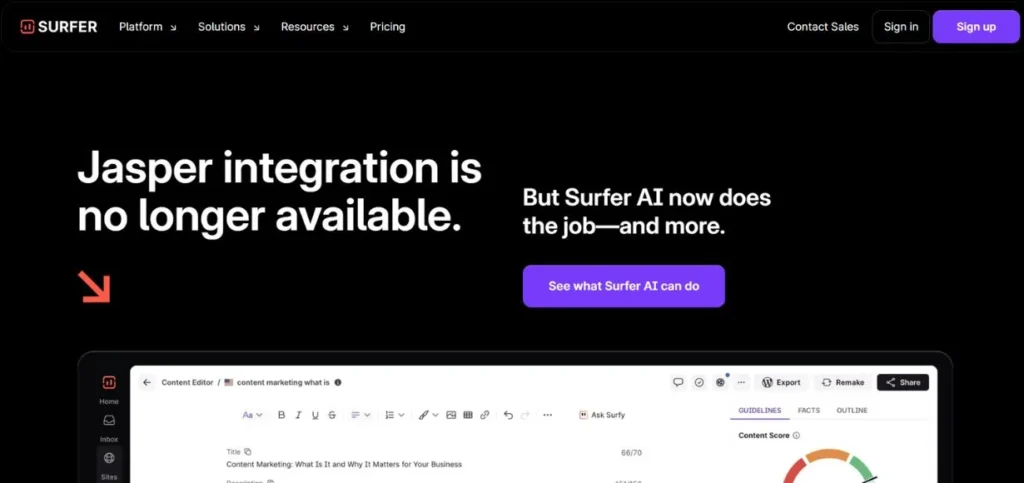
Jasper is predominantly an AI writing program, but when it is linked to Surfer SEO, it becomes a powerful content creation and optimisation package. Through the more than 50 ready-made templates, you can create blog posts, social media postings, product descriptions and many more. After connecting your Surfer account, you have access to SEO mode within the editor of Jasper – you write your content and see keyword suggestions, content scores, and optimisation advice suggested to you. It is a fast, smooth workflow of content-oriented teams.
Key Features:
- 50+ content templates
- Surfer SEO integration
- AIDA and PAS writing models
- AI-generated drafts
- Content Score overlay
Pros:
- Fast content creation
- Great for marketing teams
- SEO baked into writing
Cons:
- Needs two paid subscriptions
- No standalone SEO features
- Not for technical SEO
Pricing: Starts at $49/month (Surfer subscription sold separately)
8. Google Search Console
Rating: 4.8/5
Website: https://search.google.com/search-console
Best For: Any website owner wanting free, first-party Google ranking data.
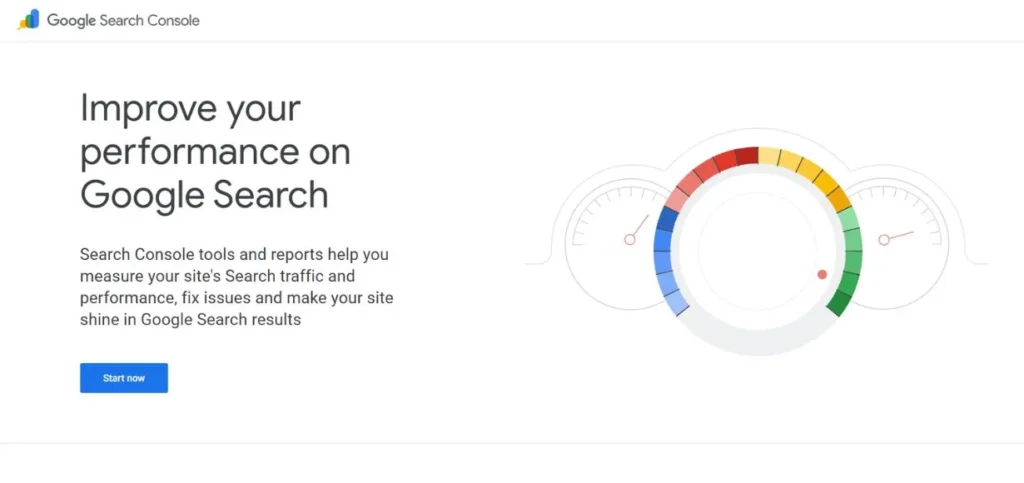
Google Search Console is a free tool that is produced by Google itself. It will inform you about the way your site is doing in Google Search, what search keywords are driving traffic, what percentage of your pages are being clicked, what your average ranking position is, and any technical content Google has discovered. The URL Inspection tool allows checking any page for indexing issues and asks it to be crawled. With core Web Vitals data, you get to know the speed and usability of your site. This is the very first tool you should have as a beginner.
Key Features:
- Keyword and click data
- Average position tracking
- URL Inspection tool
- Core Web Vitals report
- Index Coverage report
Pros:
- Completely free
- Direct data from Google
- Easy to set up
Cons:
- No competitor tracking
- Limited keyword research
- Data can be delayed
Pricing: Free
Read More: AI Tools for Business Growth
9. Screaming Frog SEO Spider
Rating: 4.6/5
Website: https://screamingfrog.co.uk/
Best For: Technical SEOs who want deep crawl data and site audits.
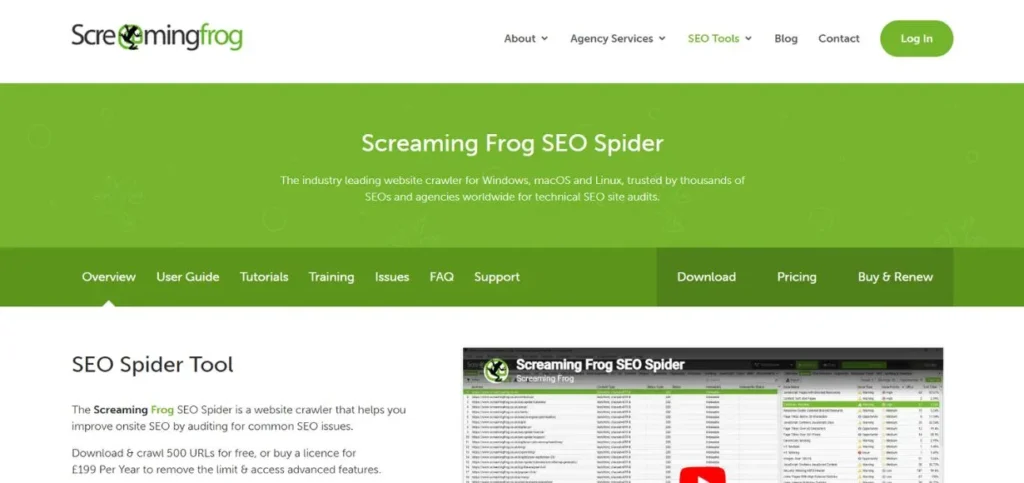
Screaming Frog is a desktop application to crawl your website and provide you with a complete technical SEO report. It discovers broken links, missing meta descriptions, sluggish loading images, lack of any internal links through pages and a lot more. The Issues tab also marks the most significant issues automatically, and you do not need to go through hundreds of pages and find them manually. It can also be linked to Google Analytics, Search Console and PageSpeed to have even more data. The free plan allows the coverage of 500 URLs, which is suitable for small sites.
Key Features:
- Full website crawler
- Issues tab with auto-flagging
- Structured data analysis
- GSC and GA integration
- Crawl depth reporting
Pros:
- Very thorough audits
- Free version available
- Highly customizable crawls
Cons:
- Desktop-only tool
- Steep learning curve
- Not for total beginners
Pricing: Free up to 500 URLs; paid version at £259/year
10. BuzzSumo
Rating: 4.3/5
Website: https://buzzsumo.com/
Best For: Content marketers tracking trending topics and viral content.
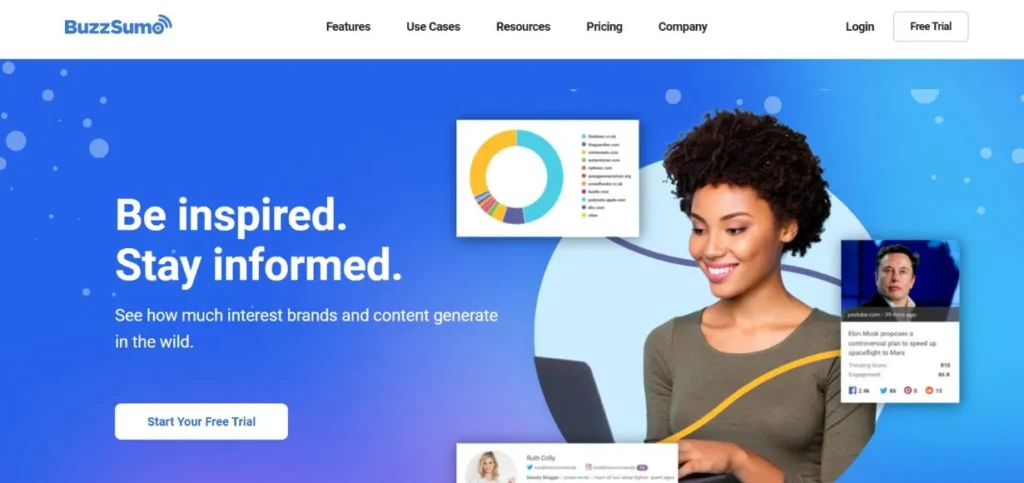
BuzzSumo assists in finding the content doing well in your niche. Enter any search query and look at the most popular articles on the internet and their degree of interaction on social networking sites. It is splendid in following the trending topics, comparing with your rivals, and finding ideas of content supported by genuine data. The content idea generator also displays the trending formats, such as how-to guides or listicles, on any keyword. It is not a substitution of a full intuition tool, but it will give your strategy some significant content intelligence.
Key Features:
- Most-shared content finder
- Content idea generator
- Topic Explorer tool
- Question Analyzer
- Trend tracking by country
Pros:
- Unique social engagement data
- Great for content planning
- Easy topic discovery
Cons:
- Not a full SEO platform
- Expensive for the features
- Data can be inconsistent
Pricing: Starts at $199/month
11. AnswerThePublic
Rating: 4.4/5
Website: https://answerthepublic.com/
Best For: Bloggers and content writers finding long-tail question keywords.
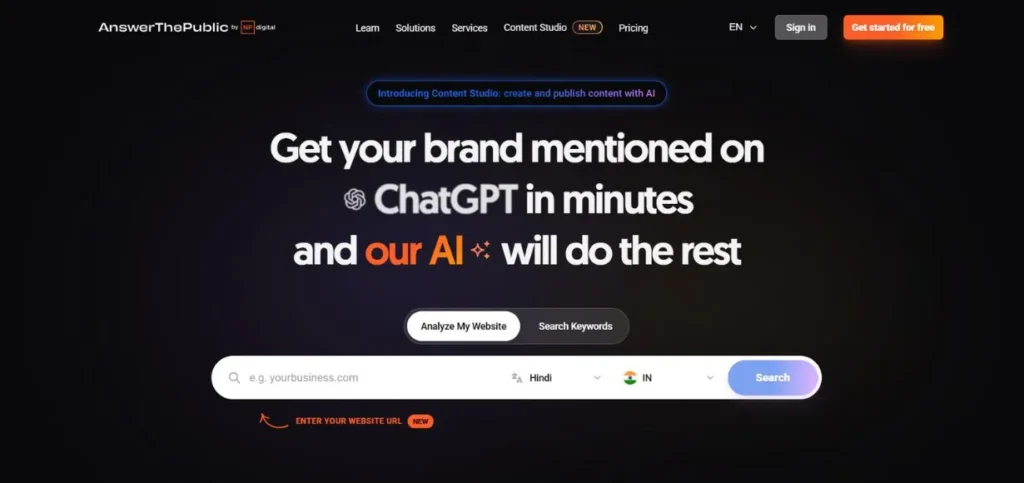
AnswerThePublic is a visual keyword search engine that reveals what people are curious about on any subject. Type a keyword, and you are presented with a graphic map of related searches arranged in the format of how, what, why, when, who, etc. It also presents alternation of keywords in terms of prepositions and alphabetical listing. The People also ask chart is particularly helpful when you are writing the content that includes all the things your readers want to know. Easy, graphic and ideal content planning.
Key Features:
- Visual keyword question map
- PAA question chart
- Preposition keyword variations
- Search volume and CPC data
- Alphabetical keyword view
Pros:
- Very visual and intuitive
- Great for long-tail ideas
- Free plan available
Cons:
- Only 3 free searches/day
- Limited metrics on the free plan
- Not for rank tracking
Pricing: Free plan available; paid plans start at $11/month
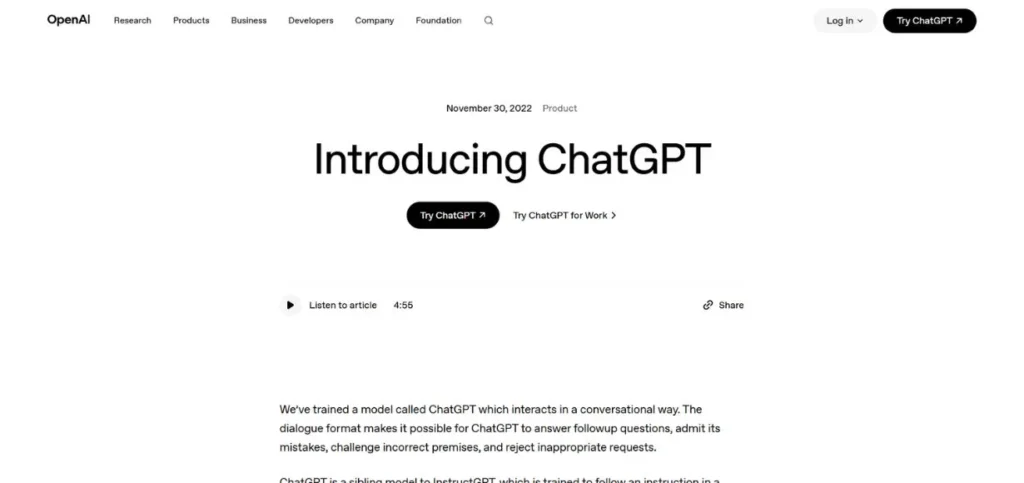
12. ChatGPT
Rating: 4.3/5
Website: https://chatgpt.com/
Best For: Content creators wanting a fast, flexible AI writing co-pilot.
ChatGPT is no longer a typical SEO tool, and it is extremely handy in content and SEO processes. All you have to do is input a list of keywords and request it to locate the best opportunities, assist you in repairing technical aspects of SEO, create content outlines, or even write complete drafts. In combination with the integration of Surfer SEO, the Canvas mode of ChatGPT allows one to write with live Surfer SEO advice superimposed on the text. It is inexpensive, quick and infinitely expandable – but lacks rank tracking capabilities or backlinking capabilities.
Key Features:
- AI content drafting
- Keyword list analysis
- Technical SEO guidance
- Surfer SEO integration
- Canvas mode for editing
Pros:
- Very affordable
- Fast and flexible
- Great for ideation
Cons:
- No rank tracking
- No backlink tools
- Needs Surfer for SEO scoring
Pricing: Free plan available; ChatGPT Plus at $20/month
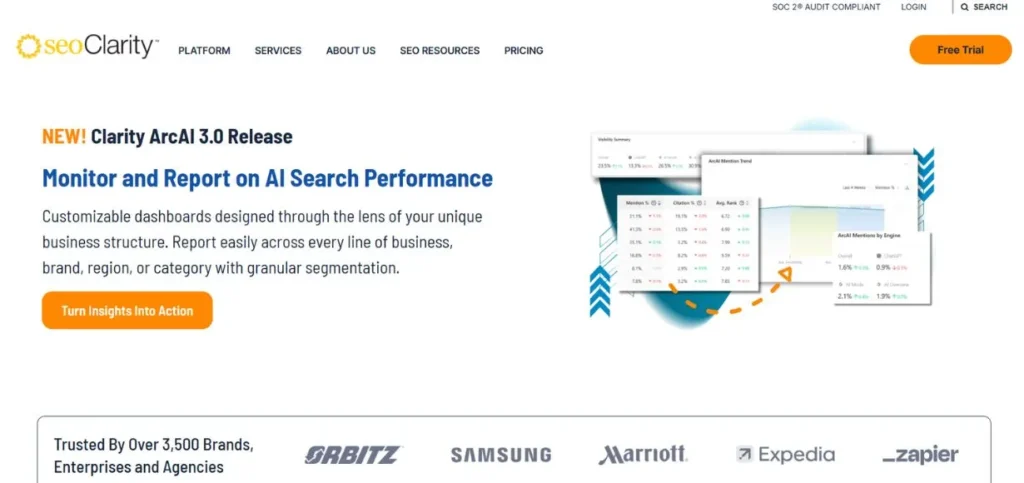
13. seoClarity
Rating: 4.5/5
Website: https://seoclarity.net/
Best For: Large enterprises managing multiple websites and complex strategies.
SEOClarity is an enterprise-level SEO tool with a large organisation in mind. It is an integrated rank tracking, site auditing, content optimization and competitive research system. Rank Tracking capability stands out particularly well – you can check the position of keywords at any point in the world, look by individual URLs and compare results with those of the competition. The Content Fusion tool provides recommendations on the content that is created by AI, using the ranking of top pages. It is not inexpesivhoweverever, the automation and depth are difficult to match with large teams dealing with thousands of pages.
Key Features:
- Global rank tracking
- Automated site audits
- Content Fusion AI tool
- Research Grid for gaps
- Multi-site management
Pros:
- Enterprise-level depth
- Strong automation features
- Global location tracking
Cons:
- Very expensive
- Not for small teams
- Steep learning curve
Pricing: Custom enterprise pricing (typically $3,000+/month)
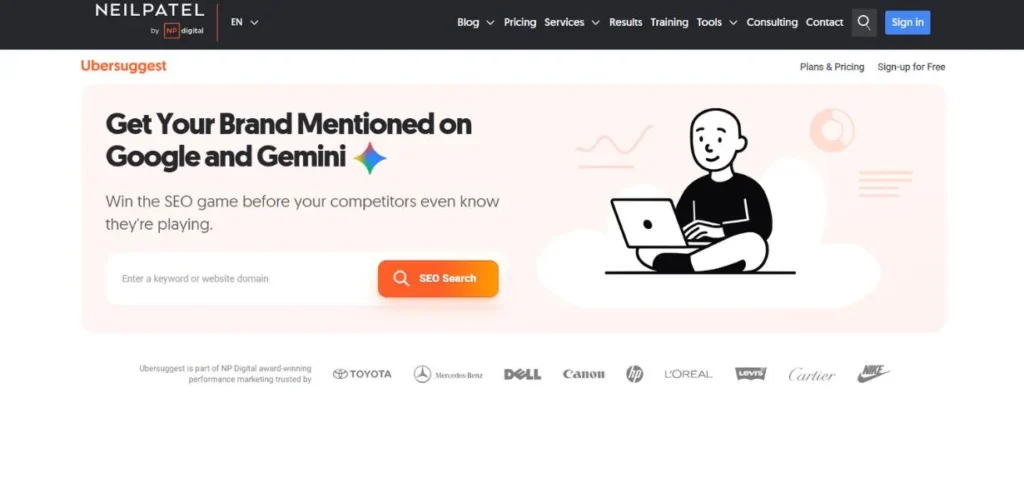
14. Ubersuggest
Rating: 4.2/5
Website: https://neilpatel.com/ubersuggest
Best For: Beginners and budget-conscious users wanting an all-in-one starter tool.
Ubersuggest is one of the cheapest SEO tools available in the market and a good place to start. It includes keyword research, rank tracking, site audits, backlink analysis and even artificial intelligence-generated content, all in a clean, straightforward dashboard. The Keyword Overview presents volume, difficulty, and CPC of any term. The Content Ideas feature takes it a step further to display SERP information and the existing page top-backlink profiles. The lifetime deal also makes it particularly appealing to solo bloggers and small business owners.
Key Features:
- Keyword Overview dashboard
- Keyword Ideas generator
- Content Ideas with SERP data
- Backlink opportunity finder
- AI article writer
Pros:
- Very affordable pricing
- Lifetime deal available
- Great for beginners
Cons:
- Smaller data set than rivals
- An AI writer is basic
- Less accurate for some markets
Pricing: Starts at $29/month; lifetime plans from $290
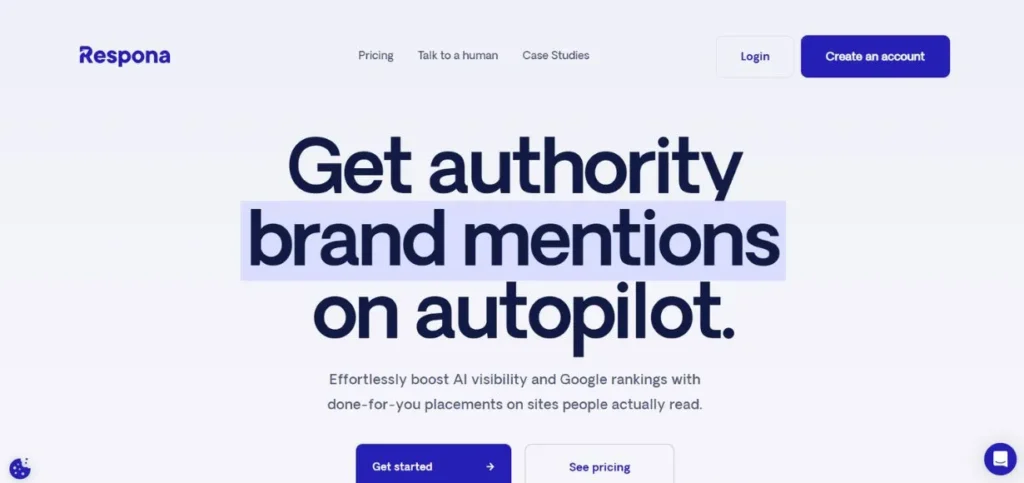
15. Respona
Rating: 4.4/5
Website: https://respona.com/
Best For: Teams focused on link building and digital PR outreach at scale.
Respona is not a rank tracking tool as we understand it, but it is an important consideration in enhancing your rankings by link building. It is a one-stop outreach tool that will assist in locating the right sites, finding contact information and sending personalised email campaigns to acquire backlinks. It endorses guest posting, broken links, podcast outreach and digital PR, all in a single dashboard. The built-in duplicate detecting and sending controls assist in maintaining your outreach professionally and effectively.
Key Features:
- Prospect discovery tool
- Verified contact finder
- Personalised email campaigns
- Campaign performance tracking
- Done-for-you link-building service
Pros:
- Saves time on outreach
- Built for link building
- Strong personalisation tools
Cons:
- Not a full SEO platform
- No rank tracking built in
- Higher cost for small teams
Pricing: Starts at $99/month
Best Free Rank Tracking Tools
Not ready to spend money yet? These SEO rank tracking tools let you track rankings without paying anything:
| Tool | What You Get for Free |
| Google Search Console | Full keyword and ranking data, direct from Google |
| Ubersuggest | Limited daily searches and keyword tracking |
| Answer Socrates | 3 free searches/day + 1,500 clustering credits/month |
| AnswerThePublic | 3 free searches/day with basic keyword data |
| Screaming Frog | Free crawl up to 500 URLs |
Common Mistakes Beginners Make
- Monitoring too many keywords simultaneously: Find 10-20 core keywords to start with to get visible, actionable results.
- Ranking drops neglected for too long: It is often an indicator of a problem, and can be checked immediately before the traffic dries up.
- Just checking rankings and not fixing them: ranking information can only help you to respond to it; apply it to make your content better.
- Fail to compare rankings with competitors: It does not matter how high you are ranked, but you must be aware of how you rank with the competitors.
- Getting quick results out of SEO: Rankings do not happen overnight; you have to track them for weeks and months, not days.
Tips to Use Rank Tracking Tools Effectively
- Establish a weekly check-in habit: Check your rankings weekly and observe the trends so that you can intervene before things get out of control.
- Rankings by location, where necessary: Local companies should monitor city or region rankings where they would get the best performance.
- Combine ranking with content updates: Ranking drops can be used as indications to update and optimise existing content.
- Connect with Google Search Console: You can connect your SEO rank tracking tools to Google Search Console to have more information and data that is more valid.
- Make ranking reports to demonstrate the progress: Frequent reporting helps you and your team to remain focused on what is working.
Conclusion
One of the greatest habits that you can develop as an SEO is rank tracking. It gives you the true picture of your work, gives you the ability to see issues when they are small, and makes your decisions about what to include in your content based on real data. It does not matter whether you are free with Google Search Console or you invest in SEO rank tracking tools like Semrush or Surfer; what matters is to initiate tracking and continue to improve. Choose one that you can afford, master it and allow the data to guide you.
Frequently Asked Questions
Which free rank tracker is the most user-friendly?
The most suitable and free one is Google Search Console. It is free and developed by Google, and it provides you with the correct information about what keywords your pages are ranked on and how they change with time.
What is the frequency of checking my keyword rankings?
A weekly check suffices for the majority of beginners. When you have a niche with a fast-moving or active campaign in your SEO, it is better to check after every few days to keep pace with the changes.
Is it possible to use one tool to monitor the rankings of several websites?
Yes, some of these SEO rank tracking tools, such as SE Ranking, Semrush and seoClarity enable you to maintain and monitor rankings of more than one site with a single dashboard, and this is good in case you are an agency or a business with more than a single site.
Are rank trackers effective in local search?
Yes. Other tools, such as SE Ranking and Semrush, facilitate location-based tracking of ranks. SE Ranking goes as far as to provide grid-based local tracking to make you actually view your ranking in certain areas or neighbourhoods.
Do I need to track the rank to enhance my SEO?
SEO rank tracking tools will give you youyour positiontey will not make your SEO happen automatically. Optimise your content with them and other content optimisation tools, such as Surfer, technical audit tools, such as Screaming Frog, and link-building tools, such as Respona, to get the best outcomes.