
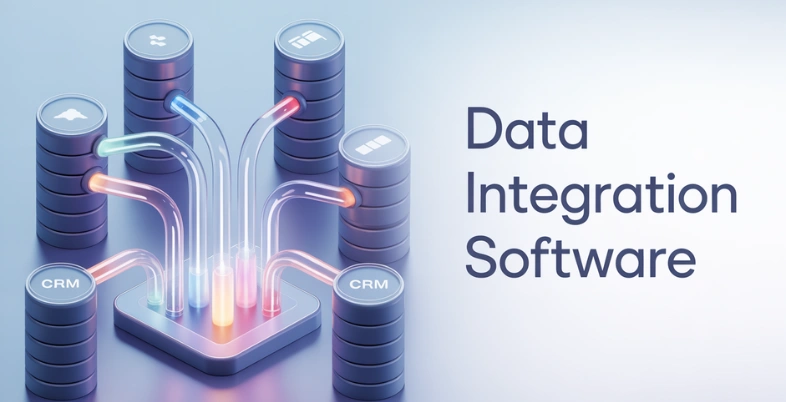
Organizations today rely on data from multiple systems, including cloud platforms, applications, and databases, to drive decisions and operations. However, when this data is scattered across different sources, it becomes difficult to manage, analyze, and use effectively. This is where data integration software becomes essential.
It helps combine data from various sources into a unified and consistent format, allowing businesses to gain a complete view of their information. By streamlining the process of collecting, transforming, and loading data into centralized systems like data warehouses, these tools improve data accuracy and accessibility.
Modern solutions also support real-time data movement, automation, and seamless connectivity between platforms. This not only reduces manual effort but also ensures that businesses always work with up-to-date information. As a result, organizations can enhance reporting, improve operational efficiency, and make faster, data-driven decisions with confidence.
Important Characteristics Of Data Integration Software
- Expansive variety of connectors – A good data integration tool must have a wide variety of connectors to various databases, cloud, APIs, and enterprise application types to ensure that data flows easily between systems.
- Data transformation capability – The program must enable users to clean, manipulate and model raw data in a manner that it can be utilized in analytics, reporting or business intelligence, making Data Integration Software essential for modern data workflows.
- Automation and scheduling – Automated workflows and scheduling capabilities aid in minimizing the number of man hours by executing data pipelines on a schedule or on demand.
- Scalability and performance – With the growth of businesses, data volumes are bound to rise. Integration software must be capable of working with large data sets and still be able to perform at high performance levels without reducing performance.
- Security and data governance – Organizations can use robust security features to protect sensitive data and ensure compliance with the security and data governance tools including encryption, access control and data control.
Benefits of Using Data Integration Tools
- Enhanced data accessibility – It allows data to be accessed easily since by pooling the data of various sources together into a single system, the teams can easily access the information required to make decisions and analyse it, especially when combined with solutions like wealth screening tools for deeper insights.
- Increased accuracy and consistency of data – The integration tools will assist in standardization of data in different systems and decrease errors and the whole department operates with reliable information.
- More efficient decision-making – Reporting and insights are generated promptly because of integrated and current data, enabling leaders in business to make quality decisions.
- Less manual work – Automated data pipelines save time by eliminating copying required to fill data and manual repetitive actions that enhance productivity.
- Improved analytics and reporting – Combining data sources in a way that they provide a coherent whole will enable organizations to have more insight into the information and enhance overall business strategy, especially when supported by Data Asset Management tools.
List Of 15 Best Data Integration Software
1. Qlik Talend Data Integration
Website: https://www.qlik.com/us/
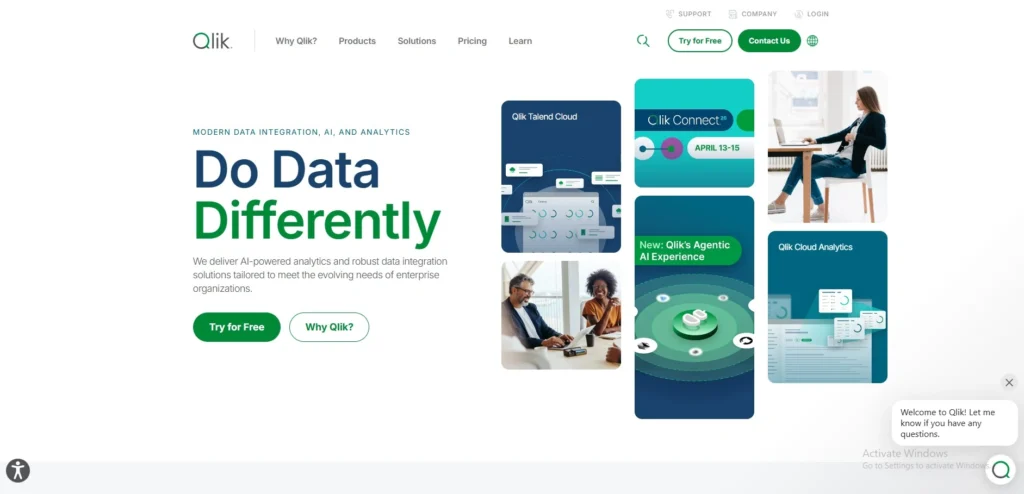
Qlik Talend Data Integration is a modern data integration platform designed to help organizations collect, transform, and manage data from multiple sources. It allows businesses to connect databases, cloud platforms, applications, and APIs, and combine this information into a unified system for analytics and reporting. The platform provides a visual environment where users can design and manage data pipelines with minimal coding.
After acquiring Talend, Qlik integrated Talend’s technology into its data integration ecosystem, creating a stronger platform for data movement, transformation, and governance. Qlik Talend Data Integration supports ETL processes, real-time data pipelines, and data quality management. It is suitable for organizations that need scalable Data Integration Software across cloud, on-premise, and hybrid environments
Top Features
- Visual drag-and-drop data pipeline builder
- Wide range of connectors for databases and cloud applications
- Built-in data quality and governance capabilities
- Support for real-time and batch data integration
- Integration with Qlik analytics and data platforms
Pros
- User-friendly drag-and-drop interface
- Strong data quality and governance tools
- Supports real-time and batch processing
- Scalable for large enterprises
Cons
- Pricing is not transparent
- Can be complex for beginners
- Requires good system resources
Pricing
- Available on request
2. Informatica PowerCenter
Website:https://www.informatica.com
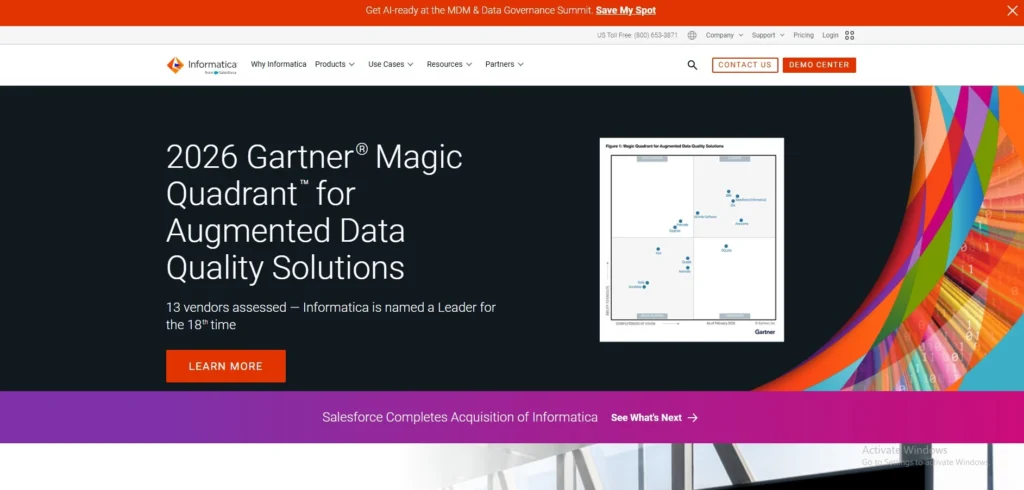
Informatica PowerCenter is one of the most popular enterprise data integration tools used by large organizations. It allows businesses to extract data from multiple systems, transform it according to business rules, and load it into data warehouses or analytics platforms. The tool is known for its scalability and strong performance when working with massive datasets.
PowerCenter also offers advanced data management capabilities such as metadata management, data profiling, and data validation. It helps enterprises maintain consistent and high-quality data across multiple departments. Because of its reliability and powerful features, many global organizations use Informatica as the backbone of their Data Integration Software infrastructure.
Top Features
- High-performance ETL engine
- Advanced metadata management
- Data profiling and validation tools
- Strong support for enterprise data warehouses
- Scalable architecture for large organizations
Pros
- Highly reliable for enterprise use
- Powerful ETL performance
- Advanced metadata and data management
- Handles large datasets efficiently
Cons
- Expensive for small businesses
- Steep learning curve
- Requires experienced developers
Pricing
- Available on request
3. Microsoft SQL Server Integration Services (SSIS)
Website:https://learn.microsoft.com/en-in/
Microsoft SQL Server Integration Services (SSIS) is a powerful data integration and workflow tool that comes as part of Microsoft SQL Server. It helps organizations move and transform data between databases, applications, and files. SSIS is commonly used for building data warehouses and automating data migration tasks.
The platform provides a visual development environment within SQL Server Data Tools, allowing developers to design data pipelines easily. It also supports complex transformations, scheduling, and automation. Because it integrates well with other Microsoft products like Azure, Power BI, and SQL Server, SSIS is widely adopted in organizations that rely on the Microsoft ecosystem.
Top Features
- Built-in ETL tool within SQL Server
- Visual workflow designer
- Integration with Azure and Microsoft tools
- Data transformation and cleansing capabilities
- Scheduling and automation support
Pros
- Free with SQL Server
- Strong integration with Microsoft ecosystem
- Easy visual workflow design
- Good for data warehousing
Cons
- Limited outside Microsoft environment
- UI feels outdated
- Not ideal for real-time streaming
Pricing
- Free
4. Apache NiFi
Website:https://nifi.apache.org
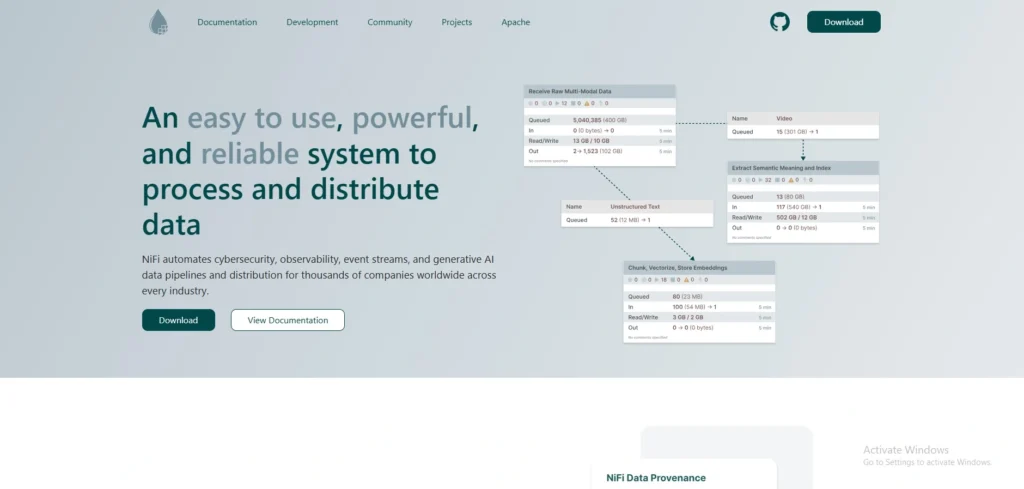
Apache NiFi is an open-source data integration tool designed to automate the flow of data between systems. It allows users to collect, route, transform, and process data from various sources in real time. NiFi is especially useful for streaming data and IoT data pipelines.
The platform provides a visual interface where users can design complex data flows using drag-and-drop components. It also includes strong security features, data provenance tracking, and scalable architecture. Apache NiFi is widely used in big data environments where organizations need flexible and reliable data movement.
Top Features
- Real-time data flow automation
- Drag-and-drop pipeline design
- Data provenance and tracking
- Built-in security and encryption
- Highly scalable architecture
Pros
- Open-source and free
- Excellent for real-time data streaming
- Easy drag-and-drop flow design
- Strong data tracking (provenance)
Cons
- Requires technical setup
- Limited enterprise support
- Can be resource-intensive
Pricing
- Free
5. Dell Boomi
Website:https://boomi.com
Dell Boomi is a cloud-based Data Integration Software platform that enables businesses to connect applications, data, and devices quickly. It is part of the Integration Platform as a Service (iPaaS) category and allows organizations to integrate cloud applications with on-premise systems without complex infrastructure.
Boomi provides a low-code development environment where users can create integrations using reusable components. It also offers prebuilt connectors for many popular enterprise applications such as Salesforce, SAP, and NetSuite. Because of its flexibility and cloud-native design, Dell Boomi is commonly used for modern digital transformation projects.
Top Features
- Cloud-native integration platform (iPaaS)
- Low-code integration development
- Large library of prebuilt connectors
- Real-time and batch data integration
- API and application integration capabilities
Pros
- Cloud-native and scalable
- Low-code platform
- Large connector library
- Ideal for SaaS integrations
Cons
- Expensive for startups
- Performance may vary with large data
- Debugging can be complex
Pricing
- Available on request
6. IBM InfoSphere DataStage
Website:https:https://www.ibm.com/in-en
IBM InfoSphere DataStage is a powerful enterprise-grade data integration tool designed to help organizations process and transform large volumes of data efficiently. It enables businesses to extract data from multiple sources, transform it based on business requirements, and load it into data warehouses, analytics platforms, or operational systems. The platform is commonly used in large enterprises that handle complex data environments.
DataStage supports both batch and real-time data integration and offers strong parallel processing capabilities. This allows organizations to handle big data workloads with high performance and reliability. It also integrates well with the IBM data ecosystem and cloud services, making it suitable for hybrid and cloud-based data architectures.
Top Features
- High-performance parallel processing engine
- Scalable ETL and data transformation capabilities
- Integration with IBM cloud and analytics platforms
- Support for big data and Hadoop environments
- Advanced data governance and management tools
Pros
- High-performance parallel processing
- Handles big data workloads
- Strong enterprise capabilities
- Good integration with IBM ecosystem
Cons
- High cost
- Complex setup
- Requires skilled professionals
Pricing
- Standard-₹176.333775/Month
- Small Enterprise Bundle-₹176.333775/Month
- Medium Enterprise Bundle-₹176.333775/Month
7. SAP Data Services
SAP Data Services is a comprehensive data integration and data quality platform developed by SAP. It allows organizations to extract, transform, and load data from multiple systems while ensuring the accuracy and reliability of the data. The tool is widely used by companies that rely on SAP applications and enterprise resource planning systems.
In addition to traditional ETL capabilities, SAP Data Services, a powerful Data Integration Software, includes features for data profiling, cleansing, and data governance. It helps businesses maintain consistent and high-quality data across different departments. The platform supports both on-premise and cloud environments, making it flexible for modern enterprise infrastructures.
Top Features
- Strong integration with SAP applications
- Data quality and data cleansing capabilities
- Data profiling and governance tools
- Support for batch and real-time integration
- Scalable enterprise data integration platform
Pros
- Strong SAP integration
- Excellent data quality tools
- Reliable for enterprise use
- Supports both cloud and on-premise
Cons
- Expensive licensing
- Limited flexibility outside SAP
- Complex for beginners
Pricing
- Available on request
8. Oracle Data Integrator
Website: https://www.oracle.com
Oracle Data Integrator (ODI) is a modern data integration platform that focuses on high-performance data transformation and movement. It uses an ELT (Extract, Load, Transform) approach, which leverages the power of target databases to process large volumes of data efficiently. This architecture helps improve performance and scalability.
ODI supports integration across databases, cloud platforms, and enterprise applications. As a reliable Data Integration Software, it also provides strong data governance and metadata management features, helping organizations maintain reliable and consistent data pipelines. Many enterprises using Oracle databases and applications prefer ODI for building robust data integration workflows.
Top Features
- High-performance ELT architecture
- Integration with Oracle databases and cloud services
- Advanced metadata management
- Support for real-time and batch integration
- Scalable enterprise data integration capabilities
Pros
- High-performance ELT approach
- Works well with Oracle systems
- Scalable and reliable
- Strong metadata management
Cons
- Best suited for Oracle users only
- High cost
- Requires technical expertise
Pricing
- Available on request
9. SnapLogic
Website:https://www.snaplogic.com
SnapLogic is a cloud-based integration platform that helps organizations connect applications, data sources, and APIs quickly. It uses a visual interface with prebuilt integration components called “Snaps,” allowing users to build data pipelines without heavy coding. This makes it accessible to both developers and business users.
The platform is designed for modern cloud and hybrid environments, supporting integration between cloud applications, on-premise systems, and data warehouses. As an advanced Data Integration Software, SnapLogic also includes AI-powered features that help automate pipeline creation and improve data integration efficiency.
Top Features
- AI-assisted data pipeline creation
- Visual drag-and-drop integration design
- Large library of prebuilt connectors (Snaps)
- Cloud-native integration platform
- Support for API and application integration
Pros
- AI-powered integration features
- Easy-to-use visual interface
- Fast deployment
- Strong cloud integration
Cons
- Expensive pricing
- Limited customization in some cases
- Requires internet dependency
Pricing
- Available on request
10. Fivetran
Website:https://www.fivetran.com
Fivetran is a fully managed data integration platform designed to simplify the process of moving data from various sources into data warehouses. It automatically extracts data from applications, databases, and cloud services, then loads it into analytics platforms such as Snowflake, BigQuery, or Redshift.
The platform focuses on automation and reliability, reducing the need for manual data pipeline maintenance. Fivetran automatically updates connectors, handles schema changes, and ensures that data pipelines remain operational. Because of its simplicity and automation, it is widely used by modern data teams and analytics-driven organizations.
Top Features
- Prebuilt connectors for many SaaS applications
- Automatic schema change management
- Reliable data synchronization and replication
- Seamless integration with modern data warehouses
Pros
- Fully automated pipelines
- Minimal maintenance required
- Handles schema changes automatically
- Great for analytics teams
Cons
- High pricing as data grows
- Limited transformation flexibility
- Less control over pipelines
Pricing
- AVailable on request
11. MuleSoft Anypoint Platform
Website:https://www.mulesoft.com
MuleSoft Anypoint Platform is a powerful integration platform that helps organizations connect applications, data sources, and devices across cloud and on-premise environments. It enables businesses to create APIs and integration workflows that allow different systems to communicate with each other efficiently. MuleSoft is widely used by enterprises that need a unified platform for application and data integration.
The platform provides tools for designing, managing, and monitoring integrations through a single interface. It supports both API-led connectivity and traditional data integration approaches. With strong scalability and a wide range of connectors, MuleSoft helps organizations streamline complex integration processes and improve data accessibility across departments.
Top Features
- API-led integration architecture powered by Data Integration Software
- Large library of prebuilt connectors
- Integration across cloud and on-premise systems
- Centralized monitoring and management tools
- Scalable enterprise integration capabilities
Pros
- Strong API integration capabilities
- Scalable enterprise solution
- Centralized management
- Large connector ecosystem
Cons
- Expensive
- Complex implementation
- Requires developer knowledge
Pricing
- Available on request
12. Stitch Data
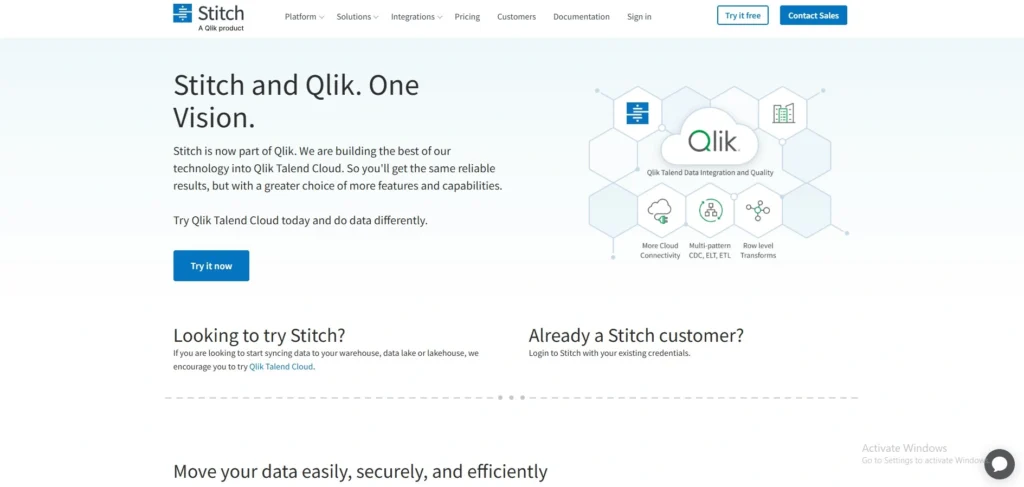
Website:https://www.stitchdata.com
Stitch Data is a cloud-based ETL service designed to help organizations quickly move data from different sources into data warehouses. It focuses on simplicity and automation, allowing businesses to set up data pipelines in minutes without complex configurations. Stitch is particularly popular among startups and data-driven companies that need fast and reliable data integration.
The platform supports many SaaS applications, databases, and cloud services. As a reliable Data Integration Software, it automatically extracts data, replicates it into analytics platforms, and keeps it updated. Stitch Data is designed to reduce engineering effort while ensuring that data remains accessible for reporting and business intelligence purposes.
Top Features
- Simple and fast ETL pipeline setup
- Prebuilt integrations with SaaS tools and databases
- Automated data replication and synchronization
- Integration with major cloud data warehouses
- Easy-to-use cloud-based interface
Pros
- Simple and easy setup
- Affordable for startups
- Fast data pipeline deployment
- Cloud-based convenience
Cons
- Limited advanced features
- Not ideal for complex workflows
- Basic transformation capabilities
Pricing:
| Standard | Advanced | Premium |
| $100/mo | $1500/mo | $3000/mo |
13. Pentaho Data Integration (Kettle)
Website:https://www.hitachivantara.com
Pentaho Data Integration, also known as Kettle, is a popular open-source ETL tool used for building data pipelines and performing complex data transformations. It provides a graphical interface that allows users to design data integration workflows using drag-and-drop components. The platform is commonly used for data warehousing, data migration, and analytics preparation.
Pentaho supports a wide range of data sources including databases, cloud platforms, and big data systems. It also provides strong data transformation capabilities, making it suitable for organizations that need to process large volumes of structured and unstructured data. Because it is open-source and highly flexible, many companies use Pentaho for customized data integration projects.
Top Features
- Open-source ETL and data integration platform
- Visual workflow designer for data pipelines
- Support for big data and cloud platforms
- Advanced data transformation capabilities
- Integration with analytics and reporting tools
Pros
- Open-source flexibility
- Powerful data transformation
- Supports big data environments
- Highly customizable
Cons
- Requires technical expertise
- UI is not very modern
- Limited official support
Pricing
- Available on request
14. Matillion Data Loader
Website:https://www.matillion.com
Matillion Data Loader is a cloud-based data integration tool designed to move data into cloud data warehouses quickly and efficiently. It provides automated pipelines that extract data from various applications and load it into platforms such as Snowflake, Amazon Redshift, and Google BigQuery. The tool focuses on simplicity and rapid deployment.
The platform offers a user-friendly interface and prebuilt connectors that help organizations set up integrations without extensive technical expertise. Matillion is widely used by data teams working in cloud environments who want a reliable and scalable solution for managing their data pipelines.
Top Features
- Automated data pipeline creation
- Native integration with major cloud data warehouses
- Prebuilt connectors for SaaS applications
- Easy cloud-based deployment
- Scalable data integration workflows
Pros
- Easy cloud deployment
- Strong integration with cloud warehouses
- Fast data loading
- User-friendly interface
Cons
- Limited features compared to full ETL tools
- Works mainly in cloud environments
- Pricing can be high
Pricing
- Available on request
15. Hevo Data
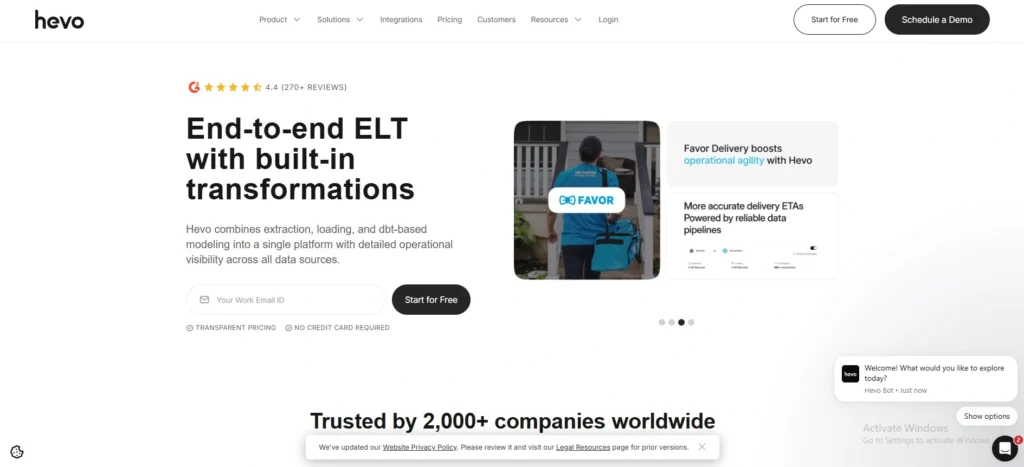
Website:https://hevodata.com
Hevo Data is a modern no-code data integration platform that helps organizations automate data pipelines from multiple sources to data warehouses. It enables businesses to collect data from SaaS applications, databases, and cloud services, transform it in real time, and load it into analytics platforms.
The platform focuses on ease of use and reliability, allowing teams to build data pipelines without writing complex code. Hevo Data also includes built-in monitoring and fault tolerance features, ensuring that data pipelines run smoothly and data remains accurate for analytics and reporting.
Top Features
- No-code data pipeline creation
- Real-time data replication and transformation
- Prebuilt connectors for multiple data sources
- Automatic error handling and monitoring
- Seamless integration with cloud data warehouses
Pros
- No-code platform
- Real-time data integration
- Easy to use
- Built-in monitoring and reliability
Cons
- Limited customization
- Pricing increases with scale
- Not ideal for very complex pipelines
Pricing:
| Free | Starter | Professional | Business |
| $0 | $239/mo | $679/mo | Available on request |
Comparison Table
| Tool Name | Deployment Type | Key Strength | Best For | Notable Feature |
| Qlik Talend Data Integration | Cloud / On‑Premise / Hybrid | Strong ETL and data quality tools | Enterprise data integration | Drag‑and‑drop ETL designer |
| Informatica PowerCenter | On‑Premise / Cloud | High‑performance enterprise ETL | Large enterprises | Advanced metadata management |
| Microsoft SQL Server Integration Services (SSIS) | On‑Premise / Azure | Deep Microsoft ecosystem integration | SQL Server environments | Visual workflow designer |
| Apache NiFi | On‑Premise / Hybrid | Real‑time data flow automation | Streaming and IoT data pipelines | Data provenance tracking |
| Dell Boomi | Cloud | Low‑code integration platform | Cloud application integration | Large connector library |
| IBM InfoSphere DataStage | Cloud / On‑Premise | Parallel data processing | Big data environments | High‑performance ETL engine |
| SAP Data Services | Cloud / On‑Premise | SAP ecosystem integration | Organizations using SAP systems | Strong data cleansing tools |
| Oracle Data Integrator | Cloud / On‑Premise | High‑performance ELT architecture | Oracle-based environments | Advanced metadata management |
| SnapLogic | Cloud | AI‑assisted pipeline building | Modern cloud integrations | Prebuilt Snaps connectors |
| Fivetran | Cloud | Automated data pipelines | Analytics and data warehouses | Automatic schema handling |
| MuleSoft Anypoint Platform | Cloud / Hybrid | API‑led connectivity | Application and API integration | Centralized API management |
| Stitch Data | Cloud | Simple ETL setup | Startups and small data teams | Quick pipeline deployment |
| Pentaho Data Integration (Kettle) | On‑Premise / Cloud | Open‑source flexibility | Custom data integration projects | Visual ETL pipeline builder |
| Matillion Data Loader | Cloud | Cloud warehouse integration | Snowflake / BigQuery pipelines | Automated data loading |
| Hevo Data | Cloud | No‑code data pipelines | Real‑time analytics teams | Built‑in monitoring and fault tolerance |
Conclusion
In conclusion, data integration software helps businesses bring data from different systems into one place so it can be managed and analyzed easily. Organizations can move and transform data in an automated manner using such tools, as opposed to operating an uncoordinated data flow across various databases, applications, and cloud environments. This makes data more structured, more solid and valuable to reporting and analytics.
The software in this article provides numerous capabilities like ETL processes, cloud integration, automation, and real-time data pipelines. There are platforms that are more appropriate to large companies with complex data setups, and those that are more appropriate to startups and small businesses with a need to find simple and automated solutions.
The selection of data integration software is dependent on the size of your business, sources of data, infrastructure and technicality needs. Choosing the appropriate tool that suits your organization, organizations can manage their data better, make more quality decisions, and derive more insights out of their data.
FAQs
1. What Is The Primary Function Of Tools For Data Integration?
The primary goal is to provide companies with reliable and consistent information by automating the processes of gathering, converting, and transferring data between various systems.
2. In Data Integration, What Is ETL?
Extract, Transform, and Load is what ETL stands for. It involves gathering data from many sources, transforming it into a format that can be used, and then loading it into a database or data warehouse.
3. Data Integration Software Is Used By Whom?
These tools are used to optimize data workflows and enhance analytics by data engineers, data analysts, IT teams, and companies that handle massive volumes of data.
4. What Distinguishes ETL From ELT?
Before being fed into the target system, data undergoes transformation in ETL. ELT uses the system’s processing power to transform data after it has been loaded.
5. How Can Companies Pick The Best Data Integration Tool?
When choosing a data integration platform, businesses should take into account elements like supported data sources, scalability, usability, automation tools, integration capabilities, and total cost.