
Agile frameworks adopted by organisations need to have good Scrum tools that will enable their teams to be fully productive. The modern business world is volatile and requires a scrum software that is agile and can simplify processes such as sprint organisation, task delegation, delivery timelines and collaborative workflows.
The choice of the appropriate Scrum tools has become the key to success as the Scrum project management tools are applicable to different sectors of the industry, allowing software developers, product owners, marketing, and creative designers to automate routine processes and still remain transparent and flexible to new, emerging needs.
This is a one-stop resource that reviews 19 best scrum tools in relation to the key Agile features, ease of use, scalability, integration ecosystem, collaboration, and elastic pricing frameworks. Whether you are running a small start-up or a big organisation, these Scrum tools and Scrum team tools will assist you in applying more efficient, organised, and results-based practices of Agile throughout your organisation.
Also read: Best Wealth Screening Tools
Role of Scrum Tools in Project Development
Scrum tools are special digital applications that assist Agile teams with the implementation of projects according to the principles of the Scrum framework. These Scrum tools have been used to help organisations address complex software development lifecycles. Recent web-based scrum tools allow teams to plan their working processes, design sprint cycles, assign tasks, track progress, communicate effectively, and achieve project milestones without difficulties.
The platforms will be very friendly to basic Scrum processes such as product backlogs, sprint boards, burndown analytics, and daily standup meetings, which are necessary towards collaborating with each other and encouraging continuous improvement across the development lifecycle.
Selection of the Best Scrum Tools
To choose the best scrum management software, it is important to consider a number of crucial points that will directly influence the level at which your Agile teams plan and manage to coordinate and deliver projects:
- Essential Scrum Capabilities: The platform should have the basic features to be able to support the basics of Scrum methodology, such as sprint planning boards, backlog prioritisation, user story mapping, task boards, and burndown/burnup charts.
- User-friendly Design: Product owners, Scrum masters, and development team members are expected to move around the tool without needing to undergo any long training or orientation.
- Customisation Flexibility: Quality scrum tracking applications have customizable workflow, boards, and reporting dashboard flexibility to meet the changing team size, maturity, and process needs.
- Ecosystems of Integration: Premier sprouts planning tools are compatible with the development environment, including GitHub, GitLab, Slack, Microsoft Teams, Google Workspace, and CI/CD pipelines.
- Live Work: Capabilities such as task updates in real-time, file sharing, comments thread and instant notifications ensure distributed and hybrid teams are in sync and productive.
- Analytics and Insights: Advanced dashboards, velocity, sprint perspective, and KPI monitoring allow making decisions based on data and making continuous improvements to the processes.
- Scalability: The platform must support small teams, middle-level departments, and large-scale businesses with adequate permission and role provision, as well as multi-project features.
- Support and Reliability: Solid infrastructure with limited downtimes, customer responsiveness, extensive documentation and vibrant user groups facilitates seamless operations.
- Cost-effectiveness: Open pricing models with free Scrum tools with small teams, or a low entrance point with start-ups and expanding businesses, maximise the value of the investment.
Know More: Top Data Asset Management Tools
Top 15 Best Scrum Tools
The profiles that follow discuss the best agile project management software programs in the market. It is worth noting that the order has been randomly chosen to stress that Scrum board software excellence is not confined to a particular platform but to different platforms, all of which are outstanding in their specific uses, but not ranked in a strict order.
1. ClickUp
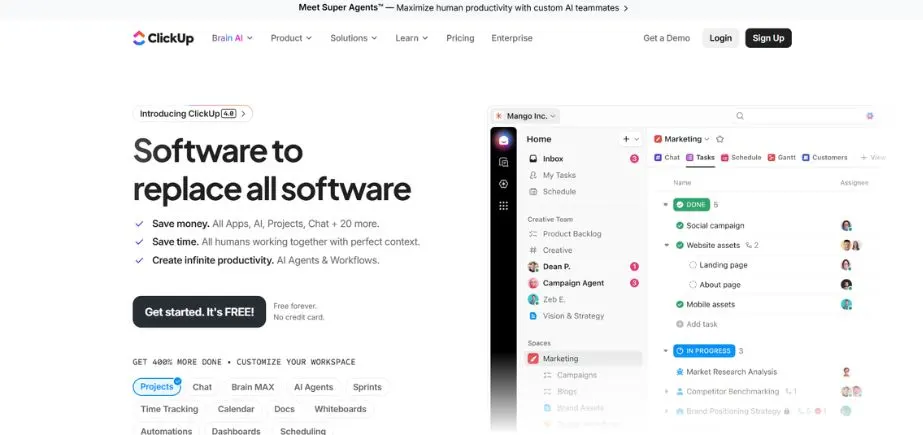
ClickUp is a combination of task management, time tracking, and goal setting in one platform, ideal for Agile teams. It has inbuilt sprints, burndown charts and customised Agile workflows and is ideal for Scrum teams. It is flexible and enables one to alternate between the list, board, Gantt, and calendar views. ClickUp is ideal for both small and large groups of people who want to organise their work and enhance productivity.
Its vast customisation capabilities will enable teams to set all workflow elements, dashboard elements, and automation policies to their particular Agile methodology. Having native integrations across development tools, communication platforms, and cloud storage services, ClickUp presents itself as an all-in-one digital scrum board tool that can substitute several applications in isolation.
Key Features:
- Customizable workflows and statuses of tasks.
- Burndown charts and velocity measures of Sprint tracking.
- Many options of views (List, board, Gantt, calendar, timeline)
- In-built documentation, wikis and goal tracking.
- indigenous time tracking and workload management.
- Real-time analytics on agile dashboards.
Pros:
- Highly flexible to any workflow configuration.
- Unified platform eliminates tool switching and integration complexity.
- Large free plan that has the majority of features.
Cons:
- Intensive functionality among beginners and small teams.
- Higher learning curve since it is fully customised.
Who Should Use It?
Agile teams that require a very customised and one-stop project management solution.
2. Taiga
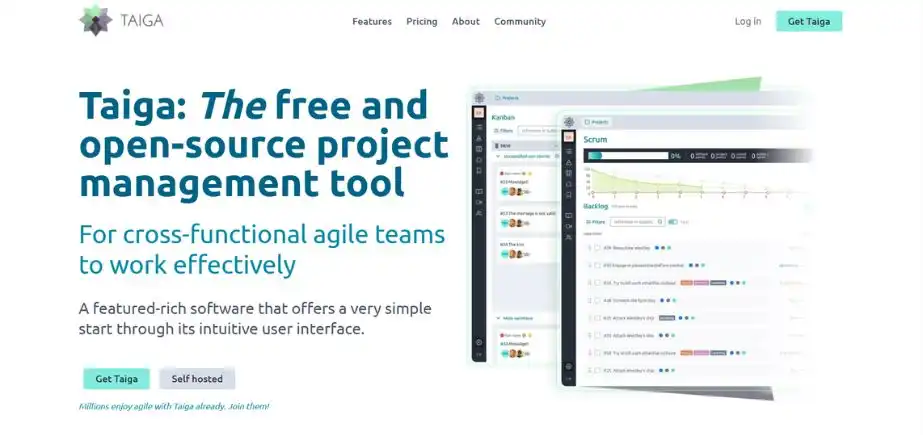
Taiga is an open-source project management tool, based on Scrum, Kanban, and Agile. Taiga provides the backlogs, Sprint planning, burndown and issue management. It is also graphical and configurable and, hence, best suited to the startup, developers, and open-source communities. Another feature is that it is also supported with a wiki and integrations and components that developers can access and use through API, which makes it suitable for tech-oriented teams that require flexible and collaborative tools.
The open-source ethos of the platform gives teams the option to self-host and have full control over their data, or they can use the Taiga cloud host to make things easy. Taiga is integrated with GitHub, GitLab, and Slack, which means that it fits into the current development processes and offers all the necessary Scrum ceremonies and artefacts.
Key Features:
- Scrum and Kanban boards that have workflows that can be customised.
- Backlog, Sprint and epic management facilities.
- Documentation, Burndown charts and project wiki.
- API to do custom integrations, which are developer-friendly.
- Self-hosted and cloud deployment options.
Pros:
- Highly customizable open-source.
- API access and a user-friendly interface.
- Free: Small teams, basic functions.
Cons:
- UI may be simplistic as compared to business rivals.
- The free cloud version has limited functionality when compared to the self-hosted version.
Who Should Use It?
Developers, technology start-ups and open source fans who desire free and agile project management tools.
3. Monday.com
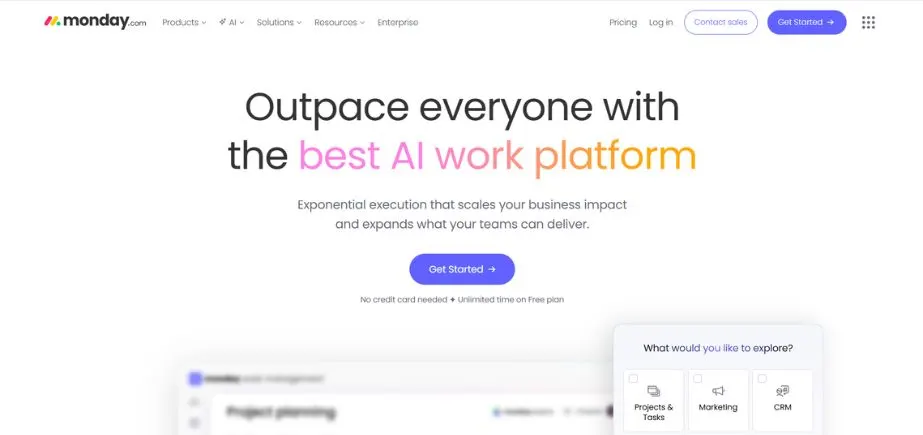
Monday.com is a highly versatile work operating system that is in favour of both Agile and Scrum project management. Scheduling of sprints, following backlogs, and workflow organisation are easily done with the application of visual dashboards, automation, and integrations. It is user-friendly and therefore can be used by both technical and non-technical users. It is appropriate in cross-functional teams that are looking into a flexible, shared environment within which they can work on projects.
The power of the platform lies in its visual tracking of projects that allows complex processes to become visible and available to stakeholders in the marketing, product, engineering, and operations departments. The vast library of templates offered by Monday.com has pre-made Scrum and sprint planning boards, which teams can implement immediately and further tailor as their Agile maturity level increases.
Key Features:
- Scrum templates and workflow customisation.
- Graphical dashboards that indicate the current progress.
- Resource management and time tracking solutions.
- Automation policies on repetitive workflow activities.
- 200+ integrations with favourite business applications.
- The team workload and team capacity planning perspectives.
Pros:
- Intuitive interface that is highly visual.
- Great in a team and open.
- Bendy to allow technical and non-technical teams.
Cons:
- Advanced functions can only be offered through superior-level plans.
- Start-up time to create Scrum processes.
Who Should Use It?
Agile teams that need to be flexible in departments such as marketing, product, and development.
Also Read: Top AI App Builder Platforms
4. nTask
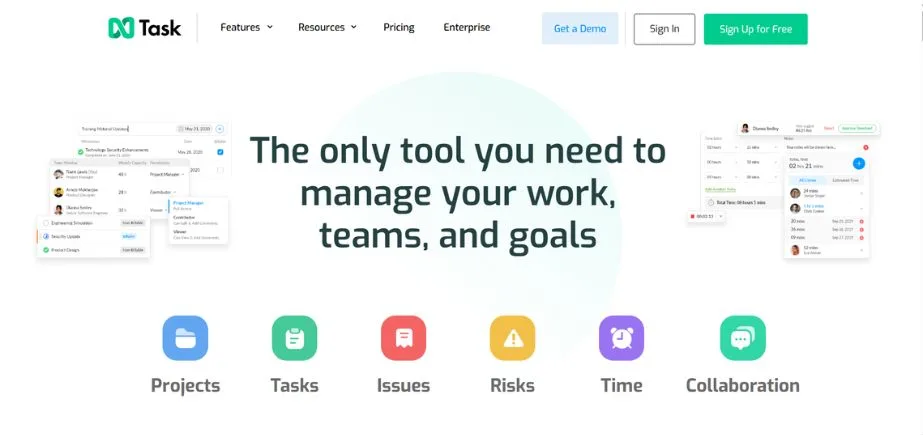
nTask is a project management application that is combined with agile integrated features, which include task boards, Gantt charts, timesheets, and meeting management. It facilitates the Scrum process based on the backlog prioritisation, sprint, and team collaboration features. Having such powerful reporting features and the ability to monitor risks, nTask can be offered to both technical and non-technical teams, which would seek an Agile solution that is lightweight and scales up, while being affordable to small business owners.
The meeting management capabilities of the platform can be integrated with sprint ceremonies, which enable teams to create standups, sprint planning, and retrospectives in the tool and, subsequently, connect meeting notes to the corresponding user stories and tasks. The risk register feature of nTask is designed to allow teams to create and track impediments in a formal way and bring the risk management process of an informal nature out of the hallway and into a formal and documented form of tasks and activities that lead to their systematic and methodical resolution by a team of leaders.
Key Features:
- Extended task and milestone management.
- In-built time tracking and risk management.
- Visualisation of Gantt charts and Kanban boards.
- Agenda and minutes of the meeting.
- Teamwork, file sharing, and comments.
Pros:
- Highly cheap and full feature set.
- UI that is of high quality and can be used on a team basis.
- Value, project and meeting management combined.
Cons:
- Scrum is not as profound as hard-core Scrum tools.
- Large complex projects have limited reporting capabilities.
Who Should Use It?
Startups and small teams in need of low-priced all-in-one task and Agile management.
5. Trello
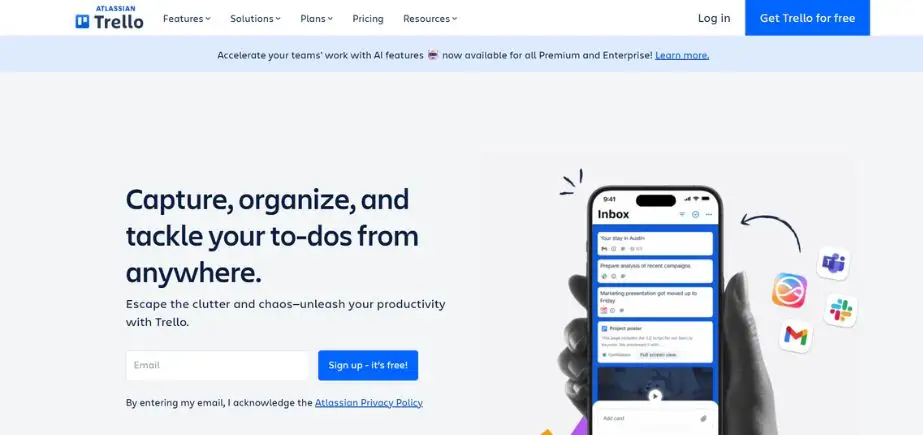
Trello is an easy-to-use, visual task management medium consisting of boards, lists, and cards. Even though it is not Scrum-specific, it can be configured with Agile processes with minimal setup through templates and Power-Ups. It is the default in the case of small teams and startups that require a lightweight and flexible project management system. The drag-and-drop tool of Trello is easy to use when it comes to sprint planning and collaboration, even with non-technical teams.
This is the best feature of the platform; its simplicity allows the new team members to become productive in a few minutes without any official training. Power-Ups also add features like burndown charts and story point estimation, a sprint planning calendar, and development tool integrations to Trello, enabling it to function as a complex Kanban board and as an efficient online scrum tool in Agile teams of different maturity levels.
Key Features:
- Kanban board, which is drag-and-drop intuitive.
- Functionality-enhancing power-ups (Scrum, burndown charts, etc.)
- Due dates, labels, checklists, and file attachments.
- Simple collaboration within the team in comments and mentions.
- iOS and Android mobile applications.
- Automation of monotonous tasks by Butler.
Pros:
- extraordinarily easy and convenient interface.
- Excellent in managing the visual tasks and basic workflows.
- Good free plan that is applicable in small teams.
Cons:
- Agile features are enhanced without Power-Ups in Lacks.
- Scrum raised heavy reliance on third-party Power-Ups.
Who Should Use It?
Lightweight Agile boards are needed by startups, small teams, and non-technical teams.
6. Targetprocess
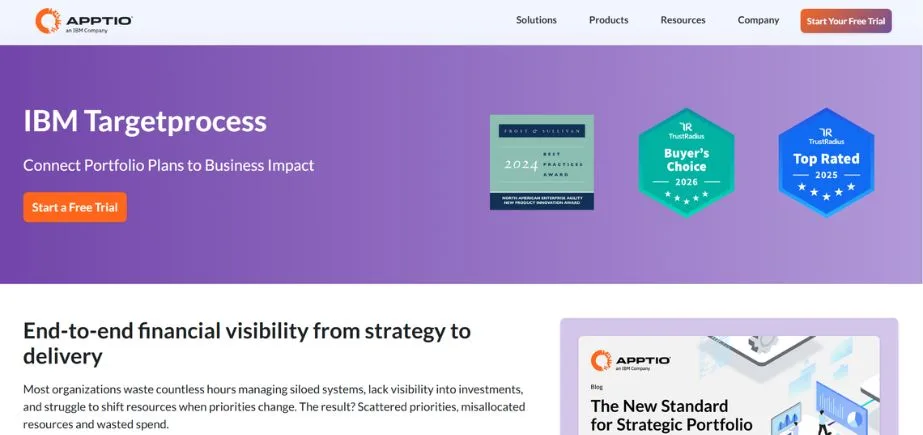
Targetprocess is an Agile project management tool at a corporate level to be used in the scaling of Scrum and the SAFe framework. It is characterised by deep visualisation of work, workflow customisation, management by portfolio, and the ability to integrate with other tools (Jira and Azure DevOps). It supports user stories, features, epics and program-level views, which are suitable for large teams. Targetprocess can be used in those organisations that operate complex Agile portfolios across multiple teams or departments.
The platform is highly efficient in supporting simultaneous presentation of the same work – executives display portfolio roadmaps, program managers display dependencies across teams, and individual Scrum teams display their sprint boards. Targetprocess is especially useful when there is a requirement to coordinate dozens of teams, which is essential in organisations that adopt the Scaled Agile Framework (SAFe) or other enterprise Agile methodologies.
Key Features:
- Scrum, Kanban and SAFe visual Agile boards.
- High-end reporting, dashboards can be customised.
- Portfolio-level program and executive management views.
- Bidirectional, two-way integration with Jira and Azure DevOps.
- Workflow configuration, fields and custom entities.
- Dependency visualisation and program increment planning.
Pros:
- Scaling Agile to large companies.
- Workflows and data models that are extremely customizable.
- Good support in the implementation of SAFe.
Cons:
- Unnecessarily complicated and complicated for a small team.
- has high onboarding and configuration time.
Who Should Use It?
Organisations and huge Agile teams that adopt SAFe or complex Scrum models.
7. Zoho Sprints
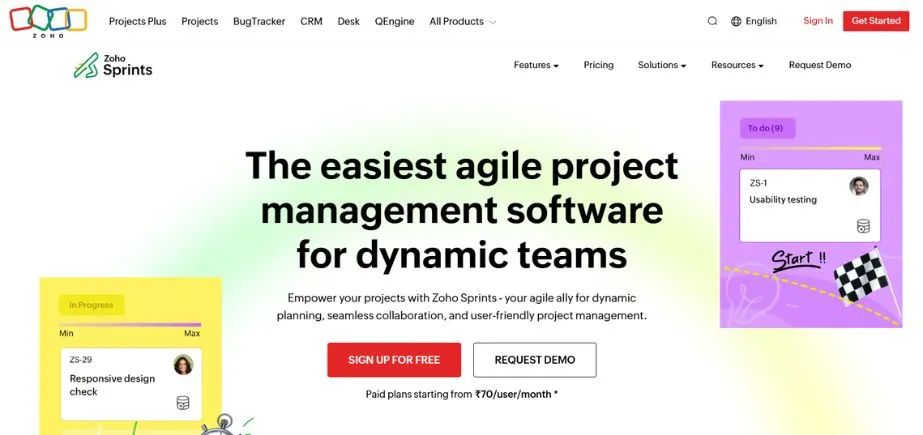
Zoho Sprints is a Scrum PM tool that is specifically aimed at Scrum teams. It consists of sprint planning, backlog grooming, a velocity chart and a burn-up/down report. It has a user-friendly and easy interface, built-in issue management, and time tracking. Zoho Sprints also shares features with the other Zoho applications and hence is a perfect fit in a team already using Zoho and any team that is interested in a low-priced Scrum tool.
The focused nature of the platform implies that, unlike generic project management systems, it does not have additional features that end up bloating the tool to the point that it is unusable by Scrum teams. Instead, it offers the Sprint ceremonies and backlog refinement, team velocity monitoring, and retrospective boards, which are exactly what Scrum teams require. In the existing Zoho ecosystem, customers (Zoho CRM, Zoho Books, Zoho Desk offer data flow and integrated reporting between sales, support, and development activities.
Key Features:
- Backlog management and sprinting.
- Built a timesheet tracker to estimate effort.
- Velocity charts and burn-down/burn-up reports.
- Native support in the Zoho ecosystem with GitHub.
- Capabilities: Epic and story mapping.
- Team-work and activity feeds and mentions.
Pros:
- Crystal clear and focused UI and robust reporting capabilities.
- Integration with other Zoho business applications
- Integration with other Zoho business applications.
- highly competitive startup prices.
Cons:
- Mobile integrations are not part of the Zoho ecosystem.
- There are more advanced Agile functions that are present in paid plans.
Who Should Use It?
Startups and small dev teams that utilise other Zoho products or require low-cost Scrum tools.
Explore more: Product Based Companies in India
8. Jira
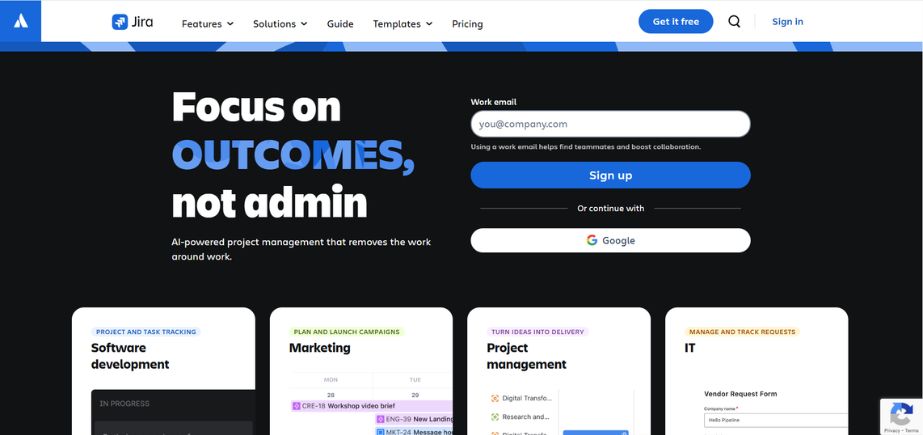
Jira by Atlassian is a highly powerful and popular Agile software project manager. It supports Scrum and Kanban, sprint planning, backlog grooming and live reporting. Jira is a perfect fit with software development teams, and it is integrated with development tools, including Bitbucket and Confluence. It is both scalable and workflows can be customised, and this is the reason it is ideal for both startups and large organisations with complex Agile projects.
Thousands of apps and integrations are available in the large marketplace of Jira, and expand its functionality into specific areas – test management, requirements traceability, roadmap planning, and portfolio management. The JQL (Jira Query Language) of the platform can give power users advanced filtering and reporting functionalities to reveal insights on large volumes of project data. Jira, with its learning curve, has continued to be the de facto standard of software development teams across the world.
Key Features:
- Powerful Scrum and Kanban boards that are customised.
- Developed backlog and sprint planning.
- Workflow customisations, automation policies, and field specifications.
- Built-in support with Confluence, Bitbucket, and 3000 other marketplace applications.
- The advanced filtering and reporting can be done with JQL (Jira Query Language).
- Heavy coverage of reporting in velocity charts, burndown and bespoke dashboards.
Pros:
- 100% customizable to tailor to a complex enterprise workflow.
- Industry-standard and the best integration ecosystem.
- Small group to thousands of users.
Cons:
- High beginners and new users’ learning curve.
- Feels like a huge burden and is over-sophisticated for small teams.
Who Should Use It?
Medium and large development teams, and particularly those that require profound integrations and custom workflows.
9. Asana
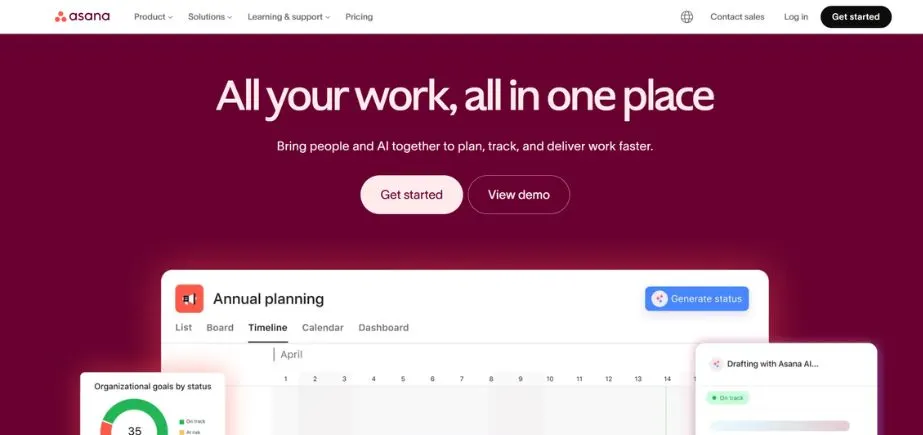
Asana is a work management software that is generic, and Agile teams use it to track their work, plan their sprints, and set goals. It facilitates timeline, individual workflow, and team real-time collaboration. It is not a Scrum tool per se, but it can be adjusted to it with boards, custom fields, and integration with Agile methodologies. It is best suited to marketing, product and cross-functional teams where it is important to have transparency and accountability. The beauty and user-friendliness of its interface are Asana’s strengths, as it eliminates the friction associated with task creation and cooperation.
Although Scrum features such as velocity charts and burndown reports are not included, teams are made up with custom fields of story points, sprint tags, and workflow statuses. It is especially effective in cross-functional work, with engineering teams working alongside marketing, design and operations, working on a single platform and not the isolated tools found in departments.
Key Features:
- Task dependency and timeline views.
- Kanban board support, which has any number of columns that can be customised.
- Sprint planning by use of custom fields and tags.
- Resource distribution and workload management.
- Slack, Google Workspace and Microsoft Teams integration.
- Program management at the portfolio level.
Pros:
- Sleek, contemporary and very usable UI.
- Superior cooperation and communication network.
- Scalable in other applications other than software development.
Cons:
- Basic Scrum functionality in base configuration.
- No native burndown or velocity tracking charts.
Who Should Use It?
Creative, marketing, and hybrid Agile teams seeking flexibility in project organisation.
10. Wrike
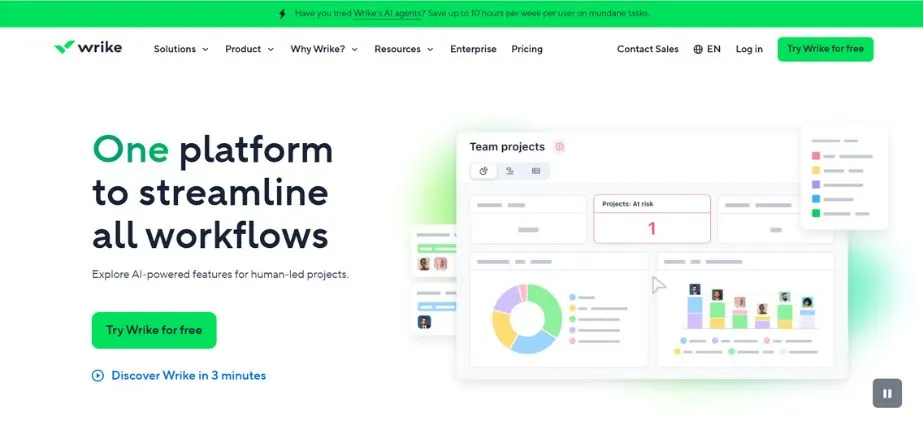
Wrike is an efficient project management tool that includes the functionality to support the Agile methodology with support features of custom workflow, Gantt charts, task dependencies, and collaboration spaces. It is not a Scrum tool, but can be made to suit sprint planning and Agile processes. Marketing, creative, and product development teams in particular use it the most because it allows them to be flexible, automate with great power, and report on what is going on in a single platform.
Request forms and approval processes of Wrike render it especially appropriate to those types of teams where work requests are submitted to it by numerous stakeholders: marketing agencies working on campaign requests, IT teams working on support tickets, or product teams working on feature requests.
The robust workload management functionalities assist managers in balancing the capacity of the team on the number of concurrent projects and avoiding burnout as much as possible while maximising the throughput. In the case of organisations with multi-stakeholder initiatives that are complex, Wrike offers the visibility and control solutions that ensure the projects are on schedule.
Key Features:
- Custom workflow and Agile board templates.
- Time tracking and workload management.
- Timeline and schedule visualisation and planning Gantt charts.
- Instant teamwork with document editing and proofing.
- Intake request forms and approvals.
- Intelligent analytics and report builder.
Pros:
- Top in cross-functional teamwork.
- Good reporting and data visualisation software.
- powerful automation and customisation of workflow.
Cons:
- Interfaces may be overloaded with features.
- Small team budgets may not be able to afford high prices.
Who Should Use It?
Departmental medium to large teams that deal with complex Agile projects.
11. Scrumwise
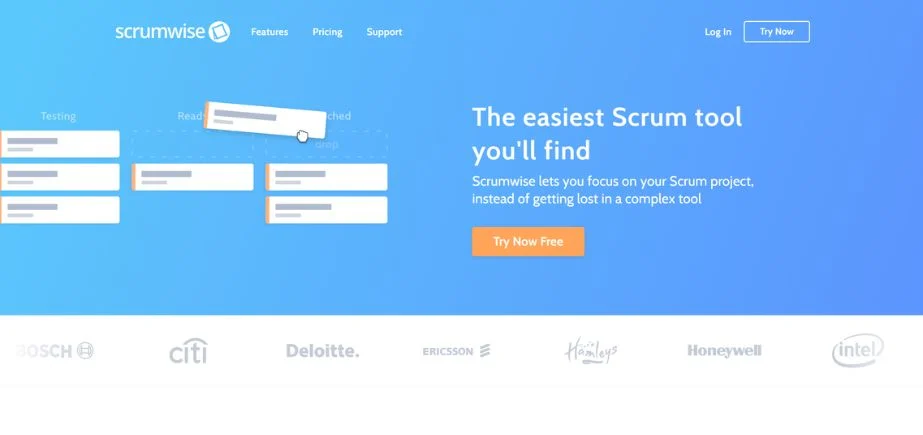
Scrumwise is a light and no-frills tool that is not exclusive to Scrum teams. It has the essential features, such as product backlogs, sprint planning, task boards and time tracking without frills. It has a simple interface and is most applicable to small to medium-sized teams that require a no-frills solution that is also committed to minimal Scrum practices. New Agile teams or teams that require a less heavyweight substitute to oversized tools would be best. The philosophy of Scrumwise focuses on doing Scrum in a proper manner and not giving any possible features.
This narrow purpose implies that the tool imposes Scrum best practices, i.e. backlog refinement, sprint commitment and retrospectives, instead of letting teams build hybrid workflows that water down the Agile principles. To Scrum purists and teams that are learning the framework, Scrumwise offers guardrails that can help address the implementation correctly, yet are simple enough that the tool does not become an obstacle to productivity.
Key Features:
- Sprint lanes in drag-and-drop Scrum boards.
- Backlog prioritisation and extensive sprint planning.
- Velocity tracking and burndown charts.
- In this approach, time is tracked, and effort is estimated.
- Teamwork tools and activity feeds.
- Sprint multi-sprint release planning.
Pros:
- Scrum beginners find it very easy to learn and use.
- Lightweight and all the necessary Scrum features are provided.
- A clean and uncluttered interface is productivity-oriented.
Cons:
- few integration possibilities with other tools.
- Not acceptable in large organisations.
Who Should Use It?
Small to mid-sized developmental teams that seek a simplistic Scrum-specific tool.
12. IceScrum
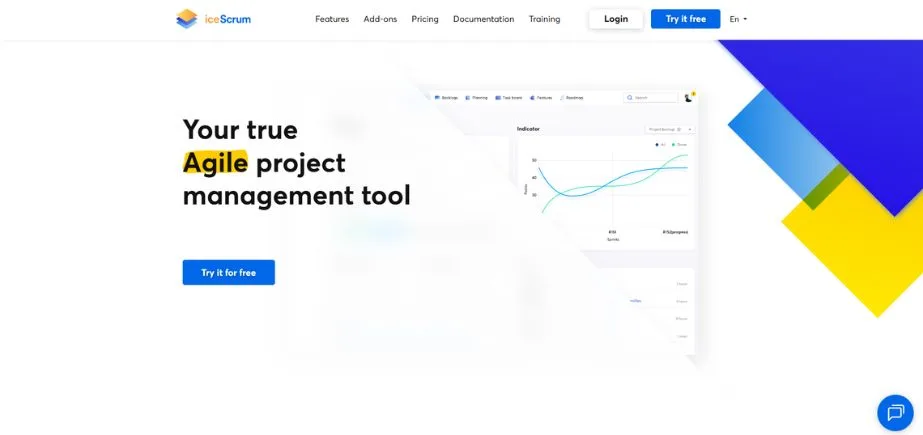
IceScrum is a Scrum and Agile project management tool that is open-source and helps in providing end-to-end Agile workflows, i.e. vision and backlogs via releases and sprints. Some of its features include user roles, team planning, dashboards, and customizable boards. IceScrum is highly adaptable and can be used by development teams who need a large amount of flexibility combined with a strong Agile system. It is quite appealing to technical teams or organisations that want more control of hosting and customisation.
The open source will ensure organisations have the capability to add functionality to IceScrum using a collection of plugins, as well as developing their own, producing more narrow-purpose workflows to meet industry needs. IceScrum is popular among universities and training organisations, especially as they can use it to teach Agile strategies without any limitations on licensing, and also because the tool can be adapted to highlight particular learning goals based on Scrum ceremonies and artefacts.
Key Features:
- Sprint and release planning that is comprehensive.
- Customizable workflow states in the form of visual boards.
- Collaboration and role-based access control.
- Open source with self-hosting.
- Backlog prioritization and story mapping
- Features Project wiki and documentation Features
Pros:
- Open-source, fully functional version which is free.
- Favourable hybrid Agile support.
- Self-hosting gives full control of data.
Cons:
- First setup and configuration may be complicated.
- UI design is not as modern as the commercial ones.
Who Should Use It?
Making use of open-source Scrum solutions or having in-house hosting facilities.
13. VersionOne
Digital.ai Agility (formerly VersionOne) is an end-to-end implementation of enterprise-level Scrum and Agile teams. It addresses the entire stages of the Agile lifecycle, including backlog management, program-level road mapping, sprint planning and performance analytics. Its scalable features can be applied to those organisations implementing SAFe or any other enterprise-wide Agile approach.
Big-scale Agile transformations and projects with complex environments are suited to it. VersionOne is a complex portfolio management system that connects strategic business goals with tactical sprint implementation to make sure that thousands of developers implement the most valuable features.
The analytics and reporting functionality of the platform produces executive dashboards of value delivery in business, predictability metrics, and organisational scores of Agile maturity. In the case of organisations that have regulatory compliance needs, VersionOne has audit trails and approval workflows that meet the governance framework and retain Agile velocity.
Key Features:
- Whole storyboard, sprinting, and backlog administration.
- Enterprise Scaled Agile (SAFe) framework support.
- Forecasting and predictive analytics.
- Complete cooperation with DevOps toolchains.
- program increment, portfolio planning.
- Ability to comply and audit trail.
Pros:
- Large-scale enterprise Agile-environment-purpose-built.
- Support that is excellent with enterprise-level reporting.
- Complete governance and compliance functionality.
Cons:
- Multifaceted configuration that takes a lot of time to set up.
- Enterprise pricing, which would not fit into small companies.
Who Should Use It?
Organisations and Agile enterprises that expand their structures, such as SAFe, to other departments.
14. Kanbanize
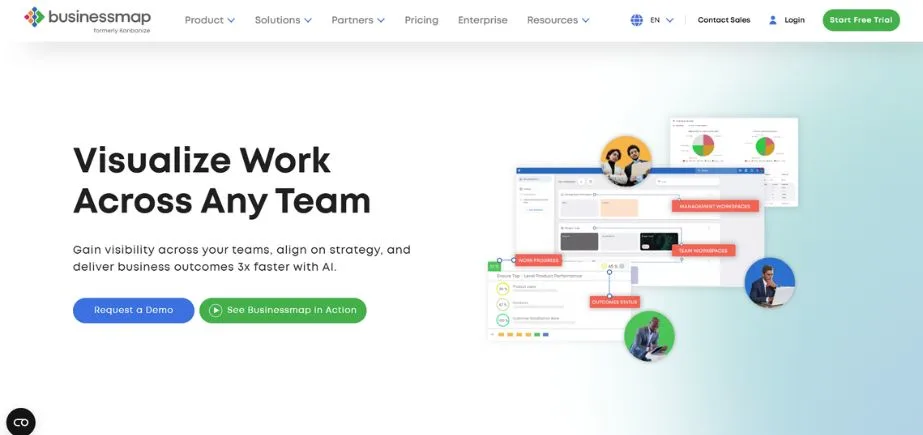
Kanbanize refers to a powerful Agile project management tool that integrates Scrum and Kanban characteristics. It provides visual workflow, WIP controls, automation guidelines, timeline-based planning, and real-time analytics. It can be used in mid to large teams and will allow them to scale Agile practice without losing lean efficiency.
It is a great alternative to Agilefant, as it gives more advanced visualisation and automation to users who like the flexibility of that tool. Specifically, Kanbanize is very efficient at revealing and removing workflow bottlenecks with the WIP limit enforcement and the cycle time analysis.
The flow aspects of the platform can allow the teams to constantly optimise their processes and go beyond the velocity measure to the real flow efficiency of the work in their system. To organisations that have adopted DevOps, Kanbanize offers the visualisation and metrics that are required to establish bottlenecks in the whole value chain of idea to production deployment.
Key Features:
- Kanban boards that are both highly customizable and have swim lanes.
- Sophisticated analytics such as cycle time and flow performance.
- Trello, GitHub, Google Drive and others integration.
- Intense automation of work process repetitions.
- WIP reduction and throughput optimisation.
- Visualisation of timeline and roadmap.
Pros:
- User-friendly interface with good visualisation.
- Can be used in small and large teams.
- Intense emphasis on flow measures and uninterrupted enhancement.
Cons:
- Features of limited resource management and capacity planning.
- A certain reliance on third-party integrations to be fully functional.
Who Should Use It?
Companies in the sphere of IT, engineering, and manufacturing want to use the Agile approach and enhance the visualisation of the working process.
Quick Analysis: Best Scrum Tools Compared in a Nutshell
The table below presents a quick summary of all 19 best Scrum tools discussed herein and their best application areas. This analogy assists teams in finding out quickly the best Scrum tools and Scrum board software that fit their exact needs, team size, and budget limit. To select more Scrum tools to examine further, use this reference to shortlist suitable ones.
| Tool Name | Best Suited For |
| ClickUp | All-in-one customizable solutions |
| Taiga | Open-source dev teams |
| Monday.com | Cross-functional flexibility |
| Trello | Visual lightweight boards |
| Targetprocess | Enterprise SAFe scaling |
| Zoho Sprints | Budget Scrum for startups |
| Jira | Complex dev workflows |
| Asana | Marketing & cross-functional teams |
| Wrike | Marketing & product collaboration |
| Scrumwise | Simple dedicated Scrum |
| IceScrum | Open-source hybrid Agile |
| VersionOne | Enterprise Agile transformation |
| Kanbanize | Kanban-Scrum hybrid workflows |
| nTask | Affordable all-in-one PM |
Understanding Kanban vs Scrum Tools: Choosing the Right Methodology
There are numerous choices that many teams make when comparing Kanban and Scrum tools to use in their Agile implementation. It is important to learn how various Scrum tools are used to facilitate these methodologies. Scrum focuses on sprints of a fixed duration, assigned roles (Scrum Master, Product Owner, Development Team) and iterative ceremonies such as sprint planning, daily standups, review and retrospectives.
Kanban concentrates on continuous flow and work-in-progress visualisation, and it restricts the WIP to maximise throughput. Most modern Scrum tools can be used to support both methodologies — platforms such as Jira, ClickUp, Kanbanize and Taiga have the ability to be used as a hybrid so that a team can mix up approaches depending on project requirements.
This will depend on your preferences; in terms of workflow, predictability of a project, and which style of iterations better fits your team and time, time-boxed iterations or continuously delivering models.
Free Scrum Tools vs Enterprise Solutions: The Right Fit
Companies have to consider the capabilities, requirements and budget constraints in choosing Scrum tools. There are a number of great free Scrum tools, such as Trello, Taiga, ClickUp (in the basic version), IceScrum and Yodiz, which provide the fundamental Scrum features that a small team, start-up or individual contributor might need. These systems offer important features such as having boards, backlogs, and simple reporting without the need to pay a license fee.
On the other hand, commercial scrum tools such as VersionOne, Rally Software, and Targetprocess provide superior governance, portfolio management, SAFe tooling, and advanced analytics worth large-scale Agile transformations. In-between products, such as Jira, Monday.com, and Wrike, fill the middle ground between small team-level products and large enterprise implementations with an upgradeable charge.
Conclusion: Choosing Your Perfect Scrum Tooling
The selection of suitable Scrum tools has a significant influence on the team collaboration, the effectiveness of the sprint plans and the success of the project delivery. The topography of existing Scrum tools is huge and diverse. Enterprise teams that need serious customisations and integrations will not be able to imagine not using Jira, whereas teams that value complexity and visualisation will work best with Trello or Asana.
ClickUp and Monday.com provide excellent personalisation and one workspace features. Simple and cheap platforms such as Scrumwise, Taiga, or Yodiz help companies that are low-budget or starting up. Workflows that are development-oriented excel with Axosoft or Targetprocess.
Finally, the best scrum management software will be based on how many people will work on the project, the complexity of the workflow, and the need to integrate with other systems. Use free trials to test some of the Scrum team tools with your own team members before making any commitments. This practical assessment keeps it in line with your own distinct practices of Agile, group dynamics, and project goals – establishing the groundwork for sustainable productivity gains as well as effective Agile transformation.
Frequently Asked Questions (FAQs)
1. What do you consider to be the most critical features to consider in Scrum tools?
The key functionality consists of the ability to plan the sprints thoroughly and flexibly manage the backlog, the user story tracking and the ability to estimate them, the features of real-time collaboration in a team, powerful reporting and analytics dashboards, and the ability to integrate with the development tools, such as GitHub, Slack, and CI/CD systems.
Also, check the option of customizable workflows, burndown/burnup charts, velocity tracking and mobile accessibility to make sure that your Scrum tools can help your team in supporting their entire Agile workflow, including planning retrospectives.
2. What are the best Scrum tools used by small teams and startups with limited budgets?
There are a number of superior choices that address the resource-constrained teams. Trello, Taiga, and IceScrum have powerful free plans that provide the basic Scrum features. ClickUp offers free accounts with high limits that are good enough to support small teams. Scrumwise, Yodiz, and nTask all offer features of Scrum in their entirety at the very low cost of between $3-7.50 per user per month.
These tools are a perfect balance between simplicity, the necessary Agile features and low costs, and are therefore ideal free scrum tools or more cost-effective options to startups and small development teams just starting their Agile experience.
3. Are new Scrum tools integrated with other development and collaboration tools?
Yes, most of the fine Scrum project management tools provide large integration ecosystems. The most popular platforms can be easily integrated with version control (GitHub, GitLab, Bitbucket), communication (Slack, Microsoft Teams, Zoom), documentation (Confluence, Notion), cloud storage (Google Drive, Dropbox), as well as CI/CD pipelines (Jenkins, CircleCI).
These integrations provide the ability to have a single workflow, automated updates and centralised information flow – no tool-switching friction, and keep development, communication, and project management processes in time with your technology stack.
4. Do we have entirely free Scrum tools that can be used over a long period of time?
There are a number of platforms that provide truly free plans that could be used continuously even after the trial periods. Trello offers a strong free version that offers unlimited boards and Power-Ups of a basic type. ClickUp has a wide range of free services for unlimited users. Taiga and IceScrum are open-source and have the option of self-hosting. Free plans with small teams (up to 3-5 users) are available at Yodiz and nTask.
Although such free Scrum tools might be limited in comparison with any of the paid levels, including storage capacity, advanced features or number of users, they provide enough basic Scrum functionality to individuals, small teams or organisations that wish to experiment with Agile practices, before committing resources.
5. Which Scrum tools should I use in my case?
You should start by evaluating your staff size, technological complexity, budget limitations, and features needed (depth of reporting, automation, integrations). Assess the requirements to either have specific Scrum tracking tools or an agile software that can support various approaches to project management. Think of your scaling strategies – software to scale a scrum enterprise is needed when a team has more than 50-100 members.
Platforms Test 3-5 with real team members (using free trials) with real tasks. Get user experience, learning and workflow fit feedback. Lastly, ensure that the integration is compatible with your current technology stack (version control, communication, and documentation tools) before committing to make sure that the chosen Scrum tools do not slow down productivity.
Continue Exploring: Best Client Management Apps