

Every business requires money management as its essential operation. The manual processing of financial data through spreadsheets and paper receipts results in excessive time consumption and produces expensive errors. The introduction of Cloud-Based Accounting Software resolves this problem. You can manage your entire financial operations through these tools from any device at any time and from anywhere in the world. The system operates without requiring any software installation. Your data remains completely secure because there is no possibility of data loss. You only need to open your internet browser or mobile application to begin your tasks.
The guide presents current cloud accounting software solutions, which we will discuss through their unique features, target user base, and selection process for business needs.
What Is Cloud-Based Accounting Software and Why Does Every Business Need It?
The financial tool known as Cloud-Based Accounting Software operates online instead of functioning as a software program on individual computers. The system operates without any download requirements. You can access your entire financial data in real time through any device.
The tools enable you to complete multiple functions, including:
- Sending invoices and collecting payments
- Monitoring your financial activities
- Establishing bank account connections
- Creating financial statements
- Handling tax obligations
- Collaborating with your accountant through secure document sharing
The tools experience an increase in demand at an accelerated rate. The cloud accounting software market had an approximate value of $4.9 billion during 2024 but it will increase to $5.39 billion by 2025. The figure indicates that businesses everywhere are transitioning to cloud-based financial systems with no intention of returning to previous methods.
How We Chose the Best Cloud-Based Accounting Software
Prior to listing, let’s mention what we considered while researching accounting software:
- Simplicity: How easy can it be understood by those who have no background in accounting?
- Features: Invoicing, expense tracking, reporting, tax management.
- Cost: Does it pay off to use this product for small businesses?
- Integration capabilities: Can I integrate this software with the other tools I’m using?
- Security: Are my accounting files properly stored and encrypted?
Top Cloud-Based Accounting Software You Should Know About in 2025
1. Zoho Books
- Rating: 4.5/5
- Website: zoho.com/books
- Best Use Cases: Best for businesses already using other Zoho products and apps
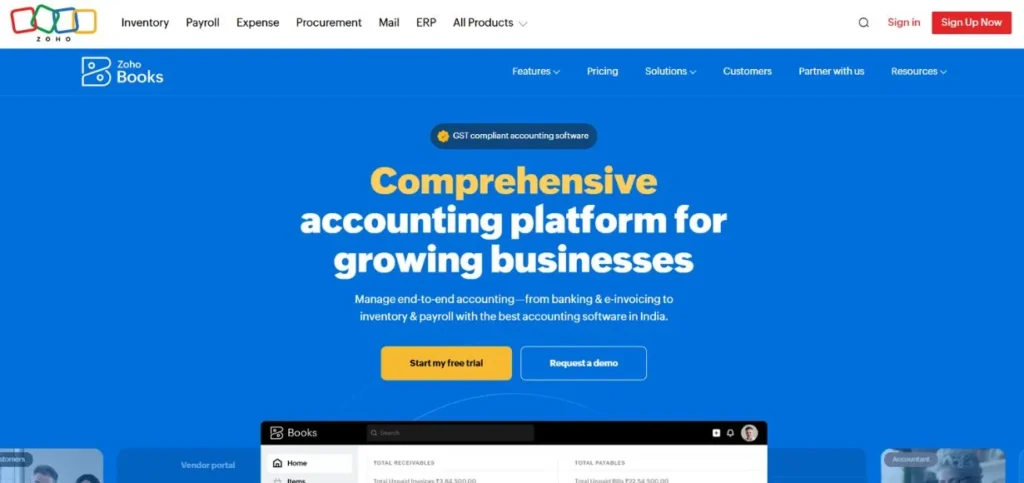
Zoho Books is an excellent cloud-based solution designed specifically for businesses. This product is best if used with other Zoho products such as Zoho CRM, Zoho Projects, and Zoho Inventory. You will not experience any difficulties while dealing with invoicing, taxation, bank statements reconciliation, and expense tracking. Moreover, Zoho Books’ interface is clear, intuitive, and user-friendly. One of the most interesting aspects of the application is its free version, making it the most affordable option among all reviewed tools.
Key Features:
- Automated bank feeds
- Multi-currency support
- GST and VAT compliance tools
- Client portal for easy communication
- Built-in workflow automation
Pros:
- Very affordable plans
- Deep integration with Zoho apps
- Free plan available for small businesses
Cons:
- Fewer third-party app integrations
- Customer support can be slow
- Learning curve for first-time users
Pricing: Free plan available
Also Read: Best Cloud Cost Management Tools
2. QuickBooks Online
- Rating: 4.7/5
- Website: quickbooks.intuit.com
- Best Use Cases: Best for small to mid-sized businesses that need a powerful all-in-one accounting
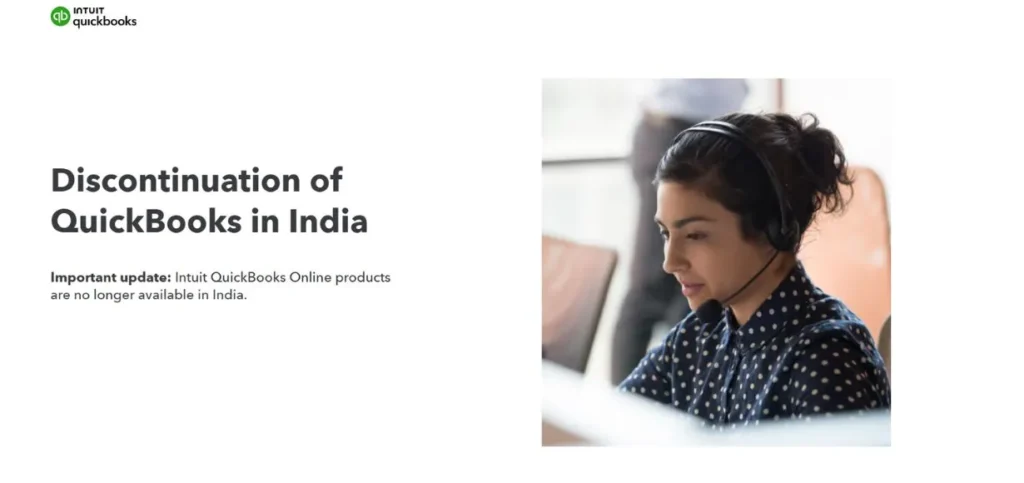
It is not strange that QuickBooks Online is the most popular cloud-based accounting software on the market right now. It offers a variety of features, including invoicing, payroll, expense tracking, tax preparation, and reports. There are about 750 different third-party apps that you can connect to your QuickBooks account. All professional accountants and bookkeepers know how to deal with it. Besides, the platform has regular updates and a convenient mobile application for those who use their smartphone for accounting.
Key Features:
- Connects with 750 plus apps
- Built-in payroll management
- Automatic bank reconciliation
- Over 100 customizable reports
- Receipt capture via mobile
Pros:
- Most accountants already know it
- Huge range of integrations
- Strong mobile app
Cons:
- Price has gone up over the years
- Can feel overwhelming for beginners
- Higher tier features cost more
Pricing: Simple Start at $35 per month
3. FreshBooks
- Rating: 4.5 out of 5
- Website: freshbooks.com
- Best Use Cases: Best for freelancers and service-based small businesses that bill clients
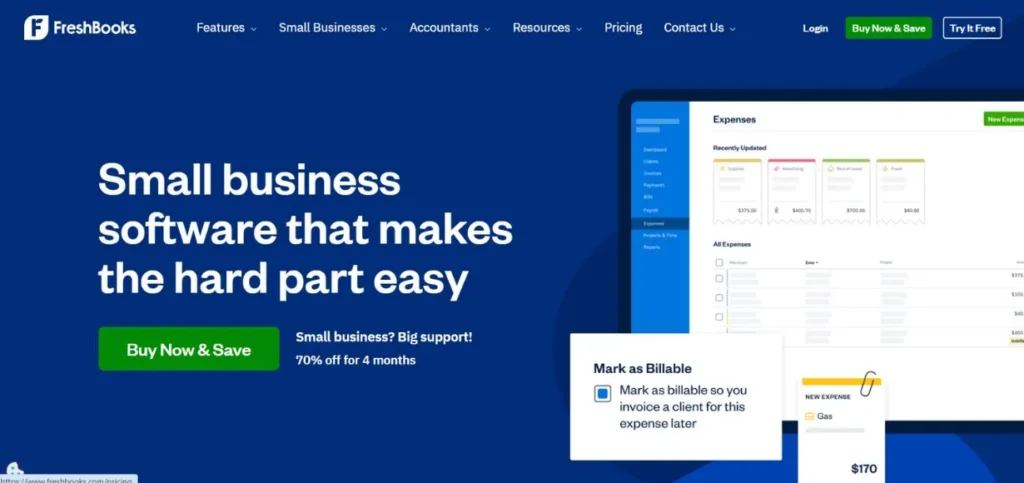
The FreshBooks app started off as an invoicing tool and gradually evolved into a cloud-based accounting software. It’s definitely not a universal product that tries to please everybody – it’s focused on a few core features and does them perfectly well: generating and sending invoices, tracking time spent on projects, tracking expenses associated with projects, and accepting online payments. FreshBooks’ interface is neat and intuitive, meaning that even beginners will find no trouble in using it. The lack of unnecessary features allows using this application without any clutter and distractions.
Key Features:
- Easy professional invoicing
- Built-in time tracking
- Project expense management
- Recurring invoice automation
- Mobile mileage tracking
Pros:
- Very easy to use
- Strong invoicing tools
- Great for service businesses
Cons:
- Limited features for product businesses
- Client cap on lower plans
- Not ideal for complex accounting
Pricing: Lite plan at $21 per month
4. Xero
- Rating: 4.6/5
- Website: xero.com
- Best Use Cases: Best for growing businesses that need unlimited users and simple collaboration
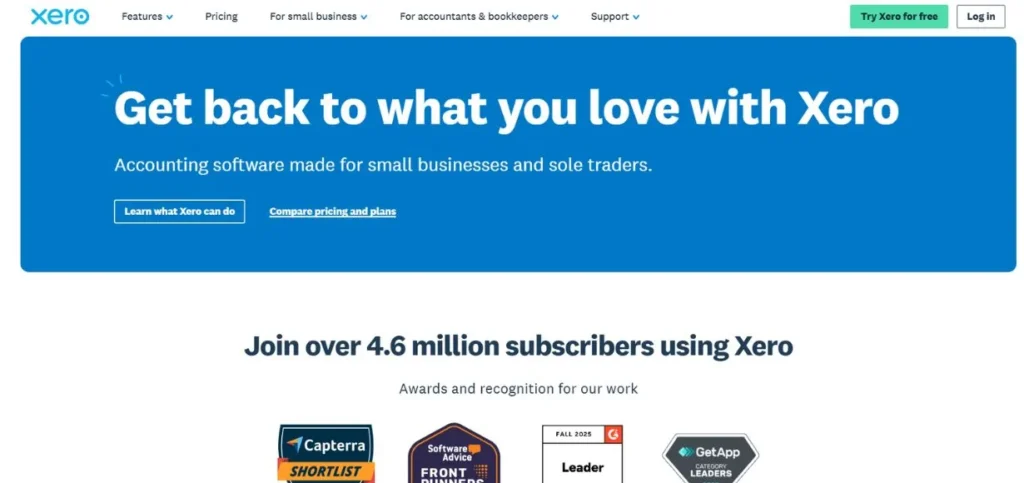
Xero is one of the most serious competitors to QuickBooks as far as cloud-based accounting solutions are concerned. As such, it has already won thousands of business owners and professional accountants with its intuitive interface, numerous integration options, and advanced financial analysis capabilities. One of the main pros of using Xero is the ability to get unlimited access to accounts at no additional cost – both team members and independent accountants will be able to view financial information as soon as it is entered. In addition to that, Xero offers hundreds of applications and a clean interface that won’t make anyone feel annoyed.
Key Features:
- Unlimited users on all plans
- Hundreds of app integrations
- Real-time bank reconciliation
- Multi-currency transactions
- Inventory tracking tools
Pros:
- Unlimited users included
- Clean and modern interface
- Scales well with business growth
Cons:
- Entry plan limits invoices and bills
- Fewer accountants specialize in Xero
- Can get pricey at higher tiers
Pricing: Early plan at $25 per month
5. Wave Accounting
- Rating: 4.3/5
- Website: waveapps.com
- Best Use Cases: Best for very small businesses and freelancers who need free basic accounting
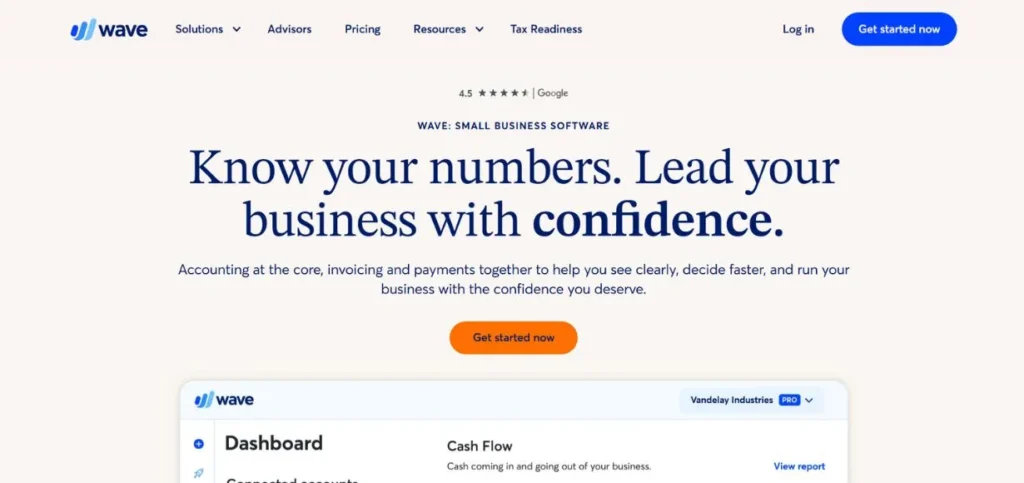
One of the few cloud-based accounting software that provides truly valuable services in their free version, Wave Accounting is an easy-to-use platform for freelancers, startups, and solo entrepreneurs. In other words, it’s suitable for those who only require the basic functions of tracking income and expenses, sending invoices, managing projects and tasks, and analyzing financial performance. Although not the most advanced solution on the market, Wave Accounting allows viewing more than 10 predefined reports without ever paying a single cent for it.
Key Features:
- Free invoicing and bookkeeping
- Unlimited invoice sending
- Income and expense tracking
- Prebuilt financial reports
- Optional payment processing
Pros:
- Completely free core features
- Simple and clean interface
- Good for beginners
Cons:
- Limited features in free plan
- Customer support is limited
- Not suited for growing businesses
Pricing: Free plan available with core accounting features
6. Sage Business Cloud Accounting
- Rating: 4.3/5
- Website: sage.com
- Best Use Cases: Best for small businesses that want reliable core accounting without complexity
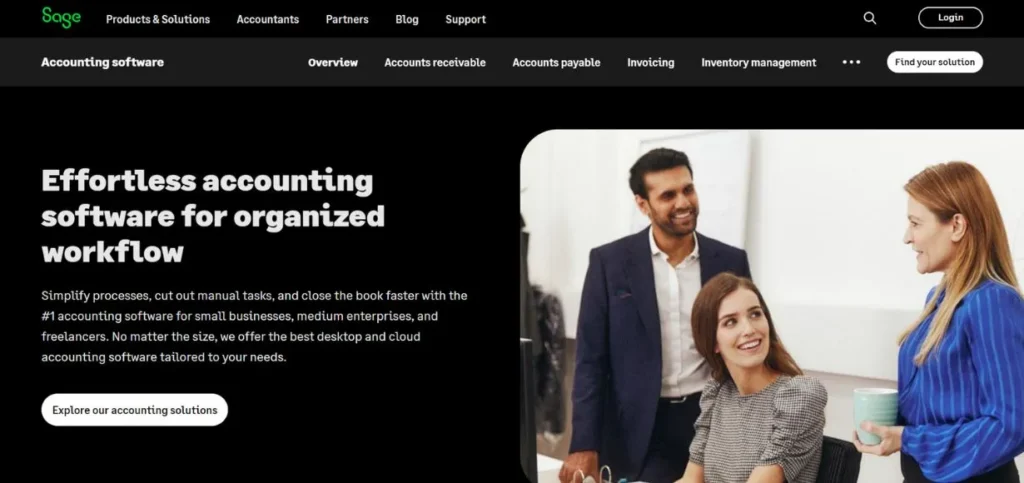
Sage has developed accounting software for more than thirty years and its current cloud solution uses its complete organizational history to deliver a contemporary web-based system. The software functions as an essential accounting tool which provides all fundamental features through its straightforward interface. The system provides users with invoicing, expense tracking, bank reconciliation, and financial reporting functions through its simple and easy-to-use design. The solution lacks eye-catching features yet it remains a dependable and trustworthy choice. Business owners who need an efficient tool that functions correctly without additional interruptions should select Sage Business Cloud Accounting as their reliable solution.
Key Features:
- Core invoicing and billing
- Bank feed connection
- Cash flow forecasting
- Tax compliance tools
- Multi-currency support
Pros:
- Reliable and well-established
- Simple and clean interface
- Good for non-accountants
Cons:
- Fewer integrations than competitors
- Mobile app needs improvement
- Not ideal for complex businesses
Pricing: Start plan at $10 per month
Suggested Read:
7. NetSuite
- Rating: 4.4/5
- Website: netsuite.com
- Best Use Cases: Best for large and fast-growing businesses needing full ERP and accounting
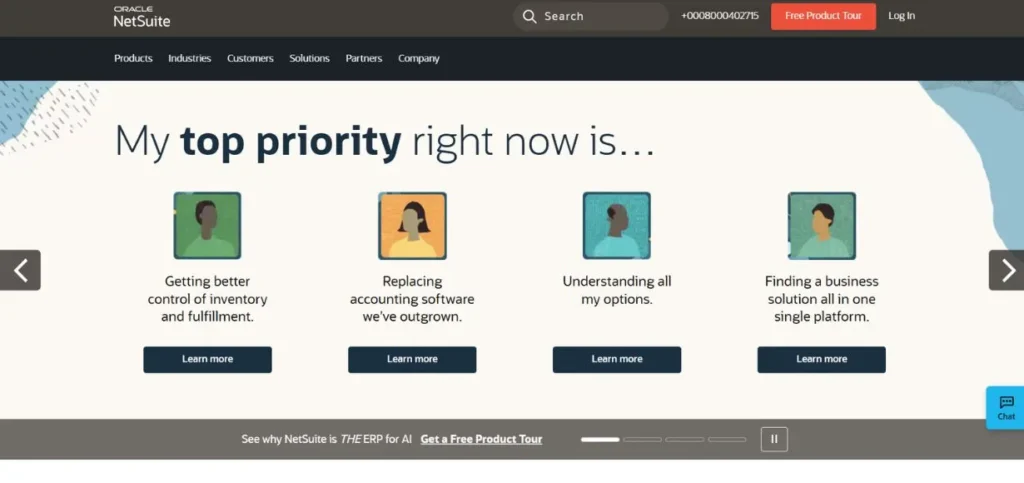
NetSuite functions as more than an accounting application. The system operates as a comprehensive business management solution which integrates accounting functions with inventory management and customer relationship management and human resources and ecommerce operations. The software serves as a solution for larger organizations which require more advanced tools after they have outgrown basic software like QuickBooks and Xero. NetSuite provides advanced Cloud-Based Accounting Software which enables users to manage multiple entities while generating real-time financial reports and leveraging its automated capabilities. NetSuite enables businesses with rapid expansion through multiple departments and locations to maintain complete operational control from a single management platform.
Key Features:
- Full ERP with accounting included
- Multi-entity financial management
- Real-time dashboards and reports
- Automated billing and revenue recognition
- Strong compliance and audit tools
Pros:
- Extremely powerful and scalable
- All business functions in one place
- Great for multi-location businesses
Cons:
- Very expensive for small businesses
- Steep learning curve
- Requires professional setup and training
Pricing: Starts around $999 per month
8. FreeAgent
- Rating: 4.4/5
- Website: freeagent.com
- Best Use Cases: Best for freelancers and small agencies wanting simple tax-ready accounting
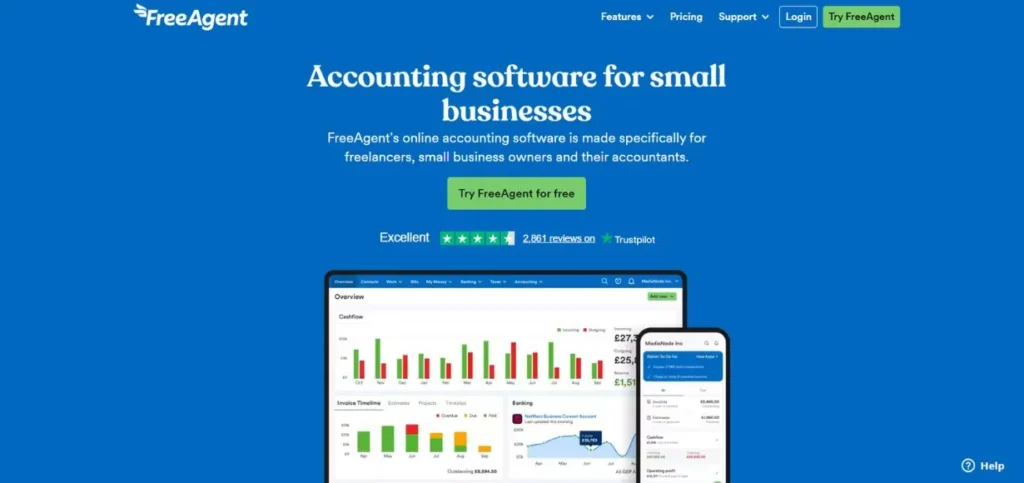
FreeAgent provides users with a simple yet effective Cloud-Based Accounting Software solution which serves both UK customers and international freelance professionals and small business operators. The software was designed to be user-friendly for self-employed individuals and small agencies so that every part of the interface remains easy to use. The system manages invoicing and expense tracking and time tracking and tax filing through its organized and structured system. The software provides tax timeline management through its main feature which displays all outstanding payments and their respective due dates to users, ensuring they receive no unexpected financial obligations during year-end tax reporting.
Key Features:
- Tax timeline and self-assessment tools
- Project and time tracking
- Automatic bank transaction imports
- Invoice and estimate creation
- Real-time profit and loss view
Pros:
- Very beginner friendly
- Excellent tax management tools
- Clean and simple dashboard
Cons:
- Mostly suited for small operations
- Limited advanced reporting
- Fewer integrations than bigger tools
Pricing: Plans start at $12 per month
9. Kashoo
- Rating: 4.2/5
- Website: kashoo.com
- Best Use Cases: Best for very small businesses wanting the simplest possible accounting setup
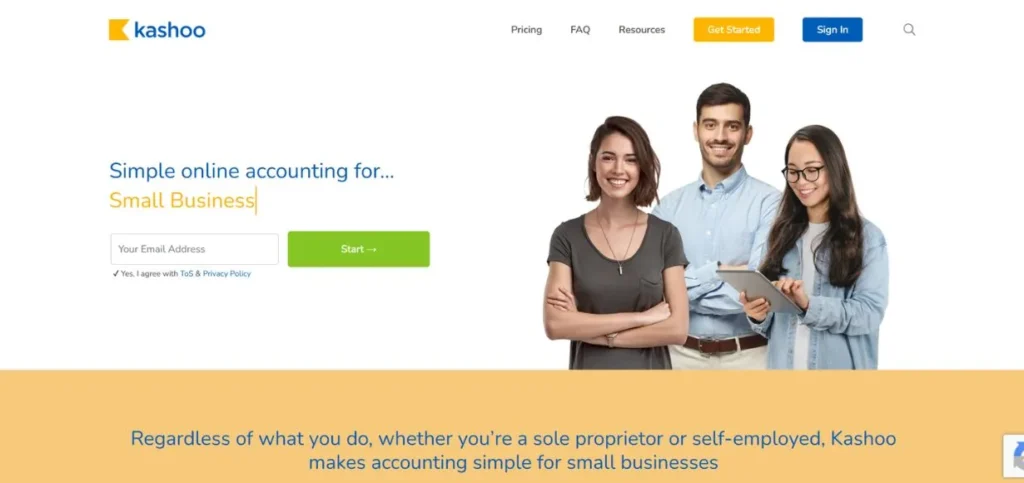
Kashoo is one of the simplest Cloud-Based Accounting Software tools available today. The software provides essential tools for small business owners to monitor income, control expenses, create invoices, and establish bank connections without creating unnecessary complications. The platform operates without requiring double-entry accounting which makes it suitable for users who lack any accounting expertise. Kashoo functions as a reliable and straightforward solution for users who need basic requirements and prefer fast installation combined with daily operational simplicity.
Key Features:
- Simple income and expense tracking
- Bank and credit card feed connection
- Basic invoicing tools
- Automatic transaction categorization
- Clean single-screen dashboard
Pros:
- Extremely simple to use
- No accounting knowledge needed
- Quick and easy to set up
Cons:
- Very limited advanced features
- Not suitable for growing businesses
- Lacks payroll and inventory tools
Pricing: $20 per month
10. Odoo Accounting
- Rating: 4.3/5
- Website: odoo.com
- Best Use Cases: Best for businesses wanting open-source flexibility with full accounting features
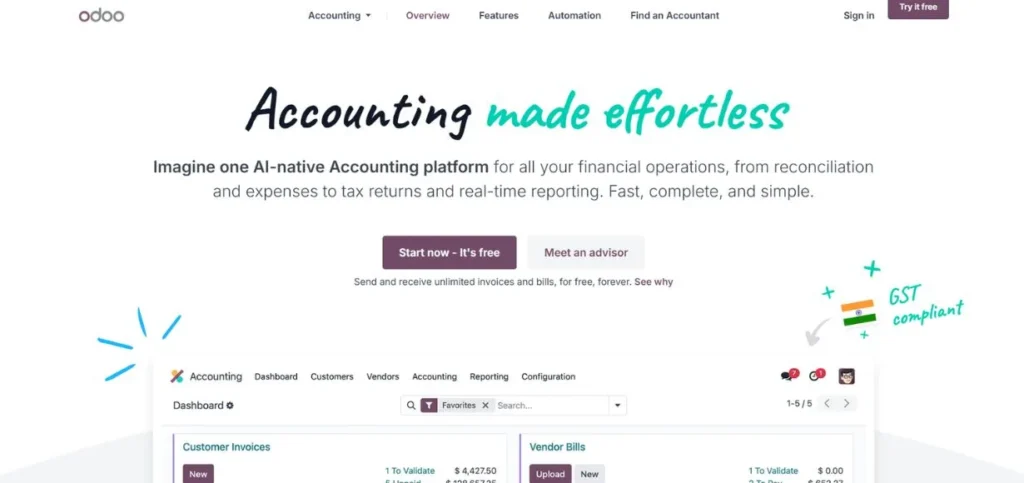
Odoo stands out as a distinct choice among Cloud-Based Accounting Software solutions because its system operates through an open-source framework. The system enables companies to create custom solutions which surpass the customization capabilities of most existing software. Odoo Accounting functions as a single component within a comprehensive system that contains CRM, inventory, sales, HR, and project management functions. Odoo should receive major attention from your organization as it provides a system which will adapt to your requirements through various business development stages.
Key Features:
- Open-source and highly customizable
- Full suite of connected business apps
- Automated bank synchronization
- Multi-currency and multi-company support
- AI-powered invoice scanning
Pros:
- Very flexible and customizable
- Free community version available
- Strong all-in-one business platform
Cons:
- Can be complex to set up
- Requires technical knowledge for customization
- Paid plans can add up with multiple modules
Pricing: Starts at around $9.90 per user per month
What Makes Cloud-Based Accounting Software Better Than Traditional Desktop Software?
Many business owners continue to utilize outdated desktop accounting software. The software functions properly although it has specific restrictions which prevent your business from reaching its full potential. The traditional desktop software requires users to perform three essential tasks which include:
- Installing updates
- Creating backups
- Accessing the system from one designated computer
A computer malfunction which results in theft or breakdown will cause complete data loss.
Cloud-Based Accounting Software eliminates all of those headaches:
- Your data is stored safely on remote servers
- The system performs automatic updates
- You can log in from your laptop, tablet, or phone
- Your accountant can access the same data at the same time as you, from a completely different location
- The majority of platforms now protect your financial information with strong encryption and two-factor authentication which prevents unauthorized access by hackers
Key Features to Look for When Choosing Cloud-Based Accounting Software
The construction of tools requires different methods for building their components. The essential features which need to be considered during your shopping process are present in this list of items:
- Invoicing and Billing — Can you create, send, and track professional invoices easily? Can you create ongoing billing arrangements for your regular customers?
- Bank Reconciliation — The application creates automatic transaction matching between your bank connection and your existing records.
- Expense Tracking — Users can upload receipts for expense categorization while they monitor their spending activities in real time.
- Financial Reporting — The system generates essential financial documents which include profit and loss statements and balance sheets and cash flow summaries.
- Tax Management — The system assists users in meeting local tax regulations while it simplifies the process of handling their tax obligations.
- Integrations — The system enables connections with your organization existing systems which include Shopify and Stripe and PayPal and your payroll software.
- Multi-Currency Support — The system enables your international client work by processing multiple currencies and their respective exchange rate calculations.
How Much Does Cloud-Based Accounting Software Usually Cost?
Tool prices show wide variation because different tools require different feature sets. The following information provides an approximate view of expected results.
- Free tools like Wave cover the basics at no cost but have limited features and support.
- Basic plans of Xero and Zoho Books and FreshBooks start their pricing at $10 to $25 per month and provide invoicing and expense management and fundamental reporting capabilities.
- Mid-range plans start at $35 and end at $65 per month while they provide payroll integration and additional users and advanced reporting features.
- Premium and enterprise plans range from $90 to $235 or higher per month because these plans serve larger companies that require advanced solutions.
Most platforms offer a free trial so you can test the software before paying for it. Always take advantage of that.
Who Should Use Cloud-Based Accounting Software?
The switch to cloud-based tools will deliver benefits to almost all companies. The following group of people who will receive the biggest advantages from cloud tools through their work will be explained.
- Freelancers and solo workers will love tools like FreshBooks or Wave because they are simple affordable and focused on invoicing and time tracking.
- Small business owners running a shop or service company will find QuickBooks Online or Xero to be the most complete and reliable options.
Final Thoughts
Choosing Cloud-Based Accounting Software which fits your needs will bring about positive changes to your business operations. For new freelancers, Wave and FreshBooks serve as excellent starting points. The complete toolset of QuickBooks Online and Xero will benefit your expanding small business needs.
Zoho Books stands as the most suitable option for you when you already use Zoho products. Starting your project remains the most vital task. The process requires you to select one option which you will test through the free trial to evaluate how Cloud-Based Accounting Software improves your financial management.
FAQs About Cloud-Based Accounting Software
Is Cloud-Based Accounting Software safe to use?
The system provides secure operation to all users who require access to its services. Most platforms which have established their trustworthiness utilize advanced security measures which include:
- Data encryption
- Two-factor authentication
- Ongoing security audits to safeguard your financial data
Your data remains more secure when stored on cloud servers because local computers are vulnerable to theft and damage.
Can I switch from my current accounting software to a cloud-based one?
The majority of cloud accounting software provides an import function which enables users to transfer their current data from spreadsheets and other accounting software into the system. The process works imperfectly because most platforms provide their users with detailed migration guides and professional support teams.
Do I need any accounting knowledge to use these tools?
Not necessarily. Tools like FreshBooks and Wave are designed for people with zero accounting background. They use:
- Simple language
- Clean layouts
- Guided workflows that make it easy for anyone to manage their finances
That said, having a basic understanding of invoicing, expenses, and reports will always help.
Can I use Cloud-Based Accounting Software on my phone?
Yes. Almost all of the tools on this list have dedicated mobile apps for both Android and iOS. You can:
- Send invoices
- Capture receipts
- Check your cash flow
- Reconcile your bank transactions straight from your phone
What is the best free Cloud-Based Accounting Software?
Wave Accounting is the top choice if you need a free option. It offers:
- Core bookkeeping
- Unlimited invoicing
- Basic financial reports at no cost
Zoho Books also has a free plan for businesses under a certain revenue limit. If your needs are simple, either of these can get the job done without spending anything.