

In the modern world of a high-paced digital environment, efficient product management software has become a necessity for teams who intend to produce innovative products with efficiency. You are a product manager, coordinating product development initiatives via a complicated roadmap, you are a developer, monitoring sprint advancement, or you are a startup owner, and you are assembling cross-functional teams; the correct product management software can transform the way your organisation plans, prioritises, and implements product development initiatives.
The development of product management software has brought effective features such as smart feature ranking, real-time collaboration, automated processes, and smooth integration with development tools. The new product lifecycle management tools have expanded further than simple tracking of tasks by offering full-scale ecosystems that help in all phases of product development, from initial ideation to launch and beyond.
This is an extensive product management tool list reviewing the 15 superior product management tools in the market, reviewing their features, pricing, the most appropriate application, and their strengths. We have developed our analysis based on such essential aspects as usability, scalability, collaboration, cost-effectiveness, security, and customer support quality that are set to assist you in defining the most efficient solution to your team’s needs.
Selection of the Best Product Management Software
Selecting the best product management software is a complex process that involves putting into consideration various aspects in order to make sure that the solution meets the workflows, technical needs, and business goals of your team.
- Detailed Capabilities: Ideal product management software must contain such capabilities as a visual roadmap, a flexible prioritisation system, a feedback management system, and smart marketing automation. The product roadmap software capabilities allow a team to communicate effectively on strategy, and prioritisation software on features allows a team to concentrate on the high-impact initiatives.
- Intuitive Usability: The best product management software has an intuitive interface that reduces the training needs and speeds up the adoption by the teams. Learning curve needs to be friendly, whereby the team members can soon be productive without a lot of documentation or training.
- Collaboration Skills: The ability to have good collaborative product management systems that provide smooth communication among the distributed teams. The actual collaboration functionality, commenting, notification, and shared working areas will keep everyone in place during the lifecycle of product development.
- Scalability: The product management software of organisations needs to scale with the expansion. Enterprise product management solutions must be able to scale to larger work groups, complex portfolios of projects, and the growing product lines without slowing performance or workflow.
- Cost-Effectiveness: Pricing schemes must also offer real value, with each step granting the right features, but not compelling one to upgrade. SaaS product management software is generally priced on a subscription basis, which increases with team size and feature needs.
- Security and compliance. It should have good security measures such as encryption of data, access controls, audit trails, and regulatory compliance certifications, especially in the case of an enterprise product management solution that has sensitive product information and customer data.
- Support & Updates: Customer support that is responsive, extensive documentation, frequent updates in the features and vibrant user communities boost the value of the entire product planning and tracking software.
Comprehensive Comparison Table Between Best Product Management Software
| Software | Key Strengths | Starting Price | Best For | Integration Focus |
| Productboard | Customer feedback, prioritization | $19/user/month | User-centric teams | Jira, Slack, Trello |
| ClickUp | All-in-one flexibility | Free / $10/user/month | Customization seekers | 1000+ apps |
| Aha! | Strategic planning | $59/user/month | Enterprise teams | Jira, Azure DevOps |
| Notion | Documentation, versatility | Free / $10/user/month | Small teams, startups | Slack, GitHub |
| Airfocus | Prioritization frameworks | $59/user/month | Growing startups | Jira, Trello, Asana |
| Monday.com | Visual workflows | $9/user/month | Cross-functional teams | 40+ tools |
| Wrike | Enterprise collaboration | Free / $10/user/month | Large organizations | 400+ apps |
| Jira Product Discovery | Jira ecosystem integration | Free / $10/user/month | Jira users | Native Jira |
| Asana | Task management | Free / $10.99/user/month | Mid-sized businesses | 200+ apps |
| Roadmunk | Visual roadmaps | $19/user/month | Stakeholder communication | Jira, Azure DevOps |
| Trello | Simplicity, Kanban boards | Free / $5/user/month | Small teams | Slack, Google Drive |
| ProdPad | Idea management | $30/user/month | Early-stage planning | Jira, Trello, Slack |
| Craft.io | User story mapping | $19/user/month | Feature prioritization | Jira, Slack, Teams |
| Confluence | Documentation | Free / $5.16/user/month | Knowledge management | Atlassian ecosystem |
| Pivotal Tracker | Agile focus | Free / Custom | Software dev teams | GitHub, Slack |
Explore More: Best Application Deployment Tools
Top 15 Product Management Software Solutions
1. Productboard
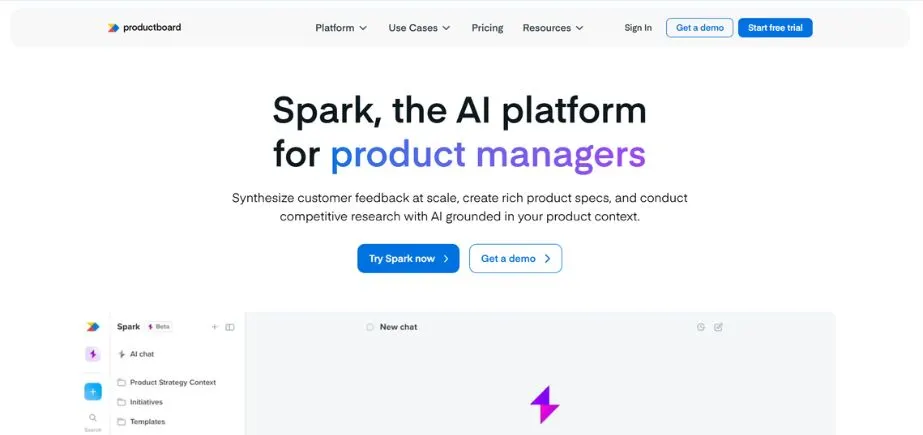
Productboard is a user-oriented product management solution that is most successful in gathering customer feedback, prioritising features according to customer insights, and developing transparent roadmaps. The product strategy software is compatible with other programs, such as Jira, Slack, and Trello, to ensure workflow continuity among the teams. The product managers will be able to collect ideas that may be generated by various sources, assess them in terms of user impact metrics and coordinate the development processes with the strategic goals.
The adaptable roadmaps, personalised prioritisation templates, and AI-assisted insights provide the teams with opportunities to make evidence-based decisions. The customer segmentation and feedback analysis features of Productboard will be of utmost benefit to companies that focus on the requirements of the users in their product development cycle. The given feature prioritisation software enables the teams to realise which features will bring the maximum value to customers.
Key Features:
- Single point collection and analysis of customer feedback.
- Evidence-based feature prioritisation using customer knowledge.
- Creation of a visual roadmap and alignment of stakeholders.
- Smart connection with Jira, Slack, Trello, and others.
- Impact scoring and customer segmentation.
- User request capturing and organising portal.
Pros:
- Decision-making framework based on customer feedback.
- Viable visualisation of product roadmaps.
- User-friendly interface and easy learning.
- Ideal for aligning the product strategy and the needs of the customers.
Cons:
- Increased costs can prove to be restrictive to small teams.
- There is a learning curve to the maximum advanced features.
- Certain users say there are performance problems with huge data sets occasionally.
Pricing:
Begins with a price of $19/user/month and has different levels.
Best Use:
Case Product teams with an emphasis on customer feedback and user-friendly development.
Website:
www.productboard.com
2. ClickUp
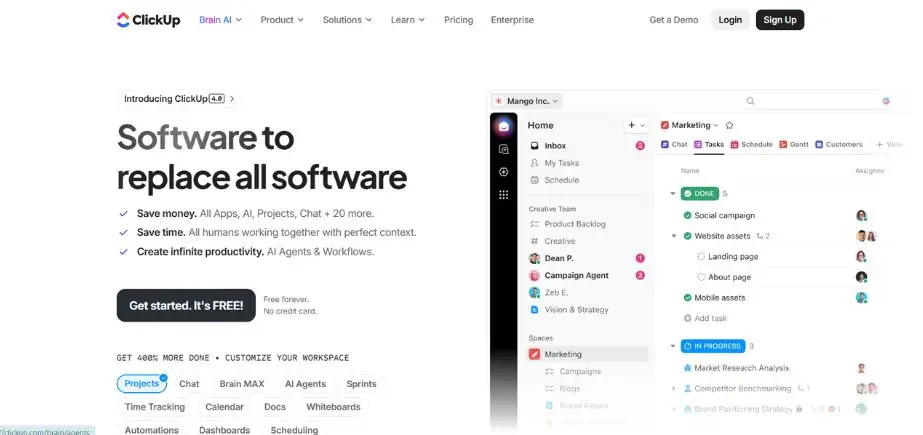
ClickUp is an all-inclusive agile product management platform that integrates project management with task tracking, goal setting, and collaboration among teams within one platform. The software is highly customizable and enables teams to create their own workflow, automate repetitive operations, and combine with other applications, such as Slack, Google Drive, and Jira. ClickUp allows teams to create product roadmaps, rank product features, and track the development process in real-time.
The flexibility of the platform enables it to fit with the product managers dealing with backlog grooming, sprint planning, and tracking of features. ClickUp supports both waterfall and agile because it has built-in documents, mind maps, and extensive dashboards. This tool of product development management is available as a free version and paid options of different prices, which makes it unmatched in value, as it does not require large investments.
Key Features:
- Extensive task and roadmap management.
- Extremely customizable fields, views and workflow.
- OKR tracking strategy support.
- Connection with 1000+ applications.
- Knowledge bases, WIKIs and inbuilt documents.
- Time management and resource management.
Pros:
- Very versatile and adaptable to any working process.
- Free plan with high functionality.
- Adding tool fragmentation reduction to an all-in-one solution.
- Frequent updates of features and enhancements.
Cons:
- A lot of features can make the interface look cluttered.
- High level of learning curve.
- Very large workspaces can result in poor performance.
Pricing:
There is a free plan; paid plans begin at $10/user/month.
Best Use:
Teams that require a one-stop, highly customised product management environment.
Website:
www.clickup.com
3. Aha!
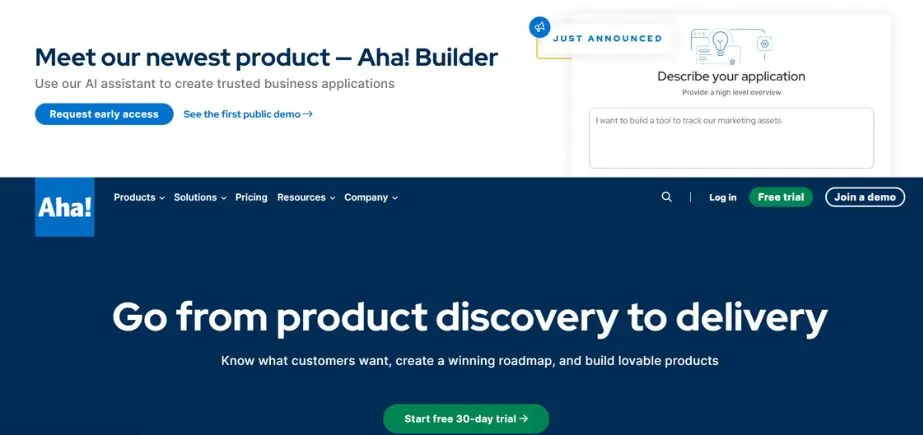
Aha! is a full-fledged enterprise product management system that is meant to be used in planning an end-to-end roadmap, managing ideas, and tracking goals. The product strategy software is characterised by a powerful prioritisation system, strategic planning and integrations with development platforms such as Jira and Azure DevOps. Product teams are able to plot timelines, create milestones and tie tactical implementation to overall company strategy.
The platform has many templates that can be used to create a roadmap and customise it to a large extent in line with the needs of the organisation. The Customer feedback portal of Aha enables a customer-driven development, which improves product-market fit. Being a product lifecycle management tool, it offers clarity over all the stages of product development, starting with the original concept to market launch, etc.
Key Features:
- Strategic product plan planning based on goals.
- Large customisation and visualisation of the roadmap.
- The overall idea is management and prioritisation.
- Close integration with Jira, Azure DevOps, and other development tools.
- Voting system and customer feedback portal.
- Alignment and strategy visualisation.
Pros:
- Any methodology roadmaps can be highly customised.
- Good strategic planning and alignment skills.
- Complete enterprise functionality.
- The best customer service and training materials.
Cons:
- The high pricing places it at a high position.
- The richness of features may be dismaying at first.
- Perhaps excessive engineering on smaller teams.
Pricing:
Begins at 59/user/month with different tiers of the product.
Best Use:
Product enterprise teams that need much customisation and strategic alignment.
Website:
www.aha.io
4. Notion
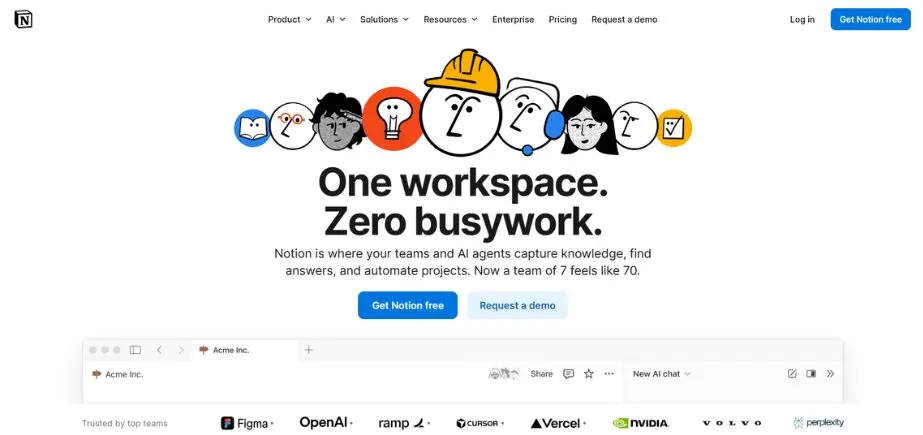
Notion offers an all-in-one workspace, which is a feasible note-taking, documentation, and product management software. It is a highly flexible product management system that is collaborative, including databases, customizable roadmaps, and kanban boards. The customers are able to build feature trackers, customer feedback management and roadmap plans in the same environment, which is shared and unified.
The ability of Notion to integrate with Jira, Google Drive, and Slack allows for coordinating workflow across tools. It does not have any advanced prioritisation options as seen in dedicated tools, but its customizable templates and large documentation capability suit early product teams, individual product managers, and startups with a requirement to have a light but flexible solution.
Key Features:
- Developed databases and templates.
- Collaborative documents in real-time.
- Combined roadmap and task management.
- The knowledge base and wiki abilities.
- Slack, GitHub, and many other tools are integrated.
- iOS and Android mobile applications.
Pros:
- Very flexible and configurable to any working process.
- Very generous free account for individuals and small teams.
- Superior in documentation-intensive product work.
- Clean, intuitive interface
Cons:
- Lacks developed superior analytics and reporting.
- Loses its structure in intricate ventures.
- Advanced database features: Learning curve.
Pricing:
It is free to use, but it has paid subscriptions that can be bought starting at 10 dollars per user per month.
Best Use:
Product managers looking for universal documentation and lightweight PM software.
Website:
www.notion.so
5. Airfocus
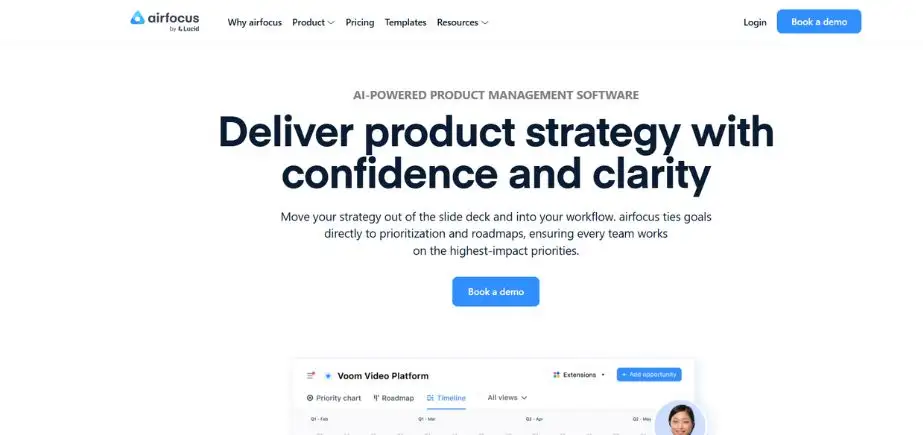
Airfocus is a flexible feature prioritisation software that allows teams to work together, plan initiatives and produce roadmaps that are compelling. This product road mapping software provides flexible prioritisation models such as RICE, MoSCoW and tailor-made scoring schemes, enabling a team to concentrate on high-impact features. Airfocus can be connected to such tools as Jira, Trello, and Asana.
The AI-based insights and feedback management system of the platform allows product teams to make wise decisions based on the needs of customers. It helps to ensure maximum workflow efficiency by having drag-and-drop roadmap builders and customizable workspaces. The platform is an agile product management tool that can be especially effective in emerging startups and mid to large-sized organisations, simplifying the process of making complicated decisions and promoting the use of data to prioritise.
Key Features:
- Various prioritisation systems can be tailored.
- Drag-and-drop roadmap builder.
- Artificial intelligence-based decision support.
- Extensive connectivity to Jira, Asana, Slack, and Trello.
- Bidder-specific priority scoring models.
- Multi-product portfolio management.
Pros:
- High emphasis on prioritisation that is structured.
- User-friendly interface; high level of flexibility.
- Proper ratio between features and simplicity.
- Reactive customer care.
Cons:
- Poor reporting abilities relative to competitors.
- Premium features are available as superior tiers.
- Not cost-effective in smaller teams.
Pricing:
Starts at $59/user/month
Best For:
Products needing prioritisation and strategy decisions to be made in an orderly way.
Website:
www.airfocus.com
6. Monday.com
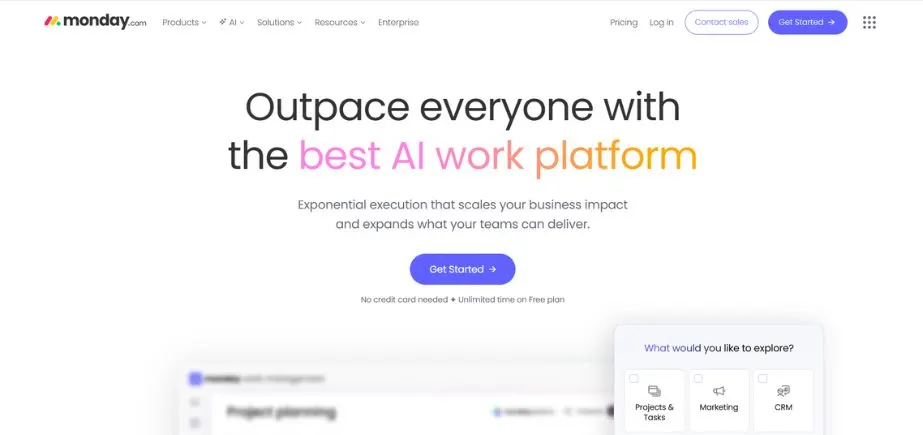
Monday.com is an agile work operating system that allows teams to handle product road maps, monitor development status and assist in real-time collaboration. This product planning and tracking software provides integrations with Jira and Trello as well as Slack, is automated, and has customizable templates. Intuitive drag-and-drop dashboards enable product managers to visualise the timelines of their projects, prioritise the features, and organise the workflows.
The visual system of the platform allows tracking of progress, working on sprints, and collecting feedback with stakeholders easily. Monday.com is an agile, startup, and business-friendly product development management tool with good reporting features and customizable views that can fit any methodology and team setup.
Key Features:
- Bespoke product management workflows.
- Several view modes such as Timeline, Kanban and Gantt.
- Task assignment and update automation of workflow.
- Ability to collaborate as a team and share files.
- Individualised dashboards and reports.
- Connection to 40 or more popular tools.
Pros:
- Very personalised and attractive.
- User-friendly product team templates.
- Well-developed automation.
- Fun to work in cross-functional teams.
Cons:
- The advanced features will need higher-tier paid plans.
- Poor reporting in lower-level plans.
- It may end up being costly with team expansion.
Pricing:
Starts at $9/user/month
Best Use:
Teams that require an easy-to-use product management system that is easy to customise.
Website:
www.monday.com
7. Wrike
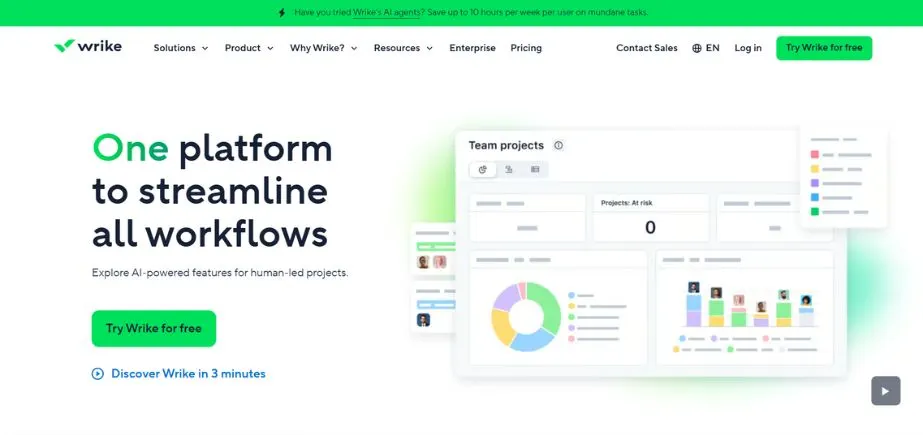
Wrike is a work management tool that enables the entire product lifecycle to be monitored when it comes to its conception and delivery. It is a product lifecycle management tool with tailored workflow, smart automation, and strong collaboration capabilities and has simplified product development. The dynamic request forms allow the teams to gather feature requests in a structured fashion when using Wrike, and Gantt charts and Kanban boards give a better understanding of the project schedules.
Incorporation with Jira, Asana, and Slack is a way of improving cross-team coordination. Wrike is an excellent enterprise product management tool and can be used to manage complex product road maps with a large number of initiatives that demand a lot of tracking and resource planning due to advanced analytics and reporting features.
Key Features:
- Bespoke processes and superior automation.
- Gantt charts, Kanban boards and various view options.
- Dashboards of real-time reporting and analytics.
- Connection to 400+ applications.
- Workload balancing and resource management.
- Individual request forms and workflow.
Pros:
- Very flexible to various work processes.
- Good reporting and analytics capabilities.
- Tough in cross-functional team coordination.
- Powerful security and compliance services.
Cons:
- The interface is complex for beginners.
- The advanced features are needed for higher-level plans.
- More complex than simple to learn.
Pricing:
It is free to use, but it has paid subscriptions that can be bought starting at 10 dollars per user per month.
Best Use:
Product teams that need to work heavily and automate workflow.
Website:
www.wrike.com
Read More: Top Data Asset Management Tools
8. Jira Product Discovery
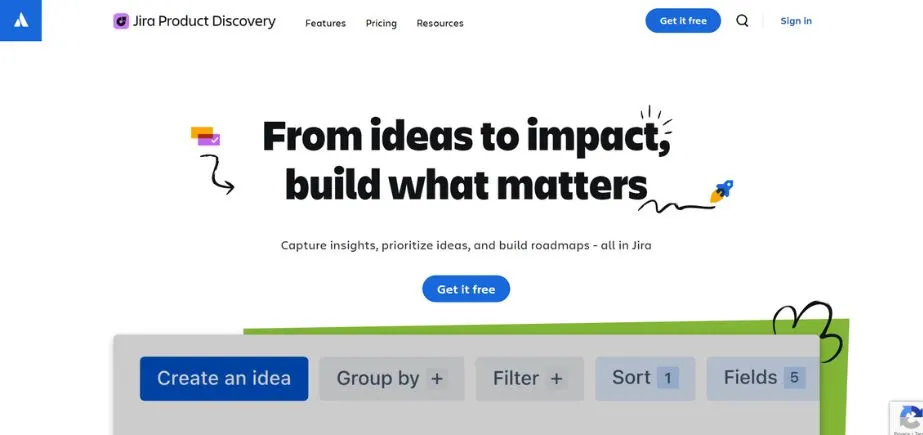
Jira Product Discovery is a complete idea and road mapping tool that is tailored to product managers. The tool is a product backlog management tool that helps teams to build insights, set priorities and work effectively during the product discovery phase. It offers uninterrupted ideation to delivery workflow with built-in Jira support.
Individualised prioritisation templates, stakeholder teamwork functionalities, and overall idea tracking are the strengths of the platform. Product teams are able to direct the product strategies to the engineering tasks so that decisions become better. Jira Product Discovery is as transparent as possible because it includes real-time feedback channels and visual roadmaps. It is an agile product management tool that sits on top of Jira, which is already in use, and allows product discovery and backlog management to be simplified to ensure that development is aligned with business objectives.
Key Features:
- Systemic idea management and prioritisation.
- Automatic integration with Jira Software to achieve a smooth handoff of the development.
- Multi-view and customizable road maps.
- Cross-functional team collaboration tools.
- Impact scoring and impact prioritisation matrices.
- Collection and analysis of feedback.
Pros:
- Effortlessly connects with the Jira ecosystem.
- Helps design ideas based on customer responses.
- Intuitive interface for other users of Jira.
- Best deal on teams currently using Atlassian products.
Cons:
- It may be user-unfriendly when dealing with new users of Jira.
- Poor value in isolation of Jira Software.
- There are certain features that are shared with other Atlassian products.
Pricing:
Free with small teams; paid plans begin with $10/user/month.
Best Use:
Software development product managers who already use Jira.
Website:
www.atlassian.com/software/jira/product-discovery
9. Asana
Asana offers work management capabilities with high power that make the procedures of planning easy and link teams in different modes of execution. Using this product planning and tracking software, the product roadmap and backlog can be done using the facilities of establishing task dependencies, schedule management and goal monitoring. Synchronisation of workflow processes is done with Jira, Slack, and Google Drive.
Product managers are able to develop workflows that are specific, set priorities and monitor progress on distributed teams. The platform is best suited for mid-sized organisations and cross-functional teams that remain focused on goals as they implement strategies for their products. Being a collaborative product management system, Asana strikes the right middle ground between simplicity and safety and robust features across team sizes, and complexity of the project.
Key Features:
- Dependence on tasks and the automation of workflows.
- Several different project views (List, Kanban, Calendar, Timeline) can be customised.
- Ability to manage work and resources.
- Connectivity with more than 200 applications.
- Goal monitoring and portfolio management.
- Project templates and custom fields.
Pros:
- Easy-to-use, intuitive UI.
- Good task management and workflow capabilities.
- Superb mobile applications to go with you.
- Free tier is good with small teams.
Cons:
- None of the specific product roadmap visualisations.
- It may seem daunting to the novices.
- Premium plans are necessary to have advanced reporting.
Pricing:
There is a free plan; the paid plans will be available at $10.99/user/month.
Best Use:
Teams where there are formal tasks and workflow processes needed.
Website:
www.asana.com
10. Roadmunk
Roadmunk focuses on specialising as a committed product roadmap software that allows product teams to create concise, visual roadmaps that easily communicate strategy. The platform is compatible with the development of different views of roadmaps, such as timelines, swimlanes, and customised formats to suit different audiences of stakeholders. The built-in scoring system of product managers helps them to rank initiatives and collect customer feedback to make data-driven decisions.
The coordination between workflow and Jira, Azure DevOps, and Trello is effective. The effective visualisation capabilities of Roadmunk make it the best tool that can be used by teams that need communication regarding product strategy. The product strategy software is most appropriate to product leaders, agile teams and organisations that focus on strategic road map alignment and stakeholder communication.
Key Features:
- Various roadmap visualisation templates and types.
- Personalised prioritising systems.
- Connection to Jira and Azure DevOps, among other PM systems.
- Team features in the distributed team.
- Feedback management and collection.
- Exporting and presentation facilities.
Pros:
- Professional roadmaps can be easily created and shared.
- Adaptable prioritisation techniques.
- Stakeholder communication is good.
- Timely reply to customers.
Cons:
- Lacks feature-enhanced task management.
- Fewer integrations than increased platforms.
- The features set provided can be expensive.
- Pricing: Starts at $19/user/month
Best Use:
Teams that require focused road mapping and alignment with the stakeholders.
Website:
www.roadmunk.com
11. Trello
Trello provides a visual project management tool that allows teams to organise work with the help of cards, lists, and boards that are easy to use. Such a tool of product backlog management helps to manage products using the flexibility of workflow, allowing product teams to trace features, prioritise work items, and work together. It is integrated with Slack, Google Drive, and Jira to provide easy service coordination between teams.
Although it does not have the advanced prioritisation features of the dedicated platforms, the simple drag-and-drop feature of Trello is very simple in agile teams and startups. The product management software of this SaaS is best suited to product managers in need of a lightweight product management system that allows them to manage the ideas, sprints and feature backlog in an accessible and intuitive environment that will not demand any extensive learning curve or setup time.
Key Features:
- Drag and drop Kanban boards that are intuitive.
- Workflows and structures of cards can be customised.
- Expansions and longer functionality power-ups.
- Live group functionality.
- iOS and Android mobile applications.
- Automation with Butler
Pros:
- Very user-friendly and attractive to the eye.
- Large-scale free plan offered.
- Fast installation and low learning.
- Good at organising visual tasks.
Cons:
- Lacks improved reporting and analytics.
- Prone to getting messy with large and complicated projects.
- Little or no native functionality, no Power-Up features.
Pricing:
Free plan available; paid plans begin with $5/user/month.
Best Use:
The visual tool is best suited to startups and small teams that require simple visual organisation.
Website:
www.trello.com
12. ProdPad
ProdPad is the product management software that specialises in managing ideas, roadmap planning and the collection of customer feedback. It is an information gathering tool (product development management) that assists teams to gather information through various sources, rank features based on pre-existing structures and align roadmaps with business goals. It is integrated with Jira, Trello, and Slack, which guarantees smooth workflow coordination.
Through AI-based insights, product managers can discover trends and shorten the decision-making process. Early-stage planning and customer feedback prioritisation of the platform mean that it is especially useful to product leaders, mid-sized companies, and startups that have customer-oriented and strategically optimised product development cycles.
Key Features:
- Full backlog and feature prioritisation.
- Creation and alignment tools of the visual roadmap.
- Customer and internal team feedback.
- Combination with Jira, Trello, Slack, and others.
- Artificial intelligence trend analysis.
- Management of product portfolio.
Pros:
- Superior at the initial product planning.
- Good feedback management of customers.
- Beneficial in keeping the vision of the products.
- The frequent feature upgrades and additions.
Cons:
- Lacks a built-in project execution.
- Increased pricing can put small teams to the test.
- Maximising platform value learning curve.
Pricing:
Starts at $30/user/month
Best Use:
Idea management and early-planning product teams. Best For Product teams with an emphasis on idea management and early-stage planning. Best For Teams where idea management and early-stage planning are the priorities
Website:
www.prodpad.com
13. Craft.io
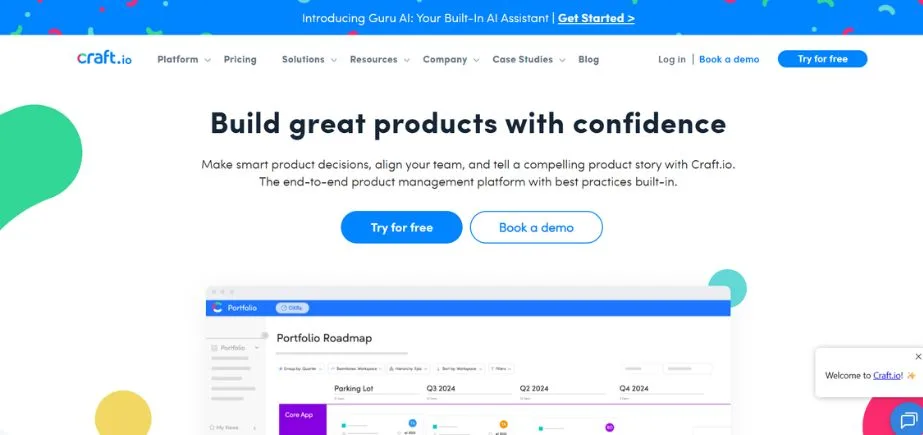
Craft.io is a complex product management tool used to plan a roadmap, set priorities on features, and collaborate with stakeholders. This prioritisation software has inbuilt prioritisation schemes such as RICE and MoSCoW to make decisions based on the data. Jira, Slack, and Microsoft Teams integration facilitate the seamless communication between teams and the organisation of workflows.
The user story mapping feature of the platform, coupled with feedback gathering tools, can enable the product managers to balance the product vision and customer needs effectively. The usable interface of Craft.io is convenient to use in the context of agile teams, as well as small and medium-sized enterprises with the need to have structure in the product development processes, with clear prioritisation methodologies.
Key Features:
- Several built-in prioritisation systems.
- High-level user story mapping.
- Backlog management, visual road mapping.
- Jira, Slack, and Azure DevOps, as well as Teams integration.
- Request portal and feedback portal.
- Custom fields and workflows
Pros:
- High capabilities of feature prioritisation.
- Professional and convenient user interface.
- Stock to get teams on track with priorities.
- Elaborate documentation and support.
Cons:
- Increased learning curve among the new users.
- Smaller teams may be charged a high price.
- Certain users complain of performance problems every now and then.
Pricing:
Starts at $19/user/month
Best Use:
Product managers who need prioritisation and road mapping that are of a structured nature, with features.
Website:
www.craft.io
14. Confluence
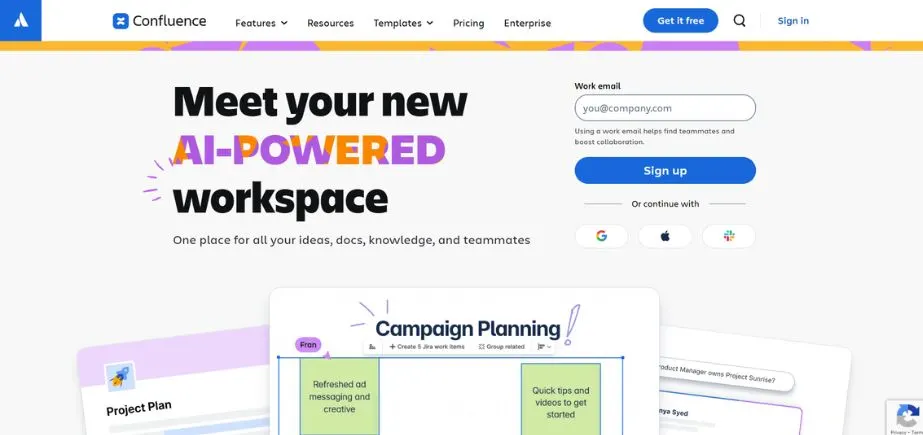
Atlassian Confluence is a collaboration and documentation tool used by product teams to plan, document and communicate road maps. This product management system is a team-based system that integrates with Jira to allow the rapid association of development activity with product documentation. Templates used to create product requirement documents, meeting notes, and strategic plans are customizable.
The site facilitates teamwork in real time, version control, and extensive commentaries, and all the teams are kept in contact. Confluence is an enterprise product management system that is best suited to large organisations that need a location to store product-related documentation and cross-functional communication in distributed teams.
Key Features:
- Real-time coordinated document editing.
- Close interconnection with Jira and Trello.
- Intensive roadmap and planning templates.
- Check-in/Check-out and extensive commenting.
- Space administration and access control.
- Analytics and engagement analytics of the pages.
Pros:
- Fluid connection with the Atlassian product ecosystem.
- Good at documentation and knowledge management.
- Excellent search and organisation skills.
- Effective mobile documentation applications.
Cons:
- Not a purpose-built product management instrument.
- Shall be disordered unless well organised.
- Large volumes of content are slow to search.
Pricing:
Free plan: Existing plans begin at $5.16/user/month.
Best Use:
Product managers who require organised knowledge management that is combined with Jira.
Website:
www.atlassian.com/software/confluence
15. ProductPlan
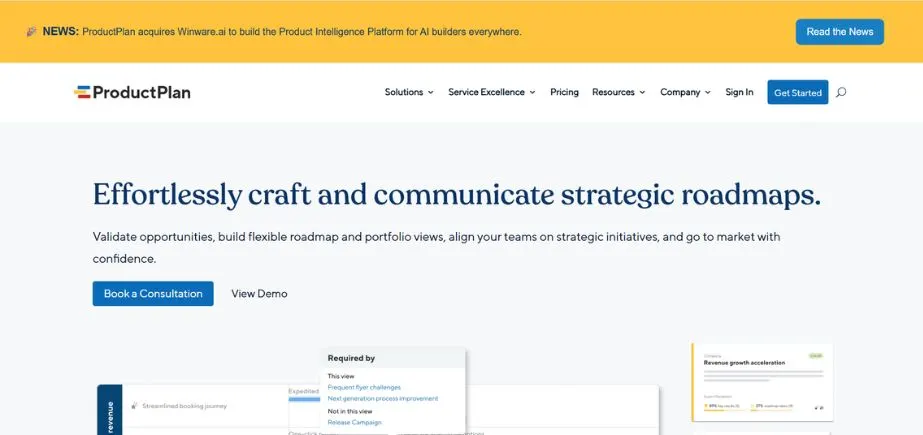
ProductPlan is an agile project management tool that is specially created to be used in product development. This product backlog manager allows teams to control backlogs, plan sprints, and monitor in real time. The story-based workflow of the platform assists the teams in structuring the feature development process in an efficient way, which allows delivering the features effectively and prioritising the tasks.
It is integrated with Slack, GitHub, and Jira, which enhances cooperation between developers and the personnel of product management. ProductPlan is an excellent agile product management platform for software development firms and agile teams, and helps align product planning and make development transparent by having a focused and streamlined iteration management.
Key Features:
- Sprint and backlog planning are the instruments of agile.
- Prioritisation and tracking of stories.
- Live teamwork and reporting of progress.
- GitHub, Slack and CI/CD integrations.
- Speed monitoring and future scheduling.
- On-the-go mobile applications.
Pros:
- Purposefully created to work with an agile development team.
- Minimal and direct interaction with minimal distractions.
- Good at velocity-based planning.
- Free tier that is good with small teams.
Cons:
- Lack of customisation features, as compared to platform flexibility.
- Lacks developed reporting capabilities.
- May is limited when the teams do not adhere to agile.
Pricing:
custom pricing
Best Use:
Agile development teams dealing with sprints and iterative releases.
Website:
www.productplan.com
Selecting the Appropriate Product Management Software
The choice of the proper product management software relies on the needs of your team, whether you have an organisation, a budget, and an approach to development. Agarwal (2018) states that teams based on agile techniques may be interested in agile product management tools such as Jira Product Discovery or Pivotal Tracker that provide sprint planning and story-driven processes.
The best product management tool, such as Productboard or ProdPad, which is highly favourable at collecting, organising, and ranking according to the user insights, should be taken into account by the organisation with the focus on customer feedback. Large enterprises with a need for a high level of customisation, large-scale reporting and services of an enterprise scale use enterprise product management solutions such as Aha! or Wrike.
Small teams or startups frequently use cheap and adaptable SaaS product management software such as Trello, Notion, or ClickUp, which provide ample free plans and growing payment options. Product roadmap software, such as Roadmunk or Airfocus, that focuses on conveying strategy via an impressive visual roadmap should be considered in teams that need powerful visualisation skills.
Product lifecycle management tools that offer an end-to-end view of the concept to delivery and maintenance process are appropriate in organisations running complex product portfolios in multi-teams. A collaborative product management system is the ideal system to use to enable a smooth flow of communication, minimise the fragmentation of tools and integrate with your existing technology stack in a natural way.
Conclusion
The choice of the best product management software will ultimately rely on individual requirements of your team, organisational hierarchy, financial constraints and development process. The Jira Product Discovery and Pivotal Tracker are the best agile product management tools to use in software development teams that follow an iterative approach, whereas the product strategy software, such as Productboard and Aha!, is more suitable when an organisation has strategic planning and visualisation of roadmap as its priority.
The teams that need the highest flexibility and collaboration functionality need to consider detailed product planning and tracking tools such as Monday.com, ClickUp, and Asana that provide custom workflow and vast integration platforms. Wrike and Aha! are enterprise-level product management tools that come with advanced features, security and scalability requirements of large organisations with complex product portfolios.
Small businesses and resource-constrained teams will be glad to have high-quality SaaS product management software such as Trello, Notion, and ClickUp with high-quality free plans and scalable pricing plans. Organisations that focus on visual communication must focus on product roadmap software such as Roadmunk and Airfocus, which specialise in designing clear and attractive roadmaps that can be easily understood by all stakeholders.
The best product lifecycle management software easily becomes part of the current workflow process, improves teamwork, facilitates decisions, and finally allows delivering improved and faster products to the market. Through precise comparison of your particular needs with the functionalities, cost, and competencies of the best product management tools, you will be able to find the solution that will not only change how you develop your products but also provide quantifiable business results.
Finally, the appropriate product development management tool will fit into the work style of your team, will scale with your organisation, will integrate with your technology stack, will have special capabilities, and will be either feature prioritisation software, product backlog management tools, or extensive collaborative product management systems that meet the most urgent needs of your business regarding product management.
Frequently Asked Questions
1. What is product management software?
The software designed to manage products includes web-based applications that help teams in planning, building and delivering products based on functions that support roadmap development, task management, team collaboration and tracking progress. These product development management instruments bring together product-related operations, which can be used in making decisions and coordinating various cross-functional teams.
2. What is the best product management software to use in startups?
Trello, Notion, and ClickUp are usually the most economical, easy-to-use, and flexible product management software options available to a startup because of their cost, ease, and flexibility. These SaaS product management software solutions provide free plans with high capabilities that can be utilised by small groups that do not need to invest a lot of money, but as the business expands, the functionality can be expanded accordingly.
3. Is it possible to integrate product management software with other packages?
Yes, there is a broad range of product management software in the market today that includes wide integration features. Project management systems, such as Jira, Aha, Monday.com, and ClickUp, can be integrated with communication tools, such as Slack and Teams, version control tools, such as GitHub, and CRM tools, so that you have one unified process across your technology stack.
4. Is there free product management software available?
Some of the most popular product management tools have a free entry plan that has substantial features, such as Trello, Notion, ClickUp, Asana, and Jira Product Discovery. Although these free plans usually limit the team, storage, or advanced features, they are a good deal for small teams and startups just starting their product management process.
5. What do you consider to be the most essential product management software features?
Product management software must encompass such features as an intuitive roadmap, flexible prioritisation frameworks, powerful collaboration tools, thorough integration support, customizable workflows, feedback management, tracking progress and reporting, and scalability to support the growth of the team and its rising complexity.
6. What are the differences between the product roadmap software and project management tools?
Product roadmap software is specifically oriented toward strategic planning, feature prioritisation, and product vision communication to stakeholders, whereas traditional project management tools are oriented toward task execution, assigning available resources, and tracking the delivery. Most of the products currently available in the market have both capabilities, and they provide end-to-end solutions, from strategy to execution.
7. Which is the optimal product management software for an agile team?
Agile product management tools such as Jira Product Discovery, Pivotal Tracker, ClickUp, and Monday.com are best suited to teams utilising the agile approach. These tools provide sprint planning, story-based workflow, backlog management, velocity tracking and integrations with development tools used in the process of iterative development.
Continue Exploring: Best SaaS Management Platforms