
If a hacker steals your password today, will your business survive the next hour? In the current busy and highly competitive technology environment today, the password is as useful as a screen door on a ship. Cyberattacks are on the rise with an increase of up to almost 47 percent per year and 81 percent of all data breaches include a weak or stolen password. When you have a password, it is not when the password is going to be stolen, but when. This is why Multifactor Authentication Solutions is becoming more of a luxury feature than a necessity for businesses and individuals to survive.
Think of it as having a state-of-the-art deadbolt and fingerprint reader installed in your virtual home; even if an attacker finds your key hidden under the mat, they won’t be able to get inside without your permission. Recent data has revealed that having an additional layer of security can block 99.9% of automated hacking attempts, saving businesses from the average $4.45 million cost of a data breach. In addition, new technology has become much faster and has even eliminated the need for cumbersome codes altogether. In this article, we will explore top multifactor authentication solutions and help you pick the perfect one for your data. So, let’s begin!
What Is Multifactor Authentication?
Multifactor Authentication, or MFA, is a security system where you need to provide two or more different means of identification. It is not just a question of a password; it is something you know, something you have, or something you are.
This is a multi-layered security system, making it much harder for hackers to get into your system. Even if your login details are compromised, they cannot get into your system because they don’t have your physical phone or your unique fingerprint.
Types of Authentication Factors
In order to make Multifactor Authentication Solutions secure, there is a need to combine different types of authentication factors. This ensures that even if one of them is compromised, there is still security.
Knowledge Factors
This is something you know, and it should not be known to anyone else. It could be your password, your PIN, or your answer to a security question. Even though these are the most common, they are also the most vulnerable.
Possession Factors
This is something you own, such as your phone, a USB, or an SMS. This is a much more secure system because, even if you are hacked, your physical phone is still secure, making it much harder for hackers.
Inherence Factors
This is something you are, such as your fingerprint, your facial features, or your iris. This is a much more secure system because your biometric features are much harder to copy, and they allow you to get into your system much faster.
Why Businesses Need MFA
Cyber attacks are becoming more and more sophisticated, and a leaked password can result in the shutdown of an entire company. The latest Multifactor Authentication Solutions are the safety net you need to protect your business and your reputation.
- Preventing Breaches: With the extra verification, you’ll stop 99.9% of credential-based attacks even if your teammate accidentally clicks on a phishing email.
- Meeting Compliance: Most industries today demand it for legal compliance with regulations like HIPAA or GDPR, so it’s now a legal requirement for data protection.
- Building Trust: Your clients will feel much more secure knowing their personal data is secured beyond just a simple password that can be easily guessed.
- Reducing IT Costs: With self-service MFA, you’ll spend much less of your IT department’s precious time on forgotten password recoveries and hacked account recoveries.
- Enabling Remote Work: Securely verify your employees who work from coffee shops and home offices without worrying about unsecured public Wi-Fi networks.
How to Choose an MFA Solution
Not all security tools are created equal for all organizations, so you must consider your current tech stack and the tools you’re using for your business. There are many Multifactor Authentication Solutions available, and you must balance security and ease of use for your business and organization as follows:
- Integration Ease: Does it integrate easily with your current software stack, such as Microsoft 365, Google Workspace, or your own legacy software?
- User Friction: Does it offer “push” notifications or other methods for authentication so your users aren’t annoyed by entering long codes?
- Scalability Potential: Does it scale with you and your business in terms of pricing and technology so you can add more users and clients in the future?
- Adaptive Security: Does it offer “risk-based authentication” so you’re not bothered with additional authentication unless you’re in a suspicious location?
- Cost Transparency: Be wary of any additional fees for hardware tokens and SMS messages, which can add up quickly.
Top 10 Multifactor Authentication Solutions 2026
1. MojoAuth
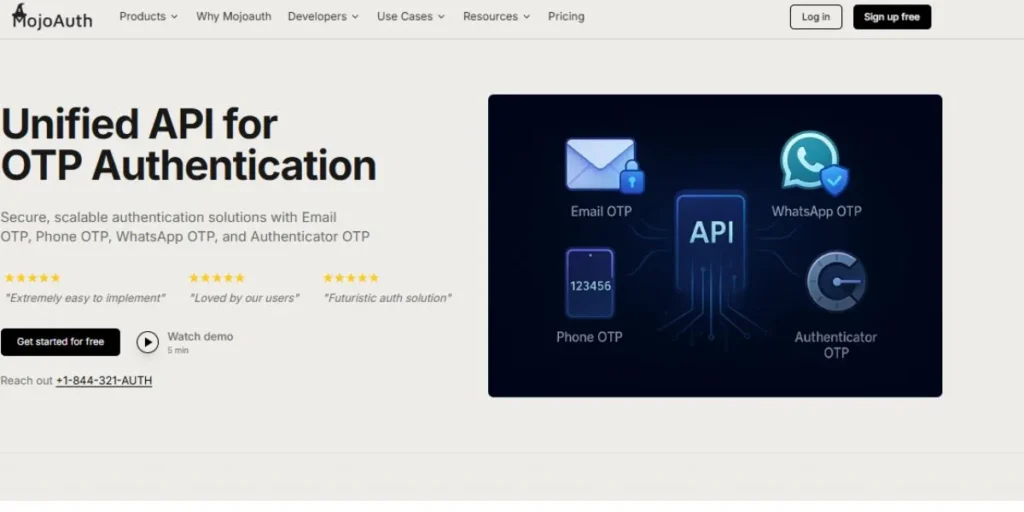
MojoAuth is a passwordless authentication pioneer, built specifically for developers who want to avoid the hassle of password management altogether. It offers a unified API for magic links, email OTPs, and high-tech biometrics like Face ID. Moreover, it’s extremely lightweight so that you can integrate it into your application in just minutes instead of days. With its “deviceless” approach, users won’t need to download another application to authenticate.
Plus, it has native support for Multifactor Authentication methods like WhatsApp and Passkeys out of the box. Its worldwide network is built for speed so that you won’t experience any lag for your users, regardless of their location. Last but not least, its transparent pricing model will help you avoid surprise bills like those experienced by other enterprise solutions.
- Key Features: Magic Links, WebAuthn (FIDO2) support, Fingerprint/Face ID, Email & SMS OTP, Adaptive risk profiles.
- Best For: High-growth startups and B2C application developers.
- Pros: Free plan available, no maintenance costs, good documentation.
- Cons: Coding skills required, poor support for legacy hardware.
- Link: https://mojoauth.com/
2. Cisco Duo
Cisco Duo is known for its “Duo Push” technology, which turns any smartphone into a one-tap security key. It is very popular because of its simplicity of use, even for non-technical employees. Additionally, it has a “health check” function that checks that the device is not infected with malware before allowing it to connect to the network. The “Zero Trust” approach prevents even “healthy” passwords from being used by “sick” devices.
Moreover, Duo has an “Identity Intelligence” function that gives you full visibility of your identities and detects threats before they cause damage. Additionally, you can use “Duo Passport” that enables your users to carry their Multifactor Authentication across multiple applications without having to re-enter their credentials each time.
- Key Features: One tap push notifications, device health monitoring, internal app protection, and bypass codes.
- Best For: Medium and large businesses that require rapid and simple integration.
- Pros: Very simple and quick to set up, and compatible with older “legacy” systems.
- Cons: The more advanced security features get very pricey very quickly.
- Link: https://duo.com/
3. Microsoft Entra ID
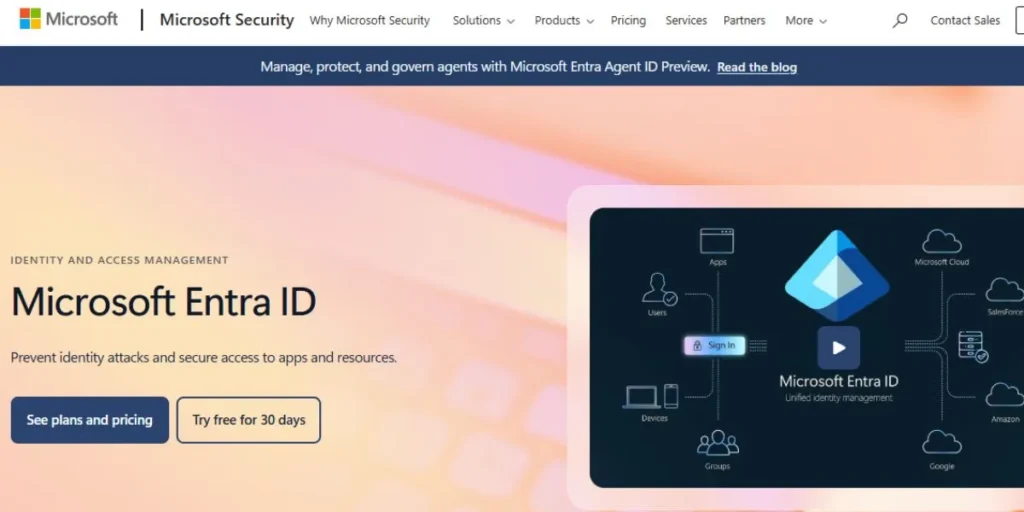
If your office runs on Outlook, Teams, and Excel, Entra ID (formerly Azure AD) is the most natural fit. It is built directly into the Microsoft ecosystem, allowing for a “Single Sign-On” experience where one login gets you into everything. Additionally, Microsoft Azure AD has an incredibly powerful security engine that detects if your login is “risky,” such as if you’re logging in from two cities at once. In 2026, they published new Agent ID features, which are used to manage AI agents and automated identities.
Also, they have developed Report Suspicious Activity functions that are directly embedded in Microsoft Entra ID Protection. Besides, it is compatible with Microsoft Active Directory and cloud services and, therefore, it is one of the most popular options when it comes to the hybrid corporate networks.
- Key Features: Conditional access policies, Windows Hello integration, FIDO2 support, Microsoft 365 integration.
- Best For: Enterprises already using the Microsoft/Azure tech stack.
- Pros: Very cost-effective for current Microsoft users, and powerful reporting tools.
- Cons: Complex configuration, pricing can be confusing with different “P1” and “P2” tiers.
- Link: https://www.microsoft.com/en-us/security/business/identity-access/microsoft-entra-id
4. Okta
Okta is often considered the gold standard for independent identity management. It doesn’t care if you use Google, Microsoft, or AWS; it connects to everything. Okta’s “Adaptive” engine is their superpower, using machine learning to analyze the context of every login. If a user is at the office, they may not need a second factor, but if they are at a library, Okta will trigger a biometric check.
Plus, Okta “FastPass” now offers phishing-resistant, device-level authentication across all major operating systems. They also have “ThreatInsight” that blocks suspicious IP addresses before they even reach your login page. Also, their extensive “Integration Network” offers one-click security setup for thousands of different SaaS applications.
- Key Features: Risk-based authentication, 7,000+ app integrations, Okta Verify app, passwordless options.
- Best For: Large, complex organizations with many different software tools.
- Pros: Highly flexible, works with almost any app, very reliable.
- Cons: One of the most expensive options on the market.
- Link: https://www.okta.com/learn/adaptive-mfa/
5. Datawiza
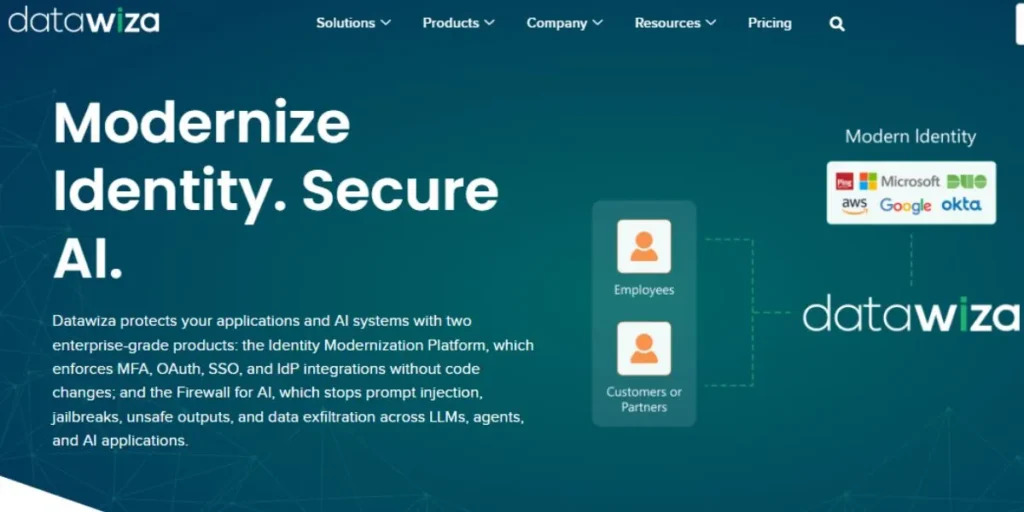
Datawiza is another player in the market that stands out because it offers a ‘no-code’ solution for adding MFA to old ‘legacy’ applications that were not built with modern security in mind. Normally, adding MFA support to an old database or internal application would take months of programming and development, but Datawiza acts like a shield in front of it.
This means you can add security to old systems like Oracle or SAP without ever touching a single line of their original code. It has also expanded its ‘Step-Up MFA’ in 2026 so that you can enforce additional security steps only when the user attempts to access a critical folder or perform a payment operation. Moreover, it offers ‘Agentless’ support, which means you do not need to install any software on your endpoints in order to get started with it.
- Key Features: No-code deployment proxy, legacy application protection, container-based support, cloud-to-on-premise bridge.
- Best For: Companies with old ‘legacy’ software that needs a security facelift.
- Pros: No code required, protects applications that are otherwise ‘un-hackable.’
- Cons: Companies with newer SaaS-only software might find it more than they need.
- Link: https://www.datawiza.com/
6. Ping Identity
Ping is designed with the massive enterprise in mind, which needs to manage thousands of employees and millions of customers. It specializes in identity orchestration, which is a fancy way of saying they can create really specific routes for people logging in. It is also amazing in hybrid environments, meaning some data is stored in the cloud, and some is stored physically. Their ‘PingOne’ product has a drag-and-drop canvas, meaning you can create identity flows without having to write any code.
It also has identity verification, meaning they can verify your government ID, as well as your face, with a live camera feed. Besides, it is a leader in the B2B federation, meaning that if you need to connect with a large number of businesses securely, it is the best choice among multifactor authentication solutions.
- Key Features: Orchestration, biometric, hybrid, and custom.
- Best For: Large global enterprises.
- Pros: Extremely powerful.
- Cons: Very high learning curve.
- Link: https://www.pingidentity.com/en.html
7. RSA SecurID
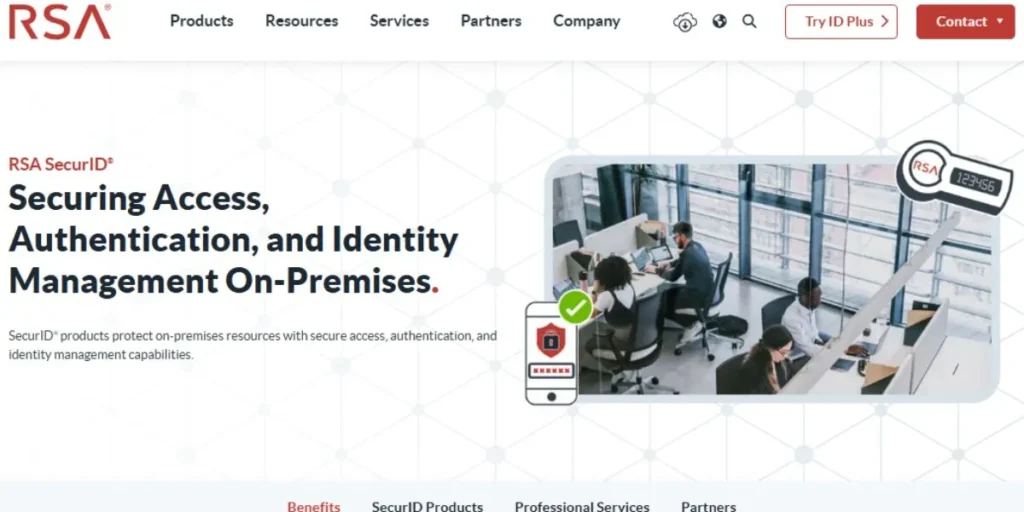
RSA is the ‘old guard’ of security, meaning they invented those little key fobs with constantly changing numbers. While they’ve made the move to the cloud, they are still the best choice if you need high security, such as if you’re a bank or government. If you need a physical security token, they are still the best. As of 2026, they’ve made their ‘Identity Analytics’ product better, meaning they can determine exactly when a ‘step-up’ is required with their product.
It also has ‘HSM-backed’ security, meaning your security keys are stored on a piece of hardware that is impossible to hack. In addition, it is native to industrial control systems, meaning if you need to protect a power plant, they are a necessity.
- Key Features: Physical hardware tokens, software tokens, risk-based analytics, time-based OTP.
- Best For: Government, finance, and high-security regulated industries.
- Pros: Proven track record, works without internet (hardware), very secure.
- Cons: Can feel a bit “old school” and clunky compared to modern push-based apps.
- Link: https://www.rsa.com/products/securid/
8. Auth0 (by Okta)
While Okta is focused on the workforce, Auth0 is all about the “Customer.” So, if you are building an app, and you want your customers to be able to log in with “Log in with Apple” or a thumbprint, Auth0 is the tool that gets the job done. They offer the developer complete control over the UI. But don’t worry, the security is still top-notch. With their 2026 updates, Auth0 now offers “Mobile Driver’s License” verification services for highly regulated customer apps.
They also offer a feature called “Continuous Session Protection,” which continually monitors the user’s account, even after the user has successfully logged in. But that’s still not all. Additionally, they now offer a new feature called “Security Center,” which displays the top security issues, such as credential stuffing, in real-time.
- Key Features: Highly customizable UI, “Universal Login,” 30+ social logins, support for developer SDKs.
- Best For: App developers building consumer-facing apps.
- Pros: Great documentation, beautiful user interface, very flexible.
- Cons: Can get very pricey as your number of monthly active users (MAU) grows.
- Link: https://auth0.com/
9. IBM Verify
IBM’s product is a powerhouse for businesses that need advanced analytics and AI-based security. IBM’s Verify uses “silent” authentication factors, such as how a user moves the mouse or types on the keyboard, to authenticate the user without bothering them. In addition, IBM’s Verify integrates perfectly with all other IBM security products, providing a complete security solution. In 2026, IBM added “Role Recommendations” powered by AI, allowing admins to clean up messy permission settings.
In addition, IBM’s Verify has a “Subscription Usage Dashboard” that provides in-depth analysis on how your security budget is being spent. Moreover, IBM’s “Identity Fabric” allows businesses to have consistent security policies whether accessing a mainframe or a cloud-based app.
- Key Features: Behavioral biometrics, AI-powered risk analysis, QR code-based login, and deep auditing capabilities.
- Best For: Businesses that need advanced AI-powered threat analysis.
- Pros: Very “silent” on the user side, extremely high level of data and analysis.
- Cons: Setup is a complex project requiring IBM-specific expertise.
- Link: https://www.ibm.com/products/verify
10. Twilio
Twilio is the platform that transmits billions of SMS-based checks all around the world. The Verify API offered by Twilio is a fully managed service that allows companies to authenticate users in a secure manner in various channels SMS, voice, email, and WhatsApp. It manages the whole process of code generation up to the optimization of delivery and detecting fraud, so it is not hard to apply multi-factor authentication at scale. Twilio has developed Silent Network Authentication (SNA) in 2026 to enable its platform users to be automatically verified by their mobile carrier without having to enter a code.
Fraud Guard by Twilio also avoids the SMS pumping attacks and defends the companies against unnecessary expenditures. Also, it is one of the most popular solutions to scalable OTP verification with a global delivery network to 200+ locations and support of 42 languages in templates approved by the carrier.
- Key Features: SMS/Voice/Email/WhatsApp OTP, Silent Network Authentication, Fraud Guard, Global Delivery Network, Simple API.
- Best For: Small developers, startups, and enterprises looking for a scalable and easy-to-integrate OTP verification solution.
- Pros: Simple integration, global reach, multi-channel verification, and strong fraud protection.
- Cons: Usage-based pricing can scale quickly, and SMS OTP is less secure than biometrics or hardware tokens.
- Link: https://www.twilio.com/en-us/user-authentication-identity/verify
Feature Comparison Table
| Name | Push MFA | OTP | Biometric | Enterprise Support | Best For |
| MojoAuth | No (Link) | Yes | Yes | Medium | Startups/Devs |
| Cisco Duo | Yes | Yes | Yes | High | Ease of Use |
| Entra ID | Yes | Yes | Yes | High | Microsoft Users |
| Okta | Yes | Yes | Yes | High | Large Enterprise |
| Datawiza | Yes | Yes | Yes | High | Legacy Apps |
| Ping Identity | Yes | Yes | Yes | High | Hybrid Clouds |
| RSA SecurID | Yes | Yes | No | High | Gov/Finance |
| Auth0 | Yes | Yes | Yes | Medium | B2C Apps |
| IBM Verify | Yes | Yes | Yes | High | AI/Analytics |
| Twilio | No | Yes | No | Low | Simple SMS |
Which MFA Is Best For You?
Selecting one of the many Multifactor Authentication Solutions available can be overwhelming. The size and skill level of your team are important factors in determining which one you should use. You want security that is tight, but not annoyingly so for your users.
- For Startups: If you’re a startup, you want developer-friendly tools like MojoAuth or Auth0, which have amazing free plans and easy-to-use APIs.
- For IT Managers: If you’re an IT manager, you want Cisco Duo if you want the fewest “how do I log in?” support calls from your users.
- For Microsoft Shops: If you’re already a Microsoft shop, stick with Entra ID because it keeps billing simple and gets you features you’re probably already paying for.
- For High-Risk Orgs: If you’re in a high-risk business, RSA or IBM Verify with physical tokens is what you want if you’re handling super-sensitive data.
- For Legacy Tech: Datawiza is your best bet if you need to protect old software without spending months on a rewrite.
Real World Use Cases
Multifactor Authentication Solutions aren’t just for tech companies; they are used across every industry to protect data in different ways.
- Online Banking: Banks utilize the “Out-of-Band” type of authentication, sending a code to your phone before allowing you to transfer a lot of money.
- Healthcare Portals: Doctors utilize biometric authentication to rapidly access data while keeping up with very stringent privacy laws.
- E-commerce Sites: E-commerce sites utilize the “silent” type of authentication, verifying your device and location before asking for a code if something suspicious is detected.
- Educational Tools: Universities utilize MFA to ensure that only enrolled students can access expensive research materials and exam resources.
- Social Media: Social media sites utilize MFA to prevent “account takeovers” where hackers try to post spam messages from your personal profile.
Security Best Practices
Just possessing the tool is not enough, but using the tool is essential to get the best out of the Multifactor Authentication Solutions you have implemented. Follow the best practices below to ensure that the security you have implemented is indeed effective.
- Avoid the Use of SMS: Use “push notifications” and “biometrics” instead of “SMS” if possible, since “hackers can swap your SIM card.”
- Enforce Everywhere: Ensure that “MFA is enabled for all, especially admins, since they have the ‘keys to the kingdom.'”
- Phish-Resistant: FIDO2 and WebAuthn are the safest authentication technologies because they cannot be ‘phished,’ i.e., tricked by fake login page scams.
- Regular Audits: Review logs once a month to check if there are any unusual login attempts, ‘MFA fatigue’ attacks, etc.
- Educate Your Team: Train users never to approve a push notification they didn’t initiate themselves, even if it’s from an app they use frequently.
Conclusion
If you take a look at what the digital world looks like in 2026, it’s clear that Multifactor Authentication Solutions are the best investment you can make for your online security. In the risk of AI phishing and some advanced credential theft, it is a bet you cannot afford to lose. No matter if you are an individual developer who wants to use a straightforward API or a large company that has to secure its old legacy systems, you can find a tool.
You can be a step ahead of the bad guys by abandoning the use of simple password systems and adopting the strength of biometrics and adaptive security. Remember, it’s not just about making it harder for the bad guys; it’s also about making it easier for the good guys. Take a minute today and evaluate what you’re currently using and which solution is best for you.
Visit For More Information:
FAQs
1. Is MFA really necessary if I have a very long, complex password?
Yes, because even the best password can be compromised through phishing or compromised on another site, and you want to ensure it’s not enough on its own to get into your site.
2. What if I lose the phone I use for MFA?
Most Multifactor Authentication Solutions have “backup codes” or allow an administrator to reset your account, so you should always keep your backup codes in a safe physical location.
3. Is SMS-based MFA safe?
It is better than nothing, but it is the least secure method because hackers can intercept text messages through “SIM swapping” attacks.
4. Does MFA slow down my employees or customers?
Not necessarily, as modern methods like “Push” or Face ID only take one second and may even be faster than typing in a long password.
5. What is an “Adaptive” or “Risk-Based” Multifactor?
This is an intelligent system that will only prompt you for multifactor when something looks suspicious, like you’re logging in from a new device or location, thus reducing annoyance for the user.
6. Can MFA be hacked?
While not 100% possible, Multifactor Authentication makes hacking very difficult and will block 99.9% of common hacking attempts that use stolen passwords.