
LinkedIn has now become a highly fruitful marketing place where businesses establish relationships, generate leads, and establish thought leadership. LinkedIn is already utilized by more than 900 million people in various parts of the globe, and it offers the most opportunities in the field of B2B marketing and personal branding, as well as business optimization. Nevertheless, managing a well-polished LinkedIn marketing effort manually can be complicated and grueling.
The competitive LinkedIn marketing tools market has exploded over the last couple of years, and it already offers a solution to every part of LinkedIn marketing now. An AI-powered content generator to eliminate writer’s block or a more advanced analytics system that could one day enable you to get an in-depth sense of what your audience is doing, these are tools that the meaning of LinkedIn marketing success cannot do without. The tricky part is discovering the tools of the trade that apply to LinkedIn marketing that can fit your specific goals and mechanisms.
Why LinkedIn Marketing Tools Matter
- Enhanced Productivity and Time Management: Tools enable you to automate repetitive actions such as posting, comments, and sending connection requests, so that you too can concentrate on the strategy and nurturing relationships over performing the actions yourself.
- Data-Driven Decision Making: Tools present advanced analytics data that provides insights into the performance, demographics, and engagement of posts in a way that cannot be discovered with native LinkedIn analytics.
- Consistent Brand Presence: Automation and scheduling functionality will help your LinkedIn accounts stay active and consistent, even on busy days when manual posting is not an option.
- Improved Content Quality: LinkedIn marketing features using AI make idea generation, formatting optimization, and recommendations to create more engaging and professional content, similar to how a social media post generator helps streamline ideation and polish messaging across platforms.
- Scale Your Outreach Efforts: The automation features would enable you to pursue hundreds of leads, develop a relationship that scales with the degree of personalization, and abide by the LinkedIn terms.
Key Features to Look for in LinkedIn Marketing Tools
- Content Creation and Scheduling Capabilities: Seek the tools that will enable preparation of content schedules, post scheduling, and artificial intelligence writing to make sure that publication of your posts is carried out regularly without necessitating an individual to always publish them.
- Advanced Analytics and Reporting: Identify the tools that offer deeper data than simple LinkedIn analytics, such as features such as audience targeting, audience engagement analytics, and ROI calculation.
- Lead Generation and CRM Integration: They should also have tools that would enable them to identify prospects, automate outreach procedures, and allow them to blend with your current customer relationship management technology to process the leads.
- Compliance and Safety Features: To make sure that the tools will not break the conditions of service of LinkedIn, and the safe aspects, such as daily limitations and human-like behaviours, will protect your account.
- User-Friendly Interface and Support: Choose tools that have intuitive user interfaces, in-depth documentation, and support, keeping the learning curve shallow and maximizing adoption thereof.
Top 10 LinkedIn Marketing Tools in 2026
1. Taplio
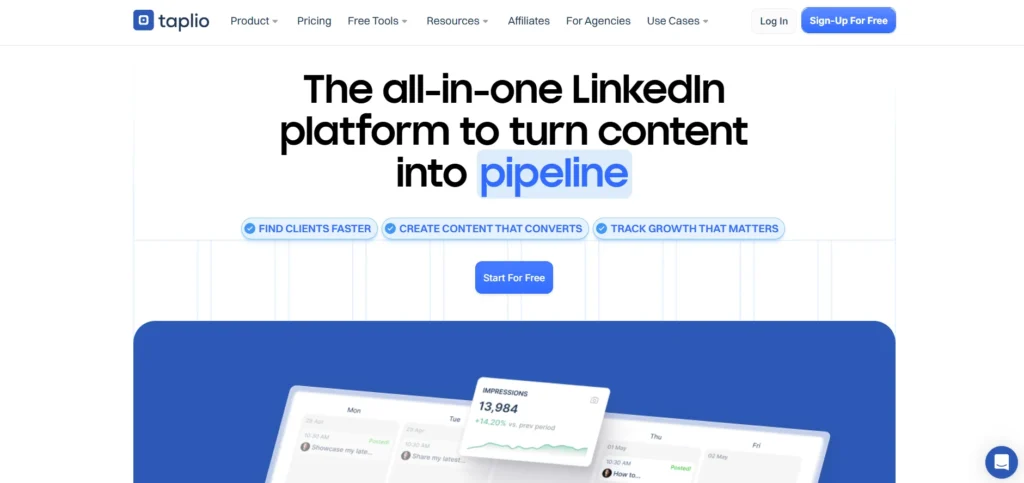
Taplio is one of the most holistic LinkedIn marketing quintessences of content generation and development. That AI-enabled platform is a single dashboard uniting content ideation, creation, scheduling, and analytics. Taplio viral content library is an analysis of thousands of high-performing LinkedIn posts across industries, giving users a proven format and hooks that increase engagement. The AI writing assistant of the platform contributes to the creation of the basics of ideas into interesting posts on LinkedIn that are appealing to your intended customer.
Key Features
- Engine AI-driven generation of content
- Viral posts library analysis
- Extensive scheduling and analytics
Pros
- High-quality database of viral content
- Intuitive AI writer
- All-inclusive platform solution
Cons
- Pricing at a higher point
- Frequent generic AI output
- Little personalization facilities
Best For: Content creators and businesses focused on consistent, high-quality LinkedIn content creation and distribution.
Pricing: Starting at $32/month (billed annually)
Website: http://taplio.com
2. LinkedIn Sales Navigator
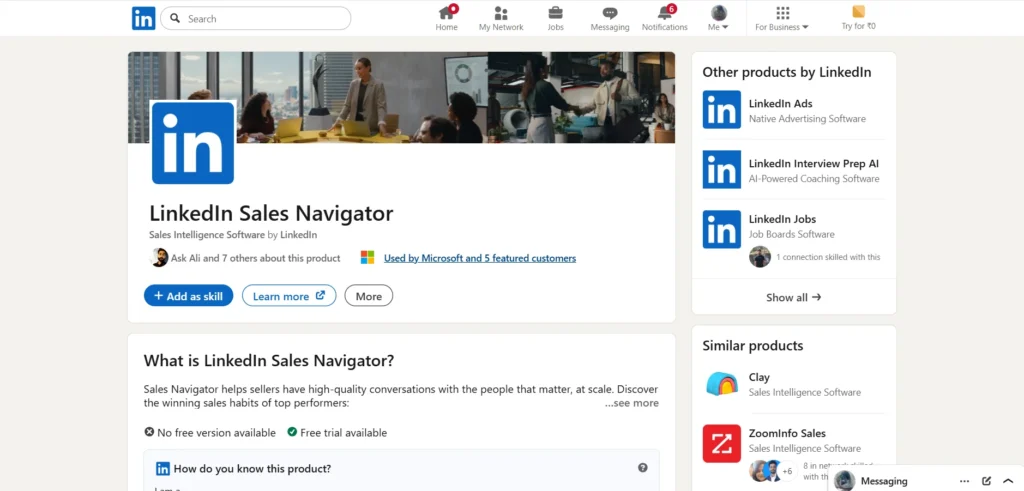
LinkedIn Sales Navigator is the top of the tool in terms of B2B prospecting and lead generation. The high-level platform gives the user access to superior search tools that far supersede rudimentary LinkedIn searches, with the ability to find prospects by companies of a required size, industry, job changes, contacts in common, etc. InMail credits will help you send direct messages to leads who are not in your network, and saved leads and accounts allow management and monitoring of your sales pipeline.
Key Features
- High levels of prospect search filters
- InMail message functions
- Account and lead tracking
Pros
- Cumulative prospecting database
- Live prospect knowledge
- Integrated native LinkedIn
Cons
- The high cost of a monthly subscription
- High learning density
- Poor functionality in content creation
Best For: Sales professionals and teams running large-scale outbound campaigns and advanced prospecting efforts.
Pricing: Starting at $99.99/month (billed annually)
Website: http://linkedin.com/sales/ssi
3. Shield
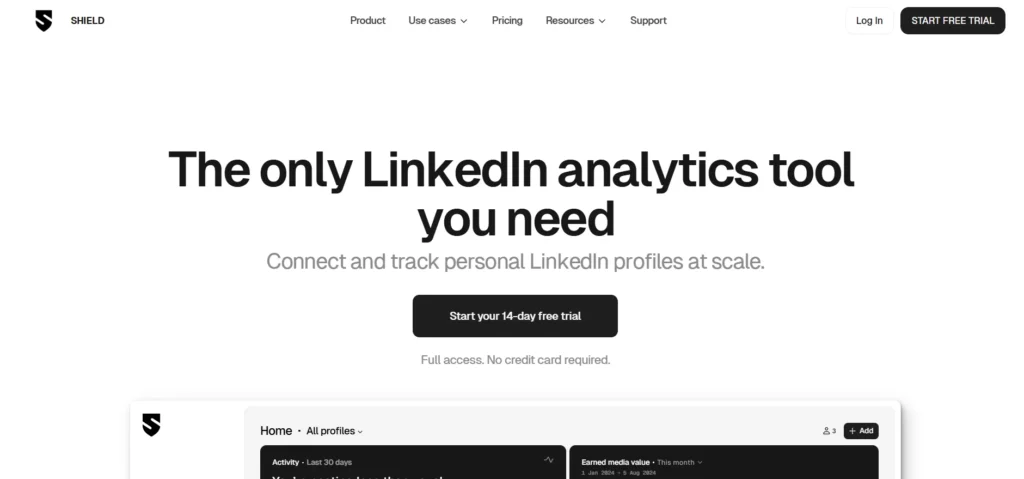
Shield emerges as a strong analytics-based feature of tools, which provides more in-depth analytics than the native analytics platform of LinkedIn. The device keeps track of 360-degree statistics, including engagement rates, audience demographics, best posting times, and earned media calculations. Shield is another robust analysis closed that will enable you to see the long-term patterns and trends of how you perform on LinkedIn to determine what kind of content you should post, when to post it, and which methods of engagement are most effective in helping you achieve the greatest results. Reporting: The platform creates a report that you can send to other important stakeholders and justify the marketing spend on LinkedIn.
Key Features
- Tracking post analytics of lifetime
- Information about the demographics of an audience
- Computations of the earned media value
Pros
- Advanced analytics UI
- Long-run trend analysis
- ROI measurement capacities
Cons
- Analytics-only focus
- None of the content generation capabilities
- Very limited automation possibilities
Best For: Marketing professionals and businesses requiring detailed analytics and performance reporting for LinkedIn campaigns.
Pricing: Starting at $15/month (billed monthly)
Website: http://shieldapp.ai
Suggested Read: World Best Business Opportunity List
4. AuthoredUp
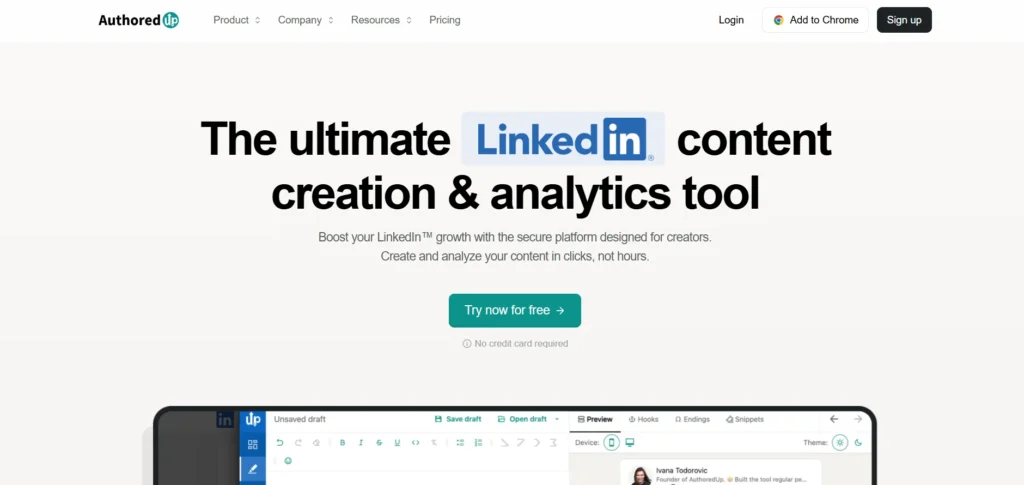
AuthoredUp will change the interface of creating content on LinkedIn by giving it new formatting abilities to make a post more presentable and exciting. The tool is used to fill one of the greatest weaknesses of LinkedIn a simple text editor. AuthoredUp enables its users to make text bold, use italics, create bullets, and format carousel posts with professional finishing. The site contains a preview option so that they can see what the posts will look like on both desktop computers and mobile phones, to prevent potential formatting problems that will detract from engagement.
Key Features
- Advanced text formatting options
- Mobile and desktop preview
- Engagement analytics dashboard
Pros
- Superior formatting capabilities
- Comprehensive preview features
- Built-in performance analytics
Cons
- No free plan available
- Limited automation features
- Relatively expensive pricing
Best For: Content creators and marketers prioritizing visual appeal and professional formatting in their LinkedIn posts.
Pricing: Starting at $16.63/month (billed annually)
Website: http://authoredup.com
5. Dripify
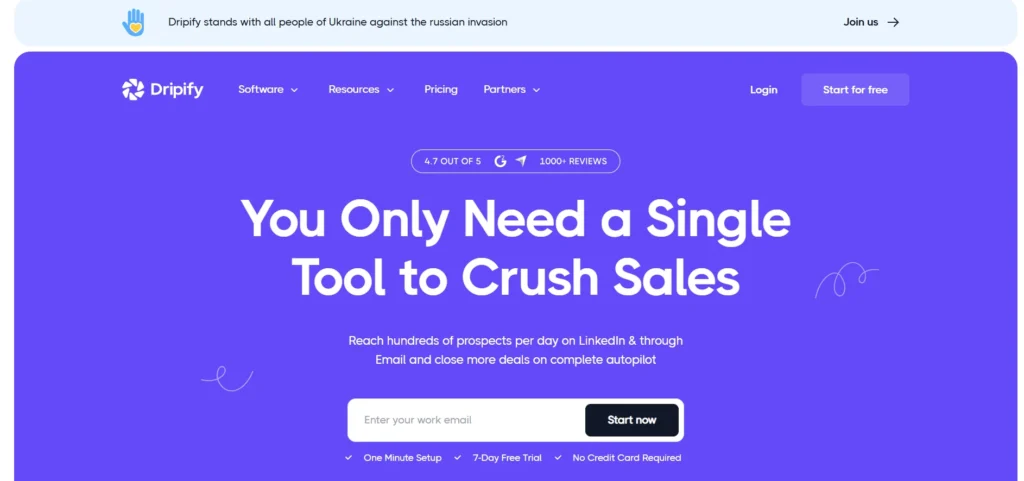
Dripify changes the way LinkedIn is approached by automating connection requests, follow-up messages, and relationship nurturing flows. A cloud-based system allows one to design advanced drip campaigns that are both personal and act at scale. Campaigns created in Dripify have complex flows and multiple touchpoints, automated follow-up, and customized messaging depending on how the prospect behaves. The tool has a safety feature, such as a daily target and a delay, then appears like a human being, so as to secure your LinkedIn account and make outreach as effective as it can. The ability to integrate with the most used CRM enables smooth lead transfer and binding of data.
Key Features
- Multi-step automation workflows
- CRM integration capabilities
- Account safety protection
Pros
- Comprehensive automation features
- User-friendly campaign builder
- Strong safety measures
Cons
- Limited personalization options
- No conditional logic
- Basic template library
Best For: Sales teams and businesses running large-scale automated outreach campaigns with consistent follow-up sequences.
Pricing: Starting at $39/user/month (billed annually)
Website: http://dripify.io
6. HeyReach
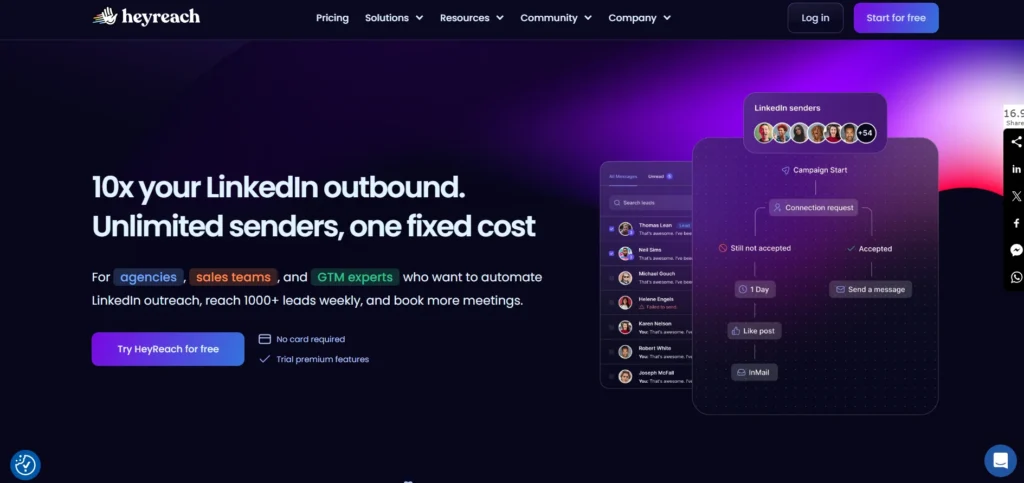
HeyReach is a broad implementation of prospecting, outreach automation, and lead management into a complex LinkedIn marketing tool that advanced users plan on using. The outstanding characteristic of the tool is that it allows the user to create tremendously qualified lead lists supported by post-engagements, where the user can discover potential across a competitor or industry pioneer. The campaign templates provided by HeyReach will give the users advanced targeting capabilities, such as those involving competitor followers and network gaps. It offers in-depth analytics and measurements of the campaign performance, response rate, conversion, etc.
Key Features
- Targeting with post engagement
- Multi-account controls system
- Improved campaign templates
Pros
- Advanced targeting features
- Full-scale analytics of campaigns
- Multi-account functionality
Cons
- Increasing price
- Intricate setup process
- Sharp learning curve
Best For: Agencies and large businesses requiring advanced prospecting capabilities and multi-account management.
Pricing: Starting at $79/sender/month
Website: http://heyreach.io
Suggested Read: Product Lifecycle Management Software
7. LeadDelta
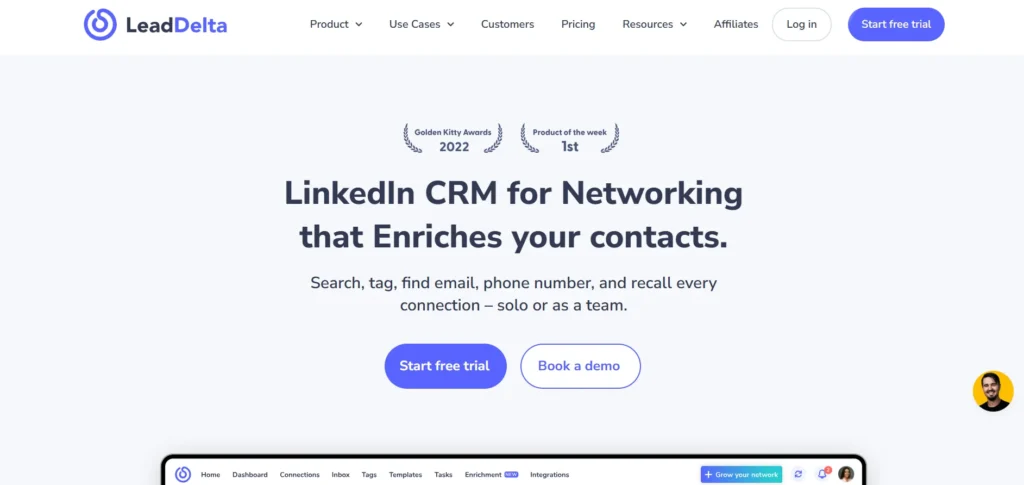
LeadDelta enables LinkedIn lists of contacts to be turned into a dynamic searchable CRM and contact system. This web-based, as well as innovative, e-tool helps import and organize your LinkedIn connections automatically and offers extensive filtering and tagging features that allow you to find opportunities in your current network. The contact enrichment feature provided by LeadDelta gives you verified email addresses of your connections on the platform so that you can contact them on more platforms.
Key Features
- Filtering and Network Organization
- Contact enrichment abilities
- Analytics of relationship mapping
Pros
- Top network planning
- Enrichment of contact email
- Low cost-structure
Cons
- No automation functions
- Poor outreach ability
- Simple depth of analytics
Best For: Professionals and consultants who want to better organize and leverage their existing LinkedIn network for business opportunities.
Pricing: Starting at $9.80/month (billed annually)
Website: http://leaddelta.com
8. Aware
Aware involves more efficient involvement and continuity of running a LinkedIn presence by recognizing and delivering smart content and interaction management. The platform automatically creates customized feeds that depict posts and profiles most interesting to your business and so you can participate in them, instead of going out and mindlessly scrolling the LinkedIn profiles. The comment tracking system offered by Aware will ensure that you never forget the comments on your posts, and the suggestions of the intellectual marketing tools may keep the conversations alive.
Key Features
- Custom engagement feeds
- Comment tracking
- Interaction recommendations with AI
Pros
- Great optimization of engagement
- Total notification system
- Accurate relationship tracking, Strategic
Cons
- Template AI recommendations
- Increased tier of price
- Insufficient generating content
Best For: Busy professionals who want to maintain active LinkedIn engagement without spending hours scrolling and commenting.
Pricing: Starting at $37/user/month
Website: https://www.useaware.co/
9. Will
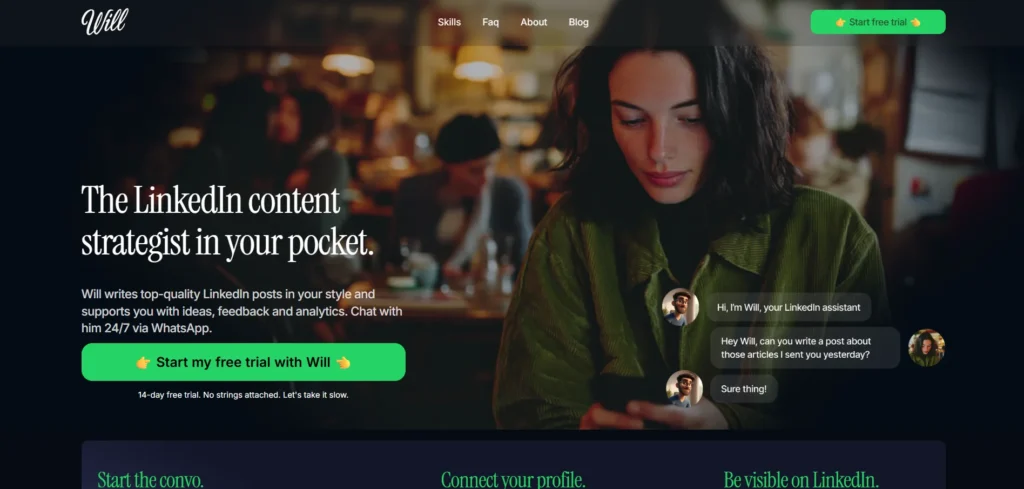
Will speaks about the common issue of recording content ideas that appear at such a time one it is not convenient. This tool has been coupled with WhatsApp in such that it can transform voice notes and quick text messages into classy LinkedIn posts. Will AI analyze your existing LinkedIn posts and build a profile of your tone and writing style, such that generated posts align with what we know about your voice. Rather, this is the advantage of the tool: it is easy, one does not have to learn an elaborate interface or get familiar with a useful range of possibilities.
Key Features
- Recordings with content
- WhatsApp-based integrative system
- Individual style analysis
Pros
- So simple interface
- Grabs ideas on the fly
- Observes personal form of writing
Cons
- One-function performance only
- No time scheduling facilities
- Small functionality range
Best For: Busy professionals who generate content ideas on the go and need a simple way to develop them into LinkedIn posts.
Pricing: €25/month
Website: https://www.heywill.ai/
10. Collabwriting
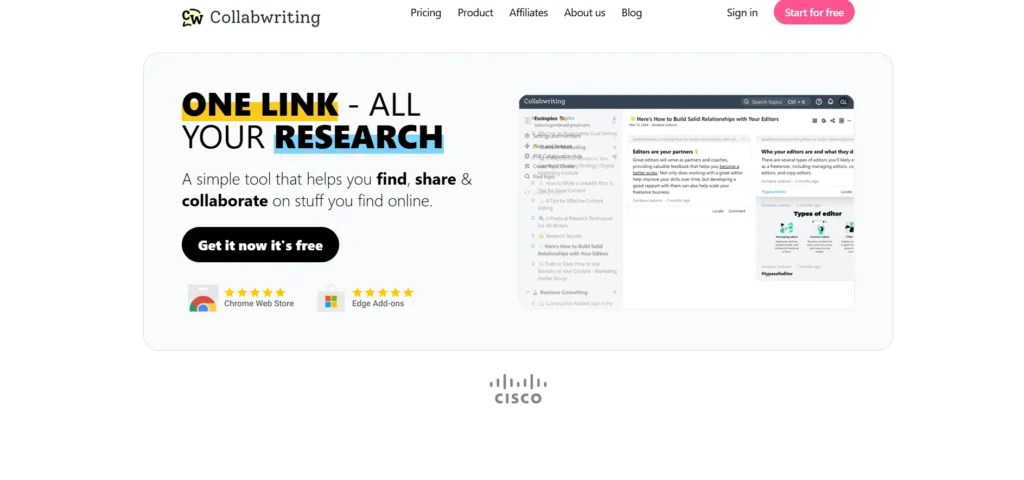
Collabwriting, as the digital LinkedIn marketing research assistant, can provide the ability to store, categorise, and recall exciting content in preparation for future campaigns. The extension to this browser enables highlighting and saving LinkedIn posts, articles, and other Web pages automatically with a link to the source. The organizational system of the tool is board and tag, which groups saved content by topics or campaigns, or client projects. Team sharing and curation workflows facilitate collaboration features, which means that it can be useful to agencies and marketing teams.
Key Features
- Highlighting and saving content
- Board and tagging in organizations
- Ability to collaborate as a team
Pros
- Great Pearapsyliorganization
- Sharing facilities in a team
- Paid plan available
Cons
- No publishing directed
- Weak automation characteristics
- It needed to be organized manually
Best For: Content researchers and teams who need to systematically collect and organize LinkedIn content inspiration.
Pricing: Free personal plan; Team plans starting at $15/month
Website: http://collabwriting.com
Best Practices for Using LinkedIn Marketing Tools Effectively
- Maintain Authentic Personal Voice: As you streamline and optimize your presence with the tools, make sure that your content and communication are personal and unique to your professional personality.
- Respect Platform Guidelines and Limits: With LinkedIn, also make sure you do not violate the terms of service LinkedIn offers; however, use their marketing tools in a way that is slightly reminiscent of the way in which a real person would do so, in order for your account not to be blocked.
- Focus on Quality Over Quantity: Rather than merely increasing the number of posts and making connections, optimize the use of tools to assist in making the content more purposeful and the relationship more textured.
- Regular Performance Review and Optimization: Take some time to analyze data regularly with your LinkedIn marketing tools so that you can identify trends, smooth out the marketing process, and alter the tactics depending on the type of insight that you will gain into strategies.
- Combine Multiple Tools Strategically: Rather than believing that you could use one LinkedIn marketing tool to support all elements of your LinkedIn marketing strategy, multiple tools can automate different tasks.
Conclusion
In 2026, LinkedIn marketing tools will open a new horizon of possibilities to optimize your LinkedIn presence, generate high-quality leads, and establish professional connections on a large scale. Be they AI-based content-generating tools like Taplio or prospecting solutions like LinkedIn Sales Navigator, these tools each serve a specific need when it comes to marketing on LinkedIn.
The best tools can be identified considering your target needs, budget, and fit into your working process. It does not matter whether you are an independent entrepreneur attempting to grow your business or a large corporation with dozens of LinkedIn marketing campaigns; the right set of tools can be the difference between your level of performance and the amount of time you will need to invest.
Frequently Asked Questions
Do small businesses get good value out of the use of LinkedIn marketing tools?
Yes, small businesses can gain considerable ROI through tools because they automate time-consuming processes, enhance the content quality, and increase the effectiveness of lead generation.
Will the application of LinkedIn marketing tools have my account banned?
LinkedIn marketing tools are safe when properly used and when these tools are used in accordance to the terms of service of LinkedIn. Select tools with a good reputation, which have safety options such as daily limits, human-like delays, and compliance monitoring.
When I start using LinkedIn marketing tools, do I have to use them separately?
While there are many multi-purpose linked-in marketers, most successful marketers find that 2-4 specialized tools rather than finding one tool that does everything all the time. The most common combination would be a content generation application, an analysis tool, and a lead-management solution.
Can the marketing tools on LinkedIn be used in personal branding and business marketing?
Absolutely. The tools associated with LinkedIn marketing are targeted at personal branding purposes, so that one can frequently work with consistent content, develop thought leadership, and grow the professional network.
How do free LinkedIn marketing tools differ with paid tools?
Free tools are usually simple and feature-limited, with restrictions on their use or the reach of data. Paid tools offer more complex features such as AI in content creation, thorough set of analytics, automation features, and custom support.