
Email marketing is among the most effective methods of reaching your audience when properly performed. However, manually sending emails or using the wrong platform may become a time-intensive nightmare in no time. Tools will assist businesses in building better campaigns, automating user follow-up, tracking performance, and building real relationships with subscribers.
Any startup looking to expand its list or a growing brand looking to increase conversions can find the right tool to achieve it. Simple drag-and-drop email marketing tools have progressed to advanced automation and analytics to accommodate all requirements and budgets. This blog will discuss the most appropriate ones that can make you work smarter, save time, and achieve more out of every email you send.
Why Choose an Email Marketing Tool
An email marketing tool allows businesses to manage communication with their audience in a more organized and effective way. It helps improve engagement, save time, and deliver measurable marketing results.
Key Reasons to Choose an Email Marketing Tool:
- Easy Campaign Management: An email marketing platform provides a single dashboard to create, schedule, and manage all email campaigns. This makes it easier to stay organized and maintain consistent communication with your audience.
- Automation That Saves Time: With built-in automation, you can send welcome emails, follow-ups, and promotional messages automatically. This reduces manual work while ensuring timely and relevant communication.
- Targeted Audience Reach: These platforms allow you to segment your email list based on user behavior, preferences, or demographics. Targeted emails perform better because they deliver the right message to the right audience.
- Professional Email Design: Pre-designed templates and drag-and-drop editors help you create visually appealing emails without technical or design skills. This improves brand image and user engagement.
- Performance Tracking and Insights: Detailed analytics such as open rates, click-through rates, and conversions help you understand what works and what doesn’t. These insights allow you to improve future campaigns and maximize ROI.
List of 15 Best Email Marketing Tools
1. MailerLite
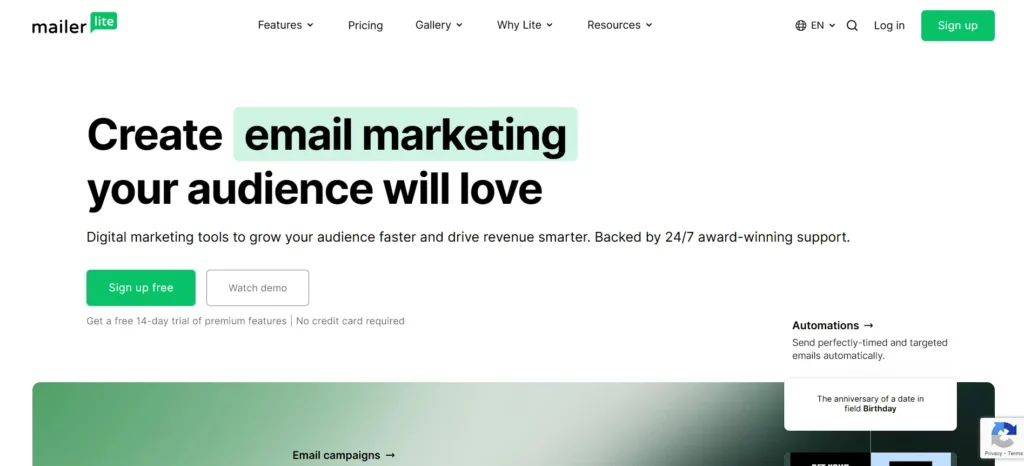
MailerLite is a free and cheap email marketing platform, and it is user-friendly. It contains a straightforward dashboard that is readable. The drag-and-drop editor is used to create good-looking emails even without the ability to design. You have a lot of ready-made templates to begin with.
MailerLite has automation, landing pages, forms, and a simple website builder as well. Its free version is not stingy and is an excellent option for small businesses venturing into email marketing.
Best for: Beginners, startups, and small businesses looking for an easy-to-use and affordable email marketing solution.
Key Features
- Easy drag-and-drop email editor
- 90+ pre-designed email templates
- Simple email automation workflows
- Landing pages and signup forms included
- Free plan ideal for beginners
Pricing:
- Free – $0; up to 500 subscribers, 12,000 emails/month, email campaigns, automation, landing pages.
- Growing Business – starts around $10/month; unlimited emails, more templates, advanced tools.
- Advanced – starts around $20/month; advanced automation, AI tools, unlimited users.
- Enterprise – custom pricing for large lists (100k+ subscribers).
2. Brevo
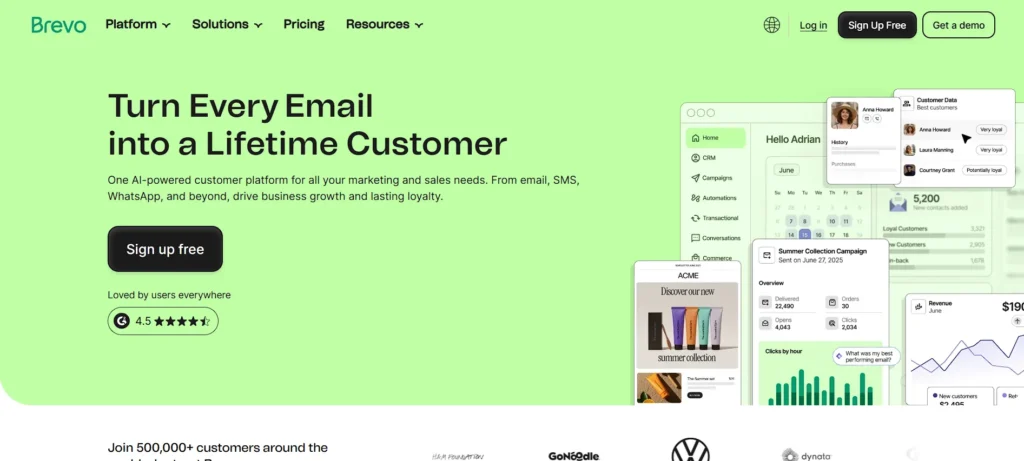
Brevo is one of the robust and user-friendly email marketing tools with a strong free edition. It allows you to use one platform to send emails, SMS, and WhatsApp messages. It features an easy-to-use email editor, and automation tools help send emails based on user activities.
Brevo also includes CRM and transactional emails, such as order updates. It offers a large amount of free contact storage, making it an ideal choice for growing businesses.
Best For: Businesses that want multi-channel marketing, including email, SMS, and WhatsApp, from one platform.
Key Features
- Email, SMS, and WhatsApp marketing
- User-friendly drag-and-drop editor
- Automation with website activity tracking
- Built-in CRM and transactional emails
- Strong free plan with high contact limits
Pricing:
- Free—$0/month
• Up to 300 emails/day, unlimited contacts, email & SMS campaigns, drag‑and‑drop editor, templates, and basic automation. - Starter – from ~$9/month
• From 5,000 emails/month, no daily sending limits, advanced segmentation, forms, AI content tools, and no Brevo logo. - Standard – from ~$18/month
• Everything in Starter plus marketing automation, A/B testing, send-time optimization, landing page, web & event tracking. - Professional – from ~$499/month
• For larger volumes (~150,000+ emails/month), multi-user seats, WhatsApp & push campaigns, advanced AI features, phone support, and e-commerce tools. - Enterprise – Custom pricing
• Tailored plan for high-volume use with unlimited users, sub-accounts, dedicated IP, custom data integrations, and loyalty features.
3. ActiveCampaign
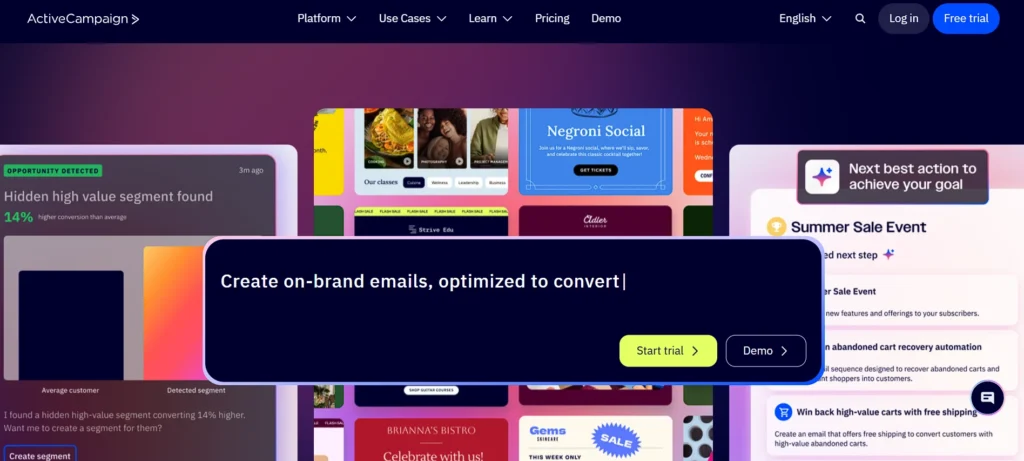
ActiveCampaign would meet the requirements of companies requiring complex automation. It assists you in making emails, landing pages, and forms with simple editors. The platform includes numerous automation templates that interlink the marketing and sales operations.
You will be able to monitor customer activities and communicate to them automatically in a personalized email. It has a CRM to handle leads as well. ActiveCampaign is powerful, and at the beginning, people can require time to get acquainted with all the features.
Best For: advanced users, sales teams, and businesses that need powerful automation and CRM-driven campaigns.
Key Features
- Advanced marketing automation tools
- 240+ professional email templates
- Integrated CRM for sales tracking
- AI-based audience targeting
- High email deliverability rates
Pricing:
- Starter – $15/mo
• Email marketing, marketing automation, limited segmentation, 5 automation actions, 1 user. - Plus – $49/mo
• Email marketing, marketing automation, standard segmentation, unlimited automation actions, 1 user, CRM & ecommerce integrations, landing pages. - Pro – $79/mo (Popular)
• Advanced segmentation, unlimited automation actions, standard CRM & premium ecommerce integrations, landing pages, predictive & conditional content. - Enterprise – $145/mo
• Premium segmentation, unlimited automation actions, premium CRM & ecommerce integrations, landing pages, predictive & conditional content, active intelligence, enterprise-level support.
4. Beehive
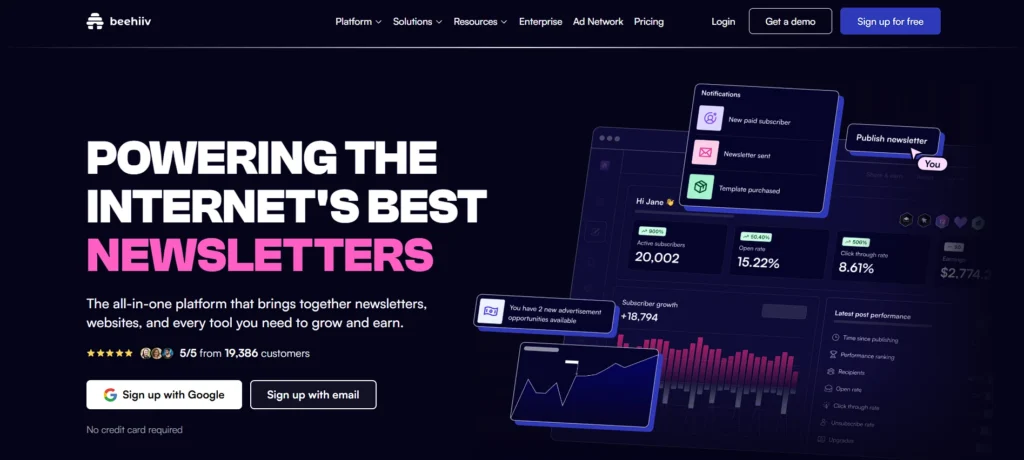
Beehiiv is designed to help creators develop and monetize newsletters and is one of the popular Email Providers for content-focused creators. It is more writing-oriented than design, making it ideal for content-based emails. The editor includes artificial intelligence tools to enhance writing.
It also helps grow subscribers through referral programs and simple sign-up options. Monetization features include advertisements, paid subscriptions, and promotions, making it ideal for writers, creators, and newsletter-driven companies.
Best For: newsletter creators and content publishers focused on audience growth and monetization
Key Features
- Newsletter-focused writing editor
- AI tools for content improvement
- Referral program for list growth
- Multiple newsletter monetization options
- Detailed performance analytics
Pricing:
- LAUNCH – Free, no commitment. Up to 2,500 subscribers with custom websites, newsletters, analytics, and AI tools.
- SCALE – $49/month (most popular). Supports 1,000 subscribers plus ad network, email automation, AI features, and team collaboration.
- MAX – $109/month (best value). Includes podcast hosting, sponsorship tools, audio newsletters, and up to 10 publications with priority support.
- ENTERPRISE – Custom pricing. Dedicated account manager, IP addresses, unlimited subscribers, API access, and concierge onboarding.
5. Moosend
Moosend is a powerful and affordable option among email marketing tools. It offers drag-and-drop email creation, landing pages, and a forms editor. Moosend’s automation features allow you to send emails based on website actions and user activity.
It helps with personalization to enhance engagement. Pricing is simple, with all features included in a single paid plan. It is an excellent alternative for small businesses that need advanced solutions at low cost.
Best for: small and medium businesses looking for budget-friendly email automation with essential features.
Key Features
- Simple drag-and-drop email builder
- Advanced automation with many triggers
- Website and user behavior tracking
- Personalized email content options
- One pricing plan with full feature access
Pricing:
- Pro – $9/month for 500 contacts. Unlimited campaigns, email automation, landing pages, subscription forms, and SMTP server. No transactional emails, SSO, or account manager.
- Moosend – Custom plan based on your needs.
- Enterprise – All advanced features included with dedicated support.
6. HubSpot
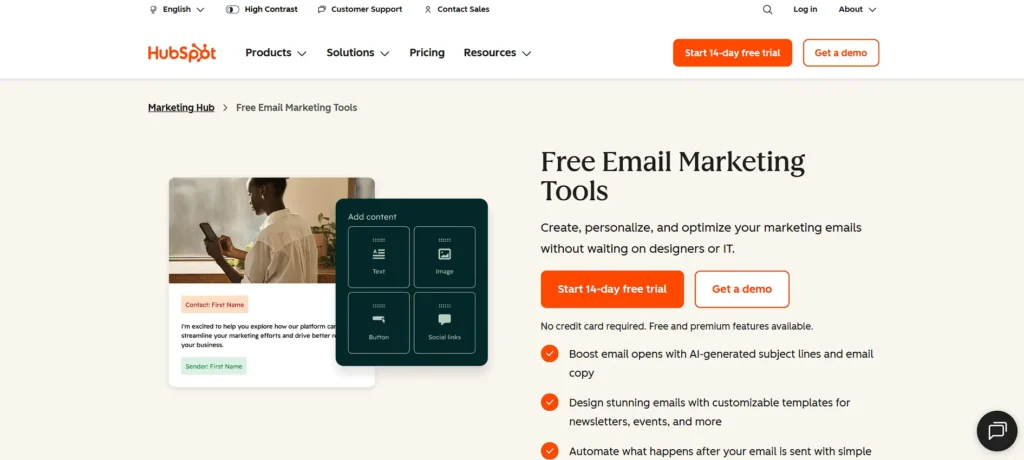
HubSpot is a complete email marketing platform as well as a sales and customer service platform. Its email applications belong to the Marketing Hub and are accessible. Email, landing page, and form creation are available through drag-and-drop editors.
It is also automated, personalized, and report-friendly. The beauty about HubSpot is that email marketing is compatible with sales and support tools. It is appropriate for both small and large businesses, and it has a convenient free plan.
Best For: growing businesses that want an all-in-one CRM, marketing, and email automation platform.
Key Features
- All-in-one CRM for marketing, sales, and support
- Easy drag-and-drop email and page builder
- Strong automation and personalization tools
- Email, SMS, and social campaign support
- Free plan for small businesses
Pricing:
- Free – ₹0/mo. Up to 2 users, no credit card required. Includes marketing, sales, service, and content tools.
- Starter – ₹752/mo per seat. 1,000 marketing contacts, 500 HubSpot credits. Includes forms, email marketing, live chat, automation, and ad management.
- Professional—₹66,697/mo (3 core seats included). 2,000 contacts, 3,000 credits. Add omni-channel marketing, lead scoring, custom reporting, and social post agent.
- Enterprise—₹300,000/mo (5 core seats included). 10,000 contacts, 5,000 credits. Includes team organization, multi-touch attribution, customer journey analytics, and email approvals.
Suggest Read:-
7. Mailjet
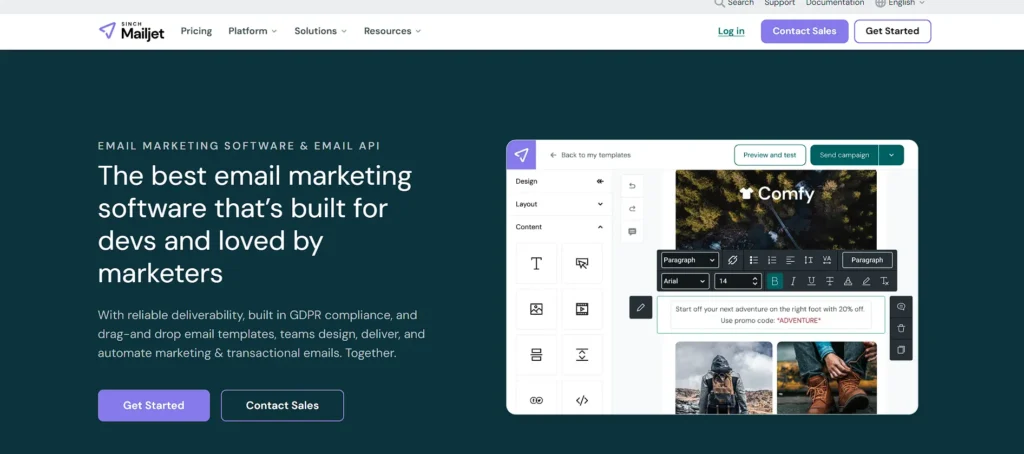
Mailjet is suitable for businesses engaged in emailing newsletters and transactional emails and is one of the reliable email marketing tools for managing large contact lists. It supports an extensive number of contacts in paid plans, which is beneficial for big email lists. The editor is straightforward and favors templates, A/B testing, and automation.
It is also focused on email delivery quality with built-in validation and detailed reports. One notable feature is real-time editing, which allows multiple users to collaborate simultaneously. It also includes SMTP and API integrations for system email sending.
Best for: companies that send large volumes of newsletters and transactional emails with strong API support.
Key Features
- Unlimited contacts on paid plans
- Drag-and-drop email editor
- Marketing and transactional emails
- Built-in email validation tools
- Real-time team collaboration
Pricing:
- Free – $0/month forever. 6,000 emails/month (200/day), 1,000 contacts. Includes APIs, an email editor, basic stats, a form builder, and a language selector.
- Essential – $17/month (most popular). 15,000 emails/month, unlimited contacts. Adds online support, no Mailchimp logo, email previews, segmentation, 1 subaccount, and AI content creation.
- Premium—$27/month. 15,000 emails/month, advanced stats, automations, A/B testing, landing pages, 2,000 email previews, up to 20 subaccounts, and priority support.
- Custom – Upon request. Includes all premium features plus a dedicated account manager, comprehensive onboarding, IP strategy, deliverability monitoring, and strategic consulting.
8. Omnisend
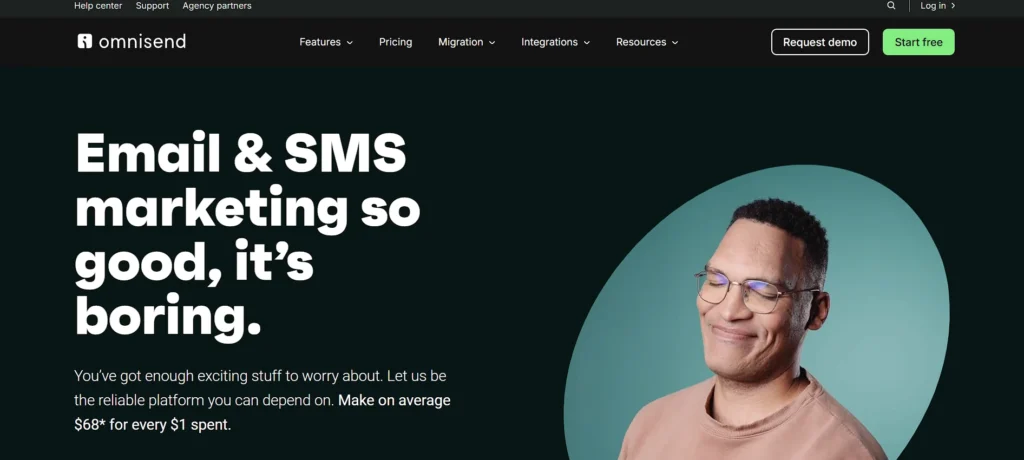
Omnisend is created to fit online shops and e-commerce companies. It can be used on well-known e-commerce platforms. The tool will assist in the distribution of product-oriented emails, cart messages, and welcome messages. Its automation system is extremely simple to program, even for an amateur.
It also takes store information to send personalized emails to the appropriate customers. The customer lifecycle map assists in comprehending the buyer behavior. Omnisend allows reaching more sales and customer interactions with great automation and targeting.
Best For: ecommerce businesses that need email, SMS, and automation tailored for online stores.
Key Features
- Built for ecommerce email marketing
- Ready-made automation workflows
- Product-based email templates
- Advanced customer segmentation
- Integrates with major ecommerce platforms
Pricing:
- Standard – $11.20/month. Best for growing and medium-sized businesses. 500 contacts, $1 free SMS credit to try. Pay 3 months upfront and save 30%.
- Pro – $41.30/month (best value). Best for high-volume senders adding SMS. 2,500 contacts, global SMS messaging. Pay 3 months upfront, save 30%.
- Custom – Upon request. Best for businesses with custom needs, large contact amounts, or email volume. Contact sales for details.
9. AWeber
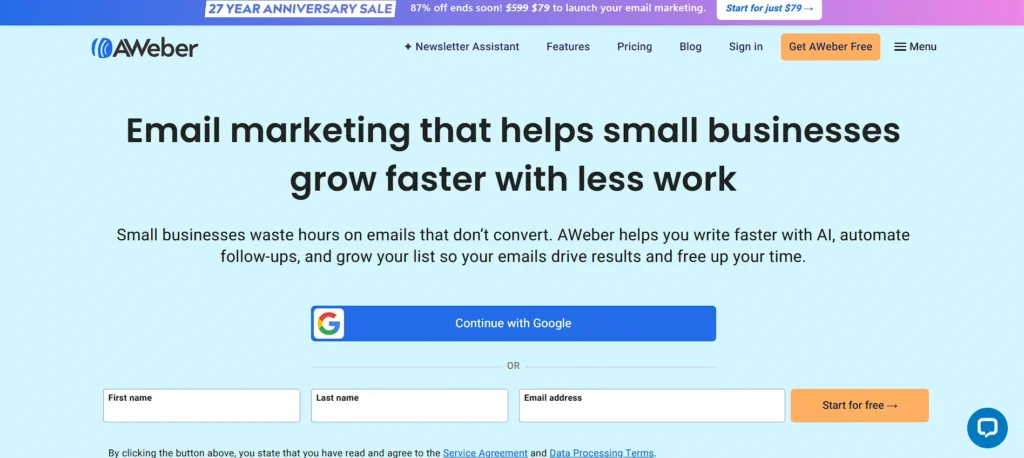
Weber is one of the oldest email marketing tools and is highly regarded for email design. It provides more than 600 premade templates and an easy drag-and-drop editor. AWeber includes email design through Smart Designer using your website design and is also integrated with Canva to make graphics easy.
Although it is simple with regard to automation features, Weber is ideal when users want to produce beautiful emails without needing to put in a lot of technical effort.
Best For: marketers who prioritize professional email design, templates, and reliable deliverability.
Key Features
- 600+ professional email templates
- Easy drag-and-drop editor
- Smart Designer for branded emails
- Canva integration for visuals
- Large library of third-party integrations
Pricing:
- Lite – $12.50/month. Best for creators starting their email game. 1 email list, 3 landing pages, 3 automations, sent to 10x subscribers monthly, 3 users. 14-day free trial.
- Plus – $20/month (most popular). For creators scaling their business. Unlimited email lists, landing pages, and automations; send to 12x subscribers monthly; custom segments; 24/7 priority support. 14-day free trial.
- Done For You—$20/month + $79 setup fee (was $599). Full email marketing setup in 7 days. Experts build emails, landing pages, workflows, and integrations. Includes 30 days of unlimited edits.
10. Kit
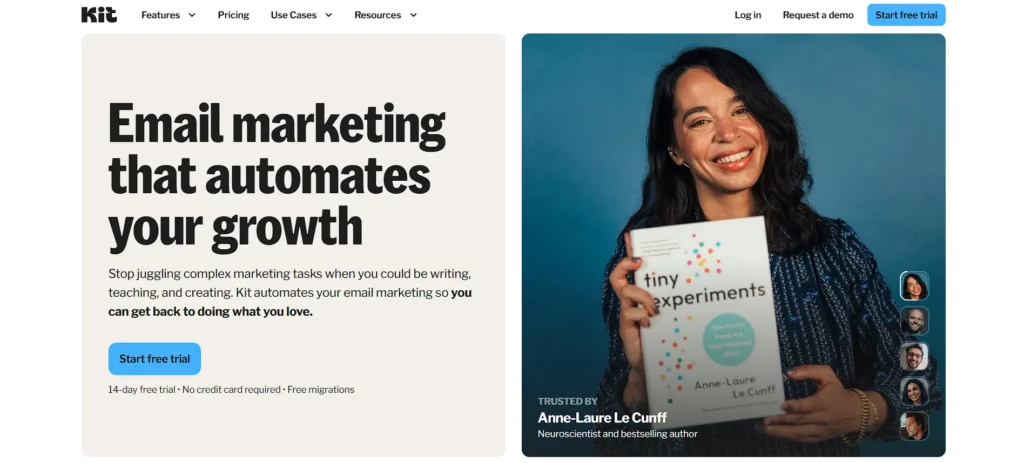
Kit is designed to pursue creators such as bloggers, YouTubers, and influencers. It assists in developing email subscriptions and generating revenues in newsletters. An email, landing page, and paid subscription are easily created. The creators can also cross-sell one another on Kit with its Creator Network.
Tagging and automation assist in sending appropriate emails to the appropriate audience. Kit is perfect for content creators who are creating profitable communities due to its robust growth and monetization capabilities.
Best For: creators, bloggers, and coaches focused on building and nurturing an engaged audience.
Key Features
- Tools for creators and newsletters
- Paid subscriptions and monetization
- Advanced tagging and segmentation
- Visual automation workflows
- Creator Network for audience growth
Pricing:
- Newsletter – Free. Up to 10,000 subscribers, 1 automation, 1 sequence, and 1 user. Unlimited landing pages, forms, broadcasts, and digital products.
- Creator – $33/mo (recommended). Up to 1,000 subscribers, unlimited automations and sequences, 2 users. Includes recommendations, branding removal, RSS campaigns, and polls.
- Pro – $66/mo. Up to 1,000 subscribers, unlimited users. Adds A/B testing, Facebook audiences, referral system, engagement scoring, and analytics.
11. Mailchimp
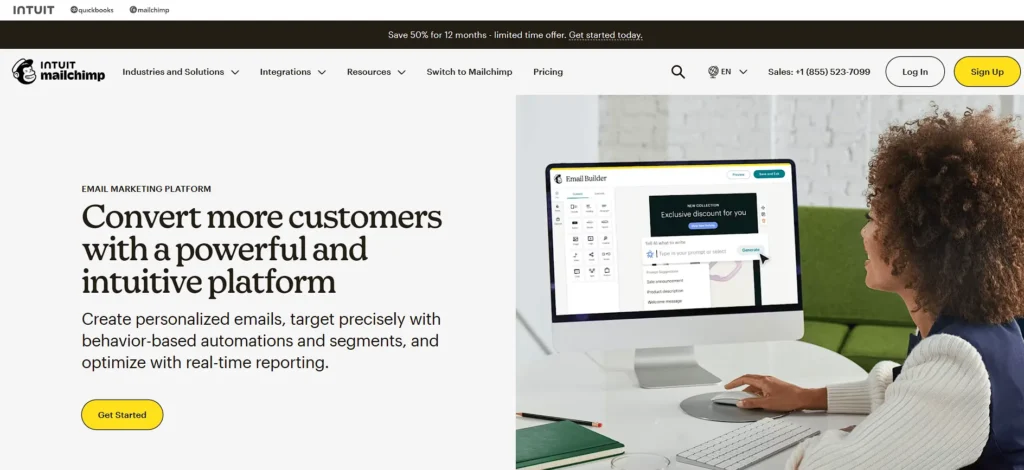
Among the most popular email marketing tools is Mailchimp, which is typically utilized by novices. It has a basic mail creator, numerous integrations, and a free basic plan. But the cost is high within no time as your address book swells with contacts, although it even charges for an inactive one.
The platform is not as user-friendly as newer tools, and most features are restricted on the cheaper plans. In general, it is effective, and today better and less expensive alternatives can be offered.
Best For: beginners and small businesses starting with basic email marketing campaigns
Key Features
- User-friendly drag-and-drop email editor
- 300+ integrations including ecommerce and social media
- Free plan available for basic needs
- Campaign reports and analytics
- Brand and design customization options
Pricing:
- Free – ₹0/month. Up to 250 contacts. Create email campaigns, and learn about customers. Sending pauses if limits are exceeded.
- Essentials—₹385/mo for 12 months (save 50%). Then ₹770/month. Testing, scheduling, and content delivery features.
- Standard – ₹575/mo for 12 months (save 50%). Then ₹1,150/month. Personalization, optimization tools, and enhanced automations.
- Premium—₹11,500/mo for 12 months (save 50%). Then ₹23,000/month. Unlimited contacts, dedicated onboarding, and priority support. Built for teams.
12. Campaigner
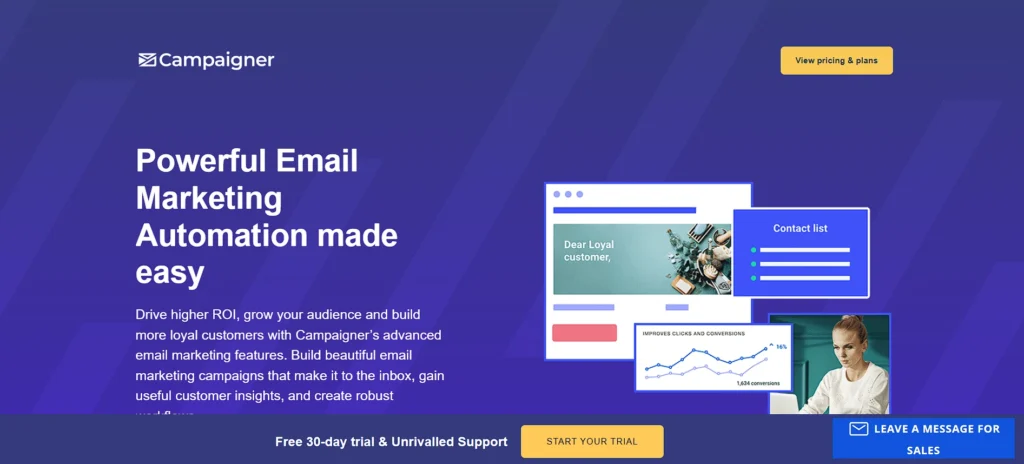
Campaigner is designed to support companies that have high volumes of mail. It provides good automation, market segmentation, and personalization features. The email editor is simply designed, and there are time-saving content blocks.
Campaigner is another solution supporting email and SMS in one single workflow. It pays much attention to the quality of lists and deliverability. It is also powerful; however, compared to other platforms, Campaigner is more costly and suitable only in the case of large marketing departments.
Best for: businesses that send high-volume emails and require advanced segmentation and SMS features.
Key Features
- Advanced email and SMS automation workflows
- Dynamic content and personalization tools
- Reusable content blocks for easy design
- Reputation Defender for list hygiene
- Ecommerce integrations and conversion tracking
Pricing:
- Essentials – $14/mo. Basics of email marketing. Drag-and-drop editor, email templates, detailed campaign reporting.
- Advanced – $35/mo. For experienced users with advanced needs. Automation workflows (simple and multi-path), advanced segmentation, personalization options.
- Custom – Custom pricing. For large-scale sending. Full feature suite, dedicated account management, deliverability consulting.
13. GetResponse
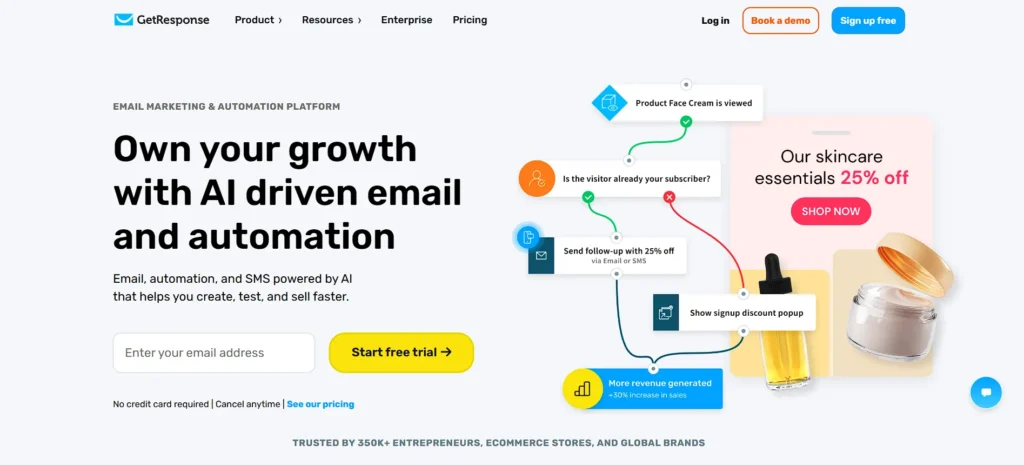
GetResponse is one of the versatile email marketing tools suitable for small and developing companies. It offers simple email design, automation, landing pages, and sign-up forms. You can also create sales funnels to market online products or subscriptions.
More advanced automation and tracking features can be unlocked as your business expands. The platform is affordable and easy to navigate, although some templates may appear outdated. It is an excellent choice for businesses that want email and sales software combined.
Best For: marketers who want email campaigns combined with sales funnels, landing pages, and webinars.
Key Features
- Intuitive drag-and-drop email editor
- 120+ customizable email templates
- Landing page and sign-up form builder
- Automation workflows and segmentation
- Sales funnels for subscriptions and digital products
Pricing:
- Starter – ₹1,714.85/mo. Unlimited email sends, AI content generators, welcome series, 1 automation, landing pages, and signup forms.
- Marketer – Best value. Unlimited sends, automations, landing pages, cart recovery, sales funnels, web push notifications, and promo codes.
- Creator – ₹5,227.61/mo. Everything in Marketer, plus webinars and a website builder.
14. Constant Contact
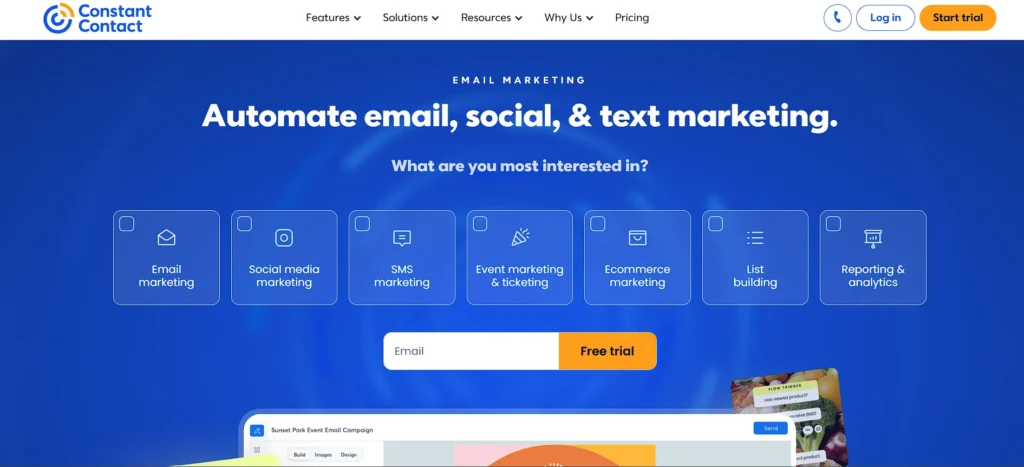
Constant Contact is another common email marketing application that is user-friendly. It provides a drag-and-drop editor, a broad selection of templates, and an AI writing assistant. Simple automation can be used; however, it is not as much as other tools. Constant Contact is doing well in social media and event marketing.
You are able to schedule posts, to run advertisements, and to control events. It is an excellent option when small businesses and event-based marketing are considered, but not so good when sophisticated automation is required.
Best for: event-based businesses, nonprofits, and local organizations managing email and social campaigns
Key Features
- Easy-to-use drag-and-drop email editor
- 300+ responsive templates
- AI-powered content and writing assistant
- Social media scheduling and ads integration
- Event management tools and lead generation forms
Pricing:
- Lite – $12/month. For beginners. Email and social media marketing tools.
- Standard – $35/month. For most businesses. Powerful automated marketing tools for faster growth.
- Premium – $80/month. For pros. Industry-leading automation, segmentation, and advanced features.
15. Benchmark Email
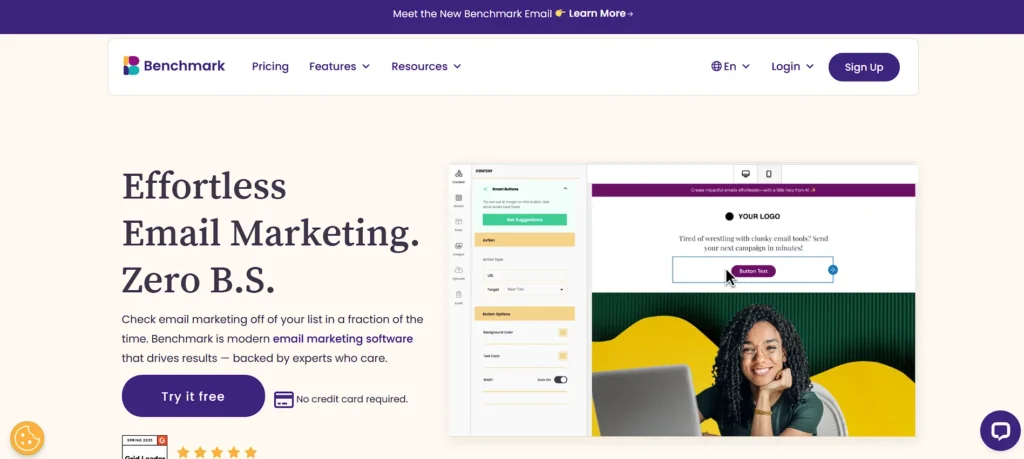
Benchmark Email is a user-friendly service and one of the beginner-friendly email marketing tools that enables users to start easily. It is simple to edit and offers numerous templates available in various languages.
Users can also develop forms, landing pages, and surveys, along with simple automated campaigns. Although it has fewer automation features, the visual workflow builder is clear and easy to navigate. Benchmark offers good value, as it is low-priced and well suited for small companies and those new to email marketing.
Best for: small businesses and beginners looking for a simple and user-friendly email marketing platform.
Key Features
- Beginner-friendly drag-and-drop editor
- 200+ responsive email templates in multiple languages
- Sign-up forms, landing pages, and surveys
- Visual automation workflow builder
- Quick email creation and campaign automation
Pricing:
- Free – Up to 500 contacts, 2,500 emails/month, 1 user, 1 domain.
- Pro – 2,500–100,000 contacts, 10x contact limit for emails, up to 10 users, 10 domains max.
- Customize – 100,000+ contacts, custom limits, custom users and domains. Contact sales.
Email Marketing Tools Comparison Table
| Tool Name | Free Plan | Paid Starting Price | Pros | Cons |
| MailerLite | Yes – up to 500 subscribers | From ~$10/month | Easy to use, clean UI, good automation, affordable | Limited advanced automation |
| Brevo (Sendinblue) | Yes – 300 emails/day | From ~$9/month | Email, SMS & WhatsApp support, strong automation | Daily email limit on free plan |
| ActiveCampaign | No (14-day trial) | From $15/month | Powerful workflows, CRM integration, deep segmentation | Steep learning curve, no free plan |
| beehiiv | Yes – up to 2,500 subscribers | From $49/month | Built-in monetization, referral system, creator-focused | Expensive for basic email marketing |
| Moosend | No (30-day trial) | From $9/month | Affordable, good automation, clean editor | Limited integrations |
| HubSpot | Yes – limited features | From ₹752/month | Powerful CRM, scalable, detailed analytics | Expensive as features scale |
| Mailjet | Yes – 6,000 emails/month | From $17/month | Strong API, real-time collaboration | UI less beginner-friendly |
| Omnisend | Yes – 250 contacts | From $11.20/month | Ecommerce-focused automation, SMS & push support | Limited outside ecommerce |
| AWeber | Yes – 500 subscribers | From $12.50/month | Large template library, reliable deliverability | Interface feels outdated |
| Kit (ConvertKit) | Yes – up to 10,000 subscribers | From $33/month | Excellent for audience growth, simple automation | Limited design customization |
| Mailchimp | Yes – up to 250 contacts | From ₹770/month | Popular, beginner-friendly, many integrations | Pricing increases quickly |
| Campaigner | No | From $14/month | Advanced segmentation, SMS marketing | No free plan |
| GetResponse | Free trial only | From ₹1,714/month | Built-in funnels, landing pages, webinars | Higher pricing |
| Constant Contact | Free trial only | From $12/month | Event tools, social media integration | Limited automation |
| Benchmark Email | Yes – 500 contacts | From paid tiers | Simple interface, responsive support | Limited advanced features |
Things to Look for When Choosing the Best Email Marketing Tools
Selecting the appropriate email marketing service will or will not make your campaign a success. The features that really matter should be known before a decision is made.
Easy-to-Use Interface: The simple and clean dashboard is time-saving and error-minimizing. The most suitable email marketing applications enable you to build, plan, and run campaigns without technical knowledge.
Automation and Workflow Options: The automation is able to assist you in sending the correct message at the correct moment. Find the ones that provide welcome emails, drip campaigns, and behavior-based triggers.
Personalized Email Templates: Email creation is quicker because of pre-built templates that have drag-and-drop editors. Options of customization mean that your emails will look and sound like your brand.
Audience Segmentation: Reaching the appropriate audience enhances interaction. Quality tools enable you to classify contacts by their interests, conduct, or buying history.
Analytics and Reporting: Close rates, clicks, and conversions reports allow you to see what works and what does not so that you can improve constantly
Ending Note
The thing is that not to select the most popular name is to choose the right email marketing platform to support your purposes, target audience, and workflow. The 15 email marketing tools in this blog have a variety of options for both beginning-friendly and scaling business tools.
These platforms can assist you to build trust, increase open rates, and convert subscribers into loyal customers when properly used. Take your time and test some of the options, and see what is working best with your strategy. The appropriate tool in hand makes email marketing less stressful and much more effective. Be a smart investor, be regular, and make your emails speak.
FAQs
1. What is The Effect of Email Marketing Tools on Long-Term Customer Retention?
They personalize communication, cultivate leads, monitor engagement behavior, and enable brands to build trust by responding to messages in a timely and relevant manner.
2. Are There High-Tech Email Tools That can Facilitate Multi-Channel Marketing?
Yes, most platforms have been tied to CRM, social media, SMS, and analytics tools to build integrated and data-driven marketing campaigns.
3. What is The Role of Deliverability In Choosing An Email Marketing Tool?
Inbox placement, open rates, and campaign success depend directly on deliverability, which is vital in preserving sender reputation and engagement.
4. Are Email Marketing Tools In Compliance With Data Privacy Laws?
The majority of sophisticated tools come with GDPR functionalities, consent management, unsubscribe, and data protection controls to guarantee that they are legal.
5. What Can Email Analytics Tell About Campaign Optimization?
Analytics can show the behavioral patterns of the audience, the performance of content, and timings to make smarter decisions and constantly enhance campaigns.