
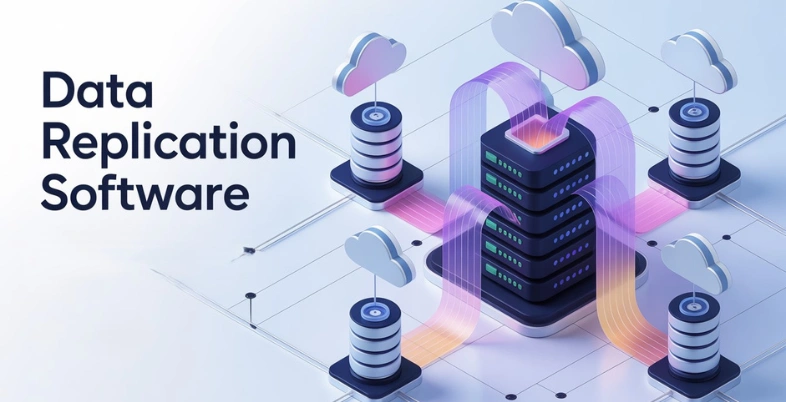
Data has become the backbone of every modern business, but keeping it safe, consistent, and always accessible is not as simple as it sounds. System failures, cyber threats, accidental deletions, and unexpected outages can disrupt operations and lead to serious data loss. When data is scattered across multiple servers, cloud platforms, or locations, maintaining accuracy and availability becomes even more challenging—often resulting in downtime, lost revenue, and reduced customer trust.
Data replication software solves this problem by automatically copying and synchronizing data across multiple systems in real time. It ensures that your data is always available, up-to-date, and protected, even if one system fails. By reducing downtime and strengthening disaster recovery strategies, data replication platforms helps businesses run smoothly while safeguarding their most valuable digital assets.
What Is Data Replication?
Data replication involves the procedure of copying and storing data in more than one location or system so as to achieve high availability, consistency, disaster recovery, and optimization of performance. It consists of a copying of data on one or more secondary locations of a central source of data, either in real-time (synchronous replication to avoid zero data loss), or on a scheduled basis (asynchronous to minimize latency), on a network such as LAN, WAN, or a cloud.
This practice promotes fault tolerance by allowing failover to replicas during outages, enabling load balancing on read-intensive workloads, and ensuring compliance through redundant backups. Many data replication tools use techniques such as snapshot, transactional, or merge replication to satisfy the needs of different workloads.
The Importance of Data Replication Software
Data replication platforms replicates the data in order to make it available and reliable by copying the data across the systems and reducing downtime and business continuity. Contemporary operations, particularly those that involve data, such as digital marketing and e-commerce, need it.
Key Benefits
- Enhances high availability as data is accessible at all times, even when the main system is down.
- Provides a quick recovery of Disasters due to replicated copies in various locations, minimizing the loss of data and downtime.
- Increases performance by load balancing with the operations of reads spread across replicas to respond to queries faster.
- Improves the reliability of data as all copies are synchronized, so that there is accuracy in making decisions.
- Scales well, enabling the database to be easily extended to allow performance to remain stable as the data increases.
- Promotes real time analytics and business intelligence through data synchronization of data across platforms.
How to Evaluate Data Replication Tools
The compatibility, performance, and cost are the main characteristics that should be considered to make data replication tools fit your needs and infrastructure. Hear to terms that will please your sources, target, and scale to rely on synchronization.
Core Features
- Ensure that it features the necessities that constitute the Change Data Capture (CDC), batch replication, built-in transformations, schedule, and monitoring, along with automations to manage your specific applications.
- Where latency is both difficult and where it is necessary to have incremental loads to reduce resource utilization, choose tools of either real-time or near-real-time replication.
Compatibility
- Ensure that you can add to your data sources (databases, SaaS applications, APIs, cloud storage Alternatives ) and targets (e.g., Snowflake, BigQuery) by enabling easy onboarding of new ones in the future.
- Achieve wide connector coverage, including heterogeneous on-prem, hybrid, and cloud replication.
Scalability and Performance.
- Test throughput, benchmarks, and big data processing such as compression, caching and parallel processing.
- The test is scalable both in relation to data size increment and recovery time goals (RTO), and high availability, and excellent error management and recovery.
Ease of Use
- Test the usability of low learning curve, workflow, graphic designers, no-code, and diagrammatic monitoring with logging and alarms.
- Deployment models to consider include managed SaaS, lowest maintenance, and self-hosted, and customization.
Security and Compliance
Transit/rest encryption, data integrity checking, access should be granted by roles, and standards should be passed GDPR, HIPAA, or SOC 2 standards.
Cost and Support
- Predictability (review pricing models – row-based, use-based, flat fee): predictability of pricing, and presence of unannounced charges, and compare it with your budget.
- Compare the reviews of the users on the G2 or Capterra with the actual reliability in life, support, and satisfaction.
List Of 12 Best Data Replication Software
1. Qlik Replicate
website: https://www.qlik.com/us/products/qlik-replicate
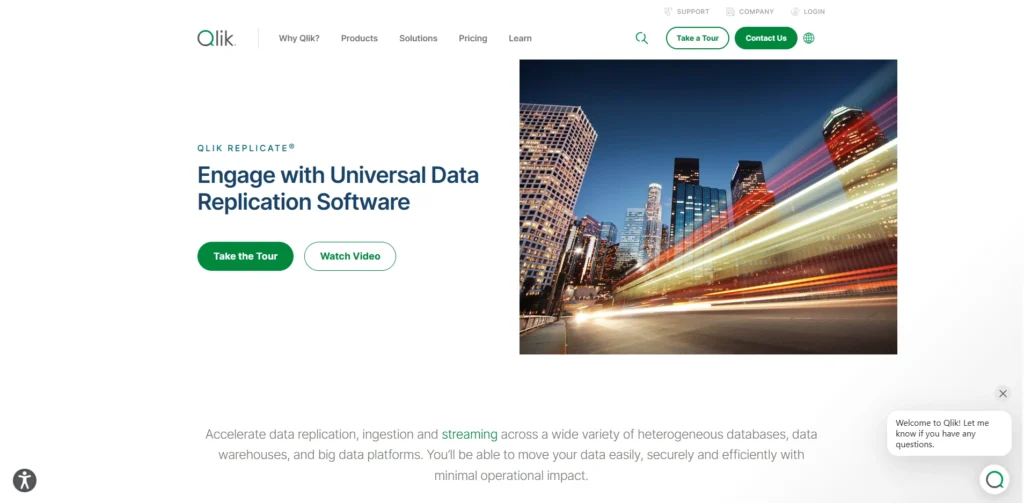
Qlik Replicate is an advanced data replication and ingestion application (previously Attunity Replicate) that speeds up the transfer of data between a wide range of sources and destinations, such as databases, data warehouses, big data destinations and cloud solutions (AWS, Azure, and Google Cloud) through real-time data capture with change data, log-based processing and an easy-to-use user interface, thus removing manual coding for data management activities such as schema evolution, data transformation, and streaming data to platforms such as Kafka.
Key Features
- Replication of low-latency CDC with low source impact real-time data.
- Extensive support of sources/targets, including Oracle, SQL Server, DB2, Hadoop, SAP, and cloud services.
- Easier GUI to perform automated configuration, schema creation, and watch activities and warnings.
- Parallel processing, compression of data, and batch/transactional modes.
- Centralized control, error control, data validation, filtering, and zero downtime upgrades.
- AES-256 encryption and scalability to large amounts of data.
Pros:
- Real‑time CDC support
- Scalability and high performance.
- Wide source/target coverage
- Multi-source/ multipoint replication.
- Automated schema evolution
- Inbuilt information control and error management.
Cons:
- High licensing cost
- Time-consuming learning process and complexity to set up.
- Minor developed changes.
- The infrequent urinary incontinence and instability.
- Connection recovery constraints.
Pricing:
- Pricing begins at approximately £6300 per unit/year (with free trials). Qlik also offers custom pricing based on scale.
2. Oracle GoldenGate
Website:https://www.oracle.com/integration/goldengate/
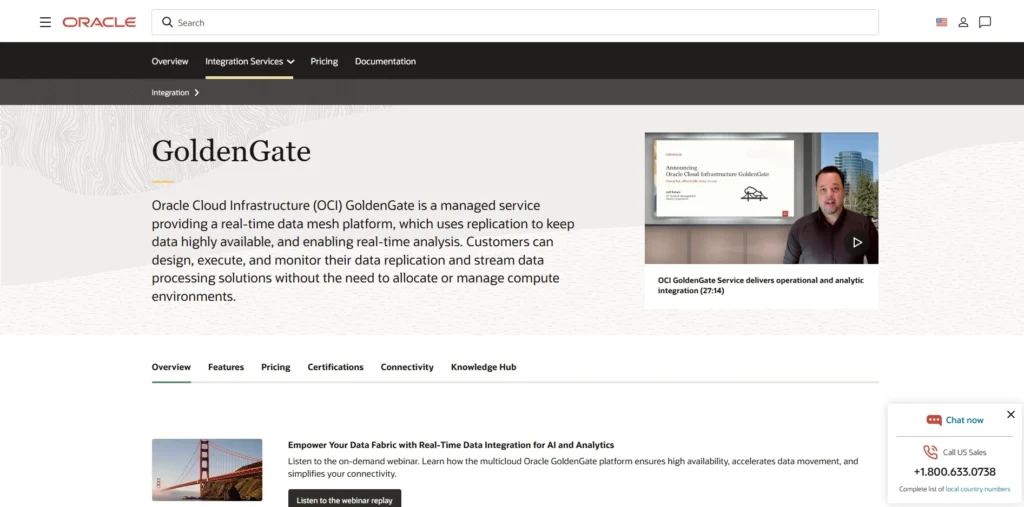
Oracle GoldenGate is a powerful real-time takeoff and replication data replication software that catches, transforms and redirects as well as dispatching transactional data among heterogeneous databases and environments with less latency. It is highly useful in ensuring high availability, disaster recovery, data migrations, live reporting and analytics, reading source database transaction logs (i.e., Oracle REDO logs), and converting the modifications to compact trail files to effectively transfer them to targets via operations like Extract, Data Pump, and Replicat.
Key Features
- Low-latency Change Data Capture (CDC) Replication of real-time data.
- Approved the usage of different databases (Oracle, SQL Server, MySQL, etc.) in on-premises, cloud, and hybrid models.
- Transformation of data and mapping of data, filtering, and more than 50 add-ons to suit the process of replication.
- Schema change and bi-directional replication: DDL and DML synchronisation.
- Scalability, high availability, no downtime migration, zero-downtime migrations, and dynamic parallel processing.
- APIs observation, management dashboard, real-time notifications, and lagging.
- Early load support, analytics, disaster recovery, and streaming pipeline support.
Pros:
- Delivers minimal latency replication .
- Supports broad database compatibility
- Enhances performance
- Provides stability, security, and mature error reporting
Cons:
- High licensing costs
- Complex configuration
- Lacks an intuitive GUI and seamless integration with tools
- Designed primarily for on-premise Oracle replication
Pricing
- Oracle GoldenGate price is not publicly offered as a fixed price, but can be licensed on a per-processor/core basis, or under a named user metric, often in Oracle Cloud Infrastructure (OCI) packages, and variations of Oracle GoldenGate such as Oracle GoldenGate Free, have a restricted non-production usage option. Request individual quotes based on the size of the deployment from Oracle sales.
3. AWS Database Migration Service (DMS)
website:https://aws.amazon.com/dms/
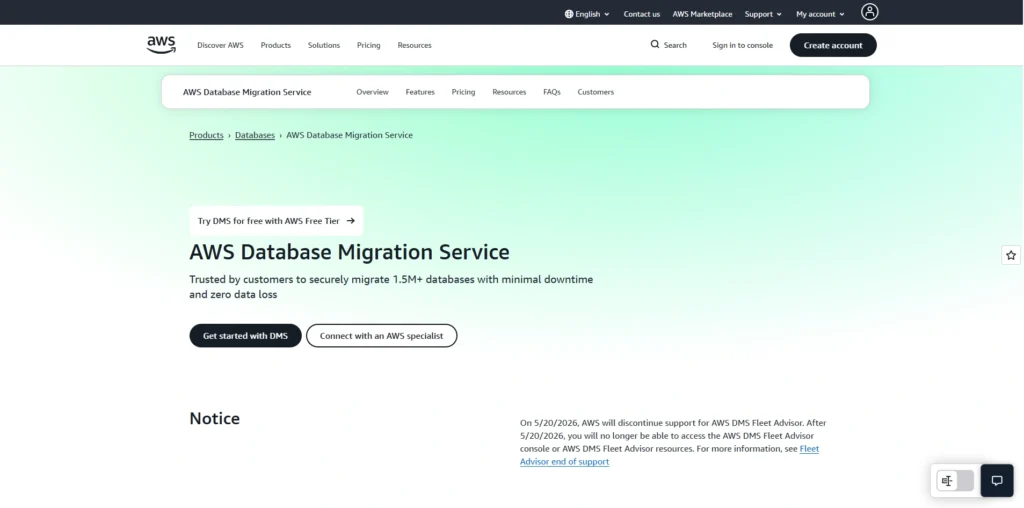
Amazon Web Services AWS Database Migration Service (DMS) is a managed cloud service that enables the process of successful and safe migration of a database to AWS and minimizes downtimes as much as possible. It allows homogeneous migrations (identically the same engine) and heterogeneous migrations (differing engines) by loading and populating the target database (on-premise, cloud, or other AWS service) first, with all data currently in the source database, and then through Change Data Capture (CDC) to maintain the target database current. One can also cutover migrations, or a disaster recovery environment, or live replication across dev/test environments.
Key Features
- Migrates all the loads to preliminary data movement and CDC to continuous real-time replication.
- Replication instances are the compute engine of a VPC, and replication is used in data extraction, optional transformations, and loading.
- DMS Serverless is a cost optimization, no-manual-provisioning, and autoscaling feature.
- Multi-AZ and self-healing (Schema conversion products to cross-engine migration).
- Supported a wide variety of sources/targets, including Oracle, MySQL, PostgreSQL, SQL Server, DynamoDB, and S3.
- Permanent availability, automatic backup, and low latency of production load.
Pros:
- Minimal downtime migration
- Broad database support
- Fully managed and self‑healing
- High availability and security options
- Fast setup and low‑cost model
Cons:
- Can stress the source under large migrations
- Limited table‑parallelism by default
- Not all DB objects are migrated
- Configuration‑heavy and complex tuning
- Potential CDC lag with high‑throughput databases
- Cost and resource management overhead
Pricing
- AWW DMS is pay-as-you-go and does not include initial fees and long-term contracts.
4. Microsoft SQL Server Replication

Website:https://learn.microsoft.com/en-us/sql/relational-databases/replication/sql-server-replication?view=sql-server-ver17
Microsoft SQL Server replication is an inbuilt set of technologies that replicate and distribute data, database objects, and schema changes of a single database (the Publisher) to one or more databases (Subscribers) and synchronizes the changes to create consistent distributed environments, making it a reliable data replication software. It operates on the publish-subscribe paradigm, and has iterations like snapshot (full copies of the data at one point in time), transactional, merge (directional with conflict resolution), and peer-to-peer (high-availability scaling). It is now possible to accomplish many tasks, including load balancing, report offloads, disaster recovery, and no-time data warehousing.
Key Features
- Intel supports snapshot replication during full data loading at the starting point or full data refresh at a predefined frequency.
- The transactional replication consists of updates in nearly real-time sequence and transaction frontiers.
- Merge replication allows the autonomous replication at the Publisher and Subscribers, with conflicts on syncing being merged.
- To scale, P2P replication enables different servers to be publishers and subscribers.
- The initial synchronization involves snapshots, and the option of filtering, transformation, and queueing updates is available.
- Backup services are off-site, automated, and geographically distributed for high availability.
Pros:
- Improved performance and scalability
- High availability and disaster recovery
- Near‑real‑time or on‑demand synchronization
- Support for offline and distributed users
- Flexible topology and filtering
Cons:
- Complex setup and configuration
- High maintenance and monitoring overhead
- Latency and performance bottlenecks
- Network and storage cost/overhead
- Security and permission complexity
Pricing
- SQL Server Replication is included without any extra charge on all paid editions (Standard, Enterprise); its initial cost is approximately $3586/core on Standard and $13748/core on Enterprise; and users/ devices require a subscription to SQL on Azure or CALs. Free in Developer and Express versions for non-production use.
5. Veeam Backup & Replication
Website:https://www.veeam.com/products/veeam-data-platform/capability/advanced-replication.html.
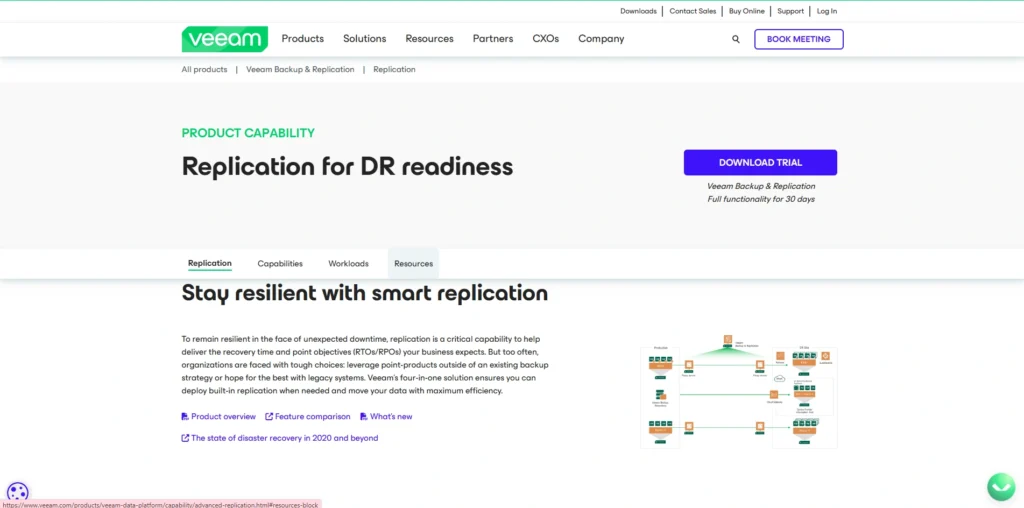
Veeam Backup and Replication is a market-leading data protection solution that can provide wide coverage of backup, disaster recovery, and replication of virtual, physical, cloud workloads, and enterprise workloads on such platforms like VMware, Hyper-V, AWS, and Azure, to name a few. It assists in backups of image level, instant recovery, and VM replications to maintain synchronized copies and achieve quick failover, ransomware protection with immutable backups, data deduplication and compression, and automated tests to obtain trustworthy restores and minimum downtime.
Key Features
- VM, physical server (Windows/Linux/macOS/NAS), cloud, and app (SQL, Oracle, SAP HANA) image-level backups.
- Meet SLAs by quick VM recoveries and file-level and item application restores (to SLAs).
- RPO-based disaster recovery, VM replication, and Near-zero data loss Continuous Data Protection (CDP).
- End-to-end immutability, automatic malware scan, and recovery testing are examples of anti-ransomware protection.
- Scale-out repositories, WAN acceleration, deduplication/compression, and is tapable into tape/object storage.
- Cloud DR, general storage snapshot, and API automation.
Pros :
- Broad workload support
- Hardware‑agnostic architecture
- Fast, efficient backups
- Strong replication and DR features
- Instant and granular recovery
Cons:
- Licensing and cost complexity
- Replication limitations on slow links
- Heavy resource requirements on‑prem
- Complex setup for advanced topologies
- Cloud and SaaS backup limitations
Pricing
- It is sold as a subscription in Veeam Universal Licenses (VUL) (priced per workload instance, typically, e.g., by VM or socket) and starting at about $10-$25 per instance/year with Community (free) and Enterprise levels adding features, prices vary depending on reseller, capacity and support and will depend on a quote.
6. IBM Informix Replication
Website:https://www.ibm.com/products/informix
IBM Informix Enterprise Replication is an asynchronous and log-based data replication software technology embedded in IBM Informix database servers that is meant to replicate data between two or more database servers in high availability and disaster recovery, and a distributed workload environment. It captures the logical logging of the source server in an operation called Snoopy, queues them, which is dependable, and then implements them as usual logged transactions to target servers that offer the potential to support a wide range of different topologies, such as active-active or active-passive configurations, without necessarily owning replica databases. This enables granular replication of entire databases, tables, row/column subsets, or even sharded data in heterogeneous systems.
Key Features
- Asynchronous log replication: Minimal latency, high throughput.
- Elastic topologies: multi-node clusters, active-active/active-passive, and horizontal partitioning (sharding) elastic topologies.
- Granular control: export entire databases, table or rows/column groupings or SQL statements.
- HDR (High Availability Data Replication), ER clusters, MACH11, RSS, and CLS are some of the failover and recovery facilities.
- Even inter-version or inter-platform, automated failover, self-heals, and requires little administration.
- Informix Part of Informix, like Innovator-C (free as dev/test) and Express (up to 2 nodes).
Pros:
- Improves local data access performance
- Enhances availability
- Provides easy-to-use, asynchronous.
Cons:
- Increases storage needs
- Updating replicated data demands
- High pricing and complex licensing models
Pricing
- IBM does not publish a fixed standalone price.
7. Matillion CDC
Website:https://www.matillion.com
Change Data Capture Matillion CDC is a cloud-native Change Data Capture (CDC) offering in the Matillion Data Productivity Cloud platform, which is the replication of near-real-time data out of source databases, such as PostgreSQL, SQL Server, Oracle, MySQL, and IBM Db2, to cloud data warehouses, such as Snowflake, BigQuery, Redshift,t and Databricks. It is logically identified to capture only changes to the table (inserts, updates, deletes) without necessarily reloading the entire table and has a no-code, easy-to-use interface to make it secure, and uses Matillion ETL to transform and coordinate its data. This offers scalable analytics, AI/ML, and real-time insights data pipelines, which are efficient and do not need custom code.
Key Features
- Incremental data synchronization, change detection CDC in real-time on logs.
- Wizard interface and no-code to design pipelines and automate them.
- Improves the charging of batches in a single experience with CDC.
- History of point-in-time recovery and analytics that can not be modified.
- In the Hybrid SaaS model, the data is assured to be safe within customer environments.
- Unique dashboard of batch monitoring and CDC pipelines.
- Intimate relationship with Matillion ETL for transformation and coordination.
Pros:
- Allows real-time or near-real-time replication
- Reduces load on the source system
- Offers scale and automatic resource scaling
Cons:
- An expensive cost structure
- Needs SQL to do advanced transformations
- Scarcity of no-code transformation options
Pricing
- To manage cost on a predictable basis, Matillion has a consumption-based pricing strategy that focuses on usage, but at some level, a strategy for sales will be required where contacting them will ask about volume and demand of the price.
8. Dataddo
Website:https://www.dataddo.com
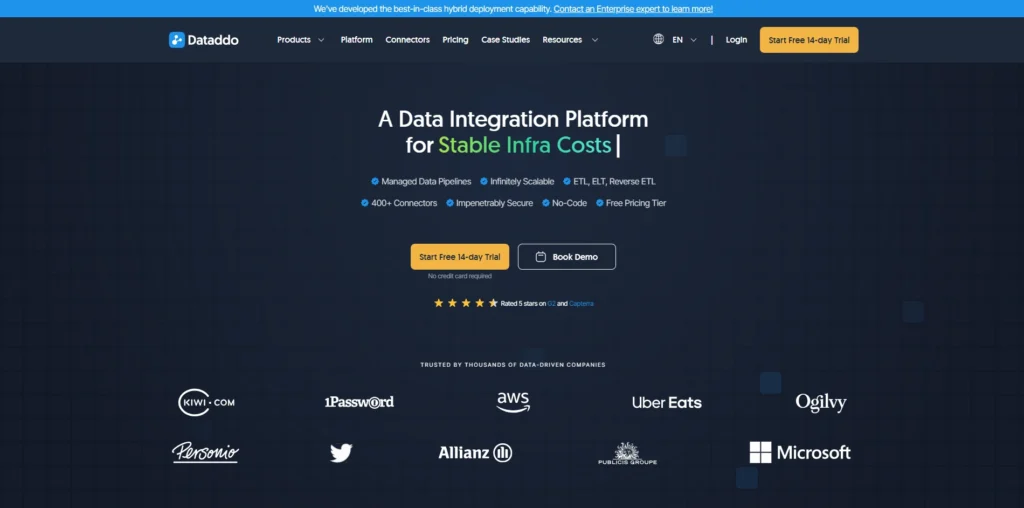
Dataddo is a data replication and integration tool, no-code and fully managed, with a focus on data replication, ETL/ELT, reverse ETL, and seamless links between databases, cloud applications, data warehouses, business intelligence applications, and data lakes. It allows an almost real-time replication of any database to another to do analytics, migrations, backups, and disaster recovery, either by sending snapshots in replication or by capturing change data (CDC) on a table-by-table basis to have fine-grained control. It has hundreds of existing connectors, automatically generates schema and data type conversion, and is UI/API-configurable with inbuilt monitoring, logging, and predictable pipeline-based pricing.
Key Features
- No-code flow-based rapid configuration of ETL, reverse ETL, and database replication.
- Full replication of databases and the CDC (e.g., batch, event, log-based extraction) of cloud/on-prem databases, including AWS Redshift, S3, Aurora, and RDS.
- Automated data modifications, data consolidation (as many as 5 or more sources), data normalization, data enrichment services, and multiple writes (INSERT, UPSERT, DELETE, REPLACE).
- More frequency (as down to 5 minutes syncing), no limit to historical loads on larger plans, and multi-account extraction (up to 30 or more accounts).
- Enterprise security (SOC 2 Type II, ISO 27001), customizable on AWS/Azure/GCP, custom connectors (delivered in about 10 days), access to APIs, and real-time pipeline monitoring.
- Technology-neutral, which includes information quality instruments, like rule-based filters, error management, and logs.
Pros:
- Simple, no‑code connectors
- Flexible sync frequencies
- Reverse ETL included
- Good governance and security
- Transparent usage view
Cons:
- Costs can scale quickly
- Sync delays on large datasets
- Limited deep real‑time replication
- Steep learning curve for advanced transforms
- Some integrations need manual maintenance
Pricing
- Dataddo applies predictable flow-based pricing with tiered costs (14-day free trial offered):
- Data to Dashboards: Begins with $99/month
- Data Anywhere: Begins at $99/month
- Enterprise/Custom: Unlimited sources/frequency, specific architecture (contact sales).
9. Rubrik
Website: https://www.rubrik.com
Rubrik is a data management backup, recovery, and replication platform that is a hybrid environment and specializes in backup, recovery, and replication, including optimized asynchronous replication of WANs to minimize the impact of production and disaster recovery support, and is efficient on on-premise, cloud, and edge-based environments. Its scale-out architecture has intelligent software deduplication, policy automation, and recovery that does not need to rehydrate or be instantiated, and without extra storage, making it a reliable data replication software..
Key Features
- The Policies in the environments are automation of the backup, replication, archival, and recovery.
- Virtually zero RTO live mount recovery of databases, files, and VMs.
- DR WAN-efficient offsite, deduplicated (bi-directional, hub-and-spoke) replication.
- International search, reporting, and actionable insights using custom dashboards.
- Backup (irreversible) Backup up and plan security and compliance self-service.
Pros:
- Fast predictive search and instant VM recovery
- Unified interface simplifies backups, replication, and automation across hybrid environments.
- Enhance data security.
Cons:
- High cost and complex licensing make it expensive for smaller setups.
- Limited support for open-source databases
- Slower restoration from archives
Pricing
- The price of the subscriptions of Rubrik is dependent on the amount of data under protection (ex, per TB of data under protection), and the costs are approximately $5000-$10000/per year, with options like replication support and cloud support, and the exact prices require a sales call since it is tailored.
10. AWS Glue
Website:https://aws.amazon.com/glue/
AWS Glue is an Amazon Web Services data integration offering, a serverless data integration offering that streamlines data discovery, data preparation, data cataloging, and data integration with analytics, extract, transform, load (ETL) jobs, and data replication workflows of numerous sources like Amazon S3, Amazon RDS, Amazon DynamoDB, and more. Though primarily an ETL platform, it can be used to replicate data by using capabilities such as zero-ETL integrations, streaming ETL to move data in real-time, and interoperability with transactional data lake platforms such as the Apache Iceberg and Hudi with AWS DMS to capture change data (CDC).
Key Features
- Ray engine serverless ETL jobs with Apache Spark scaling automatically in both batch data processing and streaming data processing.
- Information Catalog: Automatic schema discovery, Indexing, and metadata management of data sources using crawlers.
- Drag-and-drop Python / Scala code generation, Visual job authoring.
- Streaming source cleaning and transformation of streaming sources like Kinesis or MSK.
- Zero-ETL with Redshift, SageMaker, and SaaS apps to carry out a smooth movement of data.
- FindMatches: Machine learning and data quality rule deduplication.
- S3 data lakes. They support open table formats (Hudi, Iceberg, Delta Lake) using ACID operations on the data stored in S3.
Pros:
- Serverless architecture eradicates infrastructure management.
- AWS can be easily integrated with S3, Redshift, and Athena;
- It can automatically generate Python/Scala ETL code.
- Metadata discovery, metadata time scheduling, and Centralized Data Catalog.
- Allows gradual migration, data deduplication, and data validation to assure replication.
Cons:
- Can get costly at scale
- Unsuitable for small datasets, real-time streaming, and low-latency.
- Slows the performance on large datasets when partitions/tables become over-quota.
- The learning curve of non-standard work is less polished.
Pricing
- AWS Glue is a pay-as-you-go service that is billed based on Data Processing Units (DPUs), billed by the hour (e.g., about $0.44 per DPU-hour in the US East, with billing rounding to the nearest 10 minutes), and crawlers (~$0.44/DPU-hour), Data Catalog storage (~$1 per 100,000 objects/month), and optional DataBrew interactions.
11. Twilio Segment
Website:https://segment.com
Twilio Segment is a pioneering Customer Data Platform (CDP), which is not necessarily a data replication software or application, which gathers first-party customer data in real time through websites, mobile applications, servers, and other resources and incorporates the information into detailed profiles through identity resolution and cleans and standardizes the information to be of high quality and activates it across marketing tools, analytics platforms, and communication channels such as email, SMS, and WhatsApp to provide personalized customer experiences.
Key Features
- Hundreds of sources of data are collected in real time, do not require manual coding, and are supported by web, mobile, cloud, and server data.
- Identity solution and data consolidation to form 360-degree customer profiles enhanced with warehouse data through Reverse ETL.
- Automated data management, data validation, and data quality control of trusted, compliant data management.
- Campaigns, personalization, and AI-driven insights. Activation of 450+ integrations (e.g., Google Analytics, Salesforce, Mailchimp).
- Zero-copy architecture ensures that data in your warehouse is the source of truth and allows extensions and data privacy capabilities.
Pros:
- Integrates different information into a single customer profile to enhance personalization.
- Facilitates real-time pipelines and hundreds of integrations, replications, and activations.
- Effective tracking of events, monitoring of audience, and data management of actionable insights.
Cons:
- Technical know-how is necessary to install and customize, which is a complex task to the non-developer.
- The cost is proportional to the volume of data, which might be costly in the case of a small business or a startup.
- Certain users complain of such problems as problematic conversion APIs.
Pricing
- The pricing begins with a free plan on up to 1,000 monthly tracked users (MTUs), 500,000 Reverse ETL records/month, 2 sources, and 1 destination. The Team plan starts at approximately $120/month with unlimited sources and additional syncs. There are custom-priced business and advanced add-ons (e.g., Protocols, Personas), which are priced on volume and needs.
12. Airbyte
website:https://airbyte.com
Airbyte is a free, open-source ELT (Extract, Load, Transform) system designed to perform data integration preferred by development teams on data retrieval (PostgreSQL and MySQL databases, Salesforce SaaS, and Shopify) into data destinations (Snowflake, Big Query, or Redshift) with just a couple of keystrokes. It also supports this malleability of the forms of replications, including complete refresh, incremental sync, and CDC (Change Data Capture), in order to have efficient and real-time transfer of data at the expense of high accuracy by responding to errors and monitoring them.
Key Features
- Over 600 connected in-built connections with sources and destinations, low-code/no-code, and community builders.
- Full- refresh, incremental,l and log-based CDC sync options on how to use the Sync to make it optimal.
- On-premise (free Core open-source version) or on the cloud with scheduling and orchestration.
- Live tracking, error correction, and expansion by the connector development kit (CDK).
- Compliant and safe replication. Support inter-industrial replication in finance, retail, and healthcare.
Pros:
- The open-source core version is free and self-hostable
- Has over 600 pre-built connections to sources
- Intuitive UI provides fast pipeline configuration with standard use cases without any code
Cons:
- Large tables can be slow in performance
- Difficulties with schema transformations, error management
- Self-hosting is expensive
Pricing
- Airbyte Core can be self-hosted, open-source, and free, and offers cloud plans: Standard on volume, Plus/Pro on capacity, and Enterprise on specific costs (i.e., Agent Engine costs begin with the $49/month), and infrastructure costs vary depending on self-hosting.
Comparision Table: Data Replication Software
| Software Name | Price | Free Plan | Best For | No Code |
| Qlik Replicate | ~£6300/unit/year (custom) | Trial only | Real-time CDC, broad DB support | Yes |
| Oracle GoldenGate | Per-processor/core (quote) | Free non-prod | HA, migrations, heterogeneous DB | No |
| AWS DMS | Pay-as-you-go (no upfront) | None | Cloud migrations, low downtime | Yes |
| SQL Server Replication | Included in editions (~$3586/core Standard) | Developer/Express | SQL ecosystems, transactional | Partial |
| Veeam Backup & Replication | ~$10-25/instance/year (VUL) | Community edition | VM/cloud backups, ransomware protection | Yes |
| IBM Informix Replication | Bundled with Informix (quote) | Innovator-C dev | Distributed DB clusters, sharding | No |
| Matillion CDC | Consumption-based (quote) | Trial | Cloud DW pipelines, ETL combo | Yes |
| Dataddo | From $99/month | 14-day trial | No-code ETL/CDC, multi-source | Yes |
| Rubrik | ~$5000-10000/TB/year (quote) | None | Backup/DR, hybrid environments | Yes |
| AWS Glue | ~$0.44/DPU-hour | None (pay-per-use) | Serverless ETL, data lakes | Partial |
| Twilio Segment | Free tier; from $120/month | Up to 1k MTUs | Customer data platforms, CDP | Yes |
| Airbyte | Free open-source cloud from $49/month | Core self-hosted | ELT connectors, open-source teams | Yes |
Conclusion
Data replication software is a backup to your business data, and it is easy to copy and synchronize the business data between servers, clouds, or places to avoid downtime, loss, or disruption, ideal for expanding startups in Delhi with e-commerce or digital marketing loads of data. The tools, such as Qlik Replicate, Oracle’s GoldenGate, AWS DMS, and Airbyte, are distinguished by their ability to operate in real-time, user-friendliness, extensive compatibility, and scaling, allowing you to select one depending on the needs, such as the budget, preference for the cloud, or simplicity provided by no-code.
Comparing such characteristics as CDC, security, and performance with your configuration, you will be sure of reliable backups, high-availability, enabling easier operations, and being sure of your expansion without having to ask the question where is my file?
FAQs
Q1. What Is The Data Replication Software?
A software referred to as data replication software is a that is automatically used in one system (source) to another system (target) so that multiple environments may possess identical updated information.
Q.2. How Does Change Data Capture (CDC) Impact The Replication Of Data?
Change Data Capture/CDC does not capture and recreate the entire table every time, but merely records and recreates the changes. This reduces load to production systems, reduces the use of networks, and allows replication tools to keep targets virtually up to date with low Latency.
Q.3. What Makes Specific Data Replication Tools Superior To Handwritten Scripts?
Special-purpose replication tools have available built-in connectors, built-in schema change management, built-in performance optimization, and built-in centralized monitoring,g which is hard to do with home scripting. They are also risk-averse because they offer tested failover, error management, and support of critical loads by the vendors.
Q.4 . Which Are The Most Helpful Uses Of The Data Replication Platforms?
Applications: It is typically used to power data warehouses and data lakes in order to drive analytics, provide real-time dashboards, facilitate disaster recovery, and cause zero-downtime database migrations. It is also widely used to manage information between hybrid or multi-cloud environments where the applications are being implemented in different locations.
Q.5. What Do You Recommend As A Data Replication Tool To Use In My Organization?
Start by identifying where you get data or where you need data, latency concerns (real-time vs. batch), and data sizes and compliance requirements. Second, identify shortlisting tools that suit your platforms, fit your budget, and provide the right balance of automation, scalability, and ease of use to your organization.