
As businesses continue to embrace digital transformation, moving data, applications, and workloads to the cloud has become a strategic priority. However, migrating from on-premise systems to cloud environments is a complex process that requires careful planning, minimal downtime, and strong security. This is where cloud migration tools play a critical role.
Cloud migration software are designed to simplify and automate the process of transferring infrastructure, databases, and applications to cloud platforms. They help businesses assess current systems, plan migration strategies, and execute the transition smoothly while reducing risks and operational disruptions. With features like automated data transfer, dependency mapping, real-time monitoring, and rollback options, these tools ensure a seamless migration experience.
Whether you are a small business moving a few applications or a large enterprise shifting entire IT ecosystems, Cloud migration software provide the efficiency, scalability, and control needed for a successful transition. In today’s fast-paced environment, using the right migration tools can significantly reduce costs, improve performance, and accelerate your journey to the cloud.
Why Businesses Are Moving to the Cloud
- Cost Efficiency: Cloud computing reduces hardware and maintenance costs by eliminating physical infrastructure and offering flexible pay-as-you-go pricing models for businesses.
- Scalability and Flexibility: Businesses can easily scale resources up or down based on demand, ensuring optimal performance without investing in additional infrastructure or capacity.
- Remote Accessibility: Cloud platforms enable employees to access data and applications from anywhere, supporting remote work, collaboration, and improved productivity across teams globally.
- Enhanced Data Security: Cloud providers implement advanced security measures, including encryption and monitoring, ensuring better protection of sensitive data compared to traditional systems.
- Faster Deployment: Cloud services allow quick deployment of applications and systems, reducing setup time and enabling businesses to launch products and services faster.
- Disaster Recovery: Cloud solutions provide automated backups and recovery options, helping businesses quickly restore data and maintain operations during unexpected failures or disruptions.
- Improved Collaboration: Cloud tools enable real-time collaboration, allowing teams to work on shared files simultaneously, improving communication, efficiency, and project management outcomes. Data Integration Software solutions often work hand-in-hand with cloud migration to ensure seamless data flow and collaboration.
Factors to Consider When Choosing a Cloud Migration Software
- Compatibility and Integration: Ensure the tool supports your existing systems, applications, and cloud platforms, enabling smooth integration without disrupting current workflows or operations.
- Data Security and Compliance: Choose tools with strong encryption, access controls, and compliance support to protect sensitive data and meet regulatory requirements effectively. Data Asset Management Tools can complement cloud migration by tracking data assets, maintaining audit trails, and ensuring compliance throughout the process.
- Ease of Use: A user-friendly interface and simple configuration reduce complexity, allowing teams to manage migration processes efficiently without requiring extensive technical expertise or training.
- Scalability: Select a tool that can handle growing data volumes and workloads, ensuring it supports business expansion and future cloud needs.
- Automation Capabilities: Automation features streamline repetitive tasks, reduce manual errors, and accelerate the migration process, saving time and improving overall efficiency.
- Cost and Pricing Model: Evaluate pricing structures, including subscription or pay-as-you-go models, to ensure the tool fits your budget without compromising essential features.
- Support and Documentation: Reliable customer support, detailed documentation, and training resources are essential to resolve issues quickly and ensure a smooth migration experience.
Quick Comparison of Cloud Migration Tools
| Tools | Supported Cloud Platforms | Migration Types Supported | Ease of Use | Pricing |
| AWS Migration Hub | AWS native; integrates with hybrid environments | Rehost, replatform, refactor | Easy | Pay-as-you-go based on usage |
| ShareGate | Microsoft 365, SharePoint, Teams | Rehost, replatform, hybrid | Very easy | Subscription-based |
| Dynatrace | AWS, Azure, Google Cloud, on-premise | Hybrid, replatform, refactor | Moderate | Subscription-based |
| Azure Migrate | Microsoft Azure, hybrid environments | Rehost, replatform, refactor | Easy | Free tier with pay-as-you-go options |
| Google Cloud Migration Center | Google Cloud, hybrid | Rehost, replatform, refactor | Easy | Subscription-based / Pay-as-you-go |
| CloudFuze | AWS, Google Drive, OneDrive, SharePoint | Rehost, hybrid migration | Very Easy | Subscription-based |
| VMware HCX | VMware Cloud on AWS, Azure VMware Solution | Rehost, replatform, hybrid | Moderate | Subscription-based |
| Datadog | AWS, Azure, Google Cloud, on-premise | Refactor, hybrid migration | Moderate | Subscription-based |
| RiverMeadow | AWS, Azure, Google Cloud, VMware | Rehost, replatform, hybrid migration | Easy | Subscription-based |
| Flexera One | AWS, Azure, Google Cloud, hybrid | Rehost, replatform, refactor | Moderate | Subscription-based |
| Turbonomic | AWS, Azure, Google Cloud, on-premise | Rehost, refactor, hybrid | Moderate | Subscription-based |
| RackWare Management Module (RMM) | AWS, Azure, Google Cloud, VMware | Rehost, replatform, hybrid | Moderate | Subscription-based |
| Cloudsfer | Google Drive, OneDrive, SharePoint, Box, Dropbox | Rehost, hybrid | Very easy | Subscription-based |
| Zerto | AWS, Azure, Google Cloud, VMware | Rehost, hybrid, disaster recovery | Moderate | Subscription-based |
| Morpheus Data | AWS, Azure, Google Cloud, VMware, OpenStack | Rehost, refactor, hybrid | Moderate | Subscription-based |
List of 15 Best Cloud Migration Tools
1. AWS Migration Hub
Website: https://aws.amazon.com/migration-hub
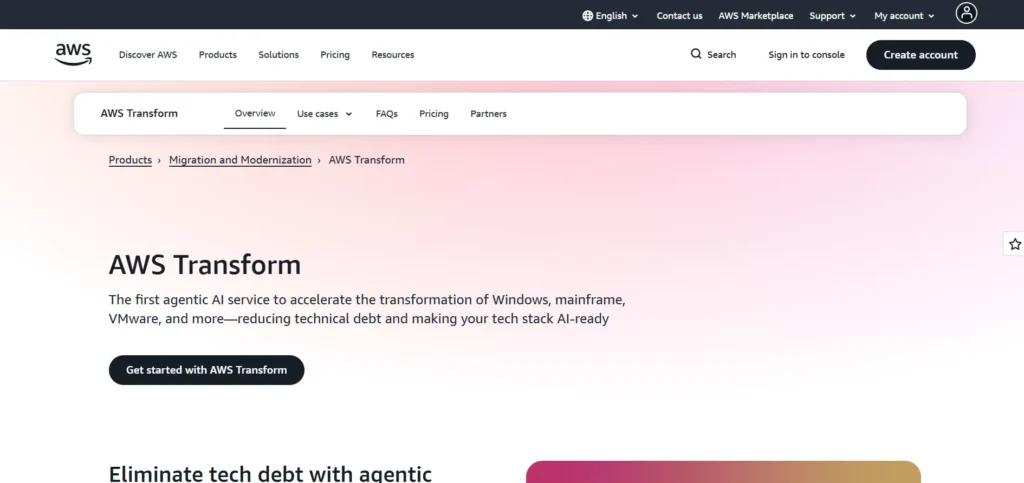
Migration Hub by AWS offers a single hub to monitor and oversee migrations to AWS. It embraces rehost, replatform and refactor strategies and provides real-time tracking of progress.
The service is compatible with AWS, such as CloudEndure Migration and Application Migration Service, which provide insights into various migrations. Businesses minimise downtime and errors when they adopt clouds by having automated workflows, reporting, and recommendations. These cloud migration tools help ensure smooth, efficient, and secure transitions for organisations of all sizes.
AWS Migration Hub would also be suitable in organisations that have had extensive investment in AWS, and it is scalable, secure, and can easily be integrated with other AWS services.
Key Features:
- Centralised tracking for multiple migrations
- Integration with AWS migration tools
- Real-time progress monitoring
- Assessment and dependency mapping
- Recommendations for migration strategies
Pros:
- Easy migration tracking across AWS services
- Supports large-scale enterprise migrations
- Reduces downtime and errors
- Offers migration analytics and reporting
- Scalable for growing workloads
Cons:
- Primarily AWS-focused
- Learning curve for beginners
- Limited third-party integrations
Pricing:
- Pay-as-you-go based on usage
2. ShareGate
Website: https://sharegate.com
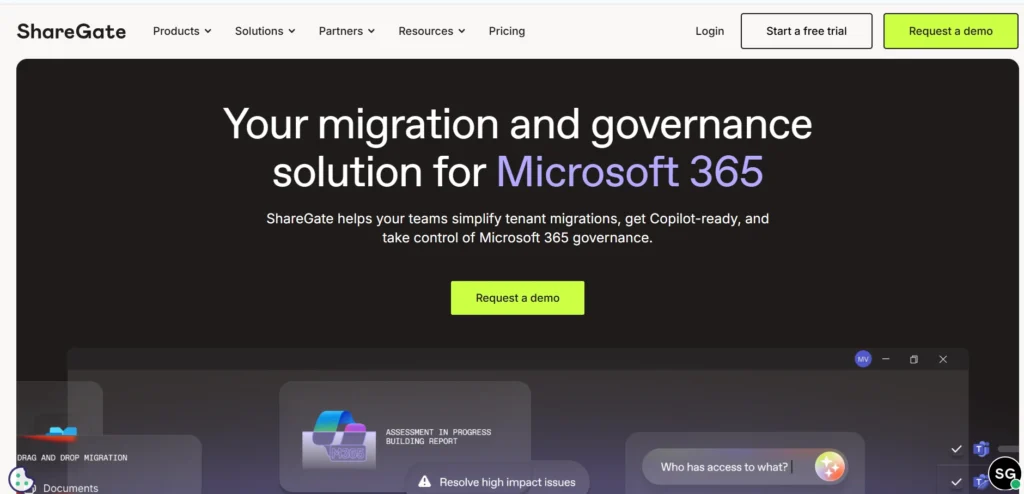
ShareGate is a cloud migration tool to work with Microsoft 365, SharePoint, and Teams. It also eases the migration mechanisms, and the administrators may transfer files, sites and user data easily. ShareGate provides mechanisms to lessen disturbances by means of reporting, auditing, and pre-migration analysis. As one of the leading cloud migration tools, it simplifies complex migrations while ensuring data integrity and security.
Its user-friendly interface makes it easy to use by IT teams, who do not need higher technical skills. ShareGate minimises downtime and migration errors through streamlining of data transfers and maintenance of permissions.
It is particularly appropriate in the case of a business transitioning to the Microsoft cloud platform with strong support, security, and automation.
Key Features:
- Microsoft 365, SharePoint, and Teams migrations
- Pre-migration analysis and planning
- File and permission transfer automation
- Reporting and auditing features
- User-friendly interface
Pros:
- Simplifies Microsoft cloud migrations
- Minimises downtime and errors
- Supports both small and large enterprises
- Easy-to-use dashboards and reporting
- Preserves file permissions and metadata
Cons:
- Limited support for non-Microsoft platforms
- Advanced analytics need premium plans
- Migration speed depends on network
Pricing:
- Pro- $9,995
- Essentials- $5,995
- Enterprise- $17,995
3. Dynatrace
Website: https://www.dynatrace.com
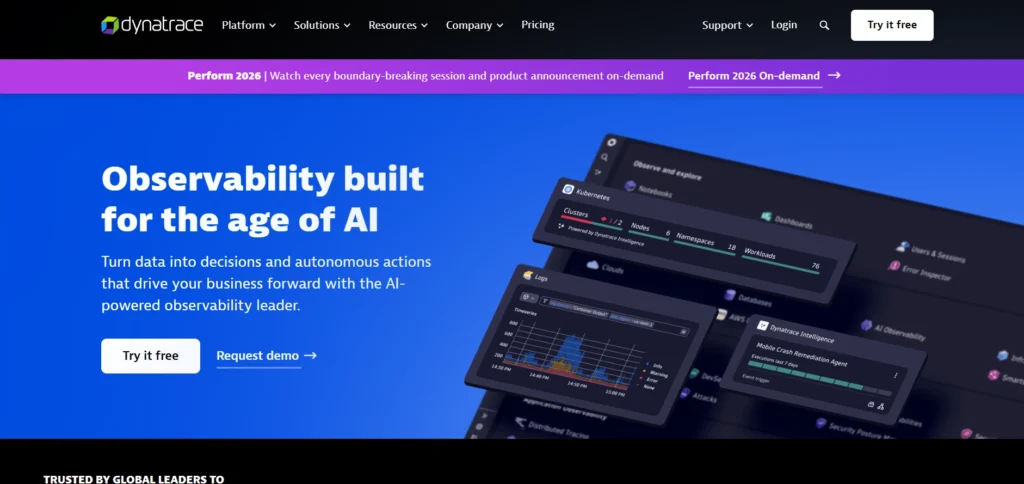
Dynatrace is a monitoring and cloud migration platform that provides complete-stack observability of applications used in the AWS and Azure and Google Cloud and on-premise environments. It assists business in examining dependencies, optimum workloads, and performance during a migration. As a powerful Cloud Migration Software, Dynatrace helps businesses ensure smooth, efficient, and secure cloud transitions.
AI-based automation, real-time monitoring, and anomaly detection make Dynatrace less risky and increase efficiency in the work of the company. It endorses hybrid migration plans and replatforming and offers cost optimization and capacity planning analytics.
Its extensive dashboards and insights render it appropriate to complex enterprise settings that aim to have data-driven secure and seamless cloud solutions.
Key Features:
- Full-stack observability for cloud and on-prem
- Application dependency mapping
- Performance monitoring during migration
- AI-driven automation and anomaly detection
- Cloud cost optimization insights
Pros:
- Reduces downtime and migration risks
- Supports hybrid and multi-cloud environments
- Provides real-time monitoring and alerts
- Optimises cloud resource allocation
- Scalable for large enterprises
Cons:
- Can be complex for small teams
- Premium pricing for advanced features
- Requires some technical expertise
Pricing:
- Foundation & Discovery- $7/mo per host
- Infrastructure Monitoring- $29/mo per host
- Full-Stack Monitoring- $58/mo per host
4. Azure Migrate
Website: https://azure.microsoft.com/en-us/services/azure-migrate/
Azure Migrate is a special migration service by Microsoft designed to move workloads to Azure. It offers server, database, and application discovery, assessment and migration tools.
The platform encourages rehost, replatform and refactor strategies as well as provides integration with other Azure services. To promote minimal downtime, the Azure Migrate has cost estimation, dependency mapping, and real-time progress tracking. As one of the most reliable cloud migration tools, it helps businesses transition smoothly to the cloud while maintaining performance and security.
It is easy to use and best suited to organisations utilising Microsoft technologies. Azure Migrate provides business with smooth transition into the cloud, resources optimization, security and compliance with long-term scalability.
Key Features:
- Discovery, assessment, and migration planning
- Integration with Azure services
- Dependency mapping for workloads
- Cost estimation and resource optimization
- Support for multiple migration strategies
Pros:
- Ideal for Microsoft-centric environments
- Reduces migration complexity
- Tracks real-time progress
- Supports hybrid and replatform migrations
- Secure and compliant
Cons:
- Focused on Azure
- Setup can be complex for beginners
- Limited third-party integrations
Pricing:
Request a Pricing Quote
5. Google Cloud Migration Center
Website: https://cloud.google.com/migration-center
Google Cloud Migration Center helps in planning and executing the workloads migration to Google Cloud. It offers discovery, evaluation, and migration services to virtual machines, databases and applications.
The platform allows rehost, replatform and refactor strategies, providing information on performance, costs and resource optimization. As automated workflows and integration with other Google Cloud tools, businesses can track progress and minimise downtime. This makes it an effective Cloud Migration Software for companies seeking secure and efficient cloud transitions.
Google Migration Center is suitable when the organisation needs a seamless, secure, and scalable migration process and takes advantage of Google Cloud AI, analytics and storage features to achieve long-term operating efficiency.
Key Features:
- Discovery and assessment of workloads
- Migration planning and monitoring
- Performance and cost insights
- Supports hybrid, rehost, and refactor migrations
- Integration with Google Cloud tools
Pros:
- Streamlines migration to Google Cloud
- Provides automated recommendations
- Real-time progress tracking
- Reduces migration downtime
- Optimises costs and resource allocation
Cons:
- Primarily Google Cloud focused
- Advanced analytics require expertise
- Limited multi-cloud support
Pricing:
- Request a Quote
6. CloudFuze
Website: https://www.cloudfuze.com
CloudFuze is a cloud migration tool that can support Google Drive, one drive, share point, box, drop box and AWS. It allows transferring files, permissions, and metadata seamlessly and keeps the data intact.
CloudFuze will help with hybrid and rehost migrations and provide pre-migration analysis to reduce errors. Its user-friendly interface minimises the complexity of large-scale adoption of a cloud. The IT teams can simplify the migration process through reporting, audit logs and automation. As one of the leading cloud migration tools, CloudFuze ensures efficient, secure, and seamless cloud transitions for businesses.
CloudFuze suits companies that are transitioning to the cloud across various storage providers, as it is secure, reliable, and can quicken the migration of essential corporate data.
Key Features:
- Cloud-to-cloud file migrations
- Preserves metadata and permissions
- Hybrid and rehost migrations supported
- Pre-migration analysis and reporting
- Automated workflows
Pros:
- Supports multiple cloud storage platforms
- Reduces manual migration effort
- Maintains data integrity
- Provides audit and reporting tools
- Simple and intuitive interface
Cons:
- Limited for large enterprise apps
- Subscription pricing for full features
- Some platform integrations may be restricted
Pricing:
- Request a Quote
7. VMware HCX
Website: https://www.vmware.com/products/hcx.html
VMware HCX is a commercial-level cloud migration platform that empowers applications to move without failure between on-premises VMWare settings and cloud providers such as VMware Cloud on AWS. It favors rehost, replatform and hybrid migration strategies.
HCX provides extensions of networks, workload replication and real time monitoring to reduce downtime in the migration process. The automation capabilities make it easier to do difficult data transfers, and dependency mapping prevents mistakes. As a reliable Cloud Migration Software, HCX ensures efficient and secure cloud transitions for enterprises.
VMware HCX fits large enterprises that require scalable, secure, and efficient migration, particularly ones that utilise VMware technologies, to offer an effective platform to support hybrid cloud operations and disaster recovery.
Key Features:
- Workload mobility across VMware and cloud
- Network extension and replication
- Automated migration workflows
- Real-time monitoring and orchestration
- Dependency mapping
Pros:
- Minimal downtime during migration
- Ideal for VMware-heavy environments
- Scalable for enterprise deployments
- Secure and reliable
- Simplifies hybrid cloud adoption
Cons:
- Complexity in setup
- Primarily VMware-focused
- Requires technical expertise
Pricing:
- Custom Pricing
Suggested read: Wealth Screening Tools
8. Datadog
Website: https://www.datadoghq.com
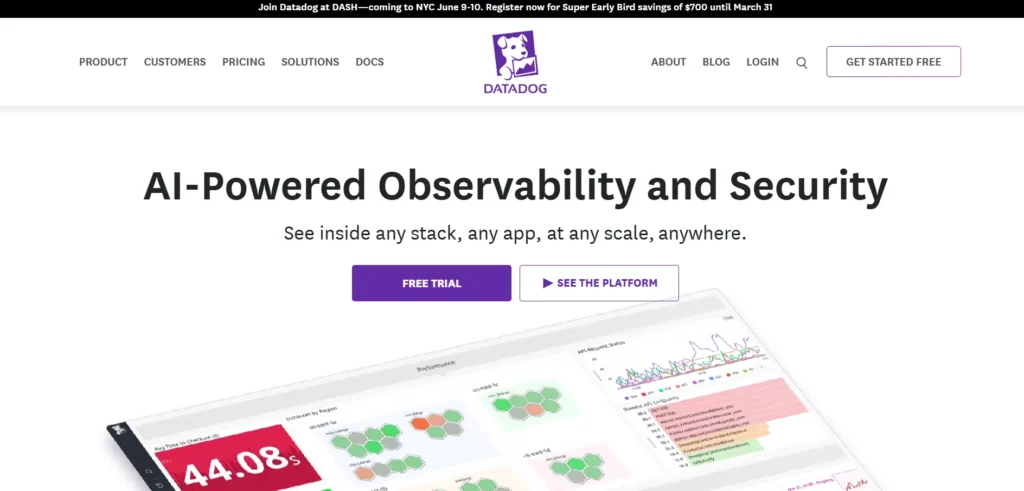
Datadog is a cloud monitoring and migration solution delivering insights on AWS, Azure, Google Cloud, and on-premise. It assists enterprises in handling hybrid and refactor migrations in real-time performance monitoring, anomaly detection, and mapping between applications.
Datadog dashboards, analytics, and artificial intelligence alerts minimise downtimes and risks of migration. Its automated surveillance makes the cloud the easiest to adopt by business organisations to achieve cost optimization and efficiency in operations.
Datadog is best suited to businesses that need a complex distributed application that will allow deep visibility during the migration process and continue to manage the cloud and optimize performance. As one of the most powerful cloud migration tools, Datadog provides real-time monitoring and insights to ensure smooth and efficient cloud transitions.
Key Features:
- Monitoring across cloud and on-prem environments
- Application dependency mapping
- Anomaly detection and alerts
- Performance tracking during migration
- Hybrid migration support
Pros:
- Real-time visibility into workloads
- Reduces migration errors
- Optimises performance and resources
- Supports multi-cloud environments
- AI-powered insights
Cons:
- Can be complex for beginners
- Premium subscription for advanced features
- Learning curve for analytics
Pricing:
- Free- $0
- Pro- $15 Per host, per month
- Enterprise- $23 Per host, per month
- DevSecOps Pro- $22 Per host, per month
- DevSecOps Enterprise- $34 Per host, per month
9. RiverMeadow
Website: https://www.rivermeadow.com
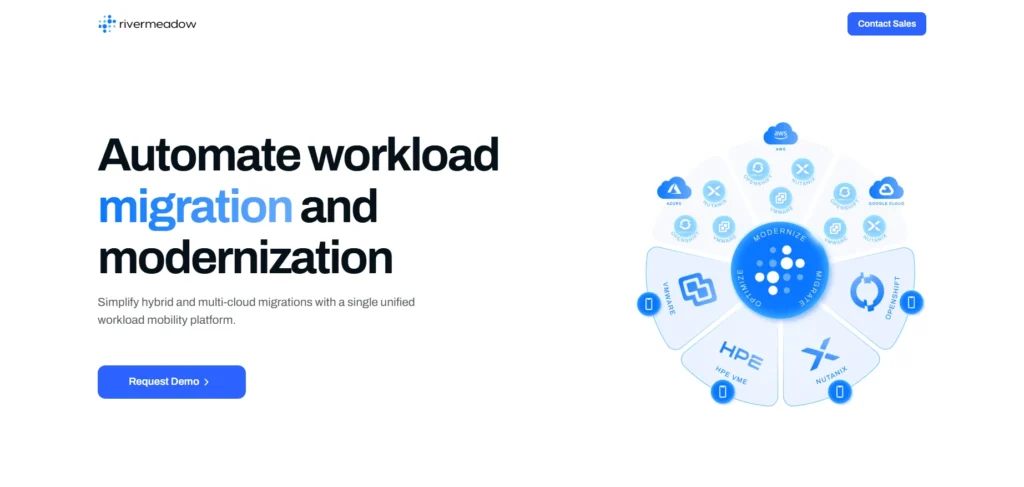
RiverMeadow provides automated Amazon AWS, Azure, Google cloud, and VMware migration. It backs up rehost, replatform, and hybrid migration plans with low downtime.
Pre-migration analysis, real-time progress monitoring, and post-migration validation are also offered on the platform to establish the integrity of the data. RiverMeadow is automated, which saves manual work, reporting tools provide insight into the cost and resource optimization. As an advanced Cloud Migration Software, RiverMeadow helps businesses ensure smooth, secure, and efficient cloud migrations.
It fits any size of enterprise, especially when these enterprises want a secure, fast and reliable migration process, with good support of hybrid cloud deployment and workload replication.
Key Features:
- Automated migration to cloud
- Rehost, replatform, and hybrid support
- Real-time progress tracking
- Pre-migration analysis and validation
- Audit and reporting tools
Pros:
- Fast and reliable migration
- Minimises downtime and errors
- Scalable for enterprises
- Supports multiple cloud platforms
- Secure and compliant
Cons:
- Advanced features require technical expertise
- Limited customisation options
- Premium pricing
Pricing:
- Contact Sales for Pricing
10. Flexera One
Website: https://www.flexera.com
Flexera One is an AWS-supported, Azure-supported, Google Cloud-supported, and hybrid cloud migration and management system. It assists the businesses to plan, optimize, and execute migrations with managing costs.
Flexera One depends on dependency mapping, automated processes, and analytics to guarantee effective migration and little downtime. Its dashboards provide details about the use of resources, compliance, and performance. Recognized as one of the top cloud migration tools, Flexera One helps businesses plan, execute, and optimize their cloud migration efficiently..
Applicable to large and medium enterprises, Flexera One eases complicated migration endeavors, provides varieties of migration strategies, and assists organisations to relocate safely, scaleably, and economically to the cloud.
Key Features:
- Migration planning and analytics
- Multi-cloud and hybrid support
- Dependency mapping for workloads
- Cost optimization and resource tracking
- Automated workflows
Pros:
- Reduces migration risks
- Tracks real-time progress
- Optimises costs and resources
- Supports complex enterprise workloads
- Scalable for large migrations
Cons:
- Learning curve for beginners
- Premium pricing for full features
- Setup may require IT expertise
Pricing:
- Custom Pricing
11. Turbonomic
Website: https://www.turbonomic.com
Turbonomic is an application resource management and cloud migration platform that is compatible with AWS, Azure, Google Cloud, and on-premise. It automates workload optimization, scaling and migration planning and is performance and cost efficient.
Turbonomic helps with rehost, refactor and hybrid migrations incurs minimum downtime. Its AI-driven analytics detect the bottlenecks and prescribe the actions to improve them. Recognized as a top Cloud Migration Software, Turbonomic streamlines migration processes while optimizing performance and resources.
Appropriate to businesses critical in workload, Turbonomic eases the migration planning and continued cloud operations, offering actionable insights, security compliance, and better resource utilisation during the migration process.
Key Features:
- Automated workload optimization
- Migration planning and execution
- AI-driven recommendations
- Cost and resource insights
- Multi-cloud and hybrid support
Pros:
- Reduces downtime and migration risks
- Optimises cloud resources
- Supports complex environments
- Provides analytics and insights
- Enhances operational efficiency
Cons:
- Requires technical knowledge
- Premium pricing
- Complexity in configuration
Pricing:
- Request a Quote
12. RackWare Management Module (RMM)
Website: https://www.rackware.com
RackWare RMM provides safe migration of applications and workloads to AWS, Azure, Google Cloud, and VMware. It helps in rehost, replatform, and hybrid migration.
Its platform provides automated copying, live tracking, and coordination to minimize downtime and errors. The dashboards of RMM give an overview of the migration status, expense, and resource utilization.
RackWare is the solution to any business that needs to make scaled, reliable, and secure migration, make the process of complex migrations easier, disaster recovery, and ensure compliance, allowing businesses to continue using cloud environments effectively and keeping their operational continuity.
Key Features:
- Secure cloud migration
- Rehost, replatform, hybrid support
- Real-time monitoring and orchestration
- Automated replication and workflows
- Progress tracking
Pros:
- Reliable and scalable
- Reduces downtime during migration
- Supports multiple cloud platforms
- Audit and reporting capabilities
- Ideal for enterprises
Cons:
- Learning curve for new users
- Complex configuration
- Premium pricing
Pricing:
- Tailored to specific enterprise needs
13. Cloudsfer
Website: https://www.cloudsfer.com
Cloudsfer is a cloud-to-cloud migration tool that has compatibility with Google drive, OneDrive, SharePoint, Box, drop box, and AWS. It enables the ability of a smooth transfer of files, preservation of metadata and permission control.
Cloudsfer assists the migrations of both hybrid and rehost with automatic workflow, which decreases labor. Its intuitive nature and reporting capabilities make large scale migrations easier. Created to transfer data between platforms, Cloudsfer provides reliable data integrity and security, making it one of the most efficient cloud migration tools for businesses.
It is expeditious, minimises errors and offers intricate details, which make it best suited to IT personnel handling the transfer of corporate data to cloud settings.
Key Features:
- Cloud-to-cloud migration
- Hybrid and rehost support
- Preserves metadata and permissions
- Automated workflows and reporting
- Pre-migration analysis
Pros:
- Supports multiple cloud platforms
- Fast and secure migrations
- Simple interface
- Reduces manual effort
- Maintains data integrity
Cons:
- Limited for enterprise applications
- Subscription pricing
- Some platform restrictions
Pricing:
- Free- 1GB- $0
- Essential- 100GB- $100/month
- Professional- 400GB- $320/month
- Enterprise- 1TB- $780/month
14. Zerto
Website: https://www.zerto.com
Zerto is a disaster recovery and cloud migration platform that is compatible with AWS, Azure, Google Cloud, and VMware. It offers real-time data replication, automated processes and reduced down time during migrations.
Zerto facilitates rehost, hybrid and disaster recovery-related migrations. Its monitoring, analytics, and orchestration capacity in real-time minimise the errors and enhance efficiency.
Zerto is the best fit to those businesses that need secure, scalable and reliable migration solutions yet business continuity. Its multi-cloud, compliance, and automation capabilities make it appropriate in workloads that are complex and those that are mission-critical. As a leading solution among cloud migration tools, Zerto ensures smooth, secure, and efficient cloud transitions for enterprises.
Key Features:
- Cloud migration and disaster recovery
- Continuous replication for workloads
- Automated workflows
- Hybrid and rehost support
- Real-time monitoring
Pros:
- Minimal downtime during migration
- Supports multiple clouds
- Secure and reliable
- Scalable for enterprise workloads
- Provides detailed analytics
Cons:
- Premium pricing
- Technical expertise required
- Complexity for beginners
Pricing:
- Request a Quote
15. Morpheus Data
Website: https://www.morpheusdata.com
Morpheus Data is a mixed cloud management and migration system that offers support to AWS, Azure, Google Cloud, VMware and OpenStack. It allows rehost, refactor and hybrid migration, orchestration, automation and real-time monitoring.
Morpheus assists businesses in maximising resource utilisation, operating cost tracking and adherence in migration. Its single interface allows IT teams to operate workloads across various clouds, making it a powerful Cloud Migration Software for managing complex cloud environments efficiently.
Morpheus is appropriate in the environment of complex enterprises and minimises downtime, enhances operational efficiency, and facilitates the seamless transition to the cloud by integrating migration planning, automation, and hybrid cloud management in a single platform.
Key Features:
- Hybrid cloud management
- Rehost, refactor, hybrid migration
- Orchestration and automation
- Real-time monitoring
- Cost and resource optimization
Pros:
- Manages multi-cloud environments
- Reduces migration risks
- Scalable for complex enterprises
- Provides actionable analytics
- Supports compliance
Cons:
- Learning curve for IT teams
- Premium subscription required
- Advanced features need technical expertise
Pricing:
- Custom Pricing
Ending Thoughts
Choosing the right Cloud Migration Tools can significantly impact how smoothly and efficiently your transition to the cloud unfolds. With a wide range of options available, businesses must focus on factors such as scalability, security, ease of use, and integration capabilities. The best tools not only simplify migration but also minimise risks, reduce downtime, and optimise costs.
By selecting a solution that aligns with your business needs, you can ensure a seamless migration process while enhancing performance and operational flexibility. Ultimately, the right migration solutions tool supports long-term growth and helps organisations stay competitive in a rapidly evolving digital landscape.
FAQs
1. What Are Cloud Migration Tools?
These tools are software solutions that help businesses move data, applications, and workloads from on-premise systems to cloud environments efficiently and securely.
2. Why Are Migration Tools Important?
They simplify complex migration processes, reduce downtime, ensure data security, and help businesses transition to the cloud with minimal disruption and risk.
3. What Features Should I look For In A Migration Tool?
Key features include automation, data security, scalability, real-time monitoring, compatibility with multiple cloud platforms, and cost optimization capabilities.