
Modern software development has shifted from slow, manual releases to rapid, automated delivery cycles where speed, reliability, and consistency define success. As applications grow more complex and user expectations continue to rise, development teams can no longer rely on fragmented processes or ad hoc deployments. This is where CI/CD tools have become indispensable. They automate the integration, testing, and deployment of code, ensuring every change moves smoothly from development to production with minimal risk.
However, not all CI/CD tools are built the same. Some focus on cloud-native deployments, others excel in enterprise governance, while many prioritize speed and developer experience. Choosing the right tool directly impacts productivity, release quality, and operational efficiency.
In this blog, we explore the 15 Best CI/CD Tools.
What is CI/CD?
CI/CD Continuous Integration/Continuous Delivery/Continuous Deployment is a current software development practice that involves automation of code construction, testing and delivery. Continuous Integration is concerned with integrating code in a common repository frequently, and with automated builds and tests revealing errors very fast.
Continuous Delivery is used to have validated code that is ready to release at all times, and Continuous Deployment is used to automatically release changes to production. Collectively, CI/CD eliminates human error, speeds up the development processes, and enhances the quality of software.
It allows teams to publish at a greater pace, efficiently respond to user reactions and reliable applications. CI/CD pipelines are extensively utilized in DevOps to assist agile development, cloud native applications, and scalable systems of organizations of all sizes and industries worldwide.
Key Features to Look for in CI/CD Tools
- Pipeline Automation: The capability to automate the process of build, test and deployment on a regular basis and make the process less manual and faster than usual in doing the delivery of software.
- Integration of Version Control: Automatic integration with Git repositories so that pipelines are run on commits, pull requests, and mergers.
- Scalability & Performance: Parallel builds and distributed execution to support the growing codebase and scaling workloads effectively.
- Security & Compliance: In-built security scan, secrets management and access controls to make sure that software releases are safe and compliant.
- Configuration as code: Versioning, transparency, reproducibility, and simpler cross-team collaboration via code-based pipeline definitions.
- Monitoring and Reporting: Visual logs, dashboard, and notifications to real-time monitor pipeline status, failures and performance measures.
- Cloud and Container Support: Support of Docker, Kubernetes, and cloud platforms that can be used to support modern and cloud-native deployment processes.
- Extensibility & Integrations: There should be mono-directional testing, deployment, monitoring, and third-party DevOps tool integrations.
Quick Comparison
| Name | Best For | Ease of Use | Pricing |
| Jenkins | Enterprises needing full control and customization | Moderate | Free |
| GitHub Actions | Teams already using GitHub repositories | Easy | Free: $0 Team: $4/month Enterprise: $21/month |
| GitLab CI/CD | End-to-end DevOps workflows in one platform | Moderate | Contact sales |
| CircleCI | High-speed pipelines and scalable cloud builds | Moderate | Free: $0 Performance: $15 /month Scale: Contact sales |
| Travis CI | Open-source projects and small teams | Easy | Usage based: $15/month Unlimited plan: $78+/month Server: $34/month |
| Azure DevOps Pipelines | Enterprises using Microsoft and Azure ecosystems | Moderate | Custom pricing |
| AWS CodePipeline | AWS-native application deployments | Moderate | Pay-as-you-go |
| TeamCity | Professional teams needing advanced build visibility | Moderate | $54/month |
| Bamboo | Teams deeply integrated with Atlassian tools | Moderate | Data Center– USD 1,200 |
| Argo CD | Kubernetes-based GitOps deployments | Moderate | Free |
| GoCD | Complex, multi-stage delivery pipelines | Moderate | Free |
| Semaphore | Startups needing fast and simple CI/CD | Easy | Cloud– $0.0075/min Hybrid– $9 user/month |
| Spinnaker | Large-scale, multi-cloud deployment orchestration | Difficult | Free |
| CodeShip | Small to mid-sized teams seeking simplicity | Easy | Paid plans |
| Buildbot | Highly customized CI/CD workflows | Difficult | Free |
List of 15 Best CI/CD Tools
1. Jenkins
Jenkins is a free and open source automation server that is extensively used to assemble, test, and deploy software at large.
It is in support of pipelines, code, distributed builds, and thousands of community version control, testing, security, containers, and cloud platform plugins. Jenkins can be run on-premise or on the cloud, and can be integrated with any development stack of the virtual world. Jenkins is appreciated in the teams due to its flexibility, extensibility, and good ecosystem.
Although it must be maintained and configured by experts, it is a solid solution in organizations where complete control of complex, customizable continuous integration and transaction processes is essential in the world today and even in globally supported modern enterprise DevOps landscape.
Website: https://www.jenkins.io/
Key Features:
- Extensive plugin ecosystem
- Pipeline as code support
- Distributed build architecture
- Self-hosted deployment flexibility
- Strong community support
- Integration with any SCM
Pros:
- Highly customizable
- Completely open source
- Massive plugin availability
- Strong enterprise adoption
- Works with any tech stack
Cons:
- Requires manual maintenance
- Plugin compatibility issues
- Steep learning curve
Pricing:
- Open source
2. GitHub Actions
GitHub Actions is a powerful CI/CD tool built directly into the GitHub platform, designed to automate software workflows right from your code repository.
It allows developers to create custom automated pipelines that can build code, run tests, perform security scans, generate artifacts, and deploy applications—all triggered automatically by events such as pushes, pull requests, releases, or scheduled jobs. Using a simple YAML-based configuration, workflows are easy to version control and manage alongside the source code, making collaboration seamless.
GitHub Actions supports matrix builds, parallel execution, and environment-specific deployments, giving teams flexibility and scalability. Its deep integration with GitHub repositories ensures a smooth DevOps experience, enabling faster development cycles, improved code quality, and reliable continuous integration and delivery processes.
Website: https://github.com/features/actions
Key Features:
- Native GitHub integration
- YAML-based workflow configuration
- Hosted and self-hosted runners
- Marketplace of reusable actions
- Event-driven automation
- Built-in secrets management
Pros:
- No external CI setup required
- Easy onboarding for GitHub users
- Scales automatically
- Strong community actions
- Transparent workflow visibility
Cons:
- GitHub-centric usage
- Limited advanced orchestration
- Execution time limits
Pricing:
- Free: $0
- Team: $4/user/month
- Enterprise: $21/user/month
Suggested Read:
3. GitLab CI/CD

GitLab CI/CD is one of the most powerful CI/CD tools, offering a continuous integration and continuous delivery system embedded within the GitLab DevOps platform. It allows teams to define pipelines using code, automate testing, create artifacts, run security tests, and deploy applications through a single, unified interface.
GitLab CI/CD is based on cloud native, containers, Kubernetes, and multi environment deployments. Due to its close integration with source control, issue tracking, and monitoring, the teams can have the entire picture of the software lifecycle.
It is applicable to the organizations that require a comprehensive DevOps solution with good governance, automation, and teamwork attributes to meet the modern development teams, regulated industries, enterprises, startups and distributed engineering organizations worldwide.
Website: https://about.gitlab.com/
Key Features:
- Built-in CI/CD engine
- Pipelines as code
- Integrated security scanning
- Kubernetes deployment support
- Multi-stage pipelines
- Artifact management
Pros:
- Single DevOps platform
- Strong security tooling
- Excellent pipeline visibility
- Cloud-native friendly
- Good self-hosted option
Cons:
- Resource-heavy self-hosting
- Complex initial setup
- UI can feel crowded
Pricing:
- Contact sales
4. CircleCI
CircleCI is a cloud based CI/CD platform designed for speed, scalability, and developer productivity.
It automates building, testing, and deploying applications using flexible pipelines and parallel execution. CircleCI integrates with GitHub and Bitbucket, supports Docker and Kubernetes, and offers powerful caching to accelerate workflows. Teams can run jobs on managed cloud infrastructure or self hosted runners.
CircleCI is popular among fast moving engineering teams because of its performance, clear configuration, and strong observability features, making it suitable for modern software projects requiring rapid feedback and reliable continuous delivery across startups, enterprises, SaaS products, and global development organizations worldwide today consistently.
Website: https://circleci.com/
Key Features:
- High-speed pipeline execution
- Parallel job processing
- Docker-first architecture
- Orbs for reusable configs
- Cloud and self-hosted runners
- Advanced caching
Pros:
- Very fast builds
- Excellent scalability
- Clean configuration syntax
- Strong Docker support
- Reliable performance
Cons:
- Pricing complexity
- Limited UI customization
- Steep learning for beginners
Pricing:
- Free: $0
- Performance– $15 /month
- Scale: Contact sales
5. Travis CI
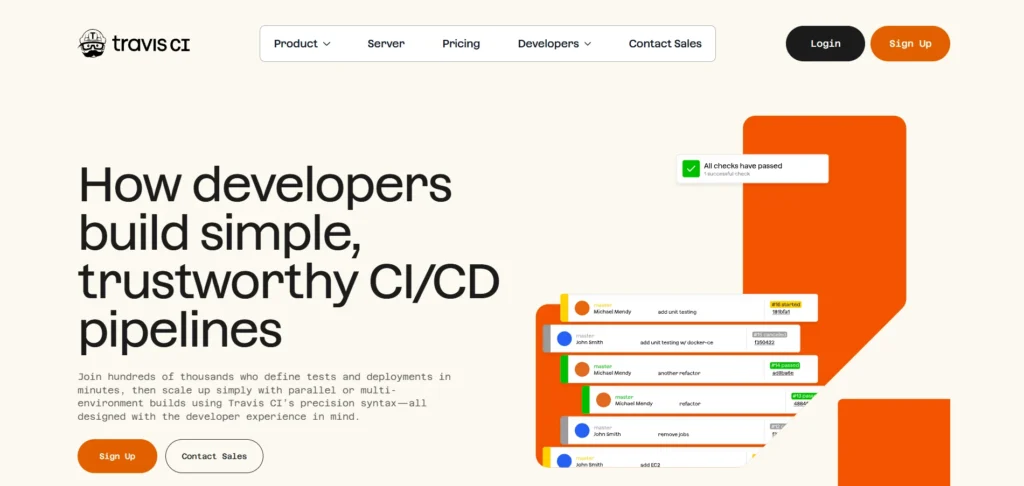
Travis CI is a hosted continuous integration and delivery service and one of the widely used CI/CD tools, characterized by its simplicity and robust open-source support.
It automatically makes and tests changes in code that has been pushed to repositories, which is specified in a simple YAML file. Travis CI can be used with GitHub and can work with other programming languages and environments.
Developers like its fast installation, build logs and parallel execution of jobs. Although its capabilities are simpler than some enterprise solutions, Travis CI can still be used by small teams, startups and open source projects that require a trusted CI/CD automation to support modern development cycles, learning and rapid prototyping requirements.
Website: https://www.travis-ci.com/
Key Features:
- Simple YAML configuration
- Automatic GitHub integration
- Multi-language support
- Parallel build execution
- Cloud-hosted infrastructure
- Build status badges
Pros:
- Easy to configure
- Good for open source
- Clear build logs
- Minimal setup effort
- Reliable testing workflows
Cons:
- Slower than newer tools
- Limited advanced features
- Pricing concerns
Pricing:
- Monthly:
- Usage based: $15/month
- Unlimited plan: $78+/month
- Server: $34/month
- Yearlly:
- Usage based: $13.75/month
- Unlimited plan: $72+/month
- Server: $34/month
6. Azure DevOps Pipelines
Azure DevOps Pipelines is the platform agnostic platform automation CI/CD service offered by Microsoft.
It is compatible with all programming languages, it supports the usage of GitHub and Azure Repos, and is deeply linked to the Azure ecosystem. Pipelines facilitate YAML defined processes, parallel tasks and on premises or cloud based deployments. Enterprises appreciate its security, scalability and compliance with the enterprise level.
Azure DevOps Pipelines is appropriate to support teams who have been already committed to Microsoft tools and require high reliability, scalable continuous integration and delivery of large scale complex software development projects in regulated fields, international enterprise, development organization, and distributed engineering groups throughout the world, today, reliably, and consistently.
Website: https://azure.microsoft.com/en-us/products/devops/pipelines/
Key Features:
- Multi-platform build support
- YAML-based pipelines
- Deep Azure integration
- Enterprise-grade security
- Hybrid deployment options
- Extensive marketplace extensions
Pros:
- Excellent for Microsoft stacks
- Strong compliance support
- Highly scalable
- Works with GitHub
- Enterprise-ready
Cons:
- Complex interface
- Best value inside Azure
- Steep learning curve
Pricing:
- Custom pricing
7. AWS CodePipeline
AWS CodePipeline is a fully managed CI/CD service that automates software release pipelines on Amazon Web Services.
It integrates with AWS tools such as CodeBuild, CodeDeploy, and CloudFormation to enable continuous delivery. CodePipeline supports infrastructure as code, automated testing, and multi stage deployments. Teams benefit from scalability, high availability, and deep AWS integration.
It is best suited for organizations building cloud native applications on AWS that want minimal operational overhead while maintaining secure, repeatable, and reliable deployment workflows across development, staging, and production environments for modern DevOps teams, enterprises, startups, SaaS platforms, and regulated workloads globally, today, efficiently, consistently, securely.
Website: https://aws.amazon.com/codepipeline/
Key Features:
- Fully managed AWS service
- Native AWS tool integration
- Infrastructure as code support
- Automated release stages
- Secure IAM permissions
- Event-driven pipeline triggers
Pros:
- No server management
- Highly scalable
- Strong AWS security
- Reliable uptime
- Cost-effective for AWS users
Cons:
- AWS-only focus
- Limited UI flexibility
- Complex setup for beginners
Pricing:
- Request Pricing
8. TeamCity
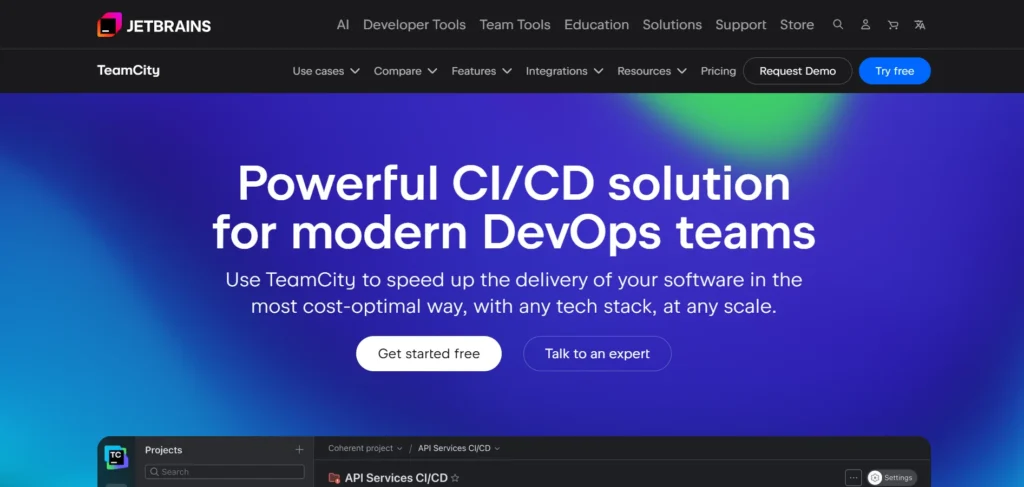
TeamCity is a commercial CI/CD server and one of the powerful CI/CD tools created by JetBrains, offering advanced build management and clear pipeline visibility.
It has various build configurations, automated testing and enhanced reporting. TeamCity connects to the common version control systems, the IDEs, containers and the cloud systems. The teams like its user-friendly interface, the build insights, and good performance.
Self hosted or cloud based, TeamCity is appropriate to professional development teams that require consistent automation, traceability, and deep control of complex build and deployment processes in medium scale to large software environments across enterprise, controlled industries, fintech, SaaS, e-commerce, and global engineering organizations, today, globally, consistently, securely, efficiently, and supported.
Website: https://www.jetbrains.com/teamcity/
Key Features:
- Advanced build configurations
- Detailed test reporting
- IDE integration
- Cloud and self-hosted options
- Build chain visualization
- Role-based access control
Pros:
- Excellent reporting
- Stable performance
- Professional support
- Powerful automation
- Flexible deployment models
Cons:
- Commercial licensing
- UI can feel dated
- Resource intensive
Pricing:
- US $54.00/month
9. Bamboo
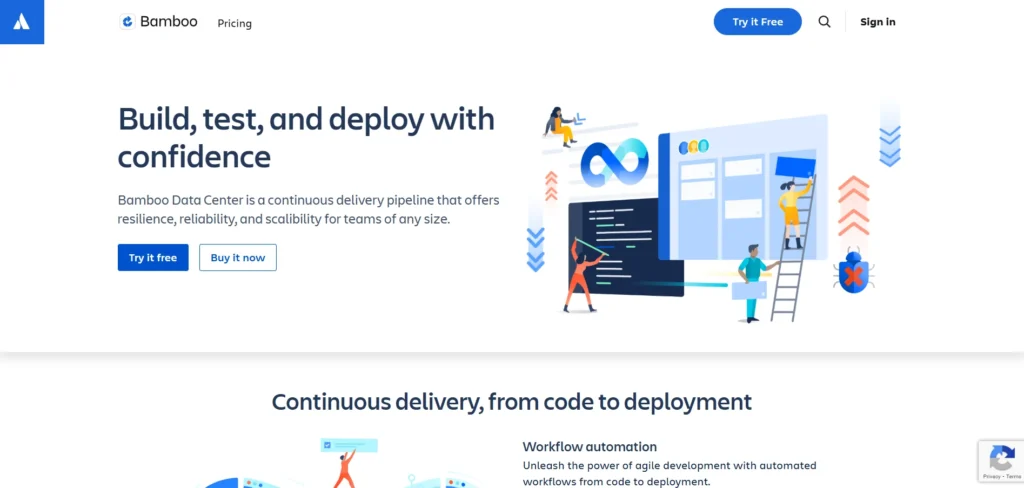
Bamboo is Atlassian’s CI/CD server built for continuous integration, testing, and deployment within the Atlassian ecosystem.
It integrates seamlessly with Jira and Bitbucket, enabling traceability from code changes to releases. Bamboo supports automated builds, deployment projects, and environment based permissions. Teams benefit from native Atlassian workflows and clear release visibility.
Although it is a commercial, self hosted solution, Bamboo remains a solid option for organizations already using Atlassian tools and seeking structured, reliable CI/CD pipelines with strong project management integration for enterprise development teams, regulated environments, long term projects, and complex release cycles globally, today, efficiently, securely, consistently, supported, proven.
Website: https://www.atlassian.com/software/bamboo
Key Features:
- Jira integration
- Bitbucket repository support
- Deployment project management
- Built-in release permissions
- Automated test execution
- Environment-based controls
Pros:
- Strong Atlassian ecosystem fit
- Good release traceability
- Reliable builds
- Clear audit trails
- Structured workflows
Cons:
- Self-hosted only
- Higher licensing cost
- Slower innovation pace
Pricing:
- Data Center– USD 1,200
10. Argo CD
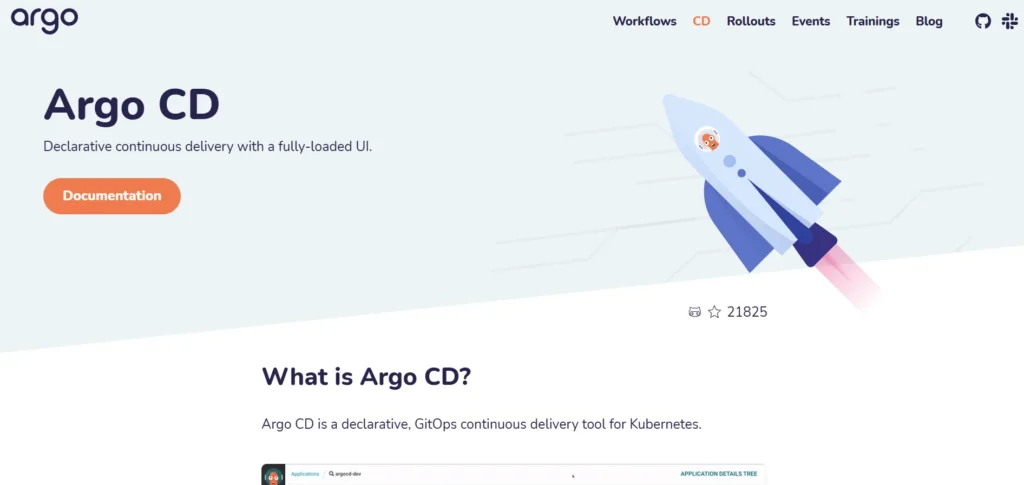
Argo CD is a Kubernetes-native continuous delivery tool and one of the most widely used CI/CD tools built around GitOps principles. It automatically deploys applications by synchronizing Kubernetes clusters with declarative configurations stored in Git repositories.
Argo CD provides automated rollbacks, drift detection, access control, and visual dashboards. It is designed specifically for cloud native and containerized environments. DevOps teams value Argo CD for its transparency, security, and consistency across environments.
It is ideal for organizations adopting Kubernetes at scale and seeking reliable, auditable, and automated deployment workflows for modern cloud platforms, microservices, enterprises, startups, SaaS, fintech, and global engineering teams, today, securely, consistently, efficiently, supported, scalable, proven.
Website: https://argoproj.github.io/cd/
Key Features:
- GitOps-based deployment
- Kubernetes-native design
- Declarative configuration sync
- Automated rollbacks
- Drift detection
- RBAC security model
Pros:
- Excellent Kubernetes control
- High deployment consistency
- Strong security
- Transparent operations
- Cloud-native friendly
Cons:
- Kubernetes-only usage
- Learning curve for GitOps
- Limited CI capabilities
11. GoCD
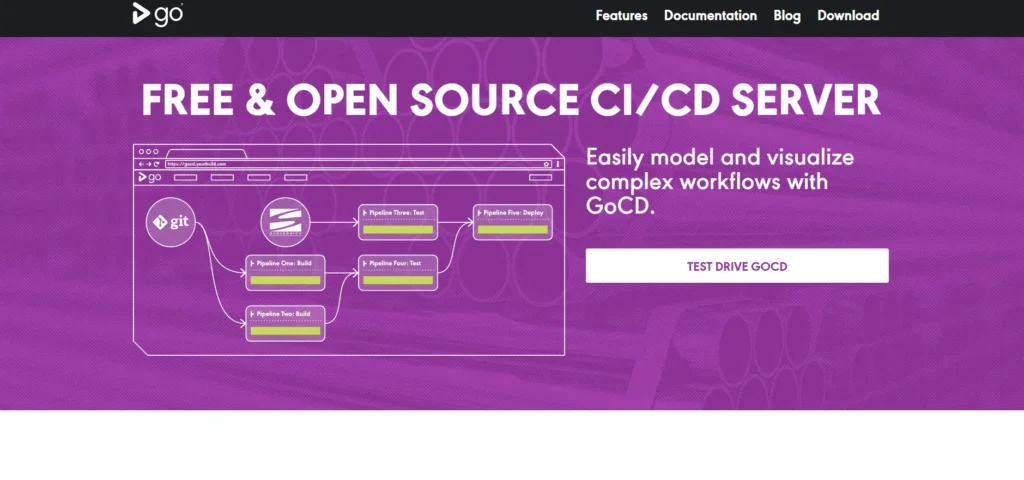
GoCD is an open source continuous delivery server developed by ThoughtWorks, focused on modeling complex workflows.
It emphasizes pipeline visualization, dependency management, and artifact traceability. GoCD supports pipelines as code, parallel execution, and integration with containers and cloud infrastructure. Teams use GoCD to gain visibility into multi stage delivery processes and manage sophisticated deployment strategies.
It is well suited for organizations with complex release pipelines that require transparency, control, and flexibility across continuous integration, testing, and deployment stages for large enterprises, regulated environments, legacy modernization, DevOps transformations, and global engineering teams, today, securely, consistently, efficiently, supported, scalable, proven, reliable, mature.
Website: https://www.gocd.org/
Key Features:
- Pipeline dependency modeling
- Visual workflow representation
- Artifact traceability
- Parallel execution support
- Plugin-based extensions
- Open-source flexibility
Pros:
- Excellent pipeline visibility
- Strong release orchestration
- Good audit support
- Scales for complex workflows
- Fully open source
Cons:
- Outdated UI
- Requires operational effort
- Smaller community
Pricing:
- Free
12. Semaphore
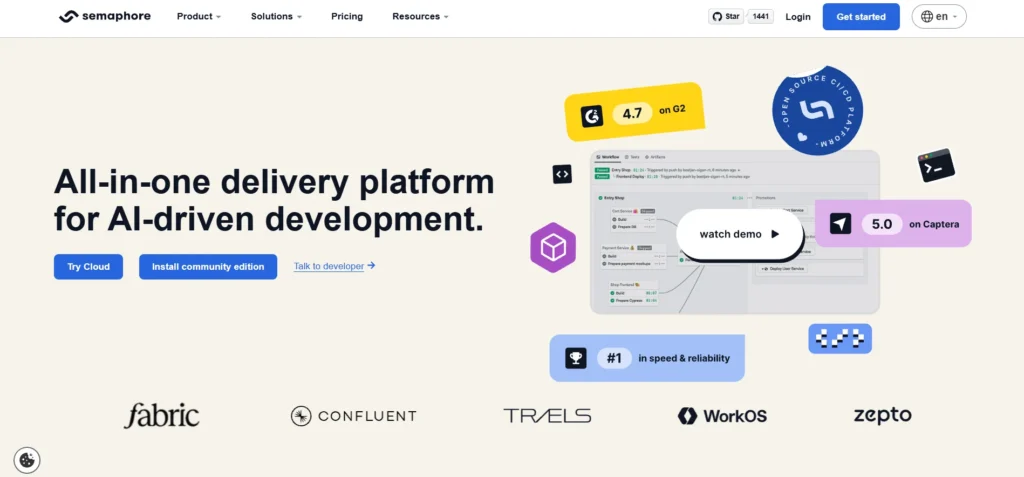
Semaphore is a modern CI/CD platform focused on speed, simplicity, and developer experience.
It provides fast pipelines, parallel execution, and easy configuration using YAML files. Semaphore supports popular programming languages, containerized builds, and cloud deployments. Teams benefit from quick feedback loops, reliable infrastructure, and clear pipeline insights.
Semaphore is especially attractive to startups and growing engineering teams that want high performance CI/CD without heavy configuration or operational complexity, enabling them to ship code faster while maintaining quality and automation across development workflows for modern SaaS, fintech, e-commerce, mobile, and web applications globally, today, efficiently, consistently, securely, supported, scalable, reliable, proven.
Website: https://semaphore.io/
Key Features:
- Fast build execution
- Simple YAML pipelines
- Parallel job support
- Cloud-native infrastructure
- Built-in secrets handling
- Easy Docker integration
Pros:
- Very fast feedback
- Easy to learn
- Clean interface
- Stable cloud performance
- Developer-friendly
Cons:
- Fewer enterprise features
- Limited integrations
- Smaller ecosystem
Pricing:
- Cloud– $0.0075/min
- Hybrid– $9 user/month
13. Spinnaker
Spinnaker is an open-source, multi-cloud continuous delivery platform originally developed by Netflix and widely used as one of the powerful CI/CD tools for managing automated application deployments.
It specializes in application deployment, supporting advanced strategies such as blue green and canary releases. Spinnaker integrates with major cloud providers and Kubernetes to manage complex deployments. Teams use Spinnaker to improve release safety, visibility, and automation at scale.
It is best suited for large organizations running distributed systems that require sophisticated deployment orchestration across multiple environments and cloud infrastructures for enterprise DevOps teams, microservices, SaaS, fintech, media, and global engineering organizations, today, securely, consistently, efficiently, supported, scalable, mature, proven, reliable, production-ready, worldwide, adoption, success, stability.
Website: https://spinnaker.io/
Key Features:
- Multi-cloud deployment support
- Advanced release strategies
- Kubernetes integration
- Canary analysis
- Deployment pipelines
- Role-based access
Pros:
- Excellent deployment safety
- Enterprise-grade scalability
- Strong cloud support
- Proven at scale
- Open source
Cons:
- Complex setup
- High operational overhead
- Not beginner friendly
Pricing:
- Open source
14. CodeShip

CodeShip is a cloud based CI/CD service by CloudBees that focuses on simplicity and speed. It automates testing and deployment workflows with minimal configuration, making it easy to get started.
CodeShip supports Docker based pipelines, popular programming languages, and common cloud platforms. Teams appreciate its clean interface and straightforward setup.
While less customizable than some enterprise tools, CodeShip is well suited for small to mid sized teams that want dependable CI/CD automation without heavy operational overhead or complex infrastructure management for startups, SaaS, web, mobile, and product development teams globally, today, efficiently, securely, consistently, supported, reliable, simple, scalable, proven, stable.
Website: https://codeship.in/
Key Features:
- Cloud-based CI/CD
- Docker pipeline support
- Simple UI workflow
- Popular SCM integrations
- Automated testing
- Cloud deployment support
Pros:
- Easy to start
- Clean user experience
- Reliable performance
- Minimal configuration
- Good documentation
Cons:
- Limited customization
- Fewer advanced features
- Slower innovation
Pricing:
- Contact sales
15. Buildbot
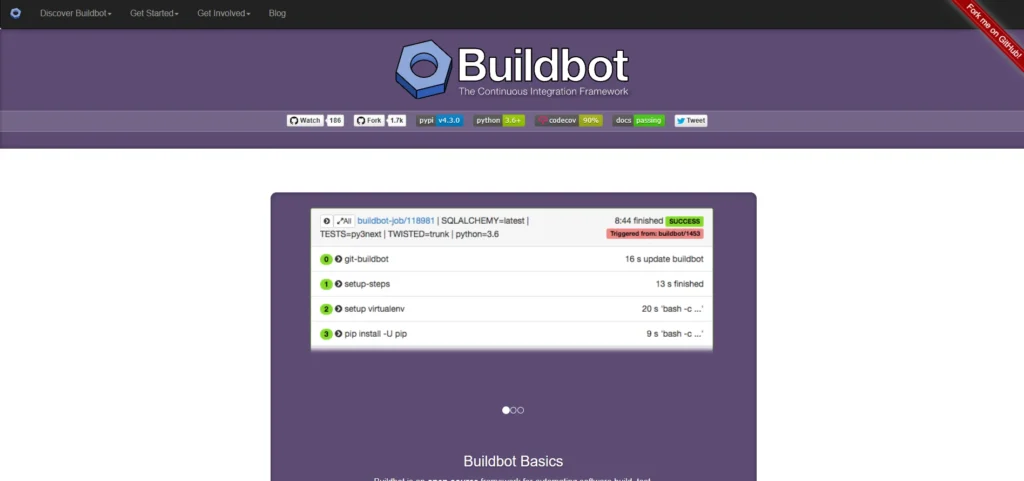
Buildbot is an open source CI/CD automation framework written in Python, designed for highly customizable workflows. It allows teams to define complex build, test, and deployment logic using code rather than configuration files alone.
Buildbot supports distributed builds, detailed status reporting, and integration with many version control systems. It is especially useful for organizations with unique requirements that standard CI tools cannot easily address.
While it requires more setup effort, Buildbot offers maximum flexibility and control over continuous integration and delivery pipelines for advanced DevOps, research, enterprise, embedded, and custom software development teams globally, today, securely, consistently, efficiently, supported, extensible.
Website: https://buildbot.net/
Key Features:
- Python-based configuration
- Highly customizable workflows
- Distributed build execution
- Real-time build status
- SCM integrations
- Plugin extensibility
Pros:
- Maximum flexibility
- Open-source control
- Ideal for custom needs
- Strong automation logic
- Good scalability
Cons:
- Steep learning curve
- Requires Python expertise
- Minimal UI polish
Pricing:
- Open source
Ending Thoughts
CI/CD has become a cornerstone of modern software development, enabling teams to deliver high-quality applications faster and more reliably. By automating integration, testing, and deployment processes, CI/CD tools reduce manual errors, improve consistency, and shorten release cycles. They help development and operations teams collaborate more effectively while maintaining continuous feedback and visibility across the pipeline.
Choosing the right CI/CD tool depends on factors such as scalability, security, integrations, and ease of use, aligned with organizational needs. As businesses increasingly adopt cloud-native, DevOps, and agile practices, CI/CD tools play a critical role in supporting innovation, improving time to market, and ensuring stable, secure software delivery. Investing in the right CI/CD solution ultimately strengthens development efficiency, operational resilience, and long-term digital growth.
FAQs
What does CI/CD Stand for?
CI/CD stands for Continuous Integration and Continuous Delivery or Deployment, a practice that automates software building, testing, and releasing processes.
Why is CI/CD Important in Software Development?
CI/CD helps teams detect bugs early, reduce manual errors, speed up releases, and deliver reliable software more frequently.
What is the Difference Between Continuous Delivery and Continuous Deployment?
Continuous Delivery keeps code ready for release, while Continuous Deployment automatically pushes every approved change to production.
Do Small Teams need CI/CD Tools?
Yes, CI/CD benefits small teams by saving time, improving code quality, and enabling faster, more consistent releases.
Can CI/CD Work with Cloud and Container Technologies?
Yes, most CI/CD tools support cloud platforms, Docker, Kubernetes, and modern DevOps workflows.