
Efficient management of clients is the pillar of any thriving company. Even though it is a challenging task, client management software can assist you and make your life simple.
These software programs can assist your company to consolidate your communications and documents, simplify processes with clients and enhance overall efficiency.
No matter how big or small your business is, using a client management system can really make it easier to deliver great service, build loyalty, and ultimately grow your business.
In this blog , we’ll review the 10 best client management apps in 2026, including their top features, pricing structure, and pros & cons.
What are client management Apps?
Client management apps are programs that assist software companies in organizing, monitoring, and managing communication and relationships with customers. It consolidates customer information, automates communication and documents, and assists with activities such as scheduling, follow-ups, and data analysis to enhance customer relationships.
Client management tools are great at streamlining and automating procedures so that you can effectively monitor client information and activities. It can assist you in managing sales, simplifying operations, and setting up targeted customer conversations. Therefore, companies can more effectively serve their consumers, build stronger client relationships, and make more profits.
Explore This Also: Best Marketing Automation Software
Top 10 client management apps in 2026
1. Bitrix24
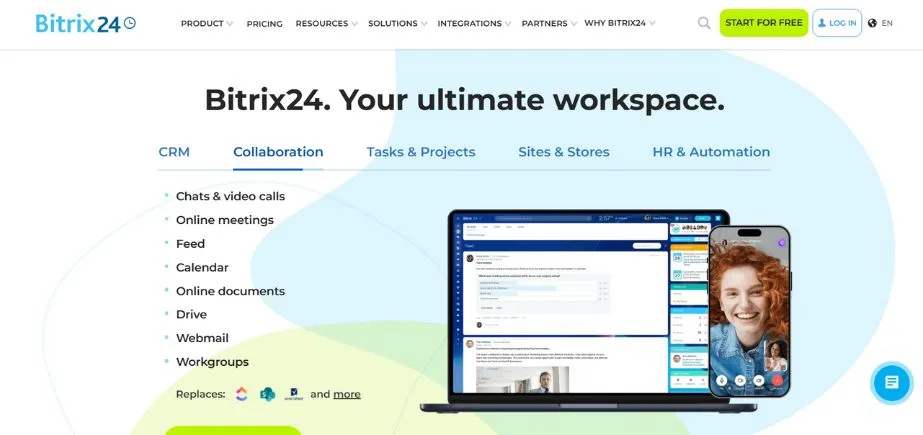
Bitrix24 is one of the best and on-premise or cloud-based client management apps. Furthermore, it is even geared for salespeople and loaded with features to help you turn prospects into return customers. Lastly, the best part of this client management tool is that there is a free version available.
In addition, it also has a sales funnel perspective that indicates the percentage of customers that are in development, awaiting details, negotiating/reviewing, and closed-won. In addition, this CRM platform also enables you to view areas where you can optimize your sales process.
Likewise, its automation rules also enable you to create automated lead responses.
Features
- Collaboration software for teams already has features that can facilitate efficient team work, e.g., communication and task tracking.
- Customer contact database: A master database for classifying and managing customer information.
- Cloud storage and cloud editions: Cloud-based file storage and sharing in a secure solution.
- Custom applications: Bitrix24 provides custom software solutions to cater to specific company requirements.
Pros
- Team collaboration software already has features that can support effective team work, e.g., communication and task monitoring.
- Customer contact database: A master database for classifying and managing customer information.
- Cloud storage and cloud editions: Reliable cloud-based file storage and sharing solutions.
- Personal apps: Bitrix24 provides customized software solutions to meet specific company requirements.
Cons
- Complex interface
- Limited integration
Pricing
- Free plans with fewer features for unlimited users.
- Basic: $49 for up to five users per month or per year.
- Standard: $99 for up to 50 users annually or monthly.
- Professional: $199, 100 users a month.
- Enterprise: $399 per month or yearly for up to 250 users.
2. Salesforce
Salesforce is one of the most widely used client management apps now. Other than this, one of the most useful products of Salesforce is the feature for sales forecasting. Other than this, you can get a real-time view of all your sales reps’ forecasts through sales forecasting, such as in-line forecast changes and override visibility, based on the management hierarchy.
It lets you review your entire pipeline for your company, categorized by sales rep, so that you can identify your top performers. You can put achievable goals and address issues before they can damage your revenue by keeping track of and predicting your sales. Lastly, technologies like sales forecasting aid managers in making decisions.
Features
- Contact management: Manage and organize client contacts effectively within the Salesforce platform.
- Quote management: Produce and monitor quotes on products or services presented to clients.
- Lead management: Optimize the process of lead capture, nurturing, and conversion into customers.
- Customizable dashboard and reports: View client information and performance measurements in customizable dashboards and reports.
Pros
- Extensive integration options with third-party apps
- AI-driven analytics and predictive insights
- Active online community and extensive documentation
Cons
- Complex user interface
- Steeper learning curve for new users
Pricing
- Starter Suite: $25 user/month
- Professional: $100 user/month
- Enterprise: $165 user/month
- Unlimited: $330 user/month
- Einstein 1 Sales: $500 user/month
3. Freshworks CRM
Freshworks CRM is one of the client management apps with a twist: it’s an all-in-one bundle that features sales, marketing, chat, and an integrated phone. And, Freshsales enables you to monitor your leads, customers, deals, marketing email journeys, and more in one place.
The in-built phone and email are the most favorable features of Freshworks. Instead of integrating other platforms, your sales representatives can call, email, and connect with prospects within the CRM. You can purchase local and toll-free lines within Freshworks and allocate them to sales agents so they have their phone line while calling prospects.
In addition, since communication is taking place within the CRM, it is logged automatically. Calls, emails, and all other activity are logged automatically, freeing up your time for data entry.
Features
- Pipeline management is the process of monitoring and maintaining customer interactions and sales transactions in real time using sales pipelines.
- Lead scoring is the ranking of leads based on their activity and interaction in order to optimize sales efforts.
- AI-driven insights: Use artificial intelligence to generate actionable insights and optimize your sales strategies.
- Integrated voice calls: Call customers straight from the CRM system.
- Sales reports: Generate detailed sales activity and performance reports to lead you in making informed decisions.
Pros
- AI-powered Insights to improve sales strategies.
- Highly customizable platform
- Responsive customer support team
Cons
- Advanced features available only in higher plants
- Some learning curve for new users
Pricing
- Growth: $9 /user/month, billed annually
- Pro: $39 /user/month, billed annually
- Enterprise: $59 /user/month, billed annually
4. Hubspot
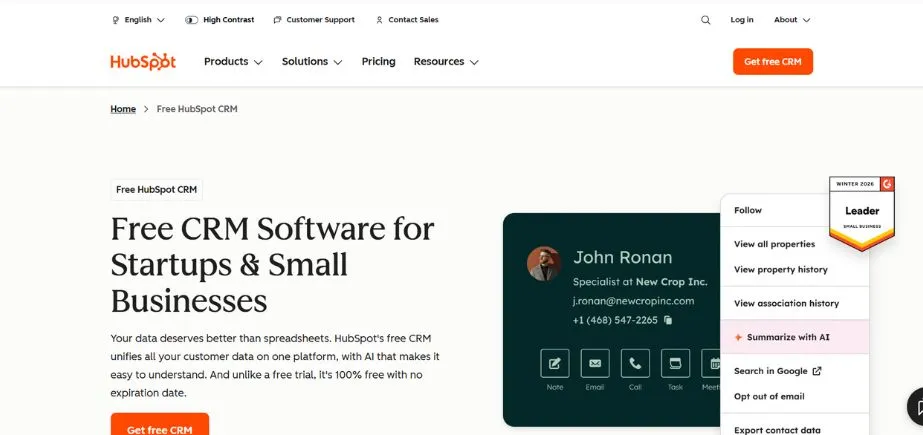
HubSpot is an integrated CRM tool famous for delivering effective solutions to deal with your clients in the best possible manner. Furthermore, it is also flexible, unified, and easy to operate.
HubSpot CRM also integrates with Gmail, G Suite, Office 365, and Outlook so that you can dedicate less time to logging notes and more time building relationships.
Irrespective of whether you’re a small group or a major company, HubSpot provides unlimited users, data, and as much as 1,000,000 contacts with no expiry date or limitation in time.
Features
- Contact management: Simply house and maintain customer contacts within the HubSpot platform.
- transaction stages: Administer and monitor client transactional activity by fully customizable stages.
- Daily Dashboards: Detailed information and performance metrics at one’s fingertips every day enhance decision-making.
- Task management comprised the scheduling, monitoring, and assignment of project and client management tasks.
- Automated data capture: Gather and classify customer data from a variety of sources to automate data processing tasks.
Pros
- Offers audio call
- Users can assign scores
- Extensive integration with third-party apps.
Cons
- Third-party app integration requires additional setup.
- Extensive customization is not available.
Pricing
- Professional: Starts at $1,600 per month
- Enterprise: Contact HubSpot for details
Read More: Best Cloud Storage Alternatives
5. Apptivo
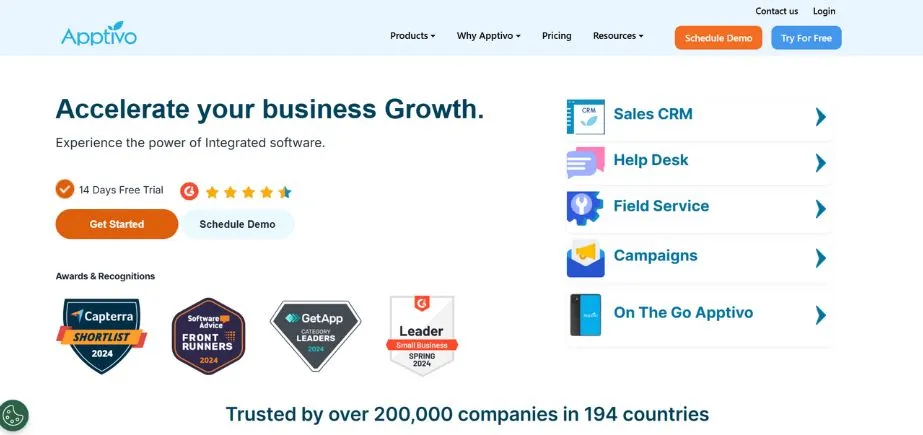
Apptivo is yet another of the top client management apps, and it makes it easy to manage prospects and customers. Additionally, you can embed forms on your site with Apptivo, and the app will automatically create new leads when a prospect submits the form.
In addition, it can be imported manually or from a CSV file. What’s more, you have total onscreen layout control due to the software’s massive customization.
Additionally, Apptivo provides a range of visualization options to monitor sales. In addition, dials and other forms of displays enable you to interpret the data and show information such as Projection and Attainment.
Features
- Automatic lead generation: Automatically speed up customer-acquiring process by automatically producing leads from any source.
- Tailor applications and workflows to suit particular corporate requirements and tastes.
- Lead conversion: Leverage the Apptivo platform to easily convert leads into customers.
- Sales tracking: Track sales activity and progress to know where to make improvements and to succeed.
- G-suite integration: Integrate with G-suite applications to increase productivity and collaboration within the CRM platform itself.
Pros
- Built-in collaboration features for teamwork
- Email within the CRM platform.
- Customizable reporting for in-depth data analysis.
Cons
- Extensive customization requires technical knowledge.
- Steep learning curve for new users.
Pricing
- Lite: $15/MO Per user/Billed annually
- Premium: $25/MO Per user/Billed annually
- Ultimate: $40/MO Per user/Billed annually
- Enterprise: Contact sales team
6. Dynamics 365

A customer management tool called Dynamics 365 can help you handle your clients more effectively and swiftly. If your sales cycle is long or short, this application will be helpful to you because it helps you and your colleagues onboard new clients faster.
Dynamics 365 utilizes applications that interact seamlessly with other Microsoft tools, including Outlook. Therefore, you do not need to expend a lot of effort to string together an entire client management platform with unrelated solutions and more time establishing relationships with your customers on platforms you already know.
Features
- Prioritizing and generating leads: In preparing to lead sales campaigns effectively, identify and chart out potential leads.
- Sales insights: Choose on the basis of successful sales history with strong trends.
- Customer service dashboard: Take a look at a hybrid dashboard that is used to track and measure interactions and customer service.
- Activity log: Maintain very detailed records of all client activity and interaction so they can be viewed and monitored in depth.
Pros
- Integrating with G Suite applications to enhance productivity and collaboration.
- employs automated lead generation to simplify customer buying.
- The Apptivo platform enables users to convert leads into customers.
- Customer service that is responsive
Cons
- Limited integration
- Some users may find the user interface outdated.
Pricing
- Dynamics 365 sales professional: $65 per user/month
- Dynamics 365 sales enterprise: $95 per user/month
- Dynamics 365 sales premium: $135 per user/month
- Microsoft relationship sales: $162 per user/month
7. Pipedrive
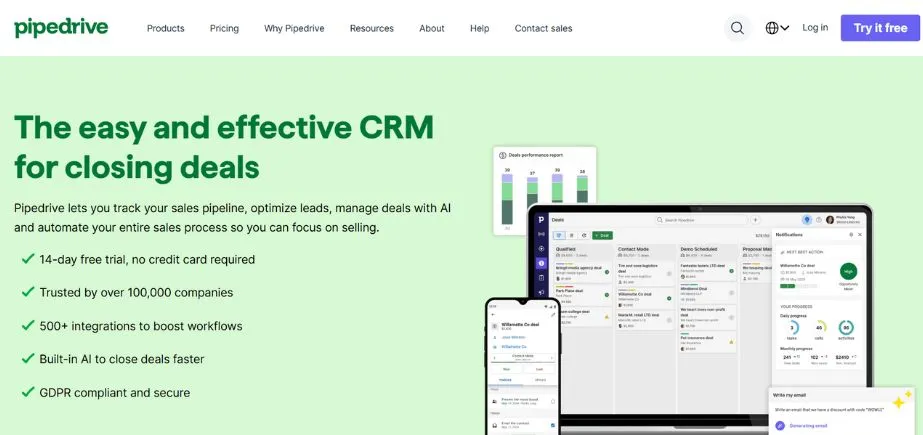
Pipedrive is among the best client management apps which offers pipeline management, web forms, chatbots, workflow automation, and AI-assisted sales assistance.
The AI sales assistant of Pipedrive is one-stop as not only does it train your sales team but it also uses algorithms to review their past performance and give them direct insights and suggestions for automation.
Pipedrive integrates your contacts and calendar with Google and Microsoft, and it gives you an entire history of what you’ve done with your contacts.
Features
- Sales automation: Routine processes and workflows are automated to make the sales process smoother.
- Lead management: In order to improve conversion rates, monitor and stay in contact with leads as they move through the sales pipeline.
- Analysis and reporting: Sales monitoring and performance trend monitoring are done by virtue of advanced reports and analysis.
- Contact management: Leverage Pipedrive technology to effectively capture and handle client contacts.
Pros
- Seamless integration of email and calendar improves user experience.
- Easy to navigate and easy-to-use interface for seamless functioning.
- Easy-to-use features based on intuition to understand and apply easily.
Cons
- Limited capabilities for email integration, such incomplete email tracking
- Reporting tools are intricate and challenging to use.
Pricing
- Essential: US$ 14 Per seat per month, billed annually
- Advanced: US$ 24 Per seat per month, billed annually
- Professional: US$ 49 Per seat per month, billed annually
- Power: US$ 59 Per seat per month, billed annually
- Enterprise: US$ 79 Per seat per month, billed annually
8. Keap
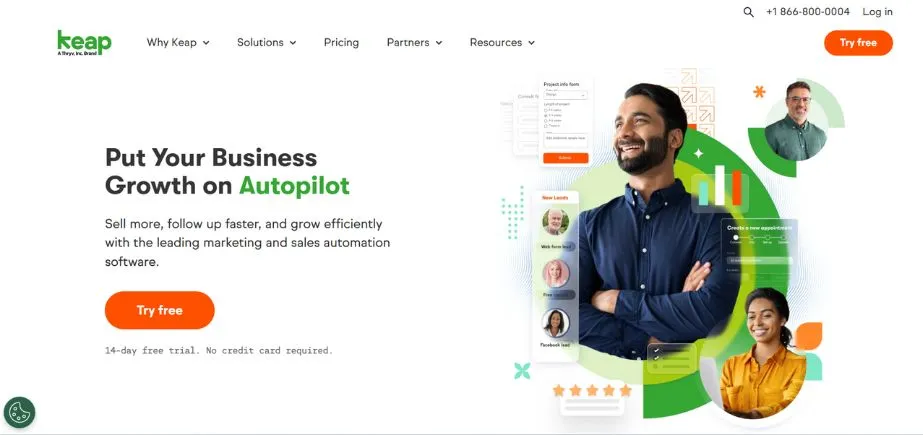
Keap is also among the best client management apps that keep a record of all customer activity, marketing, payments, and communications in one place. In addition, the tool assists you in capturing leads and converting them into customers.
Also, Keap’s email and SMS marketing features assist you in dividing your leads into prospects as per specified criteria. Also, it even has a form builder so that you may design your own forms that can be added directly to your website. More importantly, it responds on its own automatically so that follow-up is made!
Keap also enables you to select from a library of pre-written messages and send messages to new leads automatically. Also, it is integrated with Outlook and Gmail.
Features
- Custom forms: Design tailored forms to capture certain client data effectively.
- Pre-written emails: Use pre-written email templates for rapid and uniform client communication.
- Enhanced reporting: Create comprehensive reports to review client information and monitor performance efficiently.
- Automated lead capture: Automatically organize and capture leads to speed up the process of client acquisition.
Pros
- Email deliverability guarantees dependable email communication.
- Users are able to tag their customers, and this assists in data filtering.
- Calling access
Cons
- Expensive in comparison to other client management systems.
- Customer service does not meet expectations.
Pricing
- Pro: $159 /mo (Billed at $1908/year)
- Max: $249 /mo (Billed at $2748/year)
- Ultimate: $249 /mo (Billed at $2748/year)
9. monday.com

Monday.com is an agile work operating system that enables teams to organize their client interactions and projects in one environment. Its easy-to-use interface and adjustable workflows make it an excellent option for companies seeking a versatile solution.
Its intuitive nature and flexibility make it a favorite among companies that want to streamline client interactions, monitor tasks, and handle projects in a single platform.
Features
- Monday.com enables customers to create customized boards where customer information and conversations are structured.
- The platform offers robust task and project management features to enable teams to delegate tasks, set deadlines, and monitor progress.
- Automation: monday.com boasts a strong automation tool that can be configured to trigger email reminders, assign tasks, or modify status whenever a given trigger is achieved.
- It integrates well with most applications including Slack, Microsoft Teams, Google Calendar, and CRM platforms.
- Reporting and Dashboards: It offers dashboards that are customizable with reports on customer engagement and the status of a project.
Pros
- User-friendly interface
- Highly customizable
- Robust collaboration features
- Strong automation capabilities
Cons
- Steep learning curve
- Can be costly
- Limited CRM-specific features
Pricing
- Two seats are available in the free, feature-restricted, basic plan.
- $9 per seat per month, paid yearly, and $12 per seat per month, charged monthly, are the Basic plan prices.
- $12 per seat per month, paid annually, and $14 per seat per month, charged monthly, are the costs of the Standard plan.
- $19 per seat monthly, paid annually, and $24 per seat monthly, billed monthly, are the costs of the Pro plan.
- To discuss pricing and customization options for the business package, reach out to Monday.com.
10. Wrike
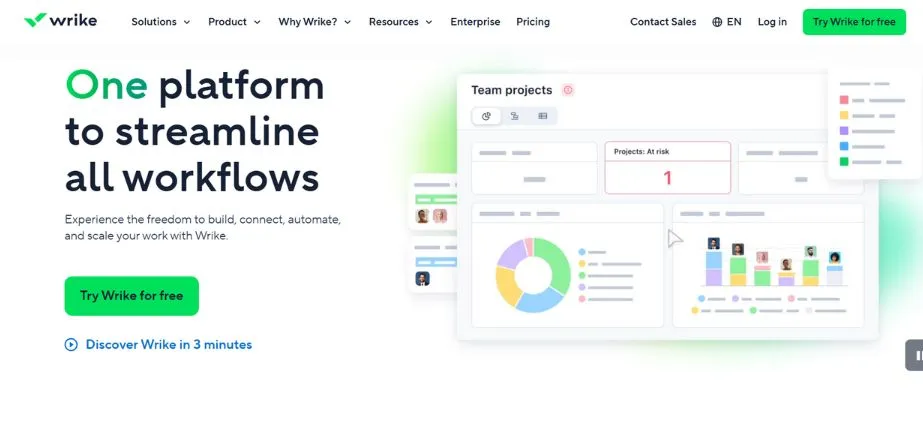
Wrike is one of the best client management apps that helps consultants manage multiple client accounts.
The tool helps you automate client feedback, and keep everyone informed with its market-leading collaboration capabilities.
Wrike is ideal for medium-to-large-sized businesses with several clients and require collaboration tools to facilitate client communications.
Features
- Utilize the application’s templates to collect and organize client requests.
- Every time you start a request, your designated workplace gets reset.
- Best-in-class integration with Adobe Creative Cloud: Wrike’s Adobe Creative Cloud integration streamlines team-to-team collaboration, approvals, and request for feedback.
- In order to keep all parties informed, automate procedures by utilizing new ways of collaborating
Pros
- Your team might already be using one of the over 400 connectors the platform provides with other productivity tools.
- Massive free plan with unlimited users.
- A set of editable project templates for consultants.
Cons
- Reviews claim that there is a learning curve because of the overwhelming features.
- Only customers on the Pinnacle plan have access to the budgeting tool.
Pricing
- Team: Fields, workflows, unlimited request forms, and dynamic Gantt charts configurable to your needs are part of the base monthly cost of $9.80 per individual for a group of 25 users.
- Business: Provides real-time reporting, nested projects, portfolio management, and AI-driven risk forecasting for up to 200 individuals per month for $24.80 per individual.
- Business: Unlimited users, full administration, security, reports, and integrations for a one-time fee.
- Lockable fields, natively integrated with Power BI, and configurable pricing with budgeting features are the final ones. As mentioned, call sales.
Conclusion
Client management apps are essential for companies that want to establish long-term relationships with clients while improving efficiency and productivity. Selecting appropriate client management apps and using it properly can spur growth and client satisfaction.
FAQs
1.What are the main functions of client management apps?
Client management software consolidates client information, facilitates communication, automates tasks, manages tasks, and offers analytics. These functions simplify operations, increase efficiency, and boost client satisfaction.
2. How can client management apps contribute to customer retention ?
A client management platform aids in monitoring client interactions, and feedback, and this allows businesses to provide tailored experiences. This builds better relationships and enhances customer retention levels.
Continue Exploring: Best Ideas to Make Money in 2026