
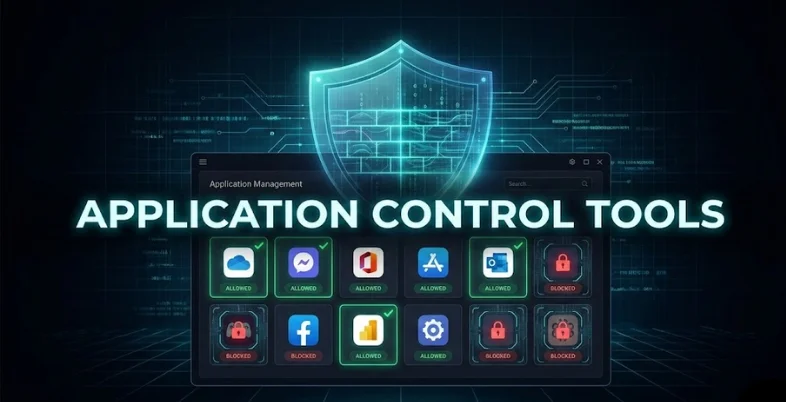
Organizations have millions of applications that they depend on to operate their day-to-day activities. Although these tools increase productivity, they have the potential of creating security risks when not managed effectively. Application control software come in here to be of great importance. These tools help businesses in choosing which applications can operate within their systems and which applications to block.
Application control tools are particularly applied in a setting where sensitive data is processed regularly. For small and large businesses, the proper application control solution can be used to build a safer and more controlled IT environment without interfering with workflow effectiveness.
In this blog, we explore the 15 Best Application Control Tools.
What Are Application Control Tools?
Application control tools are security tools that help organizations take charge of the software and applications that may execute on their systems. They accept the approved and trusted applications and block unknown or harmful ones. This helps in safeguarding computers against malware, viruses, and unauthorized programs.
Application control platforms can be used to keep systems safe, minimize security risks, and ensure company policies. They are usually employed in businesses, for small school businesses, schools, and offices that deal with sensitive information.
Why You Need An Application Control Software
- Enhanced Security Protection: An application control tool allows only trusted and approved software to run, significantly reducing the risk of malware, ransomware, and unknown threats.
- Prevents Unauthorized Software Use: It stops users from installing or running unapproved applications, helping organizations enforce IT policies and avoid security violations.
- Reduces Cyber Attack Surface: By blocking unnecessary or risky applications, the tool minimizes potential entry points that attackers could exploit.
- Ensures Compliance and Better Control: It helps organizations meet regulatory requirements and internal security standards without the need for constant manual monitoring.
- Improves System Performance and Stability: Limiting unwanted background applications keeps systems faster, more stable, and more productive.
Top Application Control Tools Compared
| Tool Name | Price | Free Version | Best Use For | Pros |
| Panda Adaptive Defense 360 | $24–$67/yr | No | Small to medium businesses needing endpoint security | Application whitelisting, real-time monitoring, compliance reports, centralized management |
| Ivanti Application Control | Contact sales | No | Businesses requiring software policy enforcement | Whitelisting/blacklisting, policy-based control, endpoint privilege management, audit reporting |
| ThreatLocker | Contact sales | No | High-security businesses | Zero-trust model, ringfencing, centralized policy management, real-time alerts |
| Faronics Anti-Executable | $68.25 (Standard) | No | Schools, healthcare, and businesses need simple control | Whitelisting blocks unauthorized apps, lightweight, centralized management |
| Zscaler Posture Control | Contact sales | No | Cloud-first and remote organizations | Cloud-based control, endpoint posture checks, automated remediation, and real-time monitoring |
| ManageEngine Application Control Plus | Contact sales | No | Medium to large organizations | Whitelisting/blacklisting, policy enforcement, app discovery, audit trails |
| Trellix Application & Change Control | Contact sales | No | Enterprises needing high-level endpoint protection | Execution control, change monitoring, real-time alerts, centralized policies |
| Checkpoint Application Control | Contact sales | No | Organizations using Checkpoint firewalls | Firewall-based control, granular app filtering, real-time monitoring, reporting |
| Fortinet FortiClient | $570–$770 | No | Businesses needing layered endpoint & network security | Application control, firewall, malware protection, centralized management |
| CyberArk Endpoint Privilege Manager | Contact sales | No | Companies handling sensitive data | Least-privilege enforcement, whitelisting, on-demand privilege, compliance reports |
| WatchGuard Firebox Application Control | Contact sales | No | SMBs wanting network-level control | Network-based control, real-time traffic monitoring, policy enforcement, and detailed reports |
| VMware Carbon Black App Control | Contact sales | No | Large enterprises need endpoint protection | Whitelisting, lockdown mode, continuous monitoring, compliance reporting |
| Airlock Digital Application Control | Contact sales | No | Critical infrastructure requiring high security | App/script control, policy-based whitelisting, real-time alerts, audit logs |
| McAfee Application Control | Contact sales | No | Large regulated networks | Whitelisting, change control, centralized policy, malware protection, compliance reporting |
| Symantec Critical System Protection | Contact sales | No | Organizations with sensitive systems | App control & whitelisting, intrusion prevention, centralized management, audit logs |
List of Best Application Control Tools
1. Panda Adaptive Defense 360
- Website: https://www.pandasecurity.com/en/homeusers
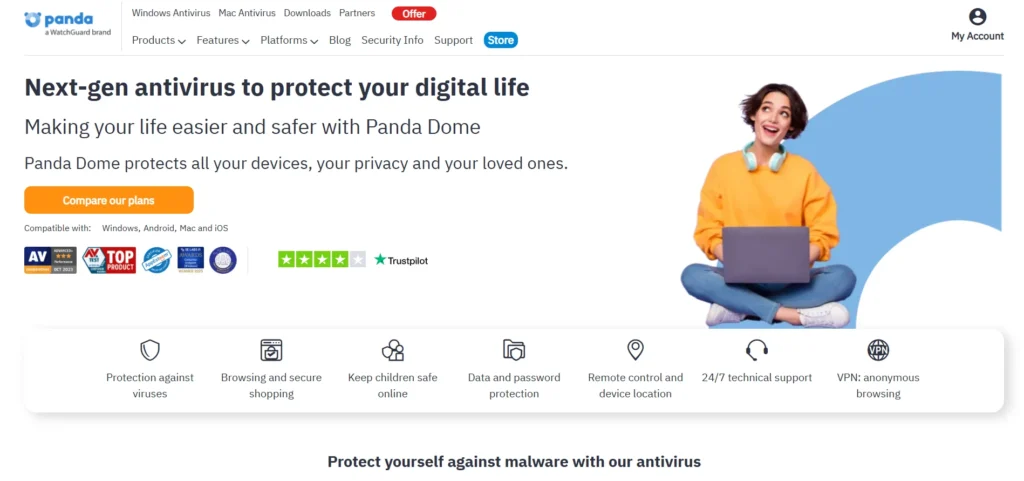
The Panda Adaptive Defense 360 is a progressive endpoint security software that integrates both the control of applications and the detection of threats. It will only run an application that has been trusted and block unknown or malicious software by default.
The platform operates through real-time monitoring and centralized policy management to guard against malware and ransomware on the devices. It also gives audit records, compliance reports, and time reports. It also makes it appropriate to use by businesses that require excellent security without having to work hard to administer it.
Key Features:
- Application whitelisting and control
- Automatic threat detection
- Real-time endpoint monitoring
- Centralized cloud management
- Compliance reporting
Pricing:
- Essential (~$24/yr): Real-time antivirus, firewall, Wi-Fi protection, and a basic VPN (150MB/day).
- Advanced (~$28/yr): Adds Anti-Ransomware and Parental Controls.
- Complete (~$43/yr): Adds a Password Manager, PC cleanup/speed-up tools, and file encryption.
- Premium (~$67/yr): Adds Unlimited VPN, 24/7 technical support, and an automated software updater.
2. Ivanti Application Control
- Website: https://www.ivanti.com/lp/quote
Ivanti Application Control assists companies in controlling the applications that are allowed to run on the system. It relies on software policy-based blocking to eliminate unauthorized software and minimize security threats. The tool is also able to facilitate auditing and reporting to satisfy compliance needs.
Ivanti also adapts smoothly with endpoint management systems, which enables the IT departments to manage applications, secure the data, and offer stability of the system without disrupting the productivity of the employees.
Key Features:
- Application whitelisting and blacklisting
- Policy-based execution control
- Endpoint privilege management
- Audit and compliance reporting
- Integration with endpoint tools
Pricing: Connect with the sales team
3. ThreatLocker
- Website: https://www.threatlocker.com/pricing
ThreatLocker is a zero-trust system of security that has all applications blocked by default and reports by default, and approved applications are only allowed to run. It provides good application protection, ring fencing, default fencing, and storage to prevent malware and ransomware.
Centralized management and real-time monitoring make it easy to control endpoint activity in an organization. ThreatLocker would be the solution of choice in a business that requires high security, advanced auditing, and solid defense against unidentified threats.
Key Features:
- Zero-trust application control
- Ringfencing and storage control
- Centralized policy management
- Real-time monitoring and alerts
- Audit and compliance logs
Pricing: Connect with the sales team
Also Read:
4. Faronics Anti-Executable
- Website: https://faronicscloud.com/pages/pricing-buying-options
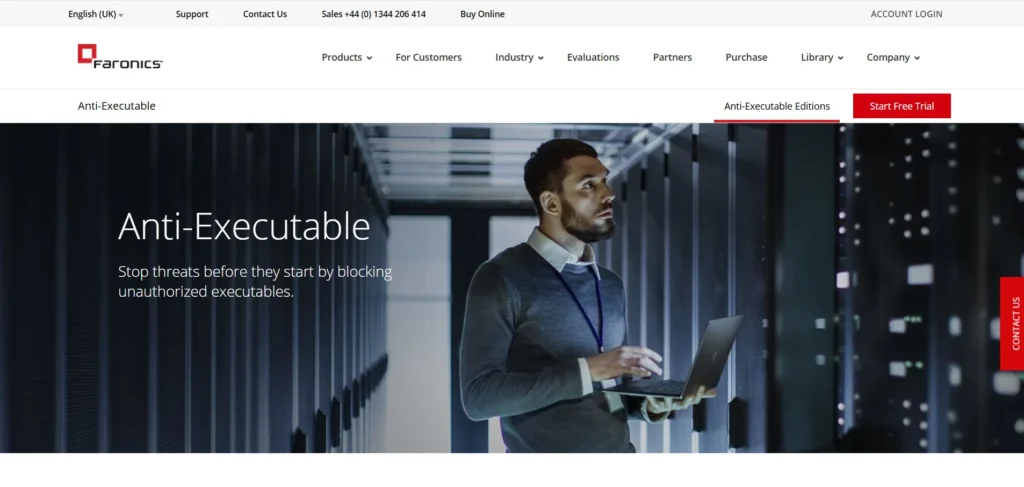
Faronics Anti-Executable is one of the powerful application control tools that secures systems by allowing only approved applications to run. It prevents malware, ransomware, and unlicensed software before they can cause any harm.
The device is simple to install, and it has a centralized management console. Having straightforward policies and minimal system contact, it is common in schools, healthcare, and companies that require a dependable application control without a complicated setup.
Key Features:
- Application whitelisting
- Blocks unauthorized software
- Centralized management console
- Lightweight endpoint protection
- Audit and reporting tools
Pricing:
- Deep Freeze Standard: $68.25 (Best for: Reboot-to-Restore system protection)
- Anti-Executable Standard: $68.25 (Best for: Whitelisting and blocking unapproved apps)
- WINSelect Standard: $68.25 (Best for: Kiosk mode and locking down Windows features)
5. Zscaler Posture Control
- Website: https://www.zscaler.com
Zscaler posture control is a cloud-based security system that will verify the security standards of the endpoints before accessibility. It guarantees that only legitimate applications are active and can be used to ensure the compatibility of devices.
The solution will provide real-time monitoring, automated remediation, and centralized management. It is particularly handy with remote and cloud-first companies adopting the zero-trust security models, as well as organizations that require excellent insight into endpoint posture.
Key Features:
- Cloud-based application control
- Endpoint posture checks
- Real-time compliance monitoring
- Automated remediation
- Centralized dashboard
Pricing: Connect with the sales team
6. ManageEngine Application Control Plus
- Website: https://www.manageengine.com/it-operations-management/get-quote.html
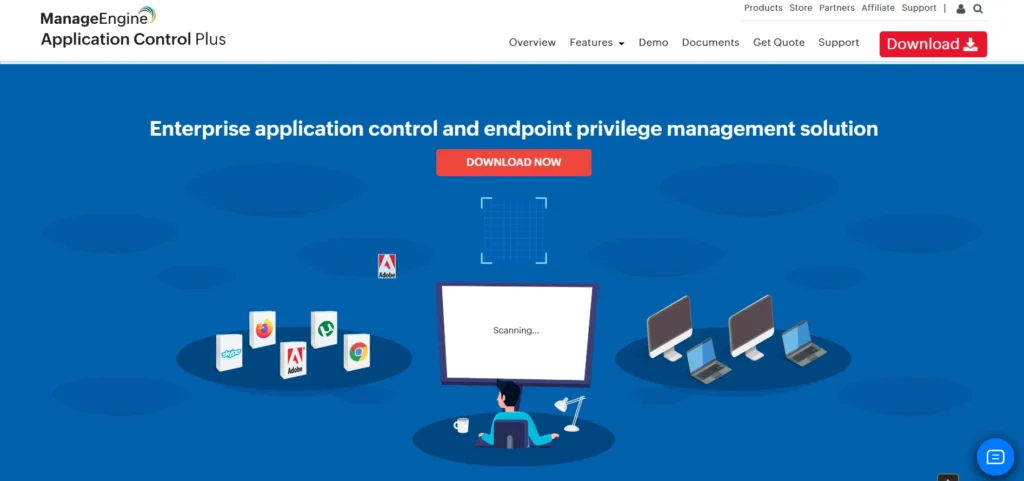
ManageEngine Application Control Plus enables the IT departments to regulate applications that can be installed or executed on the endpoints. It encourages application whitelisting, blacklist remediation, blacklisting, and real-time blacklist monitoring.
The tool gives detailed reports and audit trails to satisfy the compliance requirements. Its simple interface and use with other ManageEngine products make it an appropriate solution for medium- to large-sized organizations.
Key Features:
- Application whitelisting and blocking
- Policy-based enforcement
- Application discovery
- Audit trails and reports
- Integration with AD and ITSM
Pricing: Connect with the sales team
7. Trellix Application and Change Control
- Website: https://www.trellix.com/request-demo
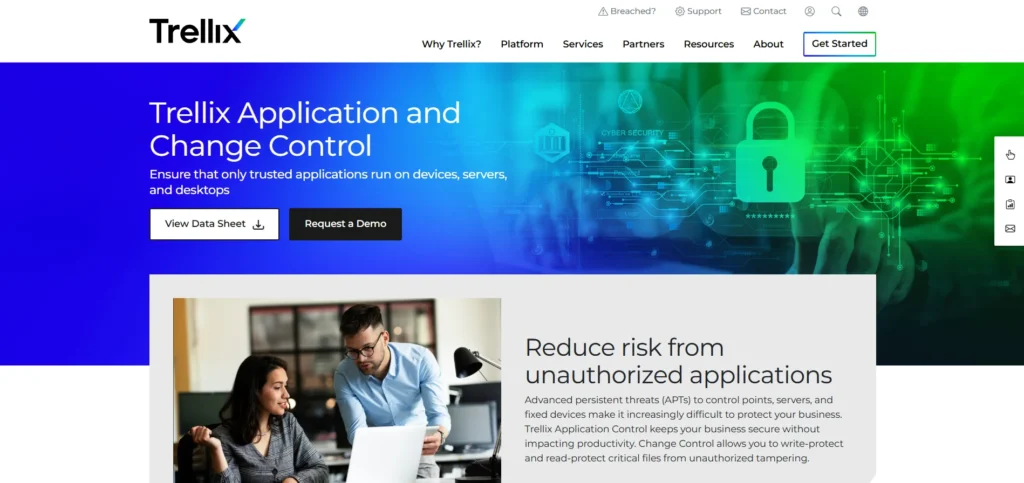
Trellix Application & Change Control is one of the advanced application control tools that enables the securing of endpoints through control over application executions and system changes. It inhibits unauthorized software and any suspicious alterations to vital files.
The tool provides real-time alerts, audit reports, and centralized policy management. Trellix is intended to provide enterprises with the required high level of protection against malware, ransomware, and insider threats without jeopardizing compliance and system integrity.
Key Features:
- Application execution control
- Change monitoring
- Real-time threat alerts
- Centralized policy enforcement
- Compliance and audit reporting
Pricing: Connect with the sales team
8. Checkpoint Application Control
- Website: https://www.checkpoint.com/quantum/application-control
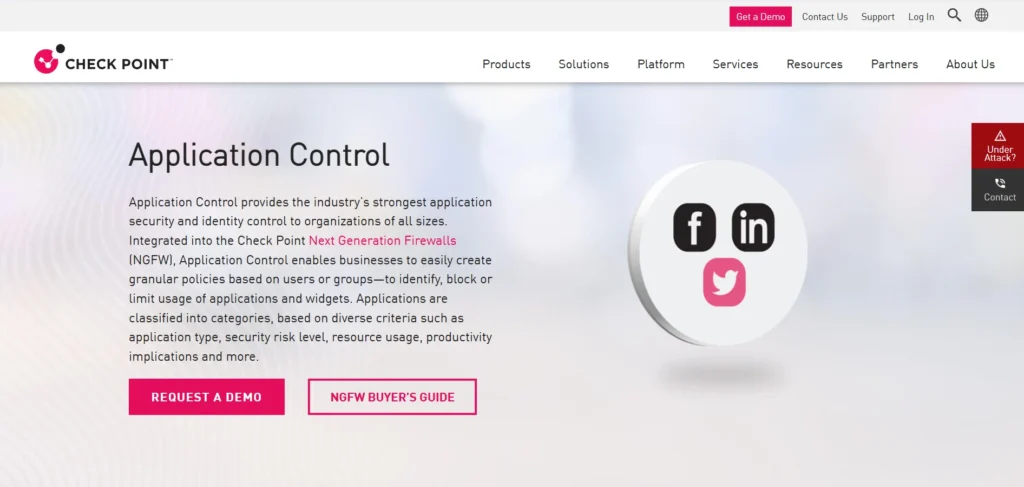
Checkpoint application control is an application that is network-based and used to monitor and control application usage. It is installed with Check Point firewalls and enables the administrator to block risky applications and grant safe ones.
The tool offers real-time monitoring, logging, and reporting. It suits well in organizations where a firm would prefer effective control over the applications used and network security with centralized policy implementation.
Key Features:
- Firewall-based application control
- Granular app filtering
- Real-time activity monitoring
- Threat intelligence integration
- Centralized reporting
Pricing: Connect with the sales team
9. Fortinet FortiClient
- Website: https://www.fortinet.com/products/endpoint-security/forticlient
Fortinet FortiClient is an endpoint security product, and it has application control, antivirus, and firewall protection. It enables organizations to block any unwanted applications and also to control the security policies through a central console.
FortiClient connects with the security ecosystem offered by Fortinet, and it can offer both endpoint and network protection. It is applicable in businesses and enterprises that require layered security and easy control of applications.
Key Features:
- Application control and firewall
- Malware protection
- Centralized policy management
- VPN and network integration
- Real-time alerts
Pricing:
- Cloud-Hosted EMS (~$770): Fully managed by Fortinet; includes VPN, ZTNA, EPP/APT security, and FortiCare Premium without needing a local server.
- On-Premise EMS (~$570): Requires your own local server; offers identical VPN, ZTNA, and EPP/APT security features at a lower software cost.
10. CyberArk Endpoint Privilege Manager
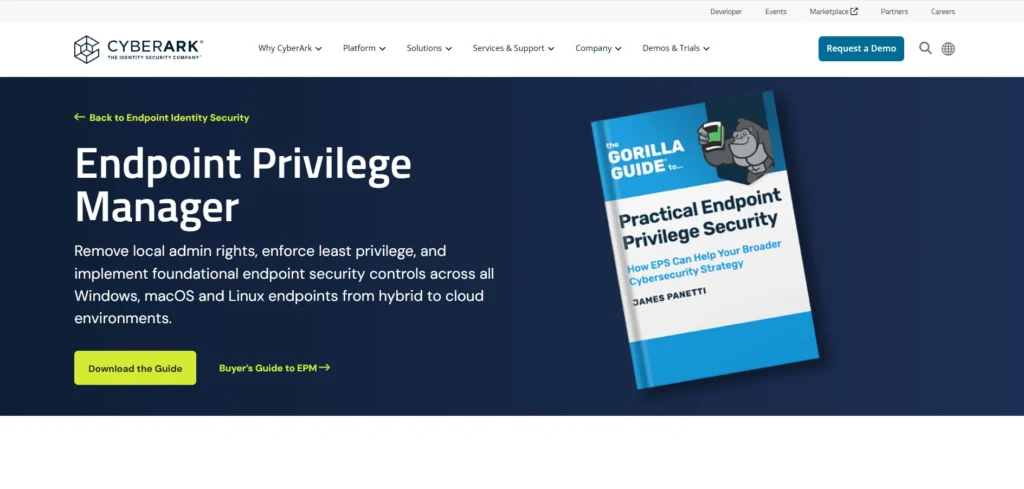
CyberArk Endpoint Privilege Manager is aimed at managing application usage with least-privilege access and is one of the leading application control tools for enterprise security. It enables applications to be granted a high level of privilege upon request, eliminating the risk of malware, unauthorized access, and privilege misuse.
The tool helps with auditing, compliance reports, and centralized management between endpoints, which is why it is suitable for companies that deal with sensitive data and have very high security standards.
Key Features:
- Least-privilege enforcement
- Application whitelisting
- On-demand privilege elevation
- Compliance reporting
- SIEM integration
Pricing: Connect with the sales team
11. WatchGuard Firebox Application Control
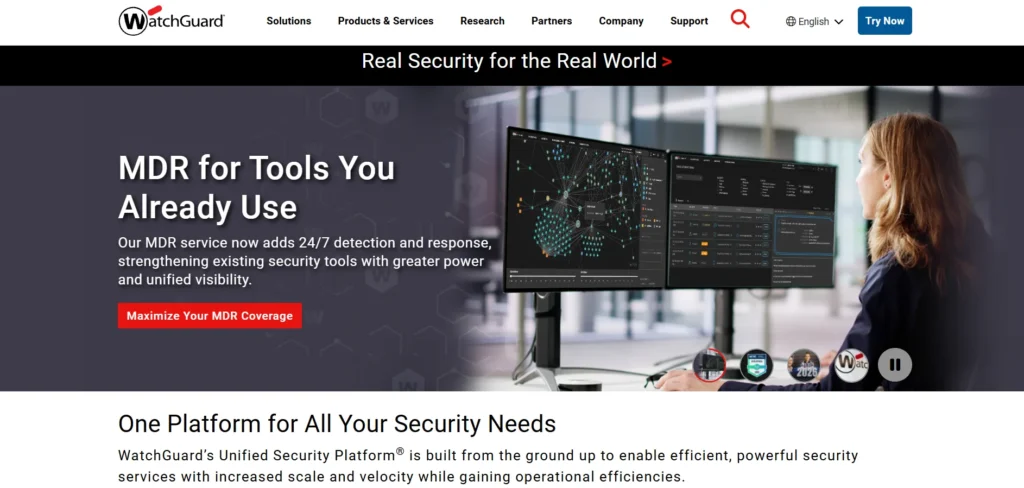
WatchGuard Firebox application control assists organizations in monitoring and controlling application traffic within the organization’s network. It integrates with WatchGuard firewalls to prevent unsafe applications and implement policies of usage.
The tool offers real-time visibility, alerts, and reporting. It is also applicable to small- to medium-sized businesses that desire to have effective application control in addition to network-level protection.
Key Features:
- Network-based application control
- Real-time traffic monitoring
- Policy-driven enforcement
- Firewall integration
- Detailed reports
12. VMware Carbon Black App Control
- Website: https://www.vmware.com
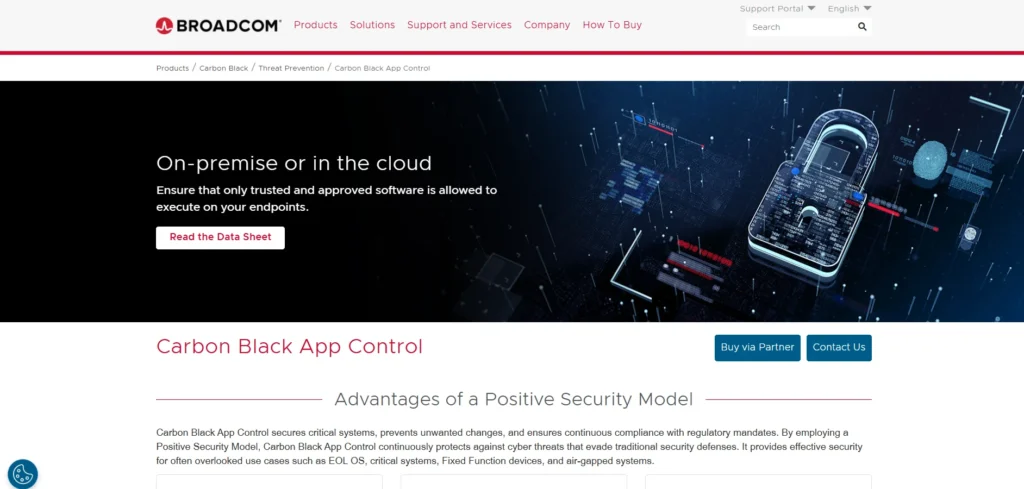
VMware Carbon Black App Control is an enterprise-level application that is based on malware prevention with the help of application whitelisting. It guarantees that only reliable applications are run and prevents unwarranted modifications.
The site provides unified control, reporting of compliance, and real-time surveillance. It fits big organizations that require excellent endpoint protection, regulatory compliance, and sophisticated application control.
Key Features:
- Application whitelisting
- Endpoint lockdown mode
- Continuous monitoring
- Compliance audit reporting
- Centralized management
Pricing: Connect with the sales team
13. Airlock Digital Application Control
- Website: https://www.airlockdigital.com
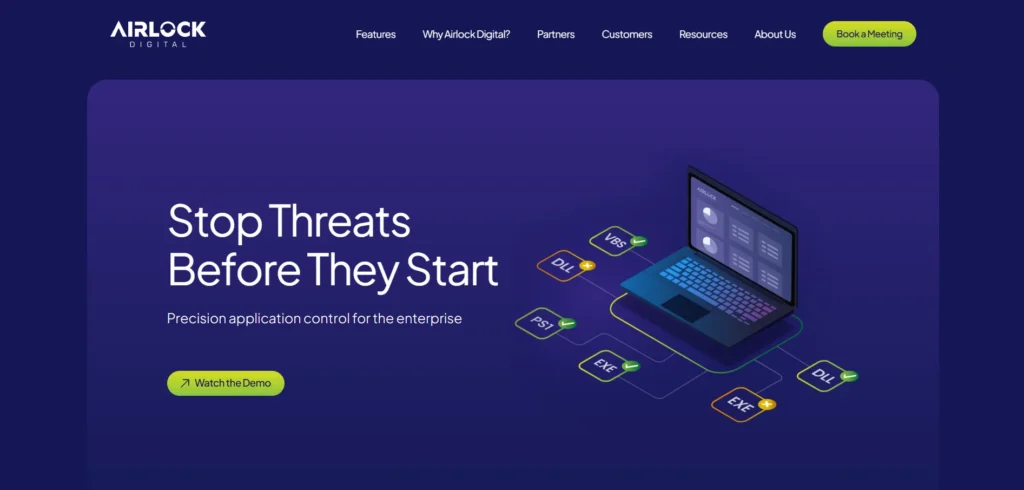
Airlock Digital Application Control is one of the most effective application control tools for system protection, ensuring that only trusted applications and scripts can execute. It prevents the execution of unknown software and significantly reduces the risk of malware and ransomware attacks.
The tool offers comprehensive audit history, real-time notifications, and central policy administration. Airlock Digital usually fits in highly secure and critical infrastructures, and application control is essential.
Key Features:
- Application and script control
- Policy-based whitelisting
- Real-time alerts
- Audit logs
- Remote endpoint management
Pricing: Connect with the sales team
14. McAfee Application Control
- Website: https://www.mcafee.com/enterprise/en-us/products/application-control.html
The whitelisting is employed by McAfee Application Control to ensure that only authorized software is executed at the endpoints. It prevents unwanted applications, scripts, and viruses.
The solution has centralized policy management, audit logs, and compatibility with other security tools in McAfee. It works best in businesses with high levels of protection, regulation, and uninterrupted control over applications in large networks.
Key Features:
- Application whitelisting
- Change control
- Centralized policy management
- Malware protection
- Compliance reporting
Pricing: Connect with the sales team
15. Symantec Critical System Protection (CSP)
- Website: https://www.broadcom.com/products/cyber-security/endpoint
Symantec Critical System Protection aims to safeguard critical endpoints with application control as well as intrusion prevention. It permits the authorized applications and prohibits unauthorized modifications.
The tool offers centralized control, in-depth logs, and compliance reports. Symantec CSP is most appropriate for organizations that have sensitive systems that demand a high level of security and system stability, and demand stringent control on applications.
Key Features:
- Application control and whitelisting
- Intrusion prevention
- Policy-based access control
- Centralized management
- Audit and compliance logs
Pricing: Connect with the sales team
Advantages of the Application Control Tools
These tools minimize risks by preventing unauthorized access and enhancing the overall system security. The main benefits have been stated in simplified form below.
- Greater Security Protection: The application control software prevent the execution of untrusted and malicious applications. This assists in blocking malware, ransomware, and other computer viruses from finding their way into the organization’s system.
- Greater Control of Software Use: These tools allow the IT department to determine the applications that employees may use. This minimizes threats of installing unauthorized or dangerous software.
- Better System Performance: Systems operate at a higher speed with reduced grace because of the minimized unneeded applications. This assists in preventing crashes, slowing down, and software conflicts.
- Simpler Compliance and Policy Management: Application control tools assist organizations in adhering to rules within their own organization and the industry. They simplify audits through maintenance of the software usage.
- Reduced IT Support Issues: There is a reduction in technical problems as there are fewer unknown applications. This reduces maintenance work and wastes less time for IT teams.
How to Choose the Best Application Control Tool
- Strong Security Capabilities: The tool should reliably block unauthorized and malicious applications while allowing only trusted software to run. Features like application whitelisting, real-time monitoring, and protection against ransomware are essential.
- Easy to Manage and Use: Choose a solution with a simple, centralized dashboard. IT teams should be able to create, update, and enforce policies without complex configurations or constant manual effort.
- System Compatibility and Integration: Make sure the tool supports your operating systems (Windows, macOS, Linux, etc.) and integrates smoothly with your existing security and IT management tools.
- Minimal Performance Impact: A good application control tool works in the background without slowing down systems or disrupting day-to-day business operations.
- Clear Reporting and Visibility: The tool should provide detailed logs, alerts, and reports to help you track application usage, detect violations, and meet compliance or audit requirements.
Ending Note
Application control tools are essential, no doubt, now more than ever in a landscape of increasing cyber threats and uncontrolled program risks. They provide organizations with enhanced visibility, enhanced protection now, and better control of their systems.
Businesses can minimize security incidents, enhance system performance, and ensure that internal policies are followed by permitting only trusted applications to run.
You may want to secure sensitive data or minimize the operational risks, but a well-developed application control tool is a wise and progressive move. With the ever-changing technology, effective cybersecurity strategies will still depend heavily on strong application control.
FAQs
1. What is the Difference Between Application Control Software and Conventional Antivirus Software?
Application control software blocks malicious software execution before it can occur, whereas antivirus software responds to known malware or suspicious actions.
2. Are Application Control Tools Able to Influence Staff Productivity in Big Companies?
When properly implemented, they enhance productivity by minimizing system problems, distractions, and allowable programs for employees.
3. Are Application Control Software Appropriate in Cloud and Remote Working Environments?
Yes, the latest application control platforms can assist cloud-based and remote endpoints using centralized control and real-time policy execution.
4. What Role do Application Control Tools Play in Satisfying Regulatory Compliance?
They implement software policies, keep audit records, and thwart unauthorized access, which facilitates adherence to data protection and security laws.
5. What Aspects must Businesses take into Account When Selecting an Application Control Tool?
The businesses are to consider scalability, convenience to manage, integration, policy, flexibility in reports, and reports, as well as the overall security functionality.