

Artificial intelligence is changing the way developers write and manage software. AI coding tools are designed to help programmers write code faster, reduce errors, and improve overall productivity. These tools use technologies such as machine learning and natural language processing to understand coding patterns and developer intent. By analyzing large amounts of existing code, AI-powered platforms can suggest code snippets, complete functions, and even detect bugs in real time.
One of the biggest advantages of AI coding software is their ability to automate repetitive tasks. Developers no longer need to spend hours writing basic code structures or debugging simple issues. Instead, AI assistants provide intelligent recommendations that speed up the development process and improve code quality.
AI coding tools are useful for both beginners and experienced developers. They help new programmers learn faster while enabling professionals to build applications more efficiently. As software development continues to evolve, AI coding software are becoming an essential part of modern programming workflows.
What Are AI Coding Tools?
AI coding platform are advanced computer programs founded on artificial intelligence, e.g., a giant language model, providing support to programmers through machine-generated and finished code, debugging, and optimization, all instantaneously as an IDE or web platform.
GitHub Copilot, which uses contextual code suggestions on any of several languages, is famous; Tabnine, which uses deep learning to generate custom suggestions on code, and Cursor, which is a natural language-to-code editor, are also popular; and even ChatGPT or JetBrains AI, which can suggest code refactoring or natural language-to-code translation. These tools are more productive as they automate repetitive functions, reduce errors, and make the prototyping efforts easier, but they should be watched by individuals with sophisticated thinking and security.
Comparison Table
| Tool Name | Price | Free Plan | Best For |
| GitHub Copilot | Team: $4/user/mo; Enterprise: $21+/user/mo | Yes ($0/mo) | IDE autocomplete, multi-language code generation, and team workflows |
| Cursor | Pro: $20/mo; Pro+: $60/mo; Ultra: $200/mo | Yes (Hobby) | Full codebase editing, natural language refactoring, multi-line predictions |
| Windsurf | Pro: $15/user/mo; Teams: $30/user/mo; Enterprise: $60/user/mo | Yes ($0) | Agentic multi-file edits, full-stack apps, enterprise security |
| Tabnine | Pro: ~$12/user/mo (annual) | Yes (Starter) | Privacy-focused completions, self-hosted, broad IDE support |
| Replit Ghostwriter | Core: $17/mo; Pro: $95/mo (annual) | Yes (Starter) | Browser-based prototyping, real-time suggestions, learning/explanations |
| Claude Code | Pro: $17/mo (annual); Max: $100+/mo | Yes ($0) | Agentic codebase scanning, multi-file PRs, terminal/IDE integration |
| Google Antigravity | Free (open preview) | Yes (full access) | Autonomous agent tasks, verifiable artifacts, parallel workspaces |
| Cline | Free (open source + API costs) | Yes (full) | VS Code extension, plan-act autonomy, browser automation |
| Aider | Free (open source + LLM costs) | Yes (full) | Terminal pair programming, Git integration, and large codebase edits |
| Gemini CLI | Standard: $19/user/mo; Enterprise: $45/user/mo | Yes (individuals) | CLI agent for coding tasks, ReAct loops, automation scripting |
| CodeRabbit | Lite: $12/user/mo; Pro: $24/user/mo (annual) | Yes (14-day trial) | PR reviews, auto-fixes, static analysis with linters |
| Qodo | Teams: $30/user/mo | Yes (Developer) | Test generation, bug fixing, multi-repo context in IDEs/C |
List Of 12 Best AI Coding Tools
1. GitHub Copilot
Website:https://github.com/features/copilot
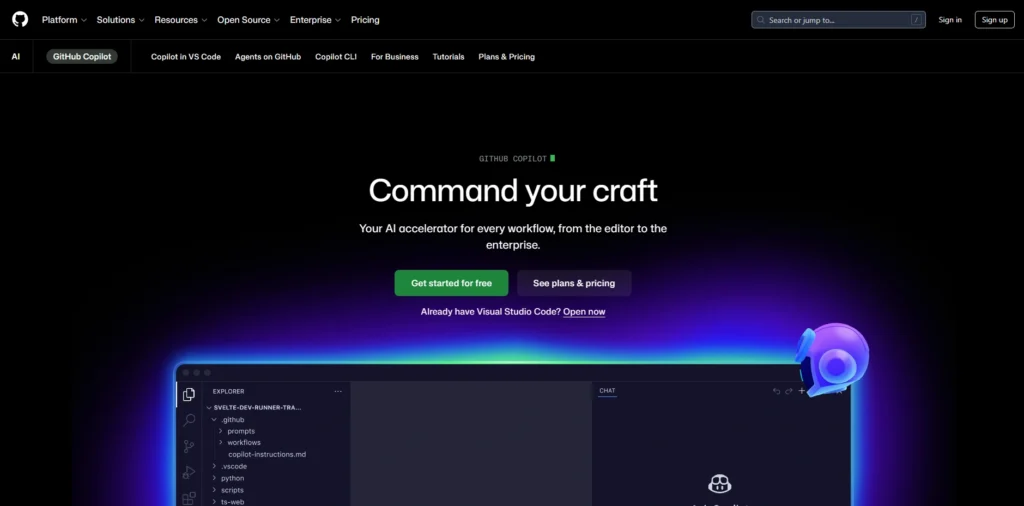
GitHub Copilot GitHub Copilot is an AI-assisted code-generation tool created by GitHub with assistance from OpenAI, helping developers write code faster with smart suggestions and automation. Because of its productivity benefits, it is also widely adopted by companies looking for AI tools for businesses to improve development workflows.and is alleged to enable developers to be more productive, indicating code snippets, autocompletions, and entire functions in popular IDEs, including Visual Studio Code, JetBrains, Neovim, and others.
It writes natural language prompts, contextual code, and project descriptions and generates the appropriate code snippets, language translation, or code explanation, or even auto-generated code editing in agent mode using state-of-the-art large language models (including GPT models, Claude by Anthropic, and Gemini by Google).
Key Features
- Auto-line, Function, or block Auto-complete typing.
- Code that resulted in converting the natural language into code with the help of comments or chat prompts.
- Complain about the files and the context as well as the comments.
- Multi-linguistic Python, JavaScript, Java, TypeScript, Go, and Ruby.
- Multi-file editing, documentation, code test generation, and code refactoring.
- The type of LLMs, such as GPT-5, Claude Sonnet, and Gemini, are selected to produce individual suggestions.
- Doing a review of agent-based autonomous code changes.
Pricing:
- Free:$0 USD per user/month
- Team:$4USD per user/month
- Enterprise: Starting at$21USD per user/month
2. Cursor
Website:https://www.cursor.com
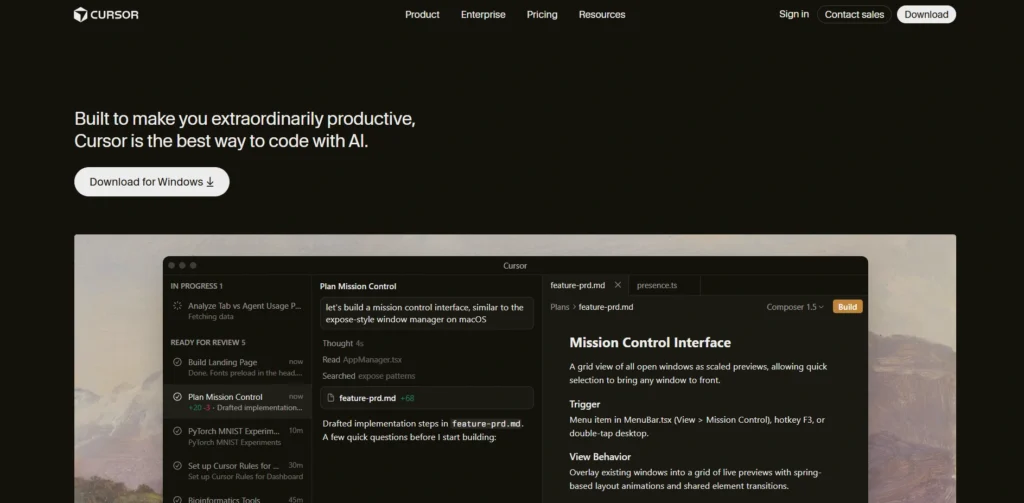
Cursor AI is a fictitious code editor built on Visual Studio Code and is considered one of the emerging AI Coding Tools designed to accelerate the software development process. It provides intelligent assistance for tasks such as code generation, natural language editing commands, and automatic error detection. The tool relies on state-of-the-art models like GPT-4 and Claude 3.5 Sonnet, along with in-house models, to understand the entire codebase and suggest next actions.
Cursor AI can write multiple lines of code, refactor existing code with minimal human input, and help developers work more efficiently. Because of these capabilities, it has become a preferred tool for developers working with languages such as JavaScript, Python, and TypeScript.
Key Features
- Predictions are in multi-line, have autocomplete, smart rewrites, are driven by recent changes, and run by AI.
- Natural language commands to write, revise, or comment on code in a number of files.
- In-line debugging, identifying errors, stack traces, and offering context-sensitive solutions.
- Multi-model support Hybrid routing and speed/quality Multi-model support (GPT-4 Turbo, Claude, custom cursor-small model) Multi-model support.
- VS Code extension, including codebase indexing and next action cursor prediction.
- Major features like Fusion to make huge edits and offline features to be utilised by enterprises.
Pricing:
- Hobby: free
- Pro:$20/mo
- Pro+Recommeded:$60/mo
- Ultra:$200/mo
3. Windsurf

website:https://windsurf.com
Windsurf AI is a highly polished, agentic AI-based code editor and IDE that is revolutionary in enhancing the productivity of developers through understanding a whole codebase, automating functions such as debugging, refactoring and auto-generating and creating code across multiple files, and smart pair programming. Its intent to the user, its ability to be run by the user through its functions like Cascade, refines on fixes until a success, and its ability to provide live previews with the simple ability to one click deploy, it is ideal to the user whether it is a single programmer working on it or a team or even a business creating a full-stack application.
Key Features
- Intelligent Supercomplete to make intelligent decisions in code predictions, e.g. complete functions with docstring.
- Cascade AI agent Autonomous multi-file edits, command execution, debugging and workflow monitoring.
- Familiarity with the entire repository, endpoints, and activities by the users, such that they can make sophisticated predictions.
- It has cross-language support (Python, JavaScript, C++, Rust, and many others) and IDE support (VS Code and JetBrains).
- Secure business solutions SOC-2, on-premises deployment, single sign-on, and collaboration environment.
- Live previews, one-click deployments and natural language to create a full-stack in a short amount of time.
Pricing
- Free: 0
- Pro: $15 users/month
- Teams: $30/user/month
- Enterprise: $60/user/month
4. TabNine
Website:https://www.tabnine.com.
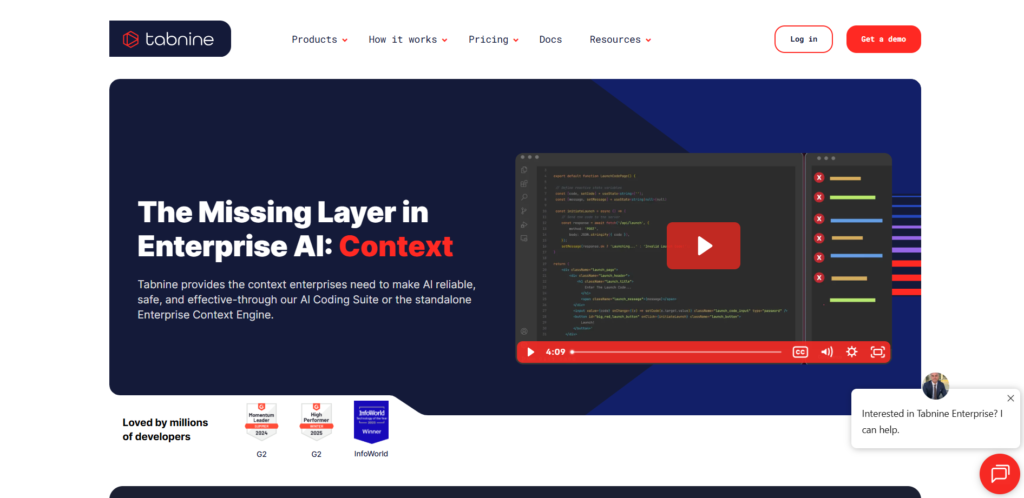
Tabnine is a powerful, human-friendly AI Coding Tools solution that helps programmers become more productive by providing smart, fast code completions, chat-based assistance, and workflow automation directly inside popular IDEs like VS Code, IntelliJ, PyCharm, Eclipse, and Visual Studio. It delivers highly accurate suggestions using proprietary large language models trained on permissively licensed open-source code. Tabnine is also privacy-focused, offering zero data storage, never using user code to train its models, and allowing deployment in self-hosted or air-gapped environments to protect sensitive intellectual property.
Key Features
- Recommendations: Single or multiple line code auto completions from your file and repositories.
- AI chat IDEs include native support of AI chat models like GPT-4o, Claude or TalianaAI refactoring, test generation, and query models.
- Privacy-oriented (protected models) are flexible (cloud, on-premise, air-gapped) and indemnified of IP.
- Review of code, Jira automation, unit tests, debugging, and docstring code review AI agents.
- Is well supported (15+ languages, e.g., Python, JavaScript) and has half a thousand languages with customisation options.
Pricing
- Tabnine has a free Starter and Pro plan ( typically 12/user/month/year ) and custom Enterprise plans with advanced features such as self-hosting- visit the official site to get the current information.
5. Replit Ghostwriter
Website:https://replit.com/ai
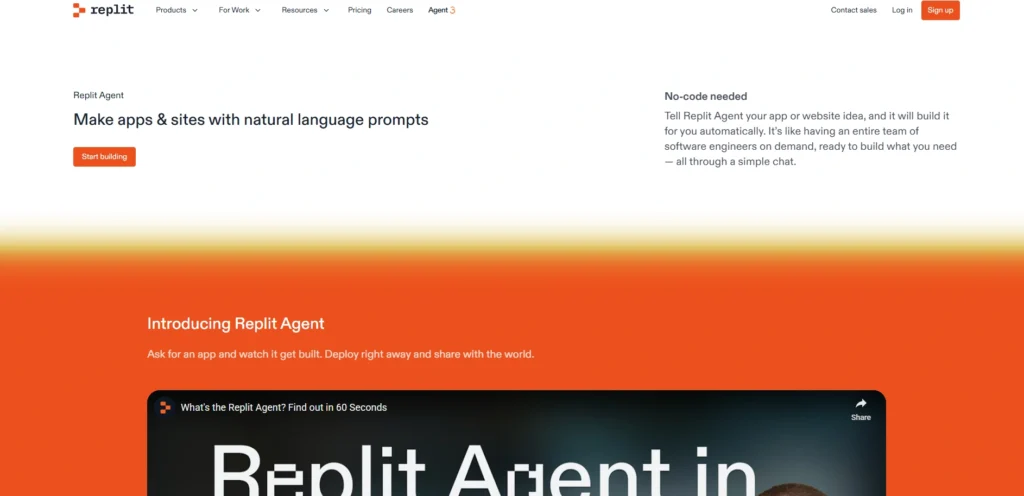
Replit Ghostwriter is an artificial intelligence coder that is part of the Replit computer-assisted integrated development environment, a pair programmer that can help people code faster by providing real time code suggestions, explanations, transformations, and even generation based on contextual as well as natural language prompts. It trains machine learning models on large codebases to generate boilerplate code, refactoring code, educate learners and make them more productive in languages like Python, JavaScript, and others, via the browser-based platform of Replit.
Key Features
- Completion of typing an on the fly code, and completion of the following lines or blocks by examining the context.
- Code explanation The code is presented and broken up into plain English in a step-by-step de-compilation.
- Code transformation Provide instructions on what current code should change, and it reforms the code.
- Code generation Natural language prompt to code.
- Automatic repair, documentation and inspection of code.
Pricing
- Starter:Free
- Replit Core:$17 per month billed annually
- Replit Pro:$95 per month billed annually
- Enterprise:Custom pricing
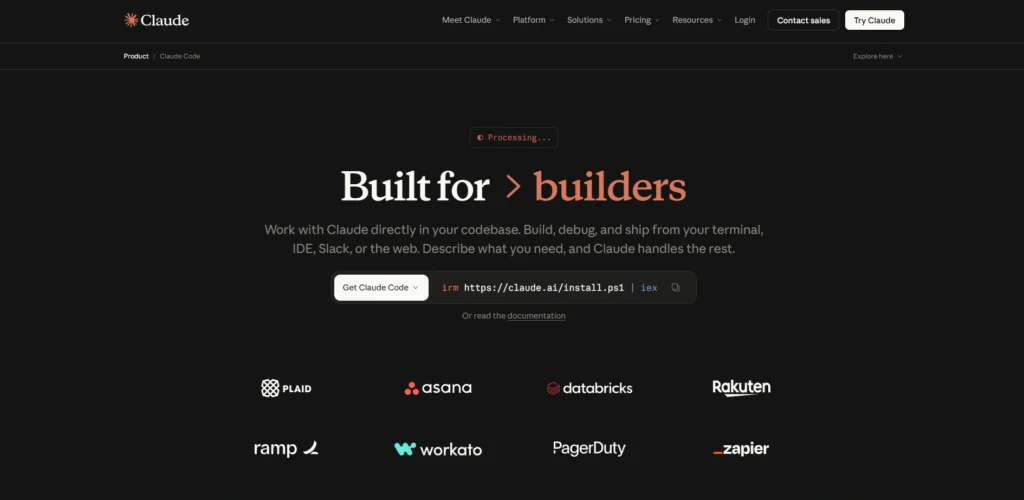
6. Claude Code
Website:https://claude.com/product/claude-code
Anthropic has created agentic AI-based coding assistant Claude Code that can be integrated into the development process of developers to write, debug, edit, execute code and deliver at a higher rate as it comprehends a complete codebase and does not require the developer to manually choose the context in which the code is to be executed. It may be applied to terminals, IDEs such as VS Code and JetBrains, desktop applications, and web applications and Slack and may be used to run processes such as code onboarding and multi-file editing to pull requests with models such as Opus 4.6 and Sonnet 4.6.
Key Features
- Scans agentic search automatically in a few seconds to scan the codebase structure and dependencies.
- Strong passwords, writes code, tests and develop PRs on Supports GitHub, GitLab and CLI integrations.
- Good multi-file editing and good knowledge of dependencies and patterns.
- VS Code/JetBrands IDEs (visual diffs) and terminal executions (using CLI tools), desktop applications, web/iOS, and Slack.
- Being set up using CLAUDE.md, skills, as well as hooks, it is locally run with user permission to make changes/ commands to files.
- Encourages the application of outside tools, such as Google Drive/ Jira, agent teams and automation when necessary in terms of CI/CD.
Pricing
- Free:$0 Free for everyone
- Pro:;$17 Per month with an annual subscription
- Max: From $100 Per person billed monthly
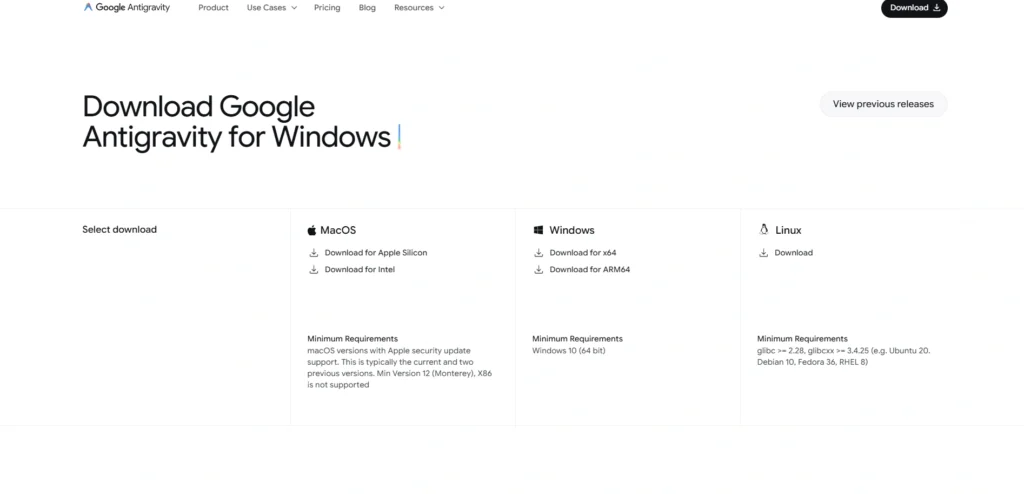
7. Google Antigravity
Website: antigravity.google/download
Innovative agent-first integrated development environment (IDE), Google Antigravity is a Google-built platform published in November 2025 with Gemini 3. Designed as one of the emerging AI Coding Tools, it enables AI agents to autonomously handle complex software development tasks by directly controlling the editor, terminal, and browser. Unlike traditional AI assistants that only suggest code, Antigravity follows an agentic approach where AI agents plan, write, test, and verify code while generating inspectable artifacts for user review and feedback. Powered by Gemini 3 Pro and Flash models, it also supports Claude Sonnet 4.5 and OpenAI GPT-OSS models.
Key Features
- Viewer, similar to VS Code with an AI sidebar, Viewer, similar to workspaces with parallel agents, Manager Viewer.
- Independent working: Agents programme tasks, code alterations, terminal work, communications with browsers and self-checking work.
- Verifiable Artefacts: Task lists, implementation plans, screenshots, browser recordings, and easy-inspect code diffs are all deliverables and can be given to a person to get feedback via iteration.
- Learning Agents Knowledge base Knowledge base Knowledge base archive Knowledge base archive contexts, snippets of code and feedback to learn better
- MacOS, cross-platform, Windows and Linux.
Pricing:
- Currently under open preview and free to all, with liberal rate limits to Gemini models.
Suggested Read:
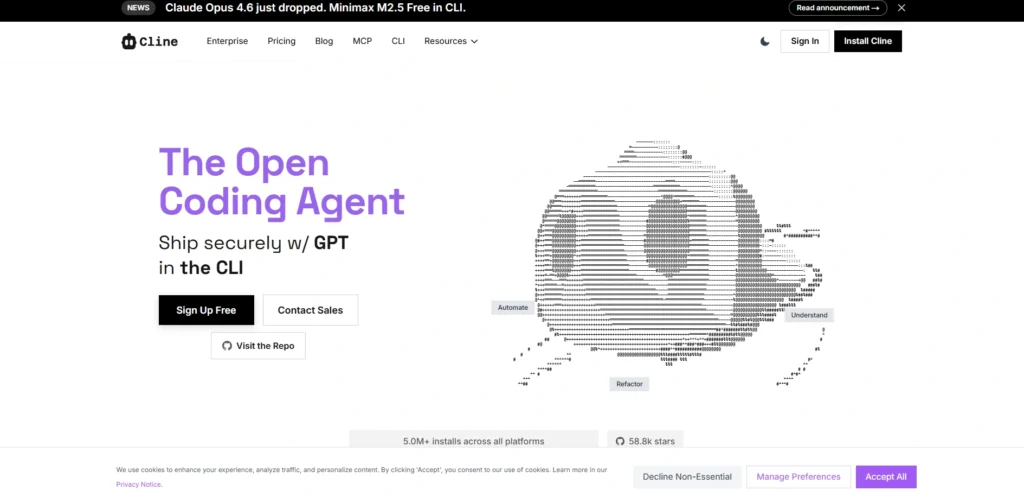
8. Cline
Website:https://cline.bot
Cline is an open-source artificial intelligence code assistant as an extension of the Vs Code and CLI tool, which is an autonomous agent that closely integrates into your development environment to achieve complex coding tasks. Unlike the traditional autocomplete products, it is capable of looking at the entire project, because it knows your codebase, making it generate detailed plans of change (adding features or fixing bugs), editing multiple files, running terminal commands, and even automating browser activities to test, though it requires you to explicitly approve major actions to ensure that you are in control and that you do not make unintentional changes.
Key features:
- Open source, bring your own API key (supports Anthropic, OpenAI, Google Gemini, AWS Bedrock, OpenRouter and local models when using the Ollama/LM Studio).
- Plan and Act: it suggests a plan (plan) and then acts (act), and as such, it would first of all propose a plan and then, after that, changes are implemented.
- Full integration: Deeply integrated editors: create/edit files, visualise the differences, track the history of changes, and automatically repair lint/compile errors in your workspace.
- Make use of your environment directly or execute dev commands (npm scripts, etc.), install packages, and access your system via an agent.
- Browser automation: Read your application: Open a browser and navigate through your application, take some screenshots and go to the console to test your web application.
- Smart context tools: Open URLs, files, folders and IDE problems are presented in context with the commands, e.g.,@url, @file, @folder, and @problems, to obtain finer help.
- MCP support (Model Context Protocol) to connect to a broad assortment of outside services and tools which the assistant cannot carry out to your local codebase.
Price:
- Free (open source); simply paying whoever you are partnered with to access the underlying AI API/model.
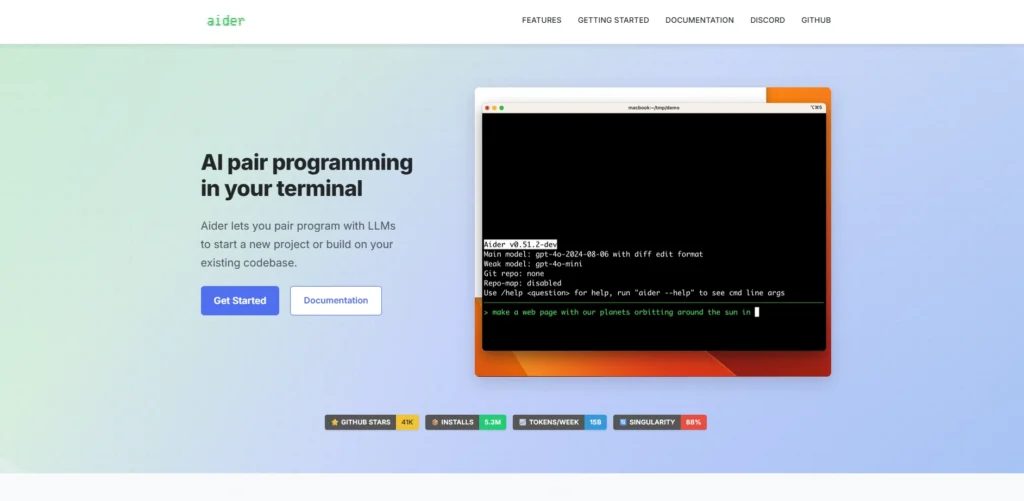
9. Aider
website: https://aider.chat
Aider is one of the powerful AI Coding Tools, a free AI-based coding assistant designed as a terminal-based pair programming tool. It can run advanced large language models (LLMs) like GPT-4o, Claude 3.5 Sonnet, or even local models to assist software developers in editing code directly from their local Git repositories.
What makes Aider unique is its awareness of your entire codebase, allowing you to describe changes in natural language—such as adding a login module or fixing a bug. It can update multiple files, show the differences, and automatically commit the changes with detailed descriptions. This makes it ideal for prototyping, refactoring, debugging, or developing new features without leaving the command line.
Key Features:
- Code generation of AI through terminal modularization assistance in over 100 programming languages, including Python, JavaScript, and Rust, among others.
- Codebase mapping to provide a context of large diversity of files to improve management of big projects.
- Gitized Diff, commit, and easy rollback/review of AI-generated changes.
- On-the-fly program development via chat interface to add features, bug fixes, refactoring, and writing tests.
- Multi-LLM multi-local models with slash commands like to run tests, shell commands.
Pricing:
- Aider is free and an open-source software; the cost varies depending on what kind of LLM provider you utilize, and is not a subscription software.
10. Gemini CLI
website:https://developers.google.com/gemini-code-assist/docs/gemini-cli
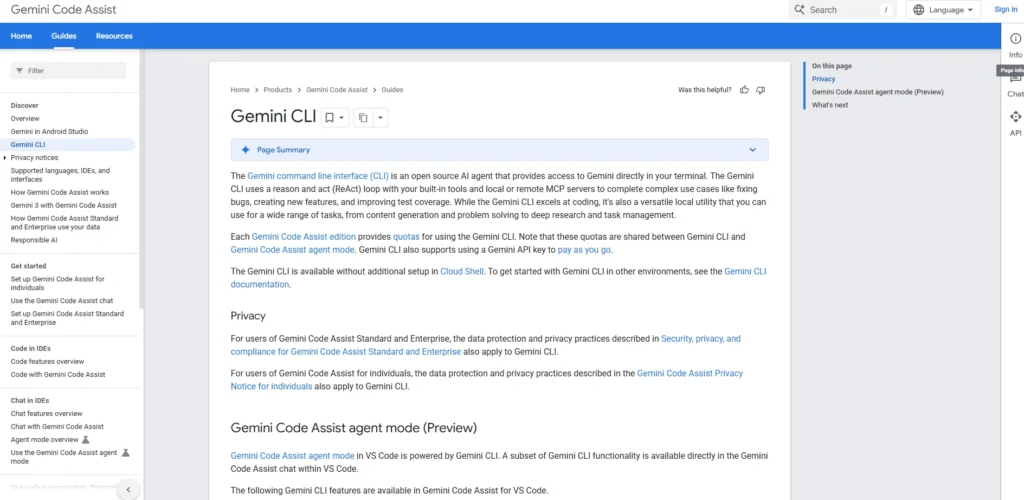
Gemini CLI is an open-source AI agent that is developed by Google that lets you exercise Gemini’s large-language-model capabilities on your terminal, which lets you write, debug, and maintain code by using natural-language instructions, rather than by shell scripting. It also implements a reason and act (ReAct) loop and can also integrate with local tools and remote Model Context Protocol (MCP) servers to implement complex code simultaneously (a bug, feature, or more test coverage, etc) and is also a general-purpose assistant to search and content generation and automation.
Key Features:
- Operates as a command-line artificial intelligence agent.
- Solves multi-step coding problems via a built-in loop of React, along with tools and MCP servers.
- Google search has ground prompts on real time web search.
- The MCP extensions are supported either locally or remotely.
- Most coding languages and structures also include a supporting work that focuses on code understanding and file manipulation.
- Can execute commands and programs in a non-interactive way and, therefore, can be integrated with the already established automation systems.
- Gemini Code Assist just uses Gemini Code Assist to support ask Shares requests on a single AI-powered coding platform with IDEs and CLI.
Pricing:
- Gemini Code Assist for individuals:$0/user/month
- Gemini Code Assist Standard:$19/user/month
- Gemini Code Assist Enterprise:$45/user/month
11. CodeRabbit
website: https://coderabbit.ai
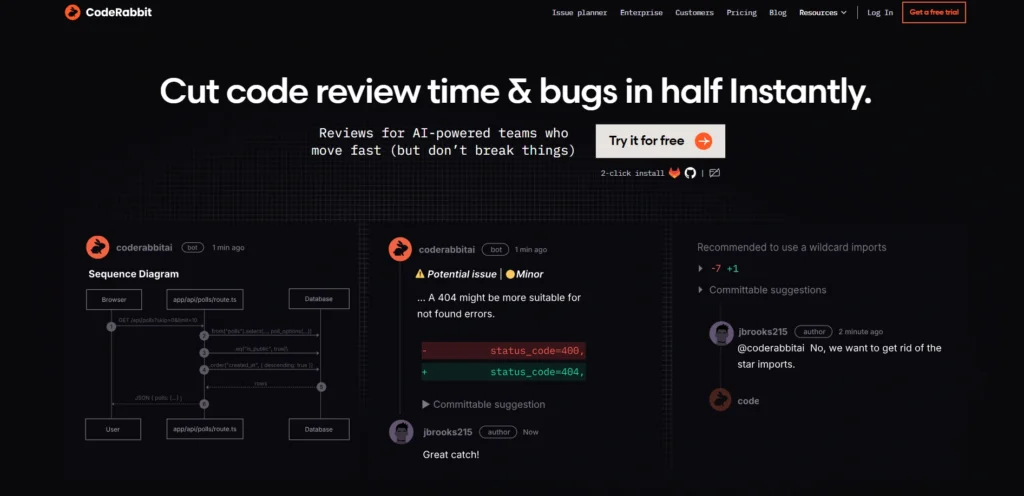
CodeRabbit is a high-tech AI-powered code assistant that helps development teams simplify and optimize code reviews and is integrated with such platforms as GitHub and GitLab to automatically analyze pull requests (PRs). It is an enhanced traditional version of the static analysis that uses large language models (resembling those used in the leading AI applications) with more than 40 linters and security checks, providing line-by-line feedback, contextual insights, and even the possibility of automatic fixes that a developer can make without having to think.
Key Features
- One-Click PRs are verified and fixed on the fly.
- Changes PR modifies multiple files and sequence diagrams.
- Tests, PRs, Docs, and Jira issues. Test generation and chat. Agentic chat can be used to generate the tests, PRs, Docs, and Jira issues or risk analysis.
- Signal-first AI-filtered, actionable information. Signal-first static analysis with >40 like 40+ linters/SAST tools.
- Local and live review deployment, and doing reviews based on IDE integration (VS Code).
- Custom learning, team feedback, and analysis code graph, and automatic report/release note generation.
Pricing
- Free: free,14-day Pro trial
- Lite: $12/user/month (annual)
- Pro: $24 /user/ month (per year)
12. Qodo
website:https://www.qodo.ai
Qodo AI (formerly CodiumAI, renamed in 2024) is a new AI-assisted code generator that tries to simplify the entire software development cycle many times, integrating intelligent agents into the development of software developers. As one of the emerging AI Coding Tools, it does not just relate to the production of the code but also focuses on code quality. It works across major IDEs such as VS Code or JetBrains, Git services (GitHub, GitLab, Bitbucket), CLI tools, and even CI/CD pipelines.
Its strengths include a Context Engine with strong knowledge of multi-repo codebases and the ability to apply custom standards, along with specialised modes such as AlphaCodium to handle multi-step, complex programming tasks. Qodo is considered a strong alternative to generic AI coders since it focuses on reliable testing, extensive code checks, and automated fixes, making it useful for teams aiming to reduce bugs and speed up development.
Key Features
- AI can also review reviews with the Qodo Merge (open-source agent) which scans and ranks issues and inline chats on GitHub, GitLab, and Bitbucket.
- VS code and JetBrains to create code and fix bugs as well as write unit/component tests and search the repository IDE agent (Qodo Gen).
- protocol CLI tool (Qodo Command) to script custom agents, automation and agentic CI pipeline or terminal workflows.
- The Context Engine consists of multi-repo awareness, custom coding standards and advanced modes, such as AlphaCodium, of complex tasks.
- Enterprise solutions are API, dashboards, SSO, on-prem deployment and proprietary models.
Pricing
- Developer:$0
- Teams:$30/User per month
Why Developers And Enterprises Should Explore AI Coding Tools
AI coding, like GitHub Copilot and Amazon CodeWhisperer are very practical for developers in businesses and helps them gain efficiency and innovation.
Key Benefits
- Rapidly accelerates the development process (by as much as 50 per cent) and enables the process of iteration and deployment to be rapid due to automated code generation and boilerplate management.
- Increases the efficiency of the developer with automatic repetitive functions such as syntax, testing, and debugging, and concentrates on more difficult-to-solve problems.
- Enhances code quality and consistency through the identification of errors with the help of AI, best practices, and minimized human error.
- Scaled projects can save 40-60 percent of phase cost, and do not need corresponding growth in the team.
- Enhances the debugging, inspection of code, and refactoring of less vulnerable and more maintainable code.
- Preferred non-developer low code/no code that will widen the innovation and reduce the length of the backlog.
- Relies on the CI/CD pipelines to make stable and safe deployments to intricate structures.
- Improves morale and retention of staff by eliminating grunt work, which provides innovative creativity.
How To Choose The Best Tools For AI Coding
Among the factors, aspects such as your workflow, the required coding, and the performance of such tools should be considered to choose the most appropriate AI-based coding tools. This is a partial list of some of the main criteria, which you can utilize to arrive at your decision.
Core Selection Criteria
- Integration with IDEs: Be specific to those tools that can directly integrate with the part of your core environment (e.g., VS Code, JetBrains) in order to avoid workflow implications.
- Language and Framework Support: Select your tech stack, e.g., general purpose such as GitHub Copilot to be a general one, or Swift/Python.
- Code Quality and Precision: Find potent error reporters, context-sensitivity (file/repo-level), and security scan to reduce bugs.
Performance Factors
- Speed and Context Handling: In a complex task, the faster suggestion tools, such as Claude or Aider, and the repo-aware ones, such as those, may be used.
- Customisation: Select the appropriate security level by using guardrails (similar to them), local hosting, or self-hosting.
- Testing and Testing: Test tools. There is no such thing as a universal tool, all-purpose Cursor to general code, Replit to prototypes.
Practical Tips
- Pricing and Trial: It should begin with free options/trials (e.g., extensions of GitHub Copilot), and the cost is to be estimated considering the enhanced productivity.
- Community Feedback: To discover how confident it will be on the ground in 2026, community-based developers can see the results of what recent developers have had on the forums.
- Scalability: Make sure that the tool can have the capacity to scale to the team/enterprise capabilities, such as CI integration, when the need arises.
Conclusion
The AI coding tools, such as GitHub Copilot, Cursor, Windsurf, and Tabnine, are intelligent assistants that increase the output of developers by automating the process of generating, debugging, and refactoring code, allowing you to focus on creative problem-solving instead of repetitive work, building your dream house, much like a robot helper noticing bad bricks in the process. Whether you are an amateur trying to play with apps or a professional working with complex applications, a choice that fits your IDE, languages, and security interests can not only shorten the development time by up to 50 minutes, but also deliver better code and make the process of creating programs less painful and more enjoyable without the hassle.
FAQs
Q1. What Are AI Coding Tools?
The machine learning in AI coding platform aids coders in the generation, completion, debugging, and optimization of code. The most popular ones are GitHub Copilot and Cursor that are embedded in the IDEs such as VS Code.
Q2. How Does GitHub Copilot Work?
GitHub Copilot suggests code with contextual recommendations, chat-driven clarifications, and agent work on tasks such as pull requests. It is multilingual and is known to achieve high productivity every day.
Q3. What Makes Cursor Unique?
Cursor is a full-fledged AI-native IDE that has a solid understanding of codebase editing, debugging, and collaboration. It puts emphasis on smooth AI integration as compared to conventional autocomplete.
Q4. Can Tabnine Benefit Enterprises?
Indeed, Tabnine provides hosting, no code retention, and safe generation to teams. It is best suited to privacy projects among IDEs.
Q5. Will Replit Sinceer Local IDEs?
The IDE provided by Replit has an AI Agent, which allows prototyping quickly, collaborating in real-time, and deploying instantly without configuration. It’s perfect for web apps.