

You must have excellent marketing materials in case you wish to expand your business. And a PDF is one of the most powerful formats that you can use. Be it a brochure, proposal or e-book, a well created PDF will appear to be well polished, it will be operable with all the gadgets and will make a lasting impression to your audience. However this is where there is a difference, not every PDF is created equally. To stand out in 2026, you need the best tools to create professional marketing PDFs that look stunning, load fast, and communicate your message clearly.
In this article, we’ve rounded up the 10 best tools to create professional marketing PDFs for marketers, designers, freelancers, and business owners. It has something on this list whether you are a beginner or a pro.
Why Well-Designed PDFs Are Essential for Marketing
Before we look into the tools, it would be prudent to briefly know why PDFs are so important in marketing today.
- Their trust is immediately established – A neat, quality branded PDF gives your business the image of being professional and valid in the eyes of potential customers.
- They are compatible with all devices – PDFs are not different when a person opens them on their phone, tablet, or desktop.
- They are such simple files to share – You can send a PDF via email, post it in your site or in social media within seconds.
- They facilitate the generation of leads – The most common and effective methods to get the email addresses include providing a free PDF such as a guide or a checklist.
- They promote your brand – A branded PDF that includes your logo, colors and fonts will ensure a consistent and memorable marketing. As you know, we have the option of PDF Submission Sites that require high-quality PDFs to earn a quality backlink in return.
What Makes a Marketing PDF Professional?
Not all PDFs can be considered a professional marketing PDF. This is what makes the difference between a great and a mediocre one:
- Good visual design – Good appearance, fonts and colors encourage the reader to continue scrolling.
- Clarity of the branding – You need to have the same tone of voice, brand color, and logo.
- Simplified language – The information is simplified using brief paragraphs, easy-to-read language and bullet points.
- High-resolution pictures – Blurry pictures or pixelated pictures automatically lower the credibility.
- An obvious call-to-action – Every great marketing PDF informs the reader on what to do next.
How to Choose the Right PDF Creation Tool
There are too many tools, so it is easy to be confused when selecting the correct one. The following are some of the things to consider:
- The level of skill required of you – To be on the safe side, beginners are advised to seek drag and drop-tools, whereas advanced users might desire increased options in the design.
- Budget – There are some tools that are absolutely free, and some platforms have premium features that have a monthly cost.
- Template availability – Good templates are time and business saving templates that are quicker to create clean and presentable PDFs.
- Collaboration features – In case you work with a team, select the tool that provides a possibility to edit and comment on the work and to share this action with other people.
- Export quality – Make sure that the tool produces sharp high-resolution, printable PDFs.
Top 10 Tools to Create Professional Marketing PDFs (2026)
1. Adobe Express
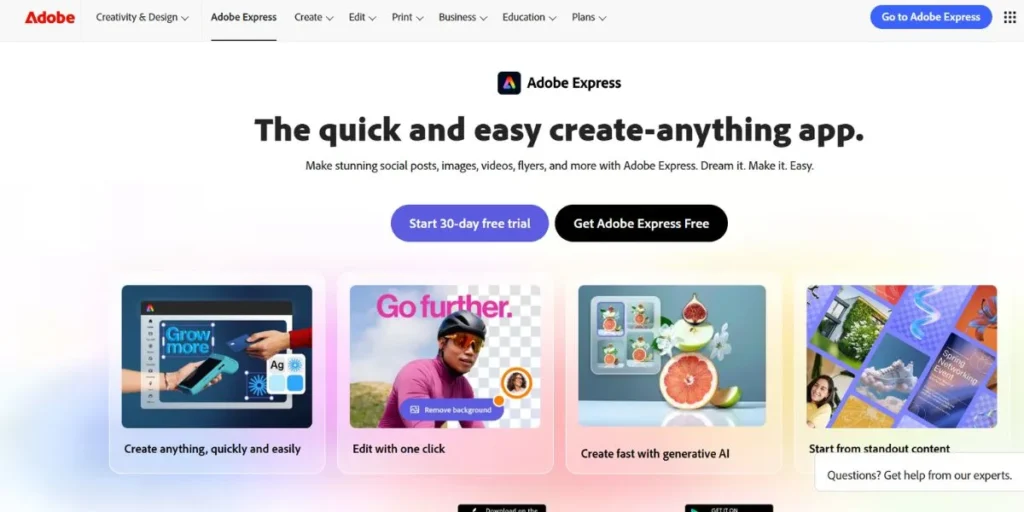
One of the most popular and easy-to-use tools of the Adobe family is Adobe Express. It allows you to design attractive marketing PDFs, flyers, brochures, etc. even when you have no previous experience of design. It includes thousands of templates, massive collection of free photos and icons and easy drag and drop editor. Adobe Express is a top pick among the best tools to create professional marketing PDFs because it combines ease of use with the quality Adobe is known for. It is free to begin with and you can upgrade to more advanced features as the need arises. It is compatible with any browser and you do not need any software to use it.
Key Features
- Millions of pre-designed designs.
- Drag-and-drop design editor
- Free stock photo library at Adobe.
- Brand kit application with a single click.
- Export option of high-quality PDF.
Pricing
- Free plan available
- Premium: $9.99/month
- Creative Cloud All Apps: $54.99/month
Best For: Beginners
Website: https://www.adobe.com/express
2. Canva
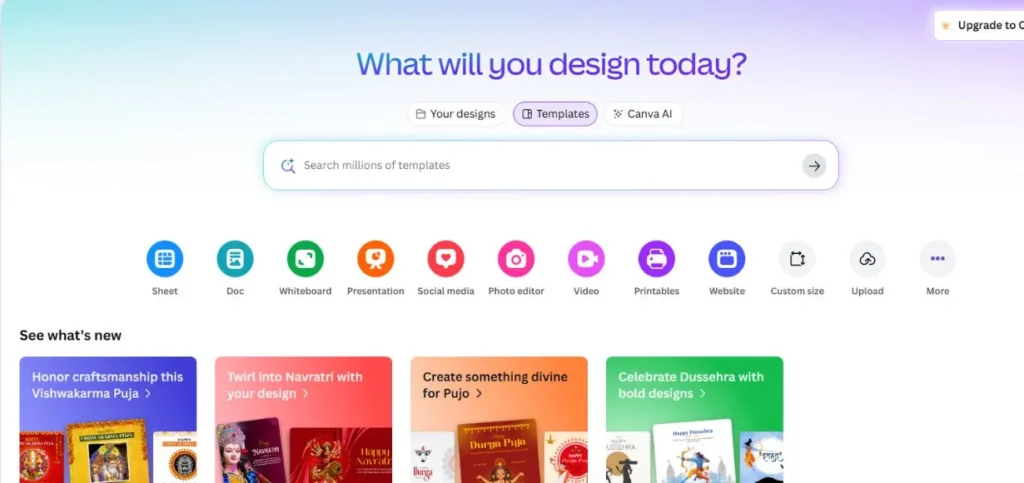
At this point it can be argued that Canva is the most popular design tool on the planet at the moment, and justifiably so. It has a tremendously simple drag-and-drop interface, millions of templates and huge library graphics, fonts and images. Canva is regularly listed as one of the best tools to create professional marketing PDFs because it makes design accessible to absolutely everyone. You can also develop brochures, e-books, pitch decks, media kits, etc. and in a single click, you can have them as high quality PDFs. The free version is very generous, and the Pro one opens even more potent features such as background remover and brand kits.
Key Features
- There is a myriad of design templates.
- Real time team collaboration.
- Customized fonts/colors on the brand kit.
- Single-Click PDF downloading with bleed marks.
- Canva is a design assistant that contains AI.
Pricing
- Free plan available
- Canva Pro: $14.99/month
- Canva for Teams: $29.99/month (first 5 users)
- Canva Enterprise: Custom pricing
Best For: Everyone
Website: https://www.canva.com
3. Visme
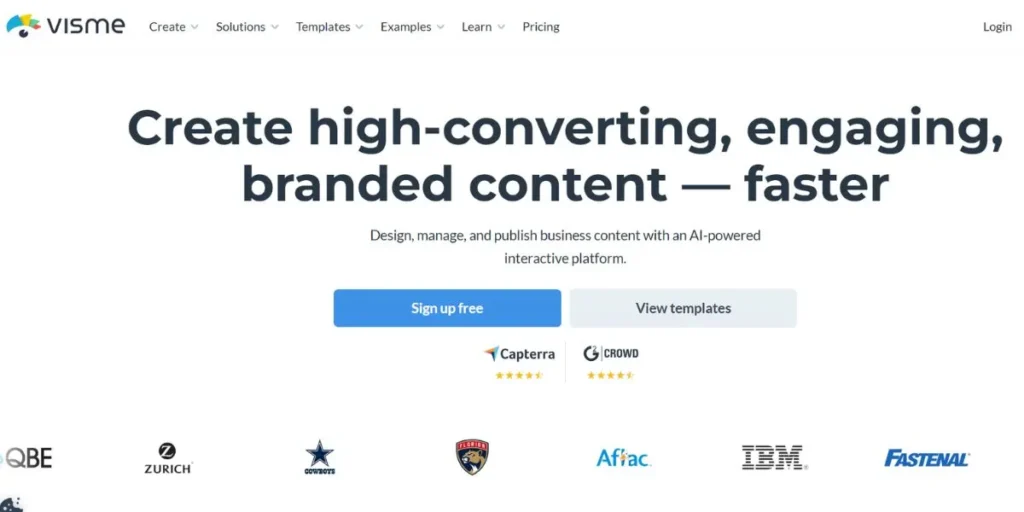
Visme is an effective visual content creation tool that does not work with PDFs only. It’s designed specifically for marketing and business communication, making it one of the best tools to create professional marketing PDFs for corporate teams and agencies. When you are using Visme, creating proposals, reports, infographics, presentations, and branded PDFs appear to look incredibly polished. The system has intelligent data visualization applications, which makes it ideal when it comes to transforming complicated information into straightforward visual records. Visme also facilitates teamwork, brand management and analytics so that you can view how people interact with your content, and you can even adapt these visuals into short-form content using an AI reel maker.
Key Features
- Thousand sharing marketing templates.
- Inbuilt data visualization charts.
- Style and brand management guides.
- Collaboration in teamwork including commenting.
- Dynamic analytics to monitor PDF.
Pricing
- Free plan available
- Starter: $12.25/month
- Professional: $24.75/month
- Teams: $38.50/month per user
- Enterprise: Custom pricing
Best For: Marketers
Website: https://www.visme.co
4. Piktochart
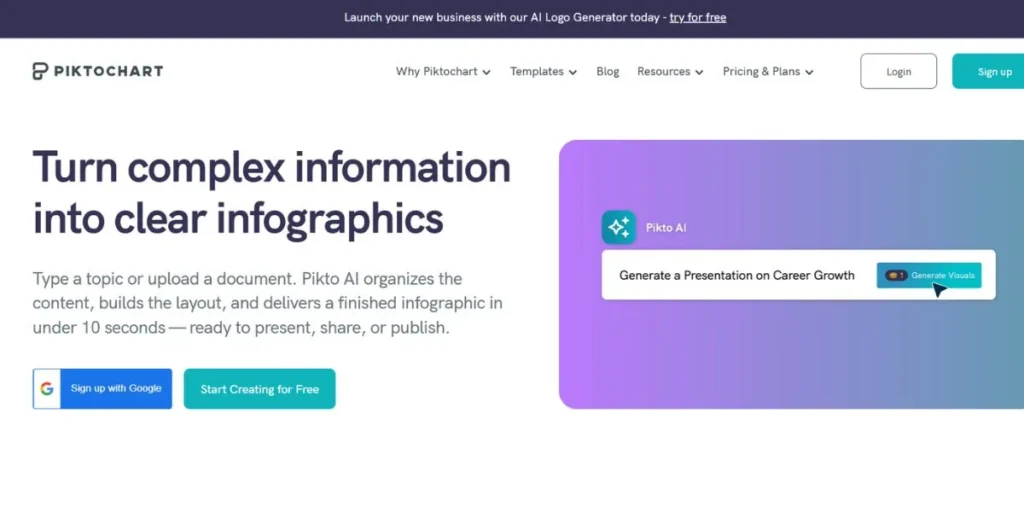
Initially piktochart was constructed on infographics, however, it has evolved to be a full-blown design tool that can be utilized to create a professional marketing PDF. It is particularly marvelous in the transformation of data statistics and reports into graphically appealing PDF files that are straightforward to comprehend. Piktochart is one of the best tools to create professional marketing PDFs for people who deal with a lot of numbers, research, or educational content. The platform has a simple interface and is simple to use, and the number of templates supportable by the platform is extensive featuring business report, case study, newsletter and presentation templates.
Key Features
- Design templates are focused on infographics.
- Integration of data and charts easily.
- Individual color scheme and branding.
- High-quality PDF download.
- Teammate working.
Pricing
- Free plan available
- Pro: $14/month
- Business: $24/month
- Enterprise: Custom pricing
Best For: Reports
Website: https://www.piktochart.com
5. Microsoft PowerPoint (Export to PDF)
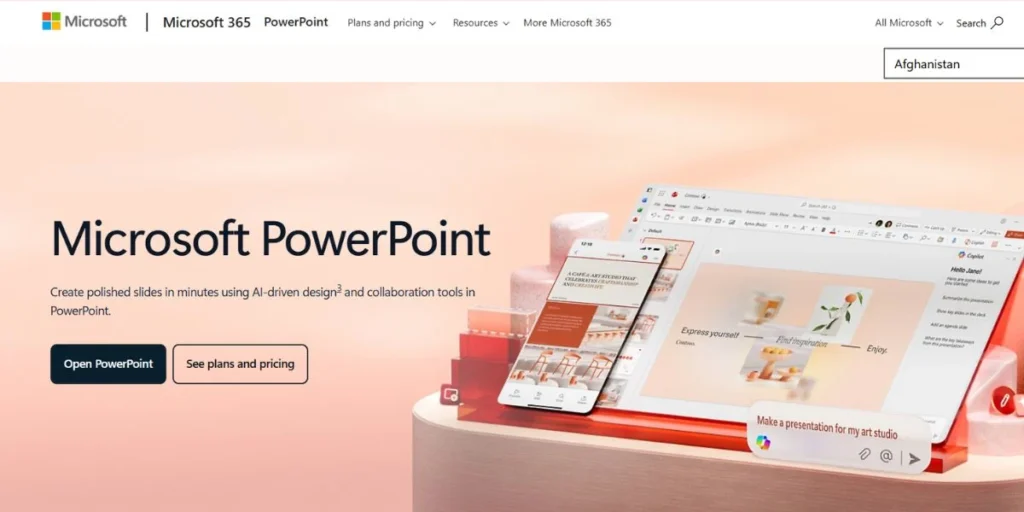
Microsoft power point is one of the most common tools in the world, and not everyone knows that it also works well in making professional marketing PDF. After creating your slides, you can save them in PDF in a single click and surprisingly, the quality is very good. PowerPoint is one of the best tools to create professional marketing PDFs for people who already use Microsoft Office and don’t want to learn a new platform. It is ideal in making sales presentation, product brochure, company profile, and event presentation which can be stored as well formatted PDFs.
Key Features
- User-friendly and simple interface.
- Abundant assortment of design themes.
- Intelligent positioning and design systems.
- Export to PDF with one click
- Full Microsoft 365 integration
Pricing
- Microsoft 365 Personal: $6.99/month
- Microsoft 365 Family: $9.99/month
- Microsoft 365 Business Basic: $6/user/month
- Microsoft 365 Business Standard: $12.50/user/month
Best For: Professionals
Website: https://www.microsoft.com/en/microsoft-365/powerpoint
6. Google Slides (Export to PDF)
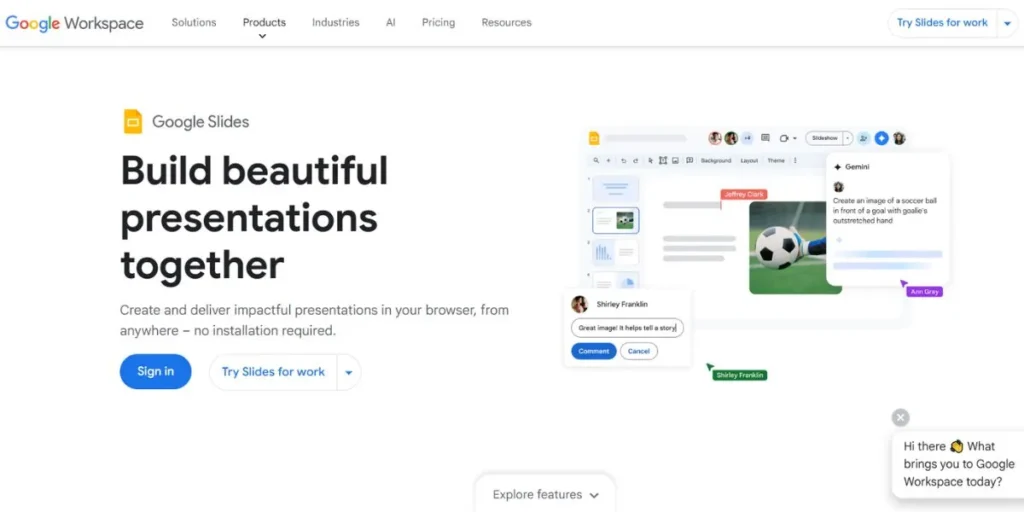
Google Slides is a free and cloud-based presentation maker that is useable exclusively through the browser. Similar to PowerPoint, it enables one to create beautiful slide based documents and export them as PDFs within seconds. It’s one of the best tools to create professional marketing PDFs if you’re looking for something completely free and easy to access from anywhere. Google slides is particularly effective when it comes to teams since multiple users can work on the same document at the same time. The customizable features (many themes, the possibility to add pictures, icons, and charts) allow creating clean and branded PDFs without a background in design.
Key Features
- You can use it completely any time.
- Inbuilt real-time team work.
- The option of simple download as PDF.
- Supports Google Drive/google Docs.
- Available in any gadget/browser.
Pricing
- Free for personal use
- Google Workspace Business Starter: $6/user/month
- Google Workspace Business Standard: $12/user/month
- Google Workspace Business Plus: $18/user/month
Best For: Teams
Website: https://workspace.google.com/intl/en_in/products/slides/
7. Lucidpress (now Marq)
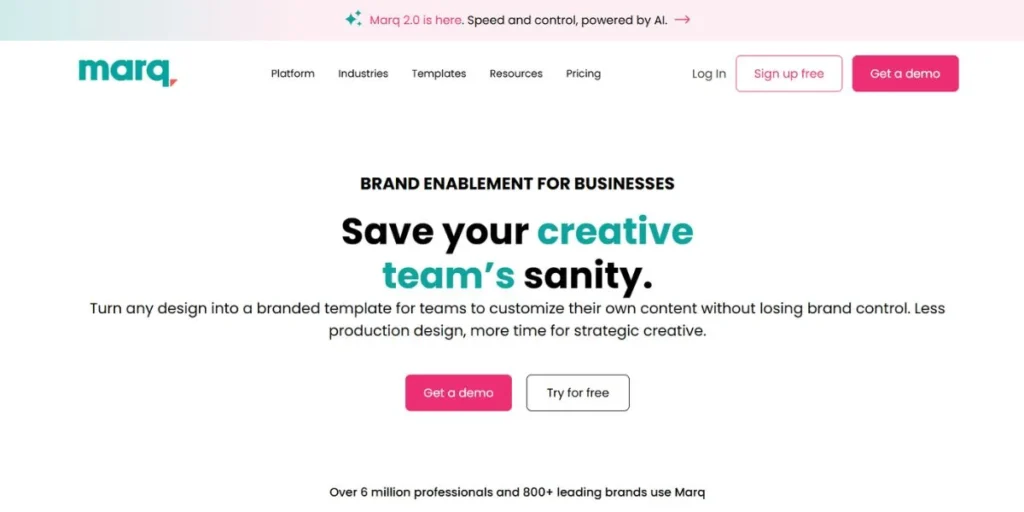
Lucidpress is currently re-positioned as Marq and is a brand- templating platform designed expressly accessible to marketing departments requiring on-brand content in bulk. It’s one of the best tools to create professional marketing PDFs for businesses that produce a large volume of marketing materials. Marq enables you to customize brand elements, such as logos and colors, by locking them to prevent the unwanted destruction of brand rules by team members. It is ideal to make brochures, flyers, newsletters and catalogs that always appear attractive. It is a cloud-based platform that is collaborative and generates high-quality PDFs that are print ready.
Key Features
- Template consistency Brand-locking.
- Collaborative editing The cloud-based editing.
- The quality of PDF export to print.
- Massive collection of marketing templates.
- Custom brand asset management.
Pricing
- Free plan available
- Pro: $10/month
- Team: $12/user/month
- Business: Custom pricing
- Enterprise: Custom pricing
Best For: Branding
Website: https://www.marq.com
8. Adobe InDesign
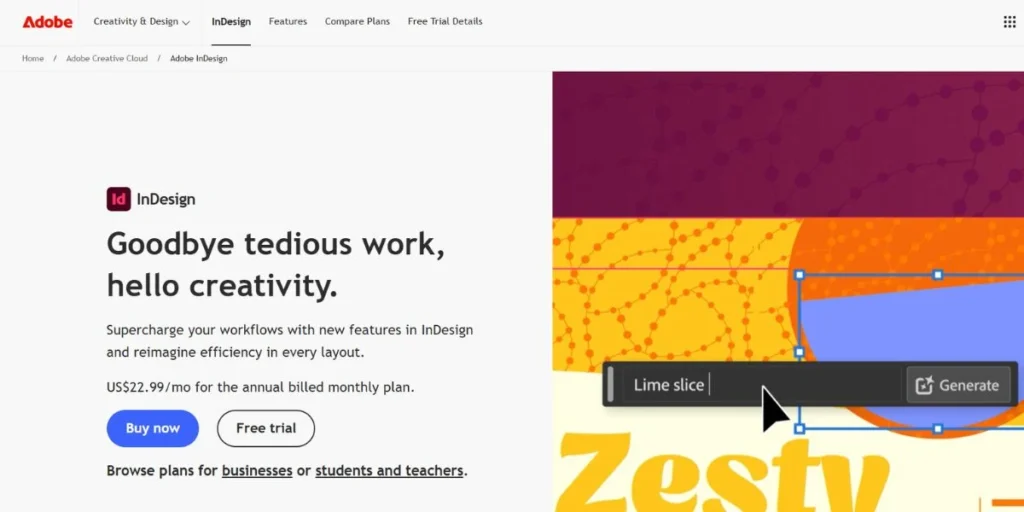
Adobe InDesign is the standard of professional printing and electronic publishing. It is the device, upon which graphic designers and publishing practitioners have been building decades to devise magazines, books, catalogs, and premium marketing resources. Among all the best tools to create professional marketing PDFs, InDesign offers the most control over typography, layout, and design precision. It is not the simplest tool to master, but when you need pixel-perfect printable PDFs that really look world-class, InDesign cannot be beaten. It works well in the agencies, design studios, and marketing departments that require enterprise quality.
Key Features
- Typography controls that are on top of the industry.
- Master pages of uniform designs.
- Accurate positioning of images and texts.
- The ability to export PDF/X print ready.
- Intense integration with Adobe.
Pricing
- InDesign Single App: $20.99/month
- Creative Cloud All Apps: $54.99/month
- Students & Teachers: $19.99/month
- Business plans: Available with volume pricing
Best For: Designers
Website: https://www.adobe.com/products/indesign.html
9. Flipsnack
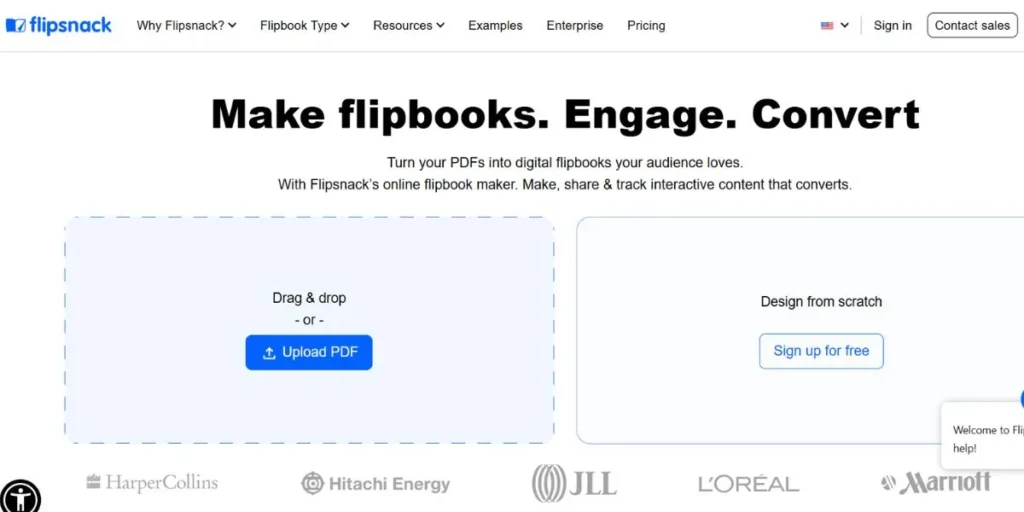
Flipsnack is an innovative and thrilling application that allows creating interactive, flipbook-like PDFs that can actually be browsed by people as an actual magazine or catalog. It’s one of the most creative among the best tools to create professional marketing PDFs, especially if you want your documents to stand out with interactive elements. Using Flipsnack, it is possible to directly add videos, links, buttons, and animations to your PDF to transform a plain document into a complete digital experience. It is particularly in use with digital catalogues, lookbooks, newsletters, and annual reports that have to impress.
Key Features
- Spreadsheet interactive PDF format.
- Include videos and hyper links.
- Post and publish online instantly.
- Viewer analytics.
- Design templates are hundreds of designs.
Pricing
- Free plan available
- Starter: $14/month
- Professional: $35/month
- Business: $79/month
- Enterprise: Custom pricing
Best For: Interactive PDFs
Website: https://www.flipsnack.com
10. PDF Expert / PDFChef (for Refinement)
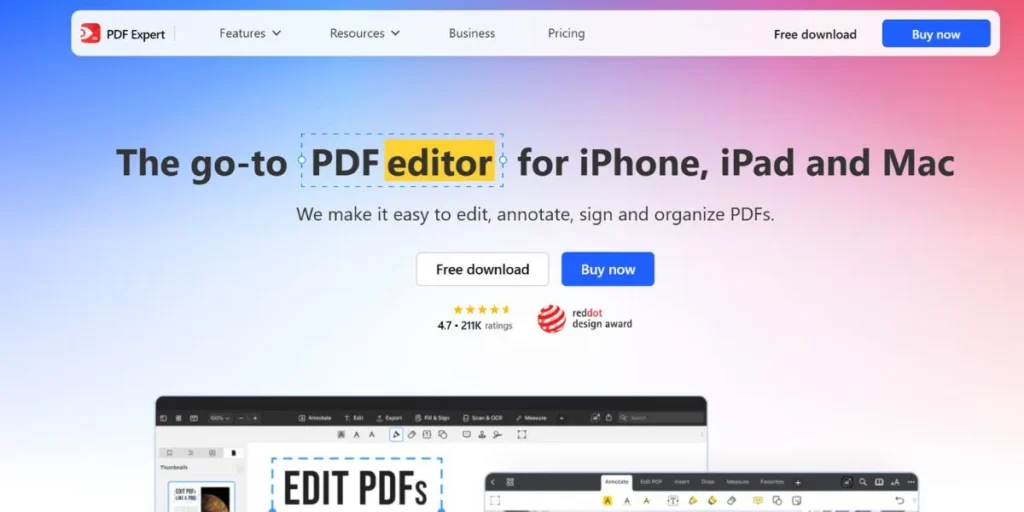
It is not always necessary to create a PDF, you just have to refine, edit, or polish an already existing one. In that case PDF Expert and PDFChef enter. These tools are among the best tools to create professional marketing PDFs when it comes to editing and refining finished documents. You are able to edit text, rotate images, add watermarks, combine more than one PDF, and reduce the size of the files, as well as add annotations. PDF Expert is a Mac and iOS product whereas PDFChef is a Windows and web based. They are both excellent finishing tools that can be used to ensure your end product is clean and professional to share.
Key Features
- Editing of existing PDF text and image.
- Combine and divide PDF files.
- Minimize the loss of quality during compressing of PDFs.
- Imprint watermarks and digital signatures.
- Annotate and comment on PDFs
Pricing — PDF Expert:
- Free version available (limited)
- PDF Expert for Mac: $79.99/year
- PDF Expert for iOS: $59.99/year
Pricing — PDFChef:
- Free plan available
- PDFChef Pro: $9/month or $48/year
Best For: Editing
Websites:
- PDF Expert: https://pdfexpert.com
- PDFChef: https://www.pdfchef.com
Free vs Paid PDF Tools (Quick Comparison)
| Tool | Best For | Free Tier | Pro Features |
| Adobe Express | Beginners | Yes (limited templates) | Full template library, brand kit |
| Canva | Everyone | Yes (generous free plan) | Brand kit, background remover, AI tools |
| Visme | Marketers | Yes (5 projects) | Analytics, team tools, unlimited projects |
| Piktochart | Reports | Yes (limited exports) | HD downloads, custom branding |
| PowerPoint | Professionals | No (needs Microsoft 365) | Full design suite, cloud storage |
| Google Slides | Teams | Yes (fully free) | More storage via Google Workspace |
| Marq (Lucidpress) | Branding | Yes (limited templates) | Brand locking, team controls |
| Adobe InDesign | Designers | No (7-day trial only) | Full publishing suite, precision tools |
| Flipsnack | Interactive PDFs | Yes (limited flips) | Analytics, videos, custom domain |
| PDF Expert / PDFChef | Editing | Yes (basic features) | Full editing, compression, signatures |
Use Cases — What to Create With PDF Tools
The best tools to create professional marketing PDFs can help you produce a wide range of marketing assets. The following are the most popular use cases:
- E-books and lead magnets – Design useful downloadable books that will attract and win the email addresses of prospective clients.
- Proposals and pitch-decks Sales propositions – Yamato impress clients with professionally designed proposals that are simple to understand with what you offer.
- Product Catalogs and lookbooks – Display your products in an easy to see format that is easily shared.
- Case studies and reports – Report your findings and investigation in a trustworthy, properly structured document that develops complement.
- Newsletters and company updates – Enlighten clients and stakeholders on the company through beautifully designed PDF newsletters.
Step-by-Step Process to Create a Marketing PDF
Using the best tools to create professional marketing PDFs is easy when you follow a simple process:
- Dream your purpose first – Know what you want the PDF to accomplish first before you start designing it, whether it is leads, sales, or education of your audience.
- Select the appropriate template – Select a template that fits your purpose and type of industry, as well as you are not starting on a blank sheet of paper.
- Add your content and branding – Delete the lorem ipsum text and use your own text and use your brands colors, fonts and logo all around.
- Add good visuals – Add pictures, charts, graphics, or icons to your PDF so that it is attractive and easy to read.
- Export and optimize your file – Get a high-resolution PDF, compress the file (depending on your needs) so that it loads fast.
Best Practices for Marketing PDFs
Even with the best tools to create professional marketing PDFs, the results depend on how you use them. Follow these best practices:
- Maintain some visual consistency – The fonts, colors, and style used throughout the entire document should be the same to have a professional appearance.
- Make it scannable – Write headings, bullet points, and short paragraphs to make the information required by your readers speedily accessible.
- Mobile-optimized – Most of them will be accessing you on a phone, and you want to make sure that the font size and layout are attractive on a smaller screen.
- Include a clear call-to-action – Any marketing PDF must have a set action at the end that the reader is supposed to take, whether it is to visit your site or pick up the phone.
- Compress before sending – Large PDF files may be difficult to open and may not open when e-mailed so it is always best to compress your file without losing quality.
Conclusion
There is no need to create any professional marketing PDF anymore because of an incredible amount of tools offered in 2026. The entrepreneur who is off solo, creating their first e-book, or who is part of a marketing team and is creating hundreds of branded documents, there is an ideal tool on this list. From the beginner-friendly simplicity of Canva and Adobe Express, to the design precision of Adobe InDesign, to the interactive magic of Flipsnack — the best tools to create professional marketing PDFs give you everything you need to make a lasting impression on your audience.
The trick is to choose the tool which corresponds to your level of skills, your financial resources, and your objective. Begin with the free plan and using the templates, take your marketing materials to a higher level. Remember – it is not only about appearing good to have a great PDF. It is all about speaking in a straight forward manner, gaining trust and inspiring people to act. Use these best tools to create professional marketing PDFs and start creating content that actually converts.
FAQs
1. Which is the simplest tool to design a marketing PDF as an amateur?
The least difficult ones are Canva and Adobe Express. They both have drag-and-drop editors and thousands of pre-built templates to allow you to make a finished PDF within minutes without knowing any design.
2. Is it possible to design a free professional marketing PDF?
Yes! There are also tools such as Canva, Google Slides, Visme, and Piktochart, which provide a free option that allows creating pretty-looking PDFs without cost. Premium plans are available to get more features but not all the time.
3. What is the most appropriate tool to use in developing interactive PDFs?
The best option of interactive PDFs is Flipsnack. It allows you to include videos, interactive links, and animations to make it appear that you have a flipbook document being a real online magazine.
4. Which is better PDF Expert or PDFChef?
The PDF Expert is for Mac and iOS, whereas the PDFChef is applicable to Windows and browser. They are both useful in editing, refining and optimizing existing PDF files other than preparing the file by hand.
5. What can I do to make my marketing PDF be different?
Emphasize on good branding, clean design and readable content. Use one of the best tools to create professional marketing PDFs listed above, choose a great template, add high-quality visuals, and always end with a clear call-to-action that tells the reader what to do next.